

The portable POS that goes everywhere your business does.
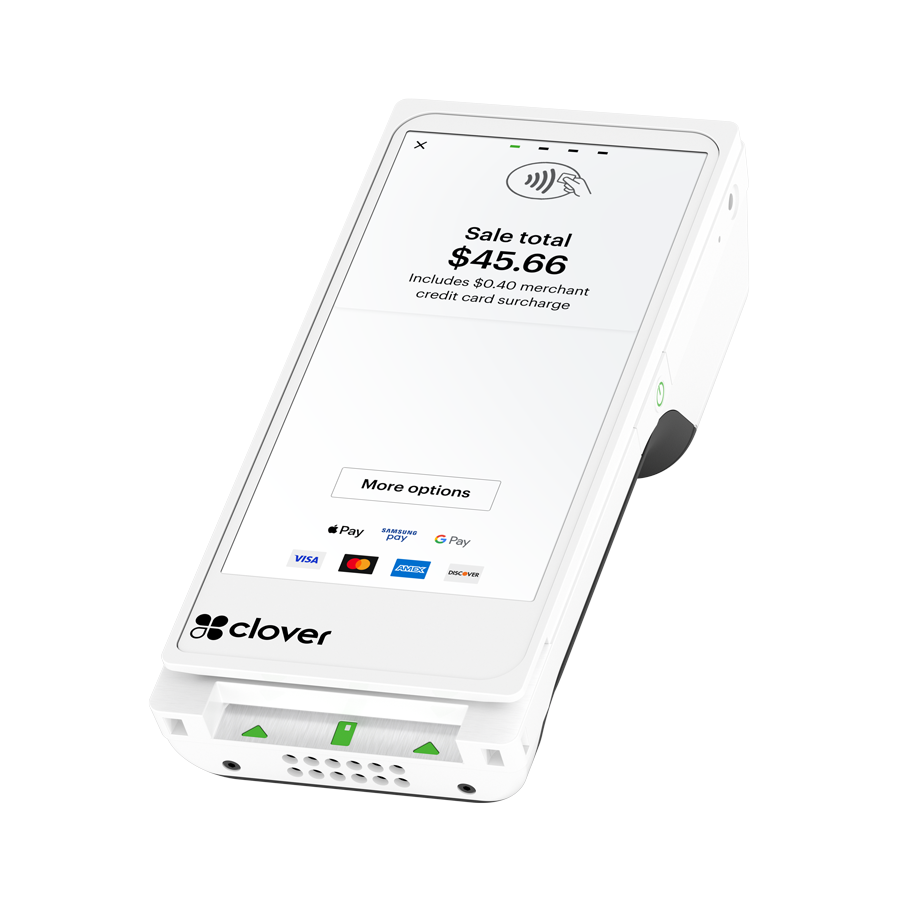
A 6-inch handheld Clover terminal with built-in receipt printer, barcode scanner, and 4G LTE. Take payment at the table, on the truck, in the chair, at the job site. This guide covers everything: specs, best-fit industries, software plans, pricing, and the three ways to get one through Limelight.
Anyone can sell you a Clover Flex. We help you choose the right one — and pay less for the long haul.
There are hundreds of Clover resellers. Most of them quote you a flat rate, ship the box, and disappear. The hardware is the easy part — the processing rate, the menu setup, and the support you get for the next five years is where the real money is.
A real merchant account, not an aggregator
You get your own dedicated merchant ID through Paysafe (a registered ISO of Citizens Bank, FDIC member). No batch holds. No "frozen funds" surprises like Square. Your deposits land next business day.
Three processing options — your choice
Interchange-Plus (lowest cost for high-volume), Flat Rate 2.5% + 10¢ (predictable), or 0% with our Cash Discount Program. Square gives you one rate. We give you three and help you pick.
Free menu and inventory setup — done for you
We build your menu, upload your products, configure modifiers, set up employees, and train you live over the phone. Clover Direct charges for this. Square makes you do it yourself.
Direct phone line to your account manager
Call or text the same person who set up your account. Based in Camarillo, CA. No tier-one offshore call center, no support ticket queues, no "your call is important to us" loops.
Three ways to get the hardware
Buy at sale price ($249), buy at full retail ($699 — for businesses processing elsewhere), or qualify for our Free Placement Program where the Flex is free with your merchant account.
Honest advice — even when it costs us a sale
If a Mini, Solo, Duo, or Compact is a better fit for your business than a Flex, we'll tell you. If Square or Toast is actually a smarter pick, we'll say so. Our reputation is built on 30+ five-star Google reviews from owners who'd send a friend.
A complete handheld POS — not just a card reader.
The Clover Flex Gen 4 is Clover's flagship portable terminal. Unlike a basic mobile card reader (Square's, Stripe's, SumUp's), the Flex is a self-contained POS: it processes payments, prints receipts, scans barcodes, manages inventory, runs reports, handles employee shifts, and connects to your kitchen printers or online ordering — all from one 6-inch device.
It runs Android 10 and uses the same Clover OS as the Mini, Station Solo, and Station Duo, which means it works with the entire Clover App Market: tipping apps, online booking, loyalty programs, delivery integrations (Uber Eats, DoorDash, Grubhub), accounting (QuickBooks, Xero), payroll (Gusto, Paychex, ADP), and 300+ more.
See the full specs ↓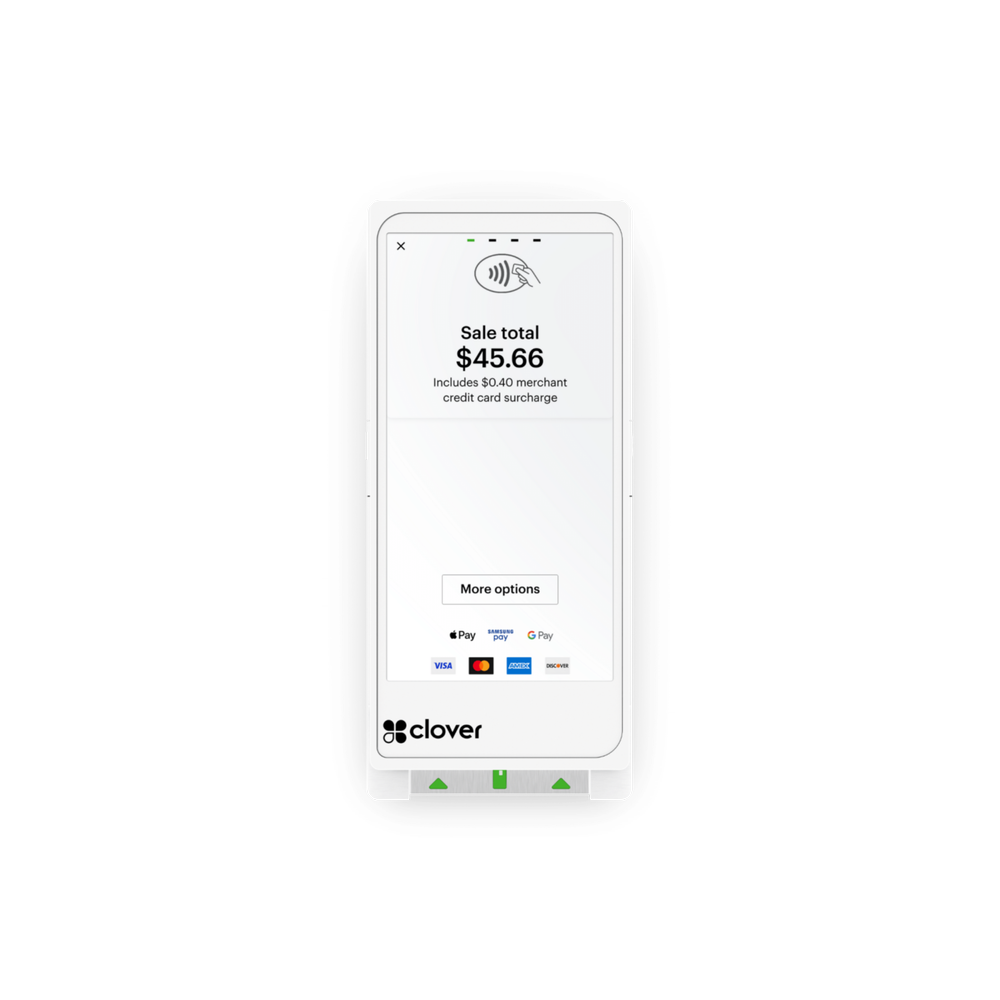
Clover Flex Gen 4 — full specs.
Manufacturer specifications. The Flex is identical regardless of which reseller you buy it from.
Not sure if the Flex is the right Clover for your business?
A Limelight advisor can walk you through Flex vs. Mini vs. Station — free, no obligation, no sales pitch.
The Flex is purpose-built for businesses that move.
Counter-only retailers usually do better with a Clover Mini. But if your transactions happen anywhere besides a fixed register — at the table, on the truck, in the chair, at the customer's home — the Flex is the right choice. Here's the honest breakdown by industry.
Tableside ordering, splitting checks, and processing payment at the table. Servers carry the Flex on a belt clip or stand at the table — no more walkbacks to a fixed terminal.
- Open, split, and merge tabs from the device
- Auto-route kitchen tickets to your printers
- Built-in tipping screens (preset percentages, custom amounts)
- Faster table turns vs. counter-checkout — pays for itself in weeks
The Flex was practically designed for trucks. Built-in 4G LTE means you take payment even when Wi-Fi fails. Battery lasts a full service. Receipt printer is built in — no external dongles.
- 4G LTE backup (no "card reader offline" panic when Wi-Fi drops)
- 8-hour battery handles lunch + dinner rush
- Rugged enough for truck environments (drops, heat, vibration)
- Works with mobile menu apps and online pre-orders
Stylists ring up clients chair-side at the end of the appointment. Built-in tipping screens. Integrates with Clover Online Booking for appointment-to-checkout flow without re-entering anything.
- Chair-side checkout — no awkward "follow me to the front" moment
- Tipping screen captures higher tips (studies show 15–30% increase)
- Online booking ↔ POS sync (Square/Booksy charge for this; Clover includes it)
- Pulls client history, last service, last products purchased
HVAC, plumbing, electrical, landscaping, pest control, cleaning — anyone collecting payment at the customer's home. The Flex's 4G LTE and battery make it independent of the customer's Wi-Fi.
- Take payment in the driveway before you leave the job
- Print itemized receipts on-site (no "I'll email it later")
- Set up recurring billing for maintenance plans
- Capture signature on-screen for service-completion confirmation
Service writer walks the Flex into the bay, takes payment without making the customer come to the counter. Good for shops with limited front-desk space.
- Take payment in the customer's vehicle or bay
- Scan VIN stickers or part numbers with the built-in camera
- Track parts inventory across multiple bays
- Integrates with most shop management software via Clover API
Honest take: a Clover Mini is usually a better fit if you have a fixed counter. But for boutiques where staff bring items to fitting rooms, jewelry stores with locked cases, or pop-up vendors, the Flex shines.
- Built-in barcode scanner reads UPC codes natively
- Customer-facing tipping/signature screens
- Inventory tracking with low-stock alerts
- Easy to bring to trade shows and pop-up markets
Patients check out at the front desk, but the Flex is useful for taking deposits at-the-chair, processing payment plans, and accepting card-not-present payments via Virtual Terminal.
- Set up recurring billing for payment plans
- Process card-on-file for missed-appointment fees
- PCI-certified (helps with HIPAA-adjacent compliance posture)
- Pairs with billing software via Clover App Market
Honest take: high-throughput counters with a fixed register usually do better with a Clover Mini or Station Solo. The Flex is useful as a secondary terminal — drive-thru, patio, line-busting during rush.
- Line-busting: clear the queue during the morning rush
- Patio service: take payment outside without running back
- Pop-up events / catering / coffee carts
- Faster than a Square Reader for high-volume tipping
Still not sure which industry fit applies to your business?
Tell us how you sell — counter, mobile, mixed — and we'll recommend the right Clover device and software plan. Free consultation, no pitch.
The hardware is one decision. The software plan is another.
Clover offers three monthly software tiers. The right one depends on whether you need inventory, employee management, and full reporting. All plans include payment processing, daily reports, and free Clover App Market access.
- ✓ Payment processing
- ✓ Receipts & basic reporting
- ✓ Clover App Market
- — No inventory tracking
- — No employee management
- — No order management
- ✓ Everything in Payments
- ✓ Item & inventory tracking
- ✓ Employee management & permissions
- ✓ Discounts, taxes, modifiers
- ✓ Customer database
- ✓ Tipping screens
- ✓ Everything in Essentials
- ✓ Open/split/merge tabs
- ✓ Course/coursing for restaurants
- ✓ Kitchen printer routing
- ✓ Online ordering integration
- ✓ Advanced reporting (Insights)
Software pricing is set by Clover Network, LLC. Limelight does not mark up software fees. Plans can be upgraded or downgraded at any time.
The Flex is a Clover Station that fits in your hand.
Same operating system. Same App Market. Same merchant dashboard. Same payment processing. The only thing the Flex doesn't do that a Station does is sit on a counter all day.
Take payment any way your customers want to pay.
Chip, swipe, tap, mobile wallet. The Flex accepts every modern payment method on a single device — no separate card reader, no Bluetooth pairing.
- EMV chip & magnetic stripe — every credit and debit card
- NFC contactless — Apple Pay, Google Pay, Samsung Pay, contactless cards
- Gift cards & store credit — issue and redeem in one tap
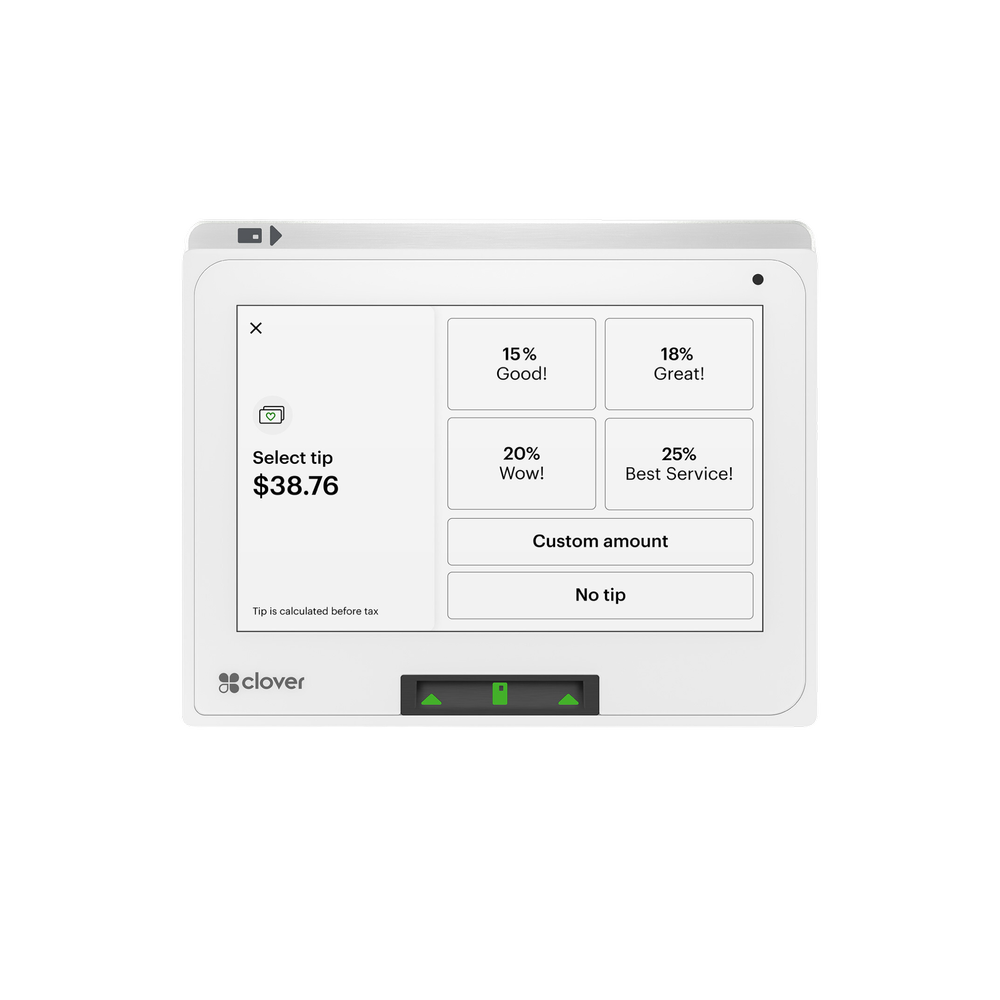
- Built-in tipping screen — preset percentages plus custom amount entry
Online orders route straight to your Flex.
Clover's built-in online ordering is commission-free. Delivery app orders (Uber Eats, DoorDash, Grubhub, BentoBox) sync to the same Flex screen as walk-ins — no separate tablets cluttering your station.
- Commission-free direct online ordering — your customers, your fees, your data
- Uber Eats / DoorDash / Grubhub integration — orders print to kitchen automatically
- BentoBox for fine-dining-grade websites with payment
- Order routing — assign to bar, kitchen, or expo printers
Manage your team from the same device.
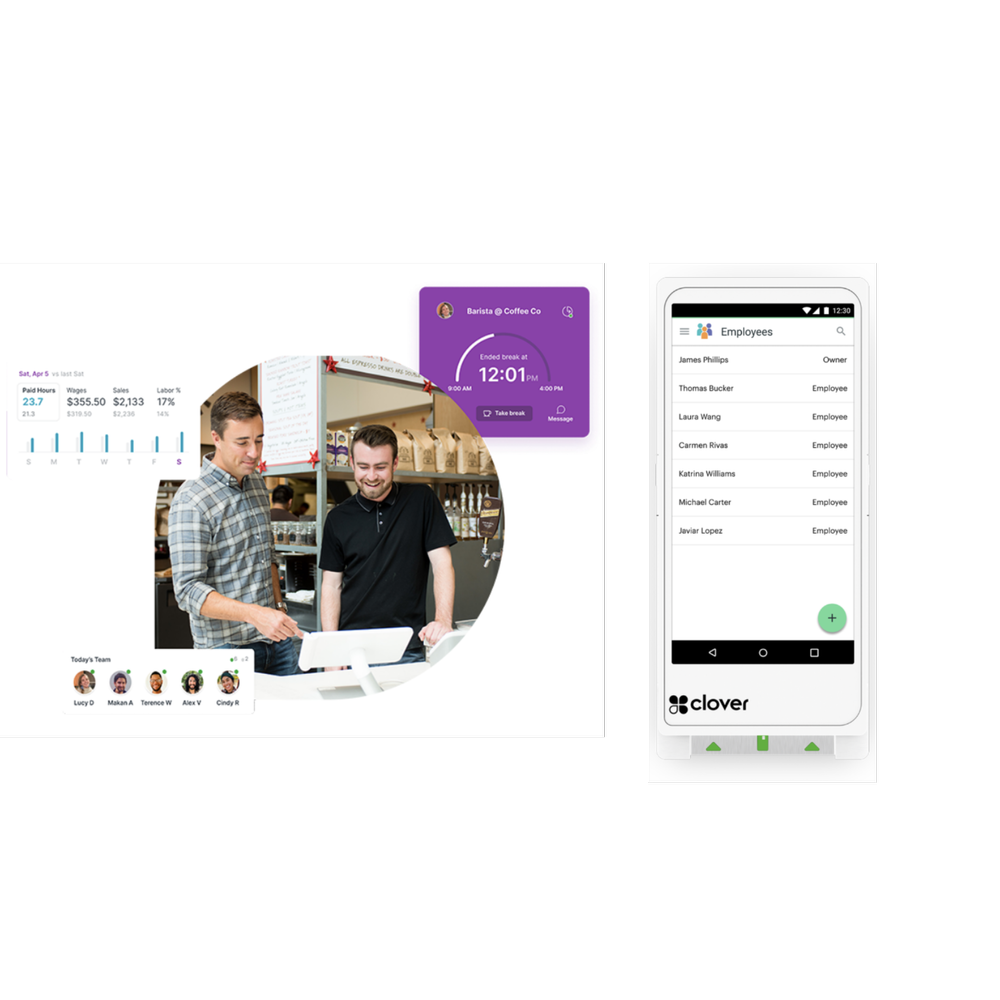
Set permissions, track shifts, monitor sales by employee, and sync hours to payroll — all from the Flex or any browser. No separate scheduling software needed for most small teams.
- Per-employee permissions — restrict refunds, discounts, no-sale opens
- Shift tracking & clock-in/out on the Flex itself
- Tip pooling with automatic distribution rules
- Payroll sync — Gusto, Paychex, ADP, and more via Clover App Market
Know what's happening — without standing at the register.
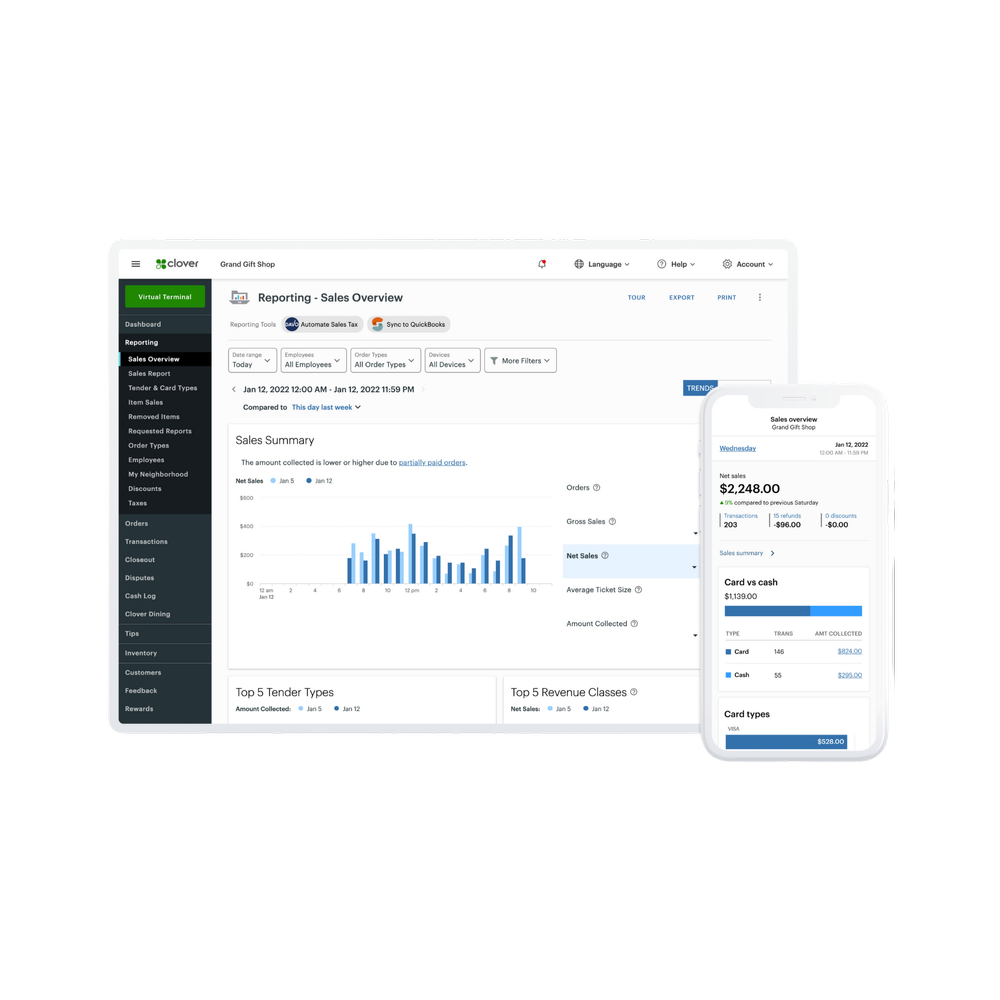
Sales, refunds, tips, top items, hourly traffic — visible from your phone, tablet, or laptop the moment a transaction happens. Set thresholds and get alerts (e.g., "ping me if any single transaction is over $500").
- Live dashboard — pull up any business while you're on vacation
- Item-level reporting — find which menu items actually make money
- Sales by employee, hour, day, location — answer "is Tuesday lunch worth staffing?"
- Tax-ready exports — sync with QuickBooks and Xero
Want a 15-minute live demo of any of these features?
Limelight advisors do free Zoom demos — we'll show you the Flex in action with a sample menu or inventory built for your industry.
Choose the path that fits your situation.
All three options get you the same brand-new Clover Flex Gen 4. The difference is what you pay upfront and what processing you sign up for.
- One-time $249 for the hardware
- You own the Clover Flex outright
- Limelight merchant account required
- Choose your processing rate (3 options)
- Free menu/inventory setup included
- Best if: you want to own the hardware
- Brand-new Flex at $0 hardware cost
- $35 one-time shipping & setup
- Hardware is placed (not sold) — returned if you stop processing
- Refund if not approved
- Free menu/inventory setup included
- Best if: you want $0 upfront
- A Limelight advisor reviews your situation
- We recommend the right Clover device
- We compare your current processor (if any)
- You get a written quote — both paths priced
- You decide on your own timeline
- Best if: you're still researching
Both purchase paths ship the same brand-new Clover Flex Gen 4 and include free menu & inventory setup. Both require a Limelight Payments merchant account — Limelight does not sell Clover hardware for use with other processors. Software plans are paid separately and are set by Clover Network, LLC.
5.0 stars across 30+ Google reviews.
"Someone online told me that if I was going to get a Clover system, I should go through a trusted sales rep — and that was the best advice I could've received. Ryan helped with everything: setting up my menu, uploading my inventory, and even integrating my gift cards."
"I've been in business for over 20 years using credit card processors and Ryan is by far the most knowledgeable, helpful individual I have ever used."
"I used Limelight Payments for my pressure washing business. If I have a question, Ryan still answers the phone or returns my call. I don't get tossed around with customer service reps."
Answers to the questions Limelight advisors get most.
What's actually different between the Clover Flex Gen 3 and Gen 4?
The Gen 4 has a larger 5.99" screen (up from 5"), a faster processor, Android 10 (vs. 7), better 4G LTE radio, and an upgraded 13MP camera for barcode scanning. The form factor is similar but the Gen 4 feels noticeably snappier. If you're buying new, get the Gen 4 — the Gen 3 is being phased out.
Can I use a Clover Flex without an internet connection?
Yes, partially. The Flex stores up to 12 hours of transactions offline and uploads them when connectivity returns. The built-in 4G LTE means most businesses never go fully offline. We recommend setting up a free or low-cost SIM as a Wi-Fi backup — your account manager can walk you through this during setup.
How long does the Flex battery actually last?
Up to 8 hours of mixed use (taking payments, printing receipts, running the screen). Heavy printer use shortens it — a busy restaurant printing 200+ receipts per shift gets around 5-6 hours. Most businesses keep it docked between rushes, which fully charges it in about 2 hours.
Can I keep my current credit card processor and just buy a Clover Flex?
Clover hardware is tied to specific processors. You can buy the Flex outright at $699, but it must be activated on a supported processing account. Limelight can activate the Flex on a Paysafe or PayProTec merchant account. Switching from your current processor takes about a day and typically saves businesses $100–$400/month versus aggregator pricing (Square, Stripe).
What happens after I submit the contact form?
A Limelight advisor (based in Camarillo, CA) calls or texts you within one business day. We ask about your business, your current setup, and what you're trying to solve. No high-pressure pitch — if Clover isn't the right answer, we'll say so. If it is, we'll send a clear quote with three pricing paths so you can pick.
What if I order the wrong thing or change my mind?
If you haven't activated the device, return it within 30 days for a full refund. If you've activated it, we can usually swap it for a different Clover model (Mini, Solo, Duo) with no penalty in the first 30 days. After that, normal merchant terms apply — your advisor will walk you through them before you sign anything.
Why are there so many Clover resellers and how do I know who to trust?
Clover sells hardware through hundreds of authorized ISOs (Independent Sales Organizations) like Limelight. The hardware is identical regardless of who you buy from. The difference is the processing rate, the support, and the underwriting/risk model behind your merchant account. We recommend asking any reseller three questions: (1) Is my merchant account an aggregator or dedicated? (2) What's my effective rate including monthly fees? (3) Who exactly do I call when something breaks? If they can't answer cleanly, keep looking.
Is Limelight Payments actually Clover, or just a reseller?
Limelight Payments is a POS consulting and solutions brand operated by POS Advisors Inc. (California S-Corp). We are an authorized Clover reseller through Paysafe Payment Processing Solutions and PayProTec — both registered ISOs with FDIC-member sponsor banks. We are not Clover Network, LLC. Clover® and the Clover logo are registered trademarks of Clover Network, LLC.
Tell us about your business. We'll tell you if the Flex is the right fit.
Free consultation. No high-pressure pitch. A Limelight POS advisor reviews your situation and sends you a clear quote with three pricing paths. If Clover isn't the right answer for you, we'll tell you that too.
Or fill out the form below — we'll get back to you within one business day.