


Clover For Retail
Simplify Inventory, Sell In-store & Online, Grow Your Business
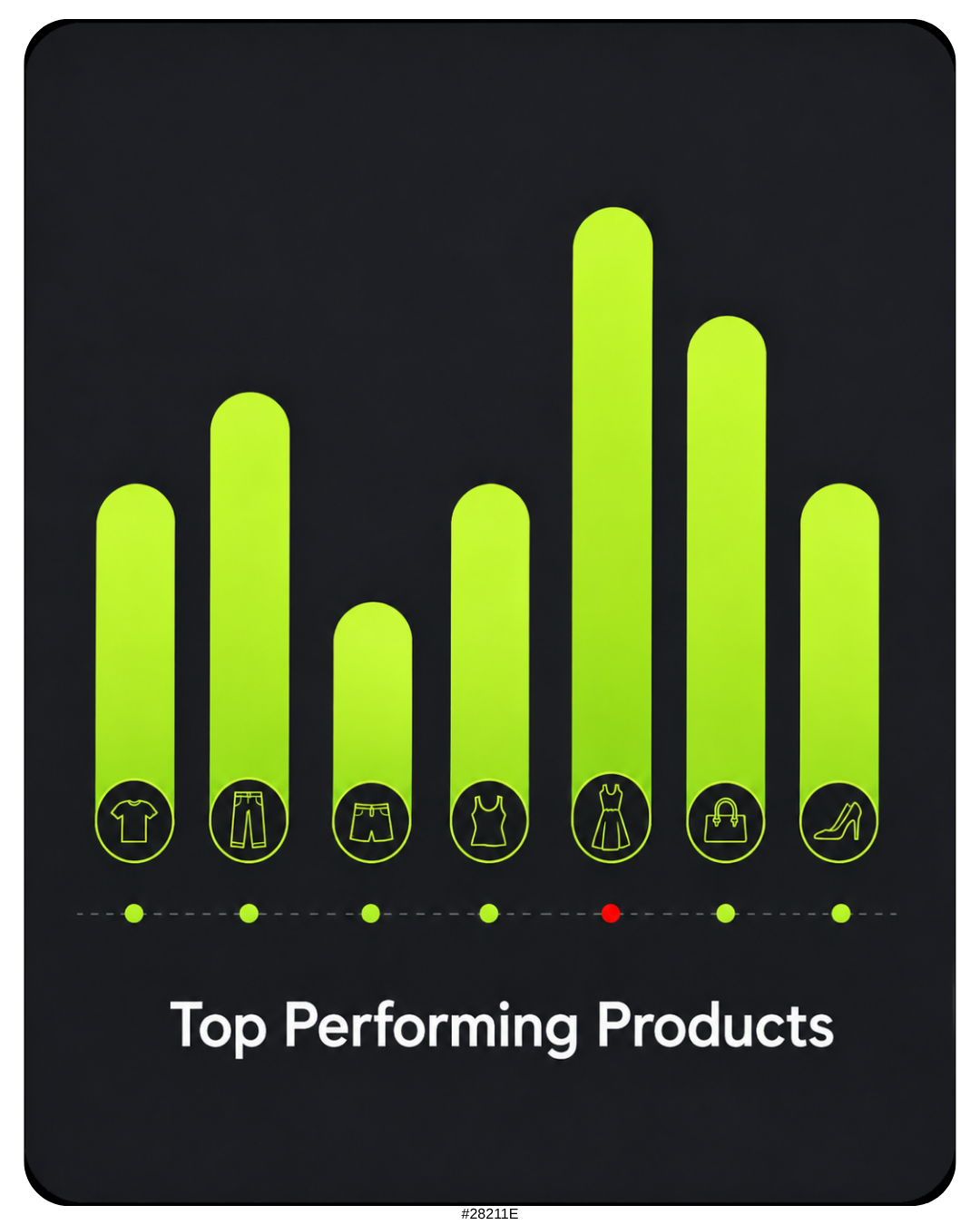
See top-performing products
Manage staff, payroll, and scheduling

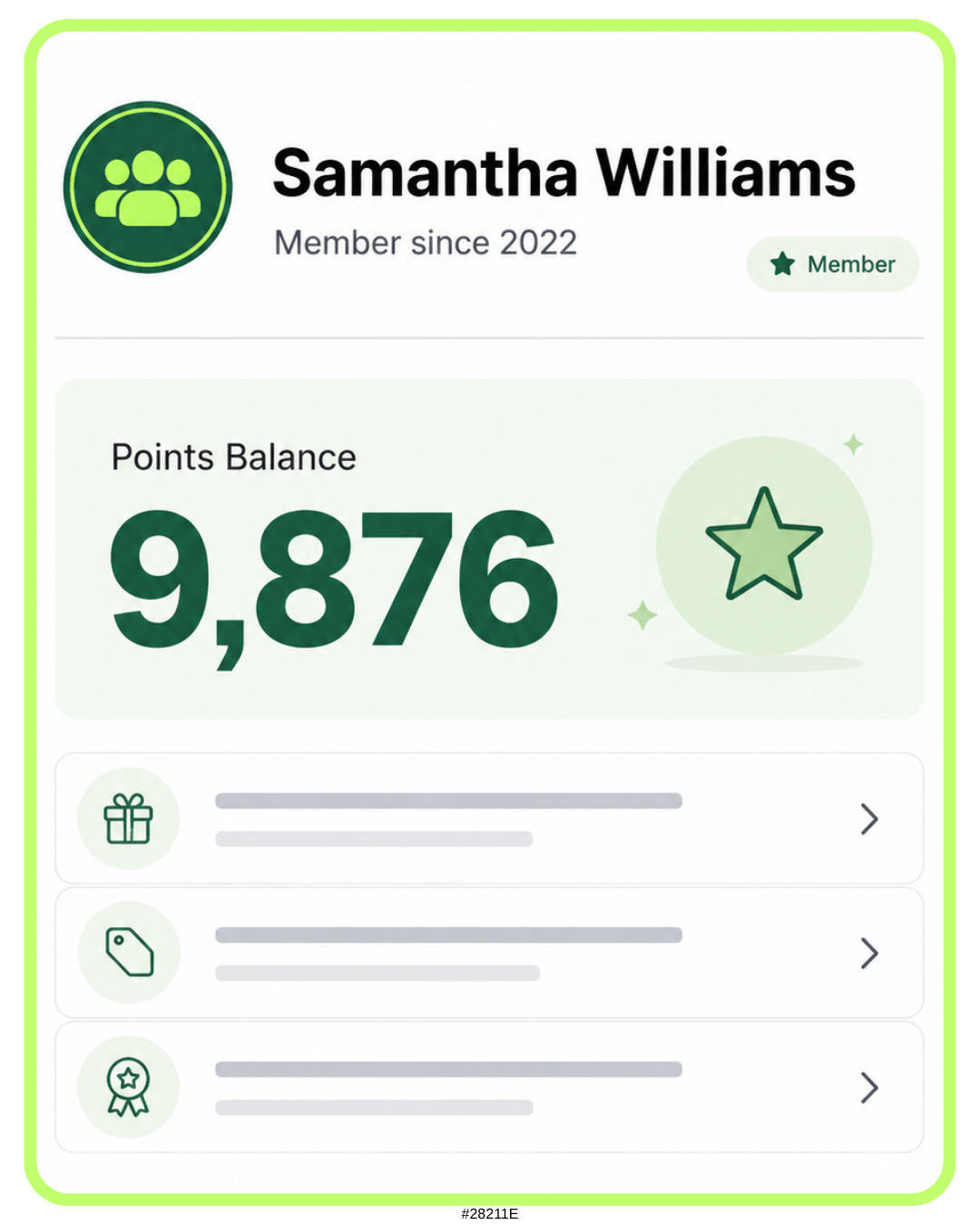
Keep customers coming back
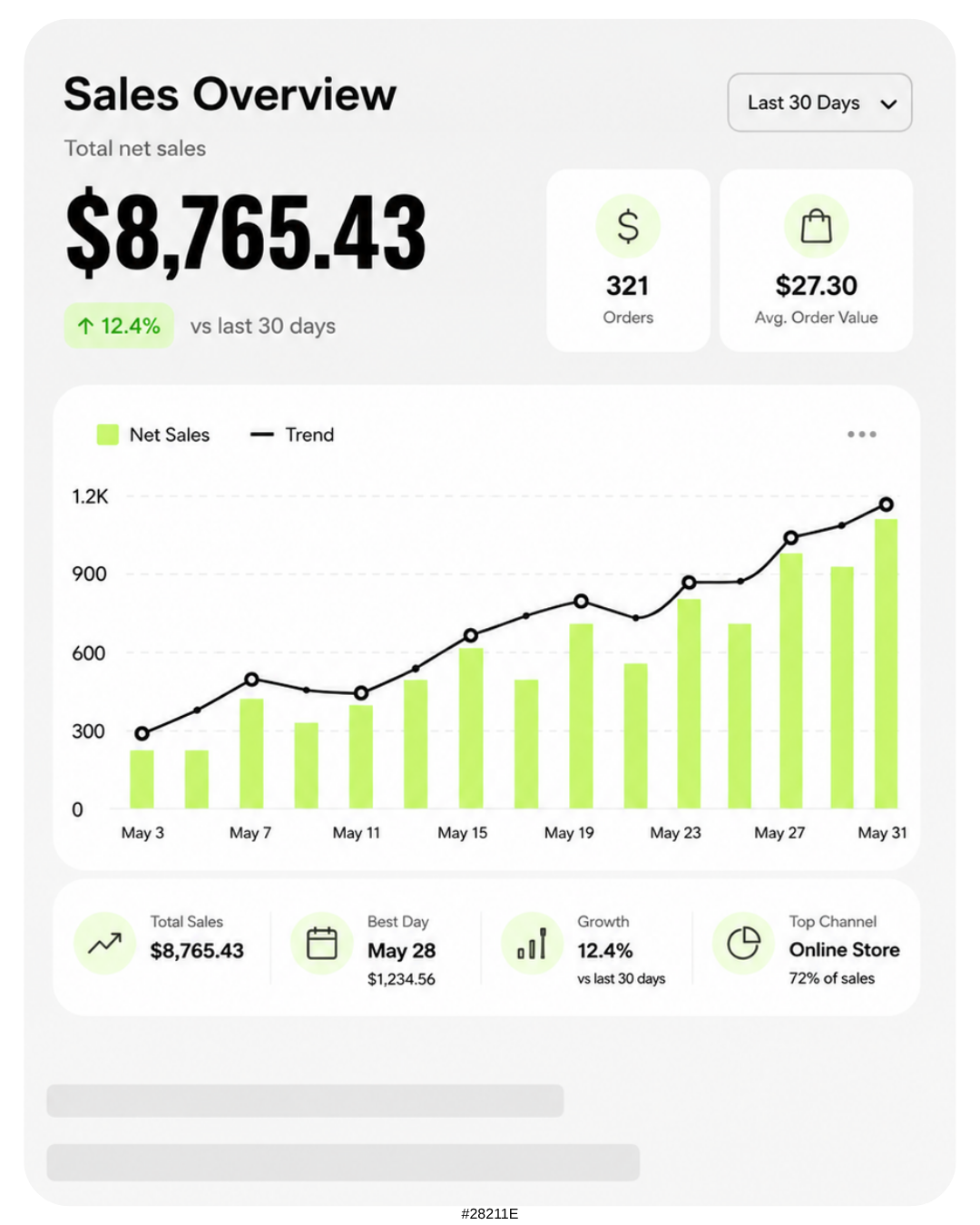
Track sales in real time


Keep shelves stocked and customers happy with real-time inventory insight
Manage detailed product variations to keep your inventory organized

Get real-time notifications when items are running low so you can restock
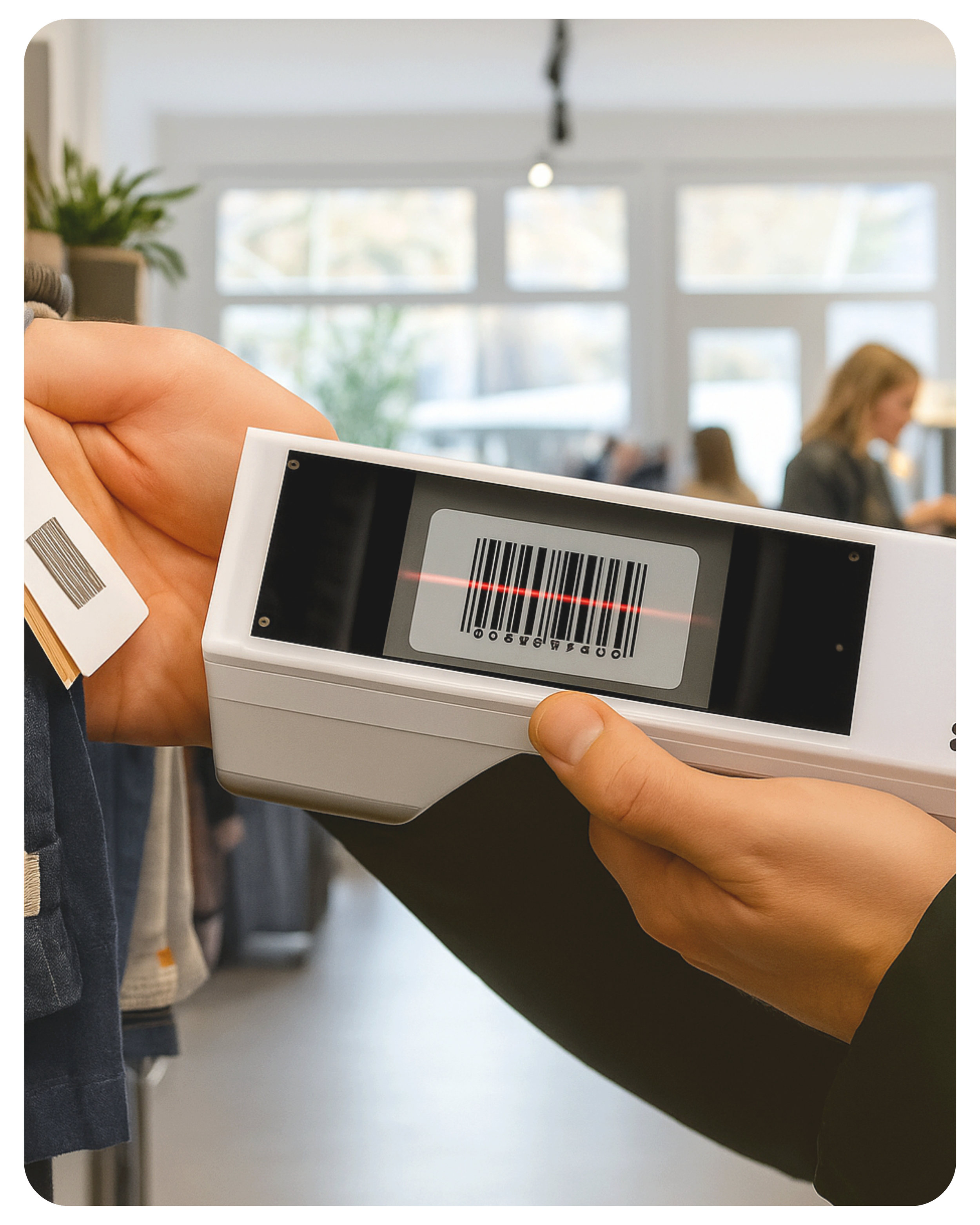
Count stock, add items, and adjust prices from your handheld Clover Flex

I've used Ryan from Limelight Payments for several years, it’s the best customer service experience I've had in my long business career. He gives you competitive rates and his customer service is beyond the standard nothing hidden in his honest proposals. Five stars!!
Leglio Sotolongo | St. Pete Cigar Co. | Saint Petersburg FL


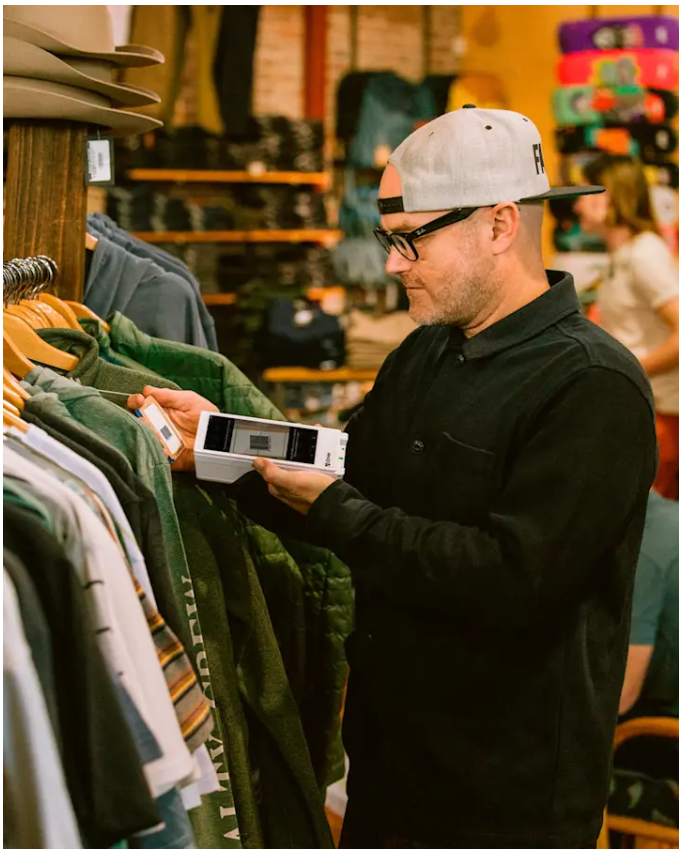
Clover POS: Simple Inventory Management For Small Business
Know your SKUs
Track product variants and every attribute combo (e.g., “medium • red • cotton”)—and keep POS and online inventory in sync so there’s one source of truth.
Save time
Skip manual counts and double entry with real-time data sync and automation. View unified analytics from POS + eCommerce in one dashboard to make faster decisions.
Stay in stock
See live stock across channels, get alerted on low items, and scan barcodes to add or update inventory on the spot—without juggling multiple tools.
Follow the money
Use consolidated sales and cost insights (POS + online dashboard) to spot top sellers, prevent overselling, and reduce carrying costs.
Connect POS & online (fast)
Link Clover to your eCommerce in just a few clicks, with onboarding help from a Clover Expert
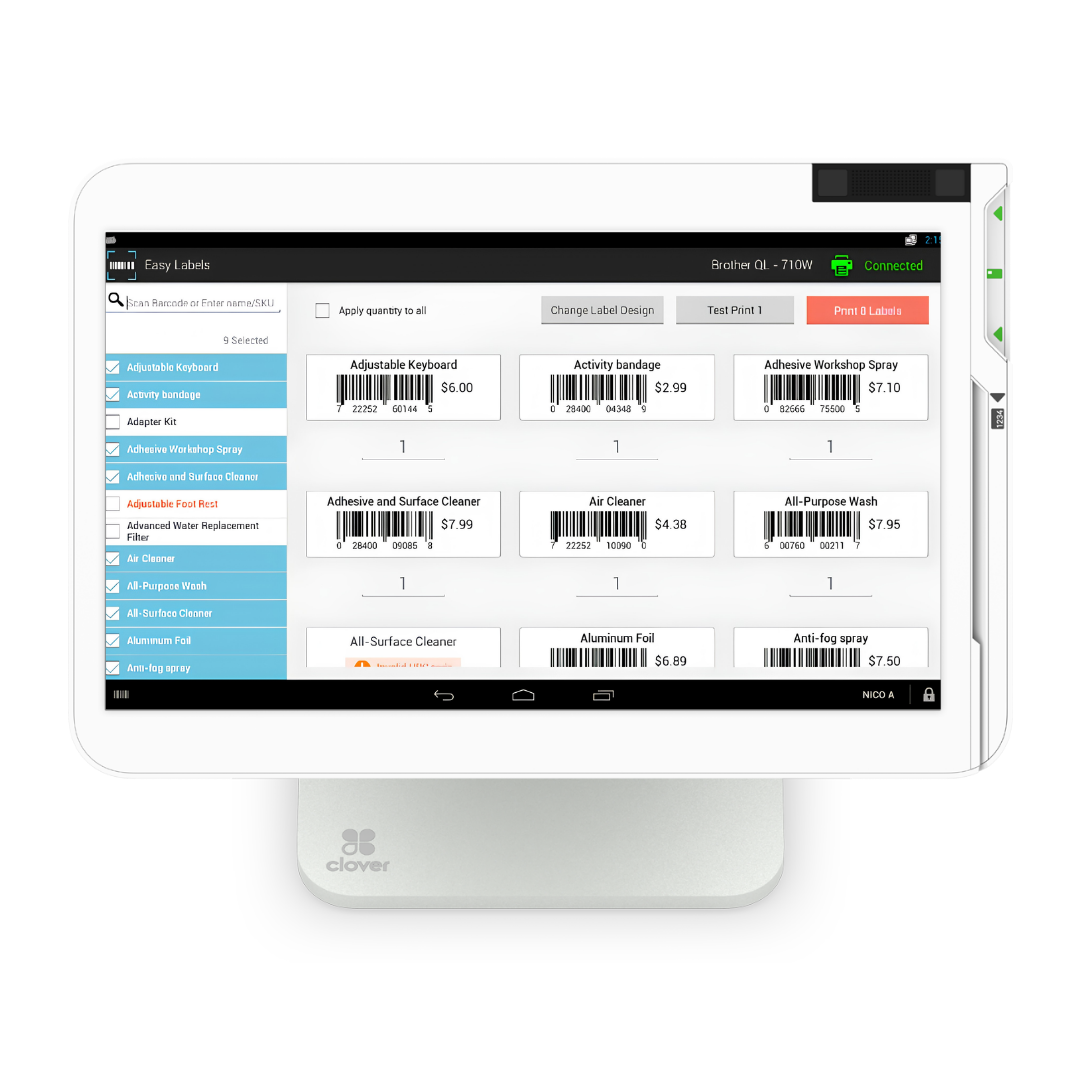
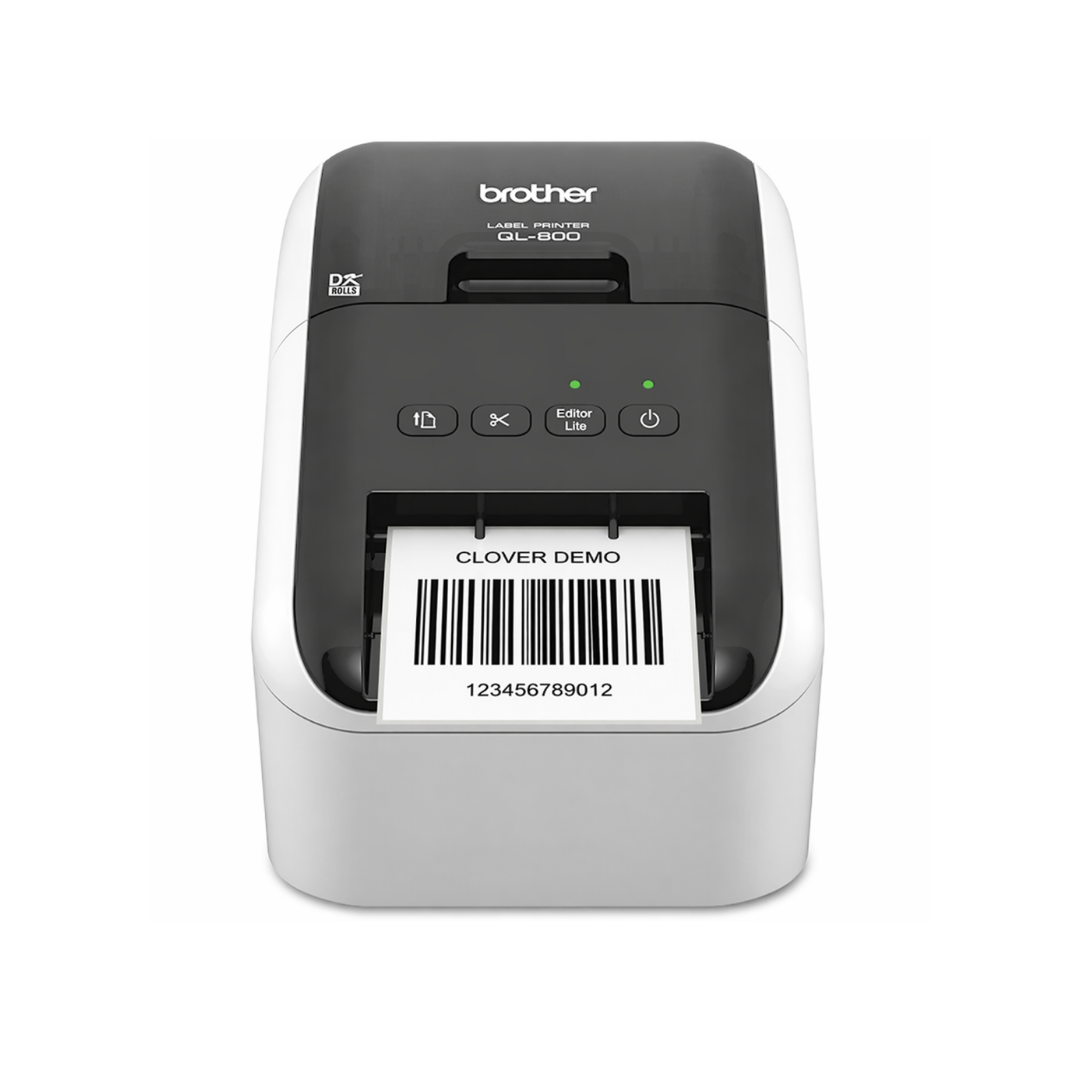
Clover + Easy Labels: Customize and Print Your Own Barcodes

Keep stock levels accurate across every channel—no matter where the sale happens.
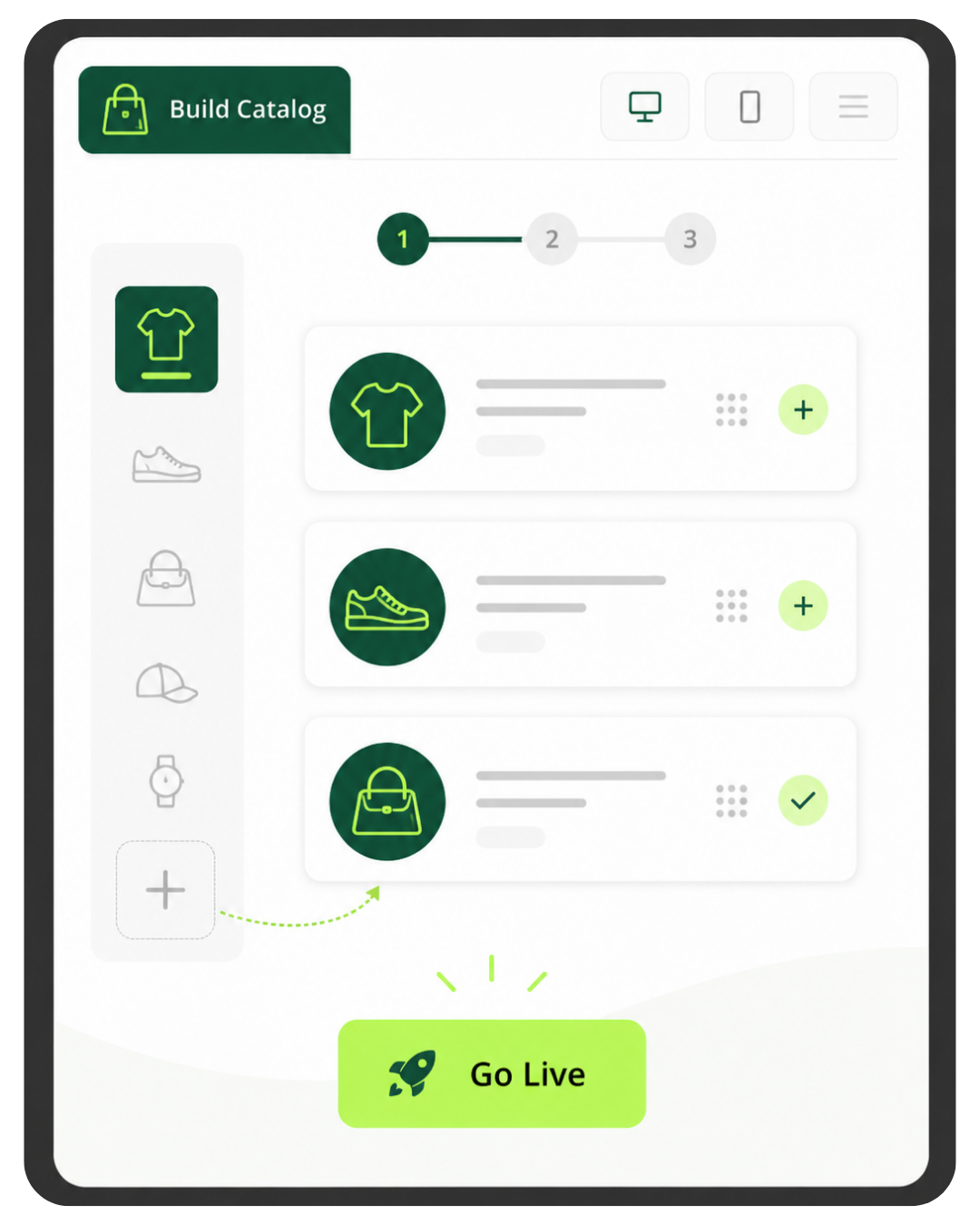
Turn your in-store products into an online catalog in minutes—no coding, no hassle.
Easy Order Management
Offer Local Delivery
An eCommerce Store with a Few Clicks
eCommerce Inventory Sync

Empower customers to choose—pick up in-store or get fast local delivery with DoorDash™.
Simplify order management and see in-house, online, and third-party orders in one place.
Payments Made Easy

-
Get Paid in All Types of Ways
Accept credit, debit, and gift cards, as well as NFC "tap" and mobile payments. Set-up recurring scheduled payments and even accept EBT for eligible and merchants. You can also set up automatic tax rates to be applied to all your sales.
No Internet? No Problem!
Accept payments even when you're offline and process them later when you reconnect to the internet.
Rapid Returns
Clover systems process refunds fast, even orders with multiple payments.
In-store and Online

-
Launch your online store
Spin up a Clover-native storefront in minutes—no coding or plugins required.Keep everything connected
Sync in-store and online sales, inventory, and customer data seamlessly with SKU IQ.Offer local delivery
Provide fast, local delivery via DoorDash, fully integrated with your Clover Online Store.Sell on Google
Put your products in front of more shoppers on Google with Pointy.
Easy Access From Anywhere

-
Optimize your team's performance, manage finances, and improve efficiencies with Clover's built-in back office tools.
Simplify employee management with time tracking, payroll integration, and tip management tools.
Fine-tune your business strategies with robust reporting like trend analysis, COGS reports, and employee performance.
Tackle your finances with accounting software integrations.
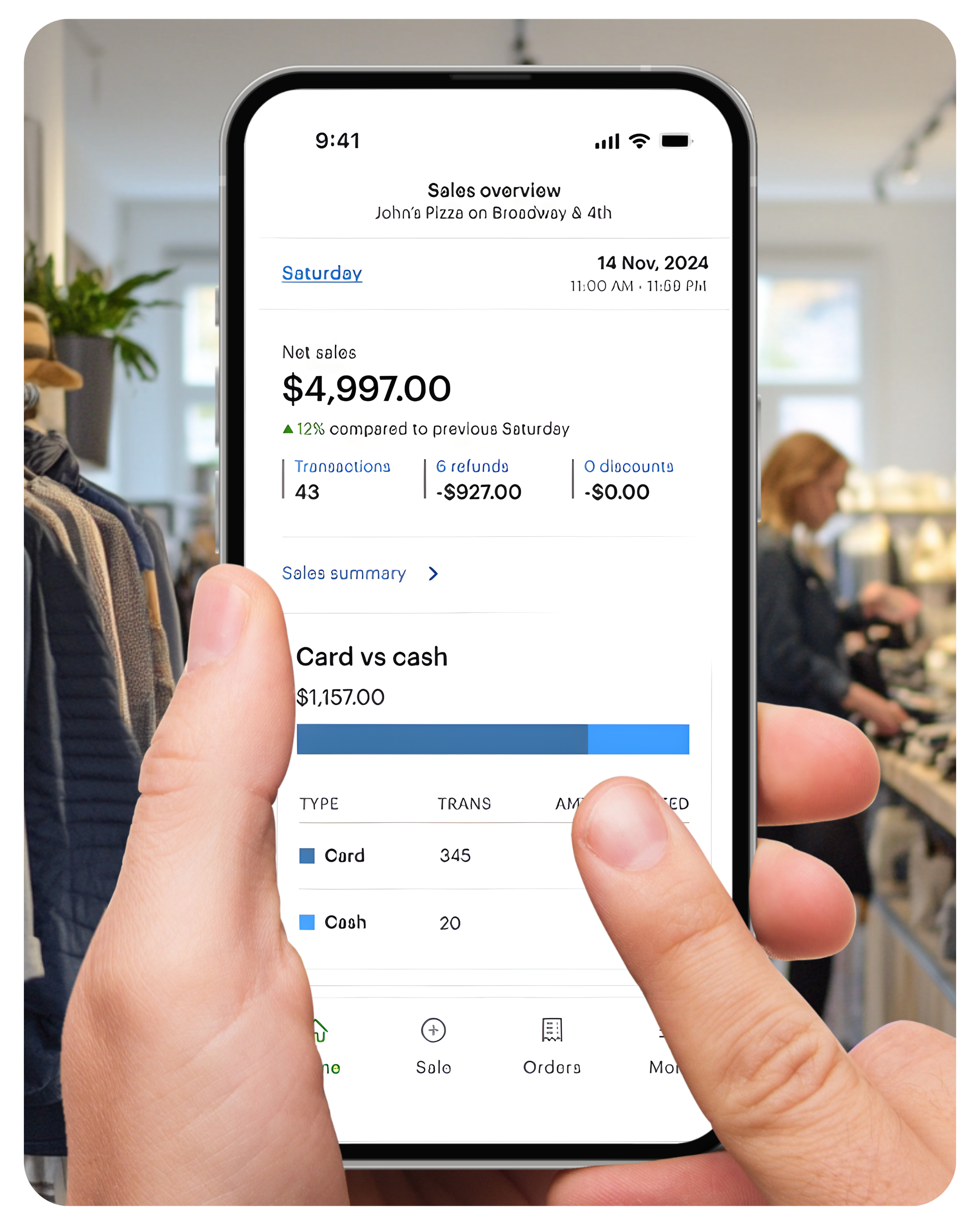
Access from anywhere with Clover’s mobile app.
Delight customers and drive return visits by offering physical and digital gift cards through Clover.
Boost business with Gift Cards
Run marketing & loyalty programs
Send personalized offers, rewards, and coupons that bring customers back again and again.
Stay in control—wherever you are
Automate the sales tax you collect
Check sales, employee reports, and inventory updates on the go with Clover’s all-in-one dashboard.
Pair DAVO and Clover: Your sales tax is set aside daily and paid automatically, ensuring you never fall behind.


DUO

Clover Station Duo Gen. 2 bundle — 14" merchant screen, 8" customer display, receipt printer, cash drawer
You own the equipment outright — no return obligation, no placement terms
Approved in hours. On your counter in 3 business days.
Expert setup & training included — direct U.S.-based support
Software plans start at $29.95/mo, billed by Clover
Requires a new Limelight Payments merchant account — Clover devices only run on the processor they're boarded to
Processing $35,000+/mo? Ask about no-cost equipment
One per new customer. Buying outright means the equipment is yours to keep — no return obligation and no placement program terms, unlike our $99 POS Placement option. Requires a new approved Limelight Payments merchant account.
FLEX

🧩 Flexible Software Plans Starting @ $0.00 / mo.
🍀 See All Clover Software Plans
👨💼 Expert Setup & Training Included — Meet Your Expert
📞 Call/Text a Real Person in the U.S.
📦 Limit One Machine Per New Account
🔎 Hardware is provided at no cost with your new merchant account. This charge covers setup & shipping.
SOLO + FLEX

🆓 Choose One FREE CLOVER POS - Click Here
🧩 Flexible Software Plans Starting @ $29.95 / mo.
🍀 See All Clover Software Plans
⭐ 5-Star Trust, Backed by Real Reviews
👨💼 Expert Setup & Training Included — Meet Your Expert
📞 Call/Text a Real Person in the U.S
💳 Financing Available
Solo is purchased, Flex is sent as part of our no cost equipment placement program.
MINI

Get a Clover Mini With POS Placement
🧩 Flexible Software Plans Starting @ $0.00 / mo.
🍀 See All Clover Software Plans
⭐ 5-Star Trust, Backed by Real Reviews
👨💼 Expert Setup & Training Included — Meet Your Expert
📞 Call/Text a Real Person in the U.S.
📄 One per new customer. The equipment is provided for use with the merchant service. The amount paid today covers shipping and setup. If the merchant account is terminated or discontinued, the equipment must be returned in accordance with the program terms & conditions.
Cash Drawer Sold Separately (+$87.00)Not ready to order? Talk to a POS expert.
Most people just add to cart and the POS expert calls them. But if you'd rather talk through your business first, fill this out and we'll call you within one business day.
No commitment at this stage. We'll send pricing in writing before you sign anything.
Prefer to talk to a human?
Call Now: (888) 415-7020🛍 Clover Retail Software Plans
Compare Clover Retail plans designed for boutiques, specialty shops, department stores, and multi-location retailers — including inventory management, barcode scanning, real-time stock updates, and seamless eCommerce integrations for online and in-store sales.
| Features | Starter | Essentials | Retail Growth |
|---|---|---|---|
| Cost Per Month (One Device) | $0 | $29.95 | $84.95 |
| Cost per Additional Device | $11.95 | $11.95 | $19.95 |
| Supported Devices | |||
| Eligible Devices | Clover Go, Compact, Flex, Mini | Clover Go, Flex, Mini, Station | Clover Go, Flex, Mini, Station |
| PCI Compliance Tools | ✓ | ✓ | ✓ |
| Point-to-Point Encryption (P2PE) | ✓ | ✓ | ✓ |
| Tokenized Payment Security | ✓ | ✓ | ✓ |
| Fraud Risk Reduction Tools | ✓ | ✓ | ✓ |
| Payments Features | |||
| Accepts all credit & debit cards | ✓ | ✓ | ✓ |
| Virtual Terminal (MOTO) | ✓ | ✓ | ✓ |
| Connect Clover to eCommerce platforms | ✓ | ✓ | ✓ |
| Clover Go mobile POS | ✓ | ✓ | ✓ |
| Invoicing by email with online payments | ✓ | ✓ | ✓ |
| Recurring payments | ✓ | ✓ | ✓ |
| Surcharging | ✓ | ✓ | ✓ |
| Cash Discount | ✓ | ✓ | ✓ |
| Tips | ✓ | ✓ | ✓ |
| Sales tax tracking & reporting | ✓ | ✓ | ✓ |
| Order Management | |||
| Create, save, pay, refund items | ✓ | ✓ | |
| Item-level tax calculations | ✓ | ✓ | |
| Discount individual items or orders | ✓ | ✓ | |
| Automatic order numbers | ✓ | ✓ | |
| Weight scale support | ✓ | ||
| Reporting | |||
| Sales / payments reporting | ✓ | ✓ | ✓ |
| Cash reporting | ✓ | ✓ | ✓ |
| Track sales by employee | ✓ | ✓ | ✓ |
| Product mix reporting | ✓ | ✓ | |
| Tax reporting | ✓ | ✓ | ✓ |
| Revenue class reporting | ✓ | ✓ | |
| Item cost reporting | ✓ | ||
| Inventory & Item Management | |||
| Inventory items & categories | ✓ | ✓ | |
| Real-time inventory updates | ✓ | ✓ | |
| Bulk inventory import/export | ✓ | ✓ | |
| Multi-location item management | ✓ | ✓ | |
| Cost tracking | ✓ | ||
| Item variants | ✓ | ✓ | |
| Item modifiers | ✓ | ✓ | |
| Item labels | ✓ | ||
| Customer Engagement | |||
| Customer records tied to payments | ✓ | ✓ | ✓ |
| Customer purchase tracking | ✓ | ✓ | |
| Promotions | ✓ | ✓ | |
| Rewards / Loyalty program | ✓ | ✓ | |
| Feedback collection | ✓ | ✓ | |
| Employee Management | |||
| Roles & permissions | ✓ | ✓ | ✓ |
| Time clock / timesheets | ✓ | ✓ | |
| Website | |||
| Branded Website | ✓ | ✓ | |
| Online store & checkout | ✓ | ||
| eCommerce sync with website / inventory | ✓ | ||
| Buy online & pick up in store | ✓ | ||
| Clover Platform & Financial Services | |||
| Clover Capital | ✓ | ✓ | ✓ |
| Access to Clover App Market | +$19.95 per month | ✓ | ✓ |
| Clover Dashboard | ✓ | ✓ | ✓ |
| Online dispute management | ✓ | ✓ | ✓ |
| 24/7/365 customer support | ✓ | ✓ | ✓ |
| Security & Compliance Features | |||
| Clover Security TransArmor (Required) — Cost per Month | $10.00 | $10.00 | $10.00 |
| PCI Compliance Tools | ✓ | ✓ | ✓ |
| Point-to-Point Encryption (P2PE) | ✓ | ✓ | ✓ |
| Tokenized Payment Security | ✓ | ✓ | ✓ |
| Fraud Risk Reduction Tools | ✓ | ✓ | ✓ |
| ▼ Click to View Full Retail Feature Comparison | |||
Clover POS For Retail: Frequently Asked Questions (FAQ)
-
Clover POS for retail is a point-of-sale system designed to help retail stores manage payments, inventory, employees, customers, reporting, gift cards, loyalty programs, and online sales. It gives retailers tools to sell in-store, track product performance, manage stock, and access business information from the Clover Dashboard.
-
Yes, Clover can be a strong fit for retail stores that need an easy-to-use POS system with inventory management, barcode scanning, sales reporting, customer profiles, gift cards, loyalty programs, employee permissions, time tracking, and eCommerce options. It works well for boutiques, specialty shops, gift stores, clothing stores, convenience stores, and many small retail businesses.
-
Clover retail POS costs depend on the hardware, software plan, payment processing setup, and number of devices you need. Clover retail software plans may start at $0 per month for basic payments and increase for plans with more advanced retail tools like inventory, item variants, item labels, customer engagement, reporting, and online store features.
-
The best Clover software plan for retail depends on your store’s needs. Basic retailers may only need a Starter or Essentials plan, while stores that need advanced inventory, item labels, product cost tracking, item variants, customer engagement, and eCommerce inventory sync may be better suited for Clover Retail Growth.
-
Yes, Clover POS includes inventory management tools for retail stores. Depending on your software plan, Clover can help manage items, categories, item variants, modifiers, stock counts, cost tracking, low-stock alerts, barcode scanning, item labels, and inventory updates across in-store and online sales.
-
Yes, Clover supports barcode scanning and item labels on supported retail software plans and compatible hardware. Retailers can use Clover to help scan products at checkout, organize SKUs, create item labels, and manage product variations like size, color, material, and brand.
-
Yes, Clover can track product variants such as size, color, material, brand, style, and other product attributes. This is useful for clothing stores, boutiques, shoe stores, gift shops, and retailers that sell products with multiple variations.
-
Yes, Clover can support both online and in-store sales. Retailers can launch a Clover online store, sync in-store and online inventory, manage orders from one system, offer local delivery, and connect customer and sales data across channels.
-
Yes, Clover can support eCommerce inventory sync through Clover online store tools and integrations such as SKU IQ. This helps retailers keep stock levels accurate across in-store and online sales, reduce double entry, and avoid overselling.
-
Yes, Clover can accept offline payments when internet service is unavailable and process those payments later after reconnecting. This can help retailers continue taking payments during temporary internet outages.
-
Yes, Clover supports returns, exchanges, refunds, discounts, and order adjustments. Retailers can process refunds quickly, including orders with multiple payments, and manage customer-friendly return workflows from the POS.
-
Yes, Clover offers customer engagement tools such as physical and digital gift cards, rewards, loyalty programs, promotions, feedback collection, and marketing tools. These features can help retailers bring customers back and encourage repeat purchases.
-
Yes, Clover includes employee management and reporting tools. Retailers can manage roles and permissions, track time clock activity, review employee sales, monitor product performance, track tax reporting, and access sales reports from the Clover Dashboard.
-
Clover may be right for your retail business if you need an easy-to-use POS system for payments, inventory, barcode scanning, customer records, loyalty, gift cards, employee tools, reporting, online sales, and back office access. Limelight Payments can help compare Clover retail plans, hardware options, and software features to determine the best setup for your store.

Is Clover POS the Right System for Your Retail Store?
Clover POS may be the right system for retail stores, boutiques, gift shops, clothing stores, specialty retailers, liquor stores, convenience stores, and small businesses that need inventory management, barcode scanning, item variants, customer profiles, gift cards, loyalty programs, employee tools, sales reporting, online ordering, and eCommerce inventory sync. It is especially useful for retailers that want an easy-to-use POS system with flexible hardware options, cloud-based back office access, built-in payment processing, and support from a dedicated Clover POS expert.
