


Clover For Restaurants
Simplify Ordering, Management, & Payments
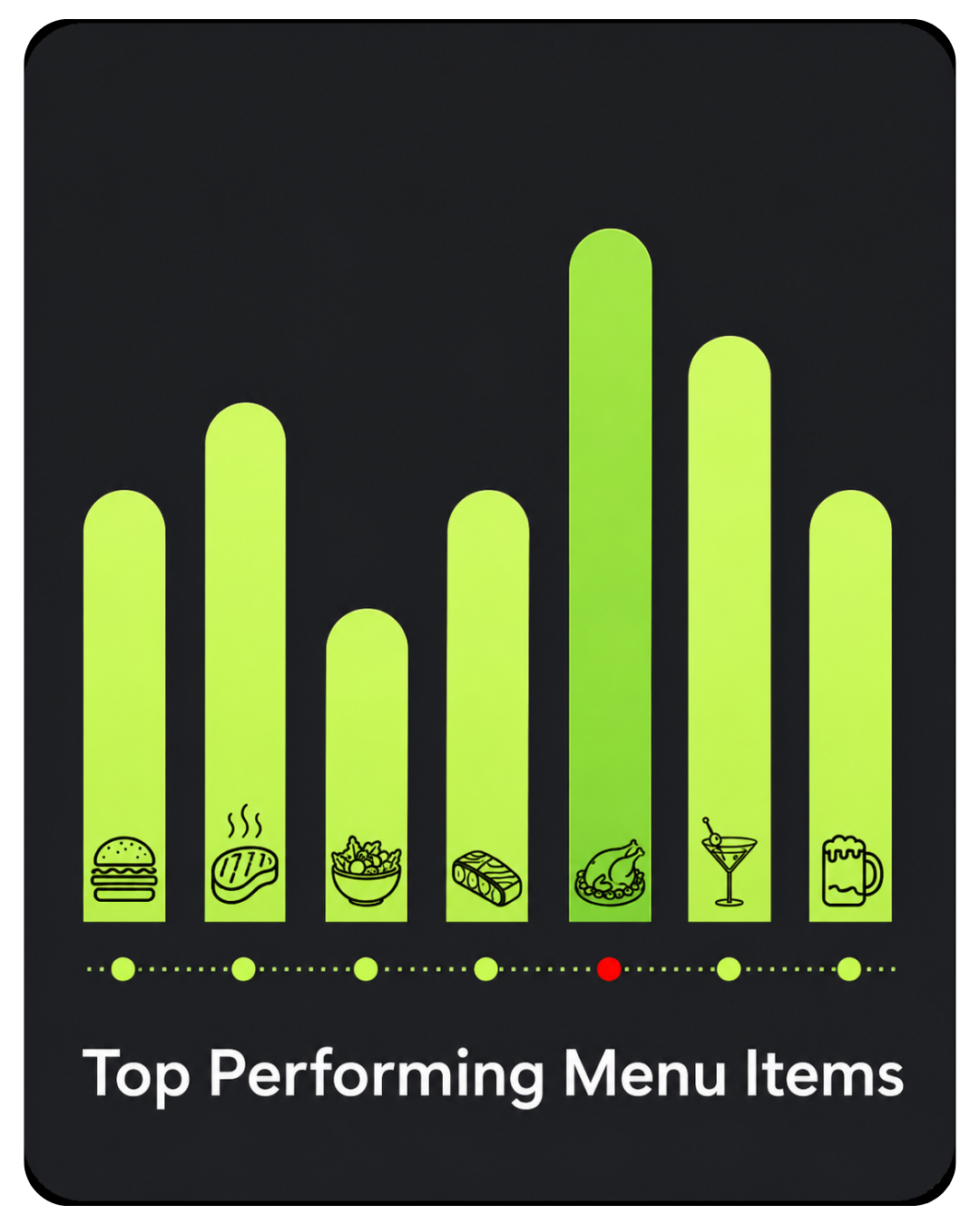
See top-performing dishes with ease
Manage staff, payroll, and scheduling
Turn customers into returning guests
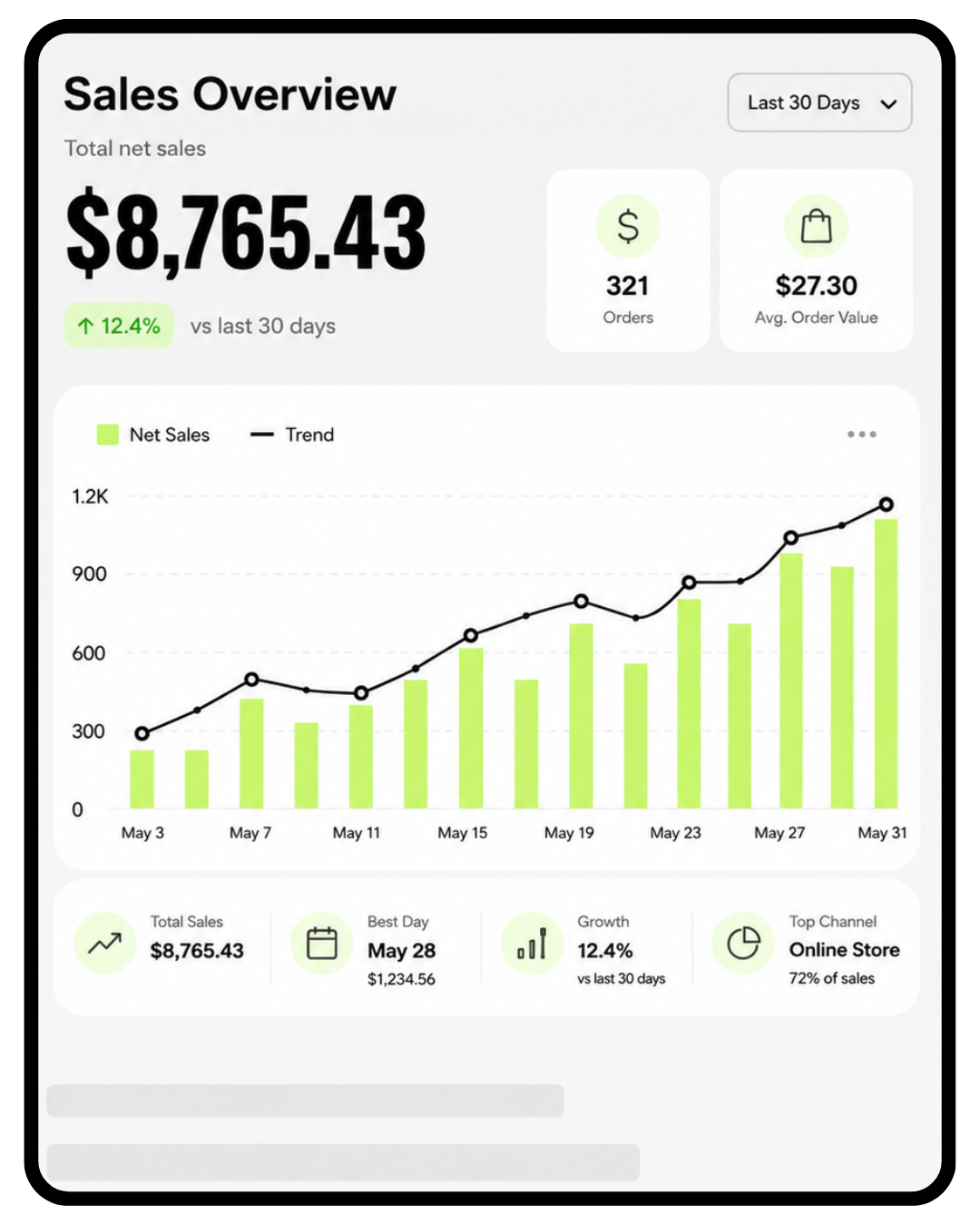
Track sales in real time
Full Service Restaurants
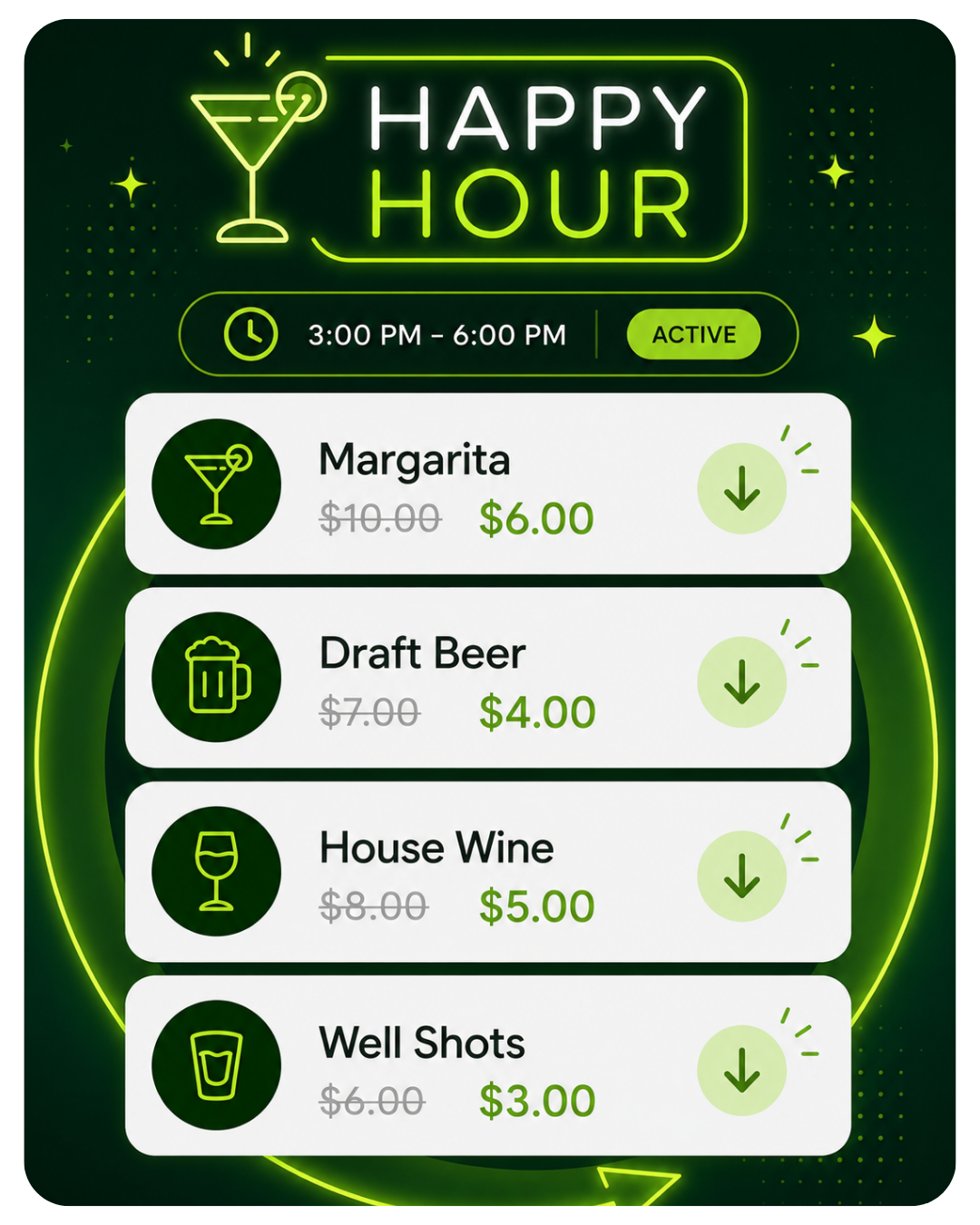
Schedule automatic discounts for drinks and promo menu items
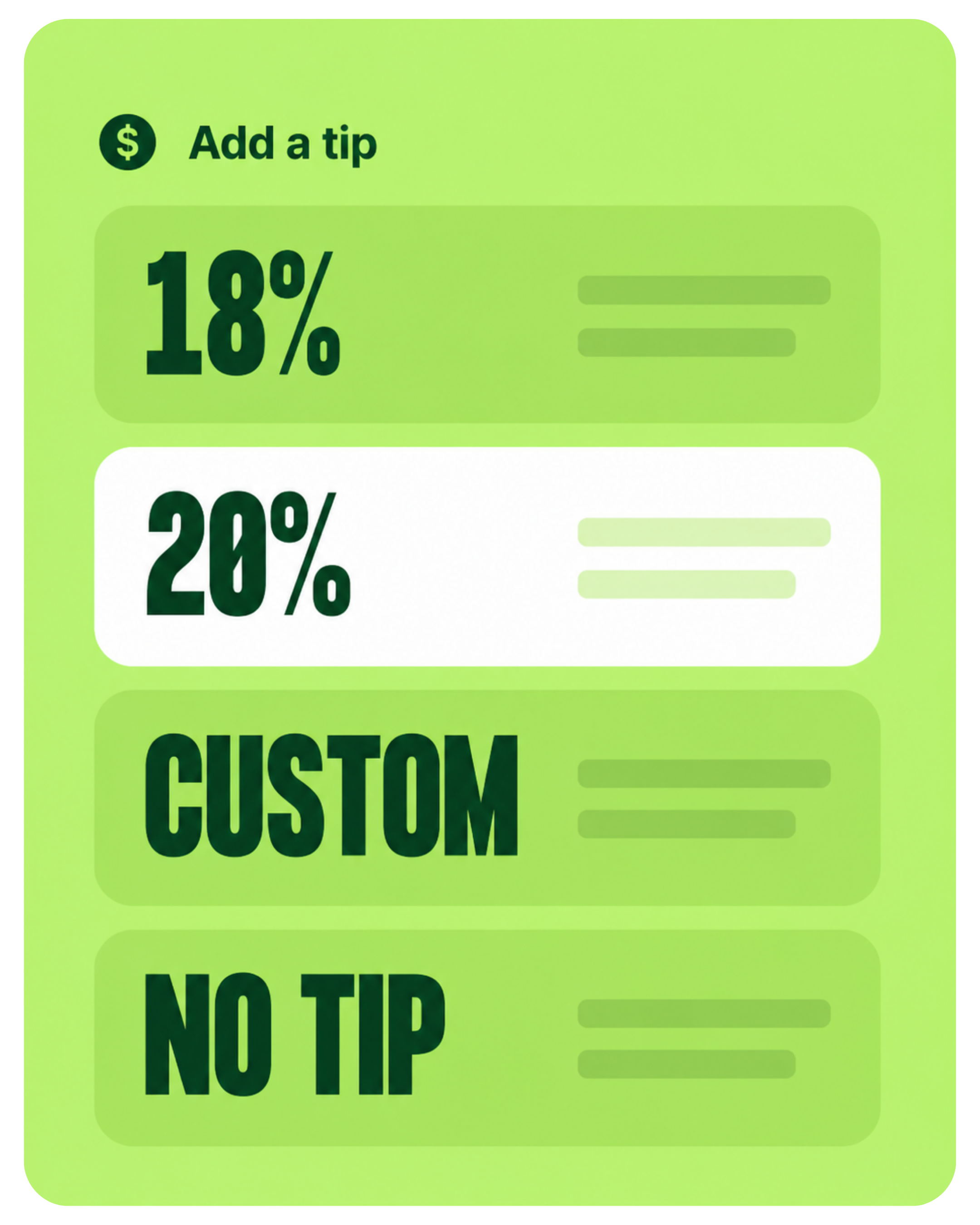
Track tips, split pools, and see server banking reports to see exactly what you owe your staff with ease


Speed up service by submitting orders and taking payments at the table
Table mapping analytics drive revenue and deliver a better guest experience
Clover is only as good as the restaurant setup behind it. You run the floor and bar, we handle the POS.
For restaurants and bars, Clover is not just about taking payments. It is about building your menu correctly, routing food and drink orders to the right places, setting up tips, tabs, staff permissions, online ordering, and making sure your team knows how to use the system when service gets busy.
 Work with a real Clover Expert.
Get personalized setup and ongoing support from someone who understands Clover, restaurant workflows, and bar operations.
Work with a real Clover Expert.
Get personalized setup and ongoing support from someone who understands Clover, restaurant workflows, and bar operations.
Restaurant-focused Clover setup.
We help build Clover around how your restaurant or bar actually runs.
Good system, more DIY.
Works best if you already know what you need and can handle setup yourself.
Support can vary.
The experience depends heavily on the reseller, company, and individual rep.
Limelight helps build Clover around your restaurant or bar.
Streamline Your Service

-
Keep guests happy and operations in-sync with digital floor plans, efficient bill splitting, card pre-authorization, and much more!
Take accurate orders and easily control course timing with tableside ordering and firing.
Streamline reservations, seating, and waitlist management with digital table mapping.
Give customers the flexibility and convenience of splitting the bill.
Process payments securely and with ease, regardless of payment method
Online Ordering Made Easy

-
Grow your revenue and enhance your service with Clover’s commission-free, built-in online ordering and delivery tools. Easily create a custom online ordering page that connects directly to your website. We don't stop there - streamline operations with seamless integrations to top delivery apps like Uber Eats™, DoorDash™, Grubhub™, and BentoBox™. All orders route straight to your kitchen printer and sync effortlessly with your Clover POS. Included with your Restaurant Growth Software Plan—no extras required!
Easy Access From Anywhere

-
Optimize your team's performance, manage finances, and improve efficiencies with Clover's built-in back office tools.
Simplify employee management with time tracking, payroll integration, and tip management tools.
Fine-tune your business strategies with robust reporting like trend analysis, COGS reports, and employee performance.
Tackle your finances with accounting software integrations.

Ryan the owner has been my life saver. Communication and support has been impeccable. Not only has Ryan walked us through set-up; he has followed up to make sure that we are happy. I highly recommend this company for anyone not wanting to deal with endless emails, bots and phone tag.
Lawrence Clay | Scholars DTO Restaurant & Bar |
Orlando FL
Did somebody say
online ordering?
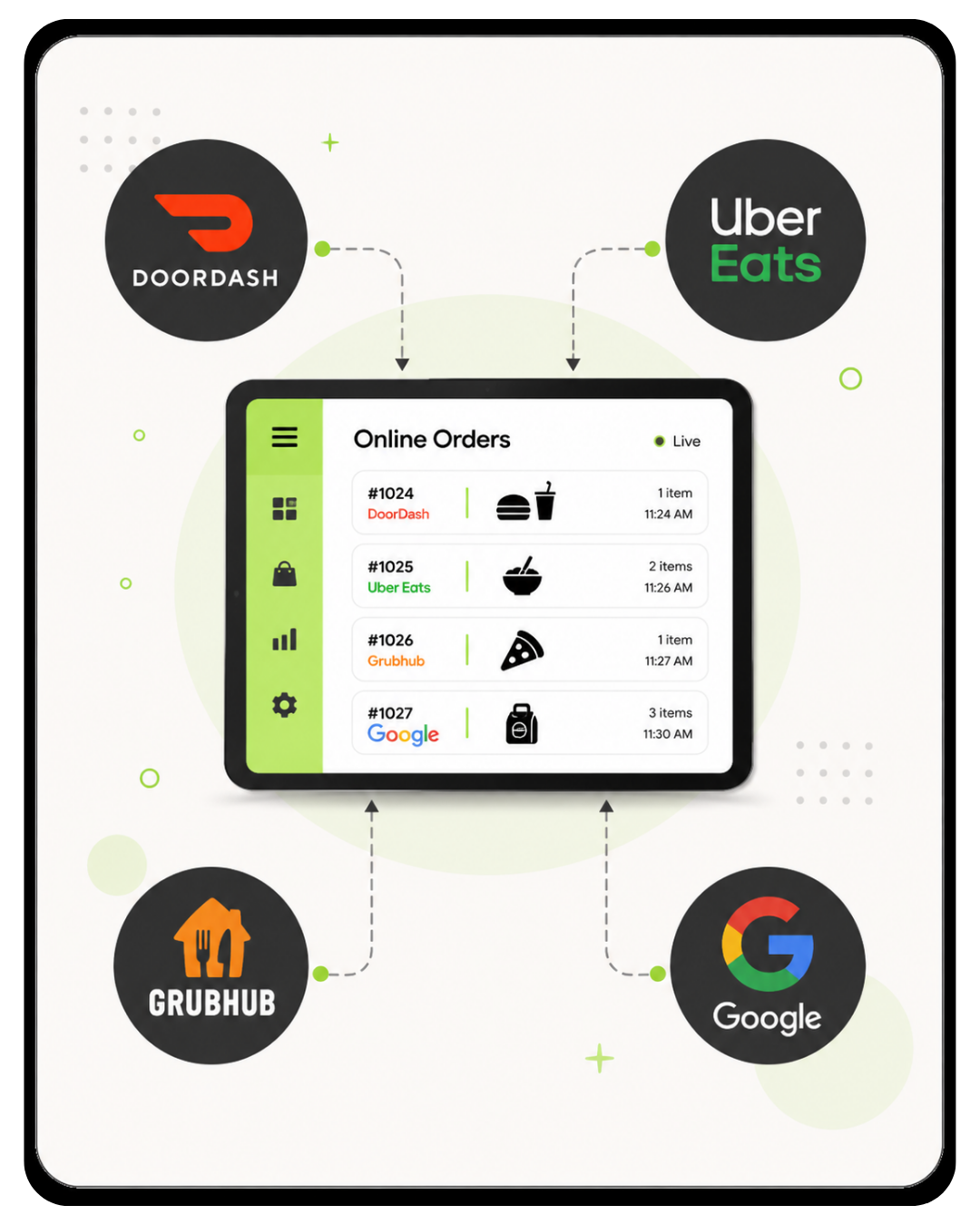
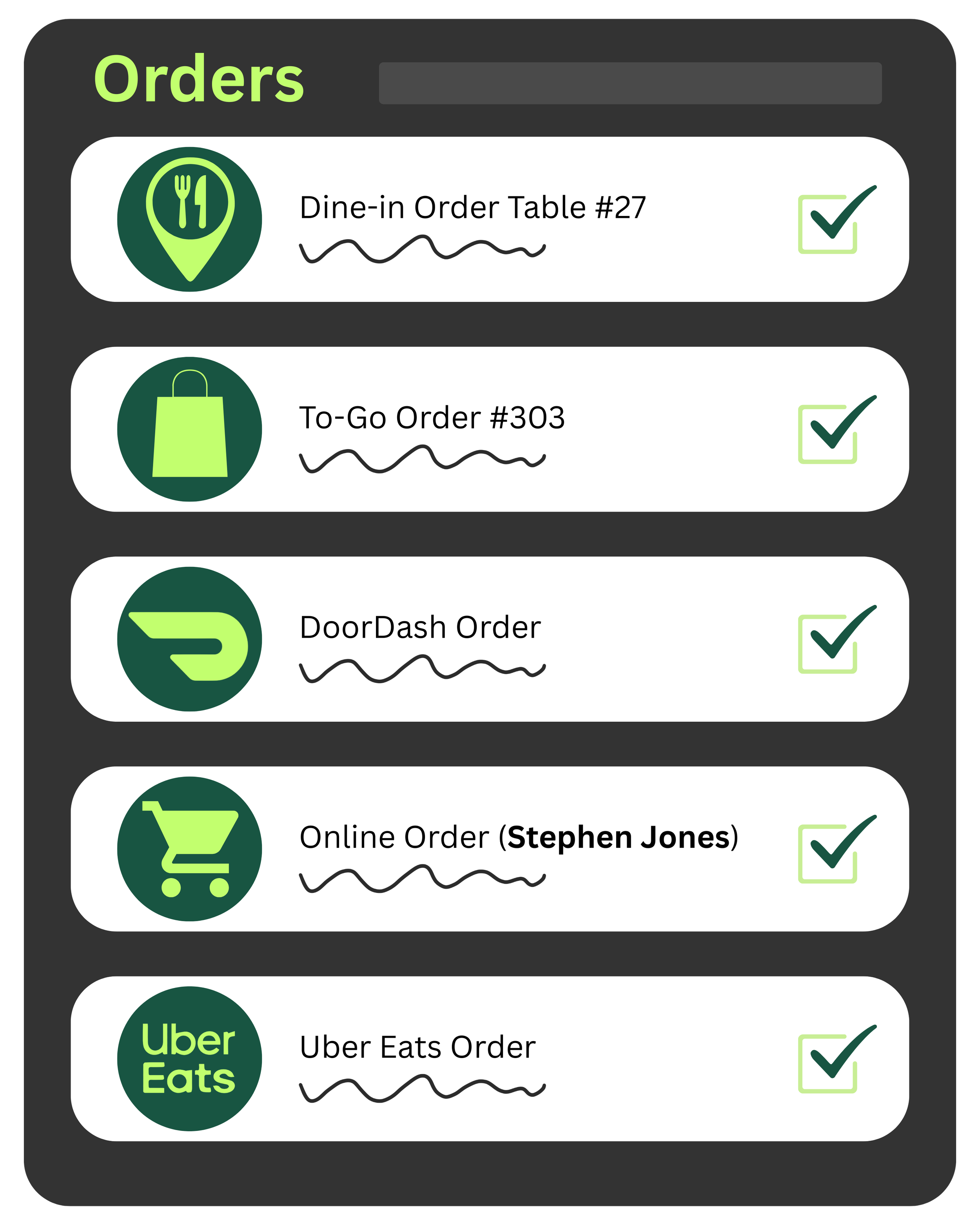
Simplify order management by viewing in-house, online, and third-party orders all in one place.
Manage Orders, Easy
Pickup and delivery
Empower customers to choose—pick up in person or get delivery straight to their door.
Create a custom online ordering menu and receive orders directly from your website to your kitchen.
Third-party integrations
Connect to Uber Eats, DoorDash, Grubhub, and Google seamlessly —maximizing your online efficiency.
Online Ordering

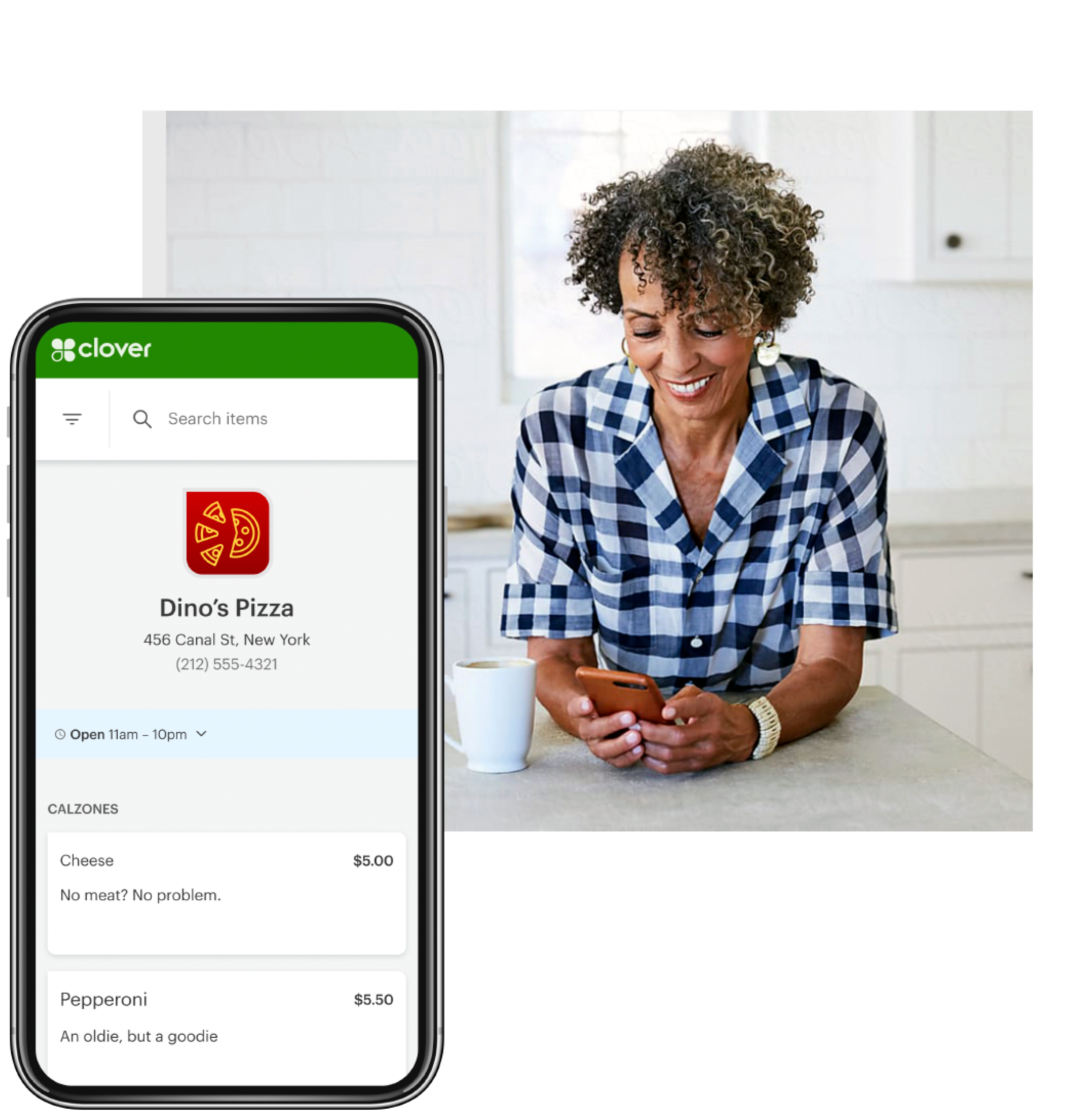
Included at no additional cost with the Clover Restaurant Growth plan.
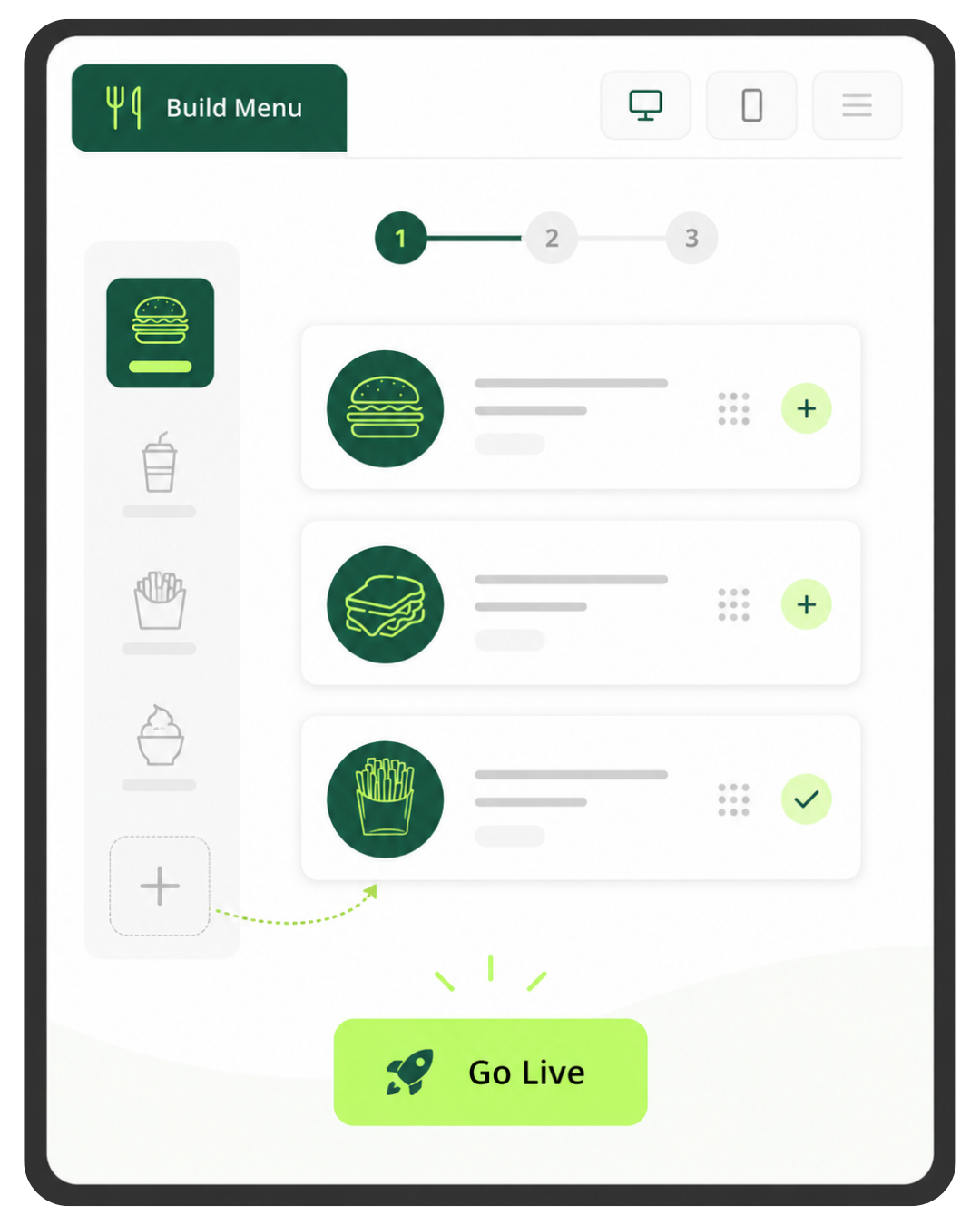
Turn your existing Clover menu into an online ordering page that seamlessly drops into your existing website—no extra setup or coding required.
Customize your digital menu for web, tablet, and mobile.
Offer convenient pickup, curbside, and delivery options to keep orders flowing smoothly.
Choose how your kitchen receives every order.
For quick service restaurants, getting the order from the front counter, kiosk, or online ordering system to the kitchen clearly and quickly is a big deal. Clover can use traditional kitchen printers or KDS screens, depending on how your restaurant works best.
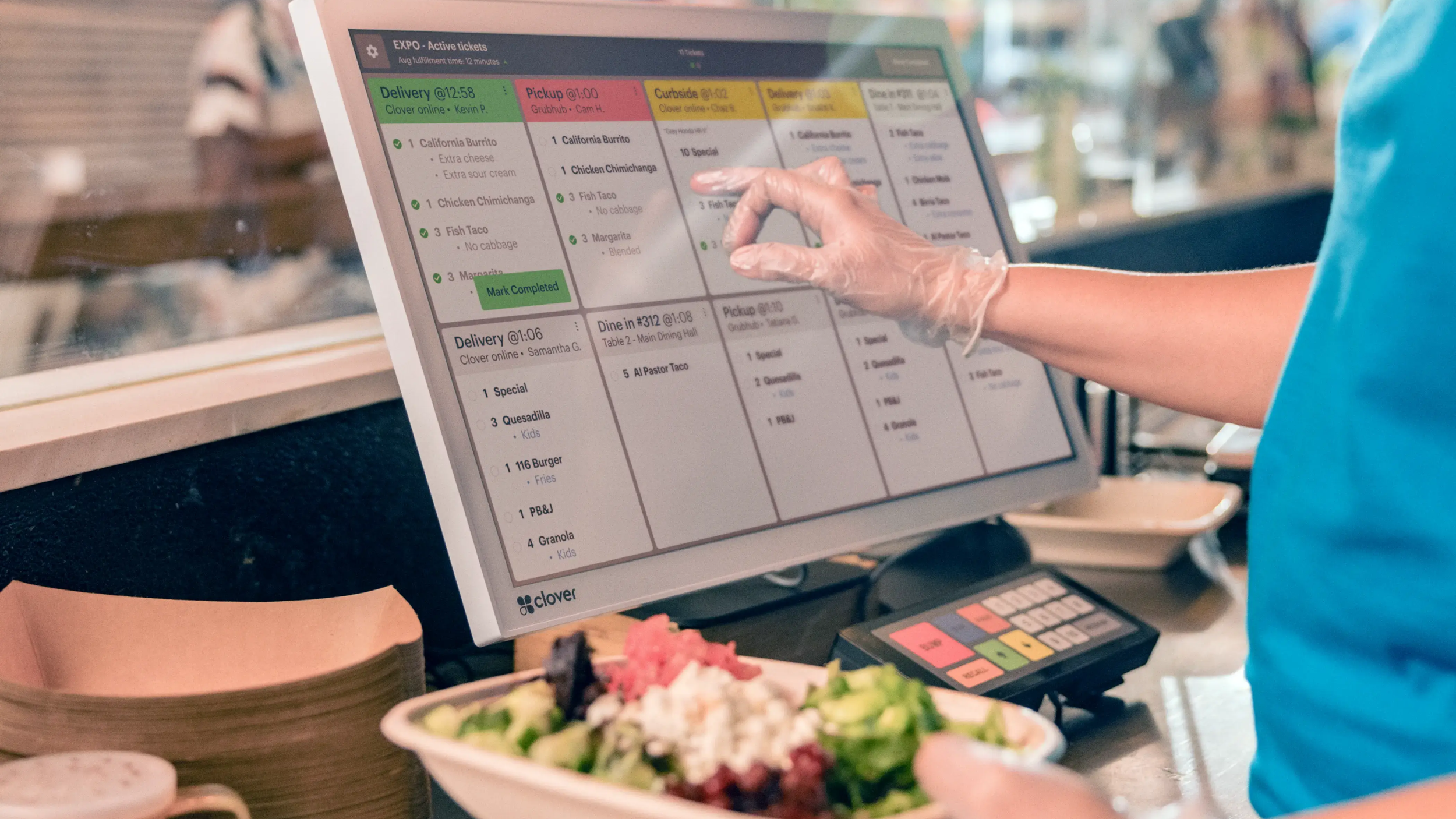
Kitchen Display Screens
Clover KDS gives your kitchen a digital way to receive and manage orders. Instead of paper tickets printing nonstop, orders appear on screen so staff can view, organize, and work tickets in a cleaner way.
- ✓ Tickets appear digitally so the kitchen is not relying only on printed paper during busy rushes.
- ✓ Great for higher-volume restaurants that want a cleaner, more organized expo or prep workflow.
- ✓ Helps staff view and manage incoming orders in real time.
- ✓ Available in 14" and 24" display sizes depending on your kitchen setup.
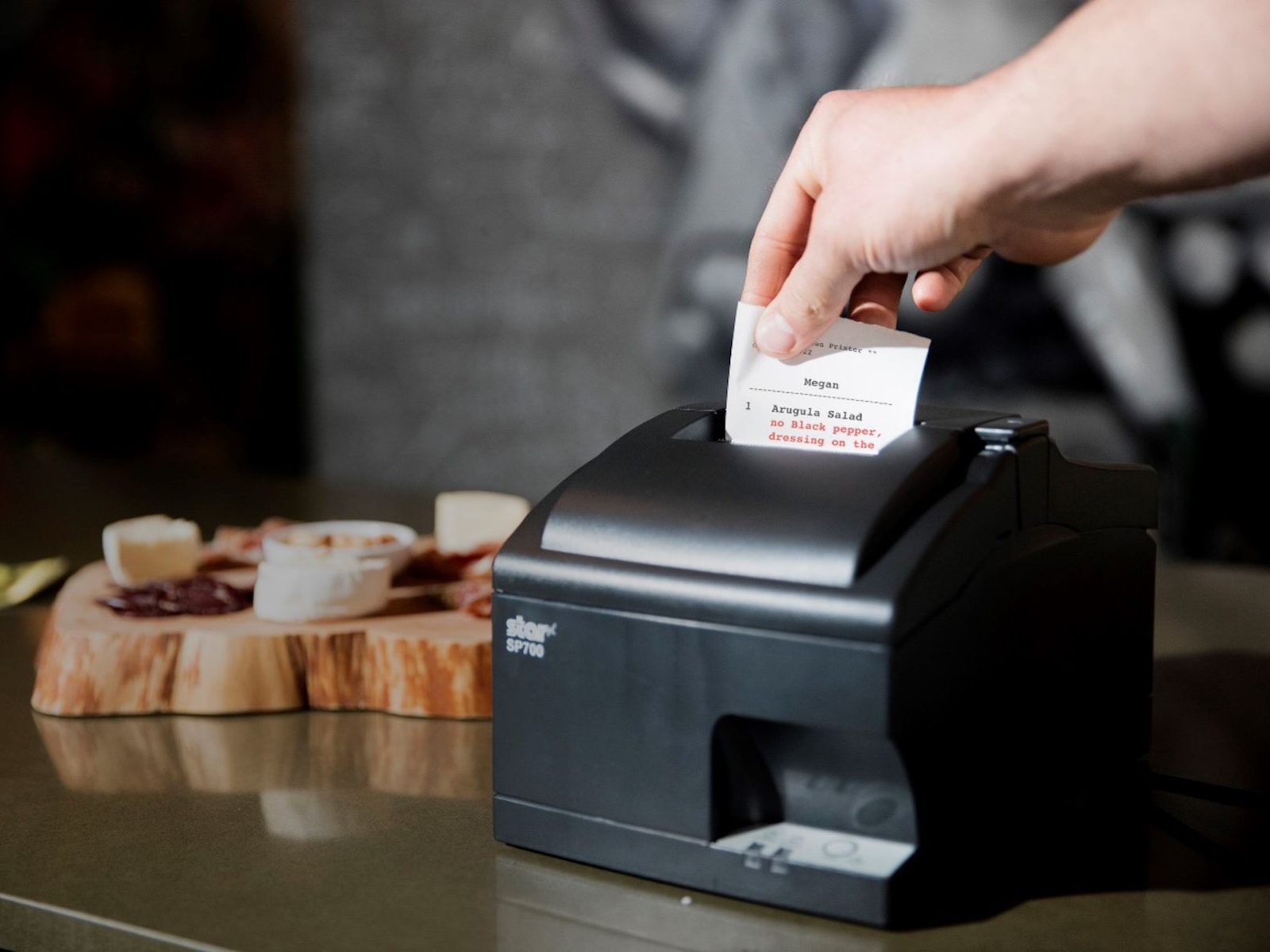
Network Kitchen Printer
The Star SP700 is a traditional impact kitchen printer that works well in restaurant environments. If you prefer printed tickets in the kitchen, this is a dependable option for many quick service restaurants.
- ✓ Great for kitchens that still prefer physical printed tickets.
- ✓ Simple and familiar workflow for cooks and prep staff who are used to paper tickets.
- ✓ Works well for hot kitchen environments where reliability matters.
- ✓ A good fit if you want a lower-tech kitchen workflow instead of moving fully to digital displays.
Choose between 14" and 24" Clover KDS screens.
The right display size depends on your kitchen layout, prep stations, expo area, and order volume. A smaller 14" screen may fit tighter spaces, while a 24" display can give your team more visibility during busy rushes.
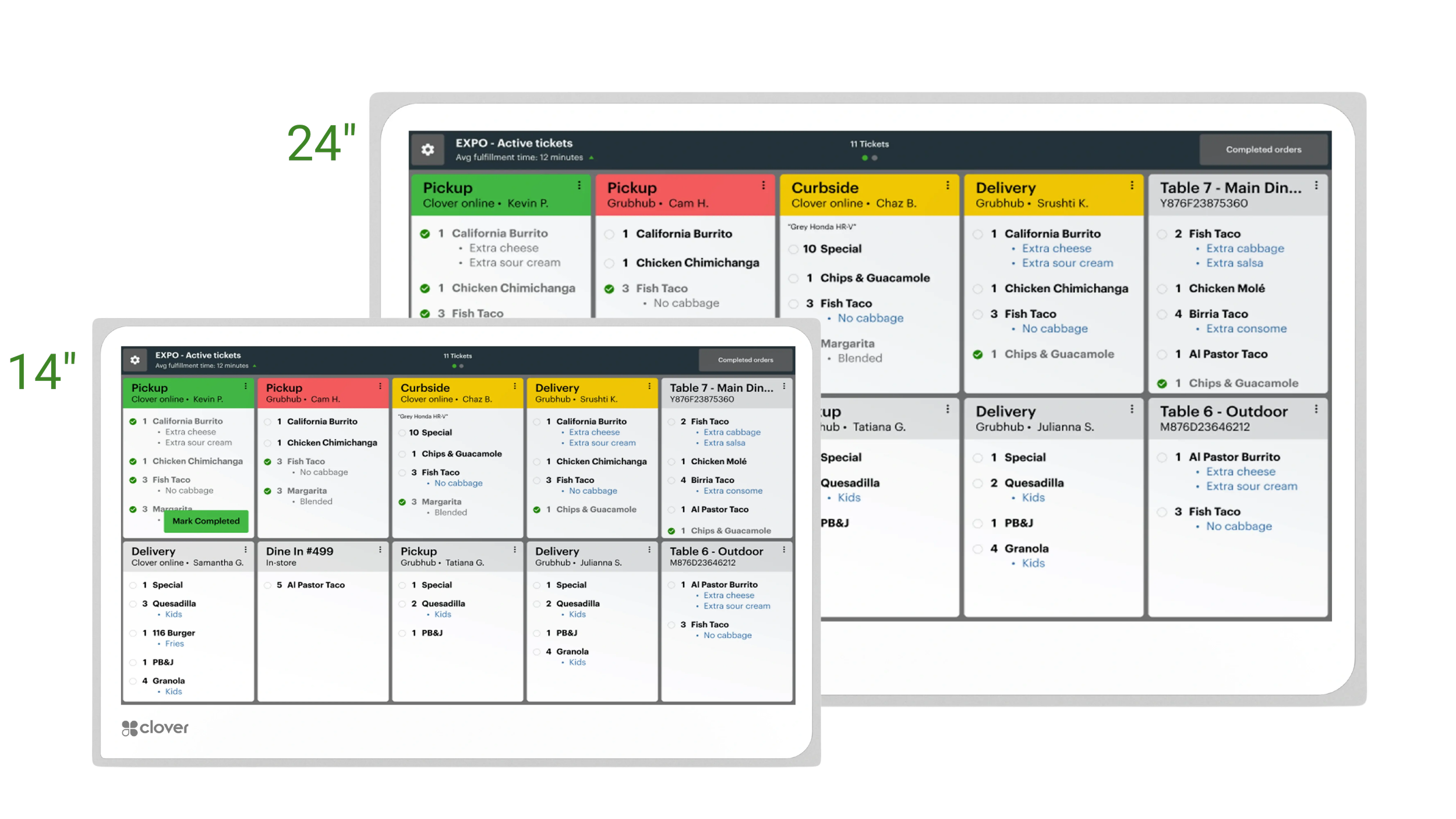
We can help you decide whether KDS, printers, or both makes more sense.
Some restaurants want digital kitchen screens. Others still prefer printed tickets. Some use both depending on the station. We can help you think through your kitchen flow, order volume, and how your staff works best.
needs in one system
Create menus for any time of day
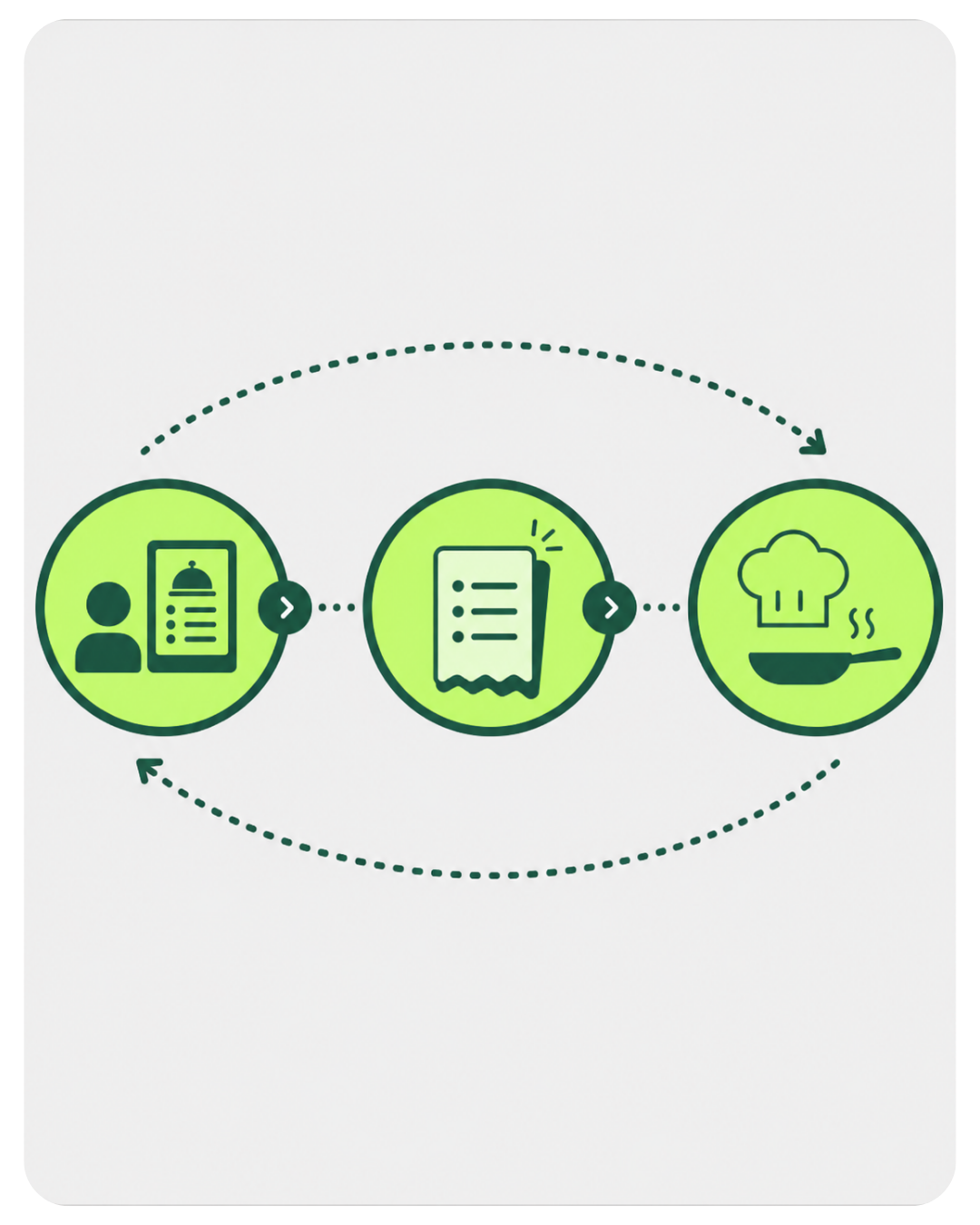
Keep your FOH & BOH in perfect sync
Create a custom menu for any occasion—like happy hour—and switch between them with ease throughout the day.
Improve accuracy, speed, and teamwork with seamless kitchen-to-table coordination.

Run marketing & loyalty programs
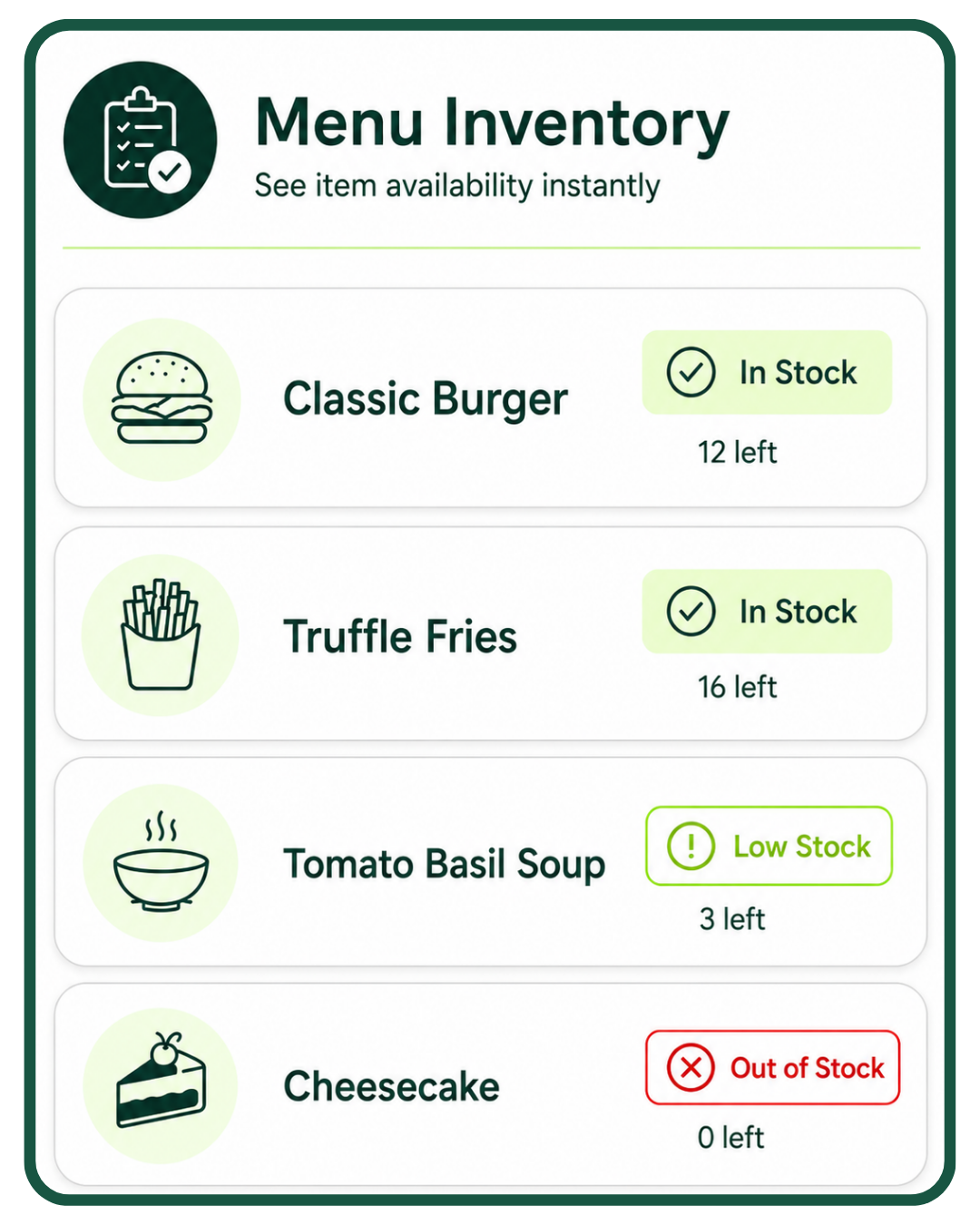
Track inventory in real time
Instantly update your menu when an item sells out so customers see what’s available.

Send personalized offers, rewards, and coupons that bring customers back again and again.
DUO

Clover Station Duo Gen. 2 bundle — 14" merchant screen, 8" customer display, receipt printer, cash drawer
You own the equipment outright — no return obligation, no placement terms
Approved in hours. On your counter in 3 business days.
Expert setup & training included — direct U.S.-based support
Software plans start at $29.95/mo, billed by Clover
Requires a new Limelight Payments merchant account — Clover devices only run on the processor they're boarded to
Processing $35,000+/mo? Ask about no-cost equipment
One per new customer. Buying outright means the equipment is yours to keep — no return obligation and no placement program terms, unlike our $99 POS Placement option. Requires a new approved Limelight Payments merchant account.
FLEX

🧩 Flexible Software Plans Starting @ $0.00 / mo.
🍀 See All Clover Software Plans
👨💼 Expert Setup & Training Included — Meet Your Expert
📞 Call/Text a Real Person in the U.S.
📦 Limit One Machine Per New Account
🔎 Hardware is provided at no cost with your new merchant account. This charge covers setup & shipping.
SOLO + FLEX

🆓 Choose One FREE CLOVER POS - Click Here
🧩 Flexible Software Plans Starting @ $29.95 / mo.
🍀 See All Clover Software Plans
⭐ 5-Star Trust, Backed by Real Reviews
👨💼 Expert Setup & Training Included — Meet Your Expert
📞 Call/Text a Real Person in the U.S
💳 Financing Available
Solo is purchased, Flex is sent as part of our no cost equipment placement program.
MINI

🆓 Choose One FREE CLOVER POS - Click Here
🧩 Flexible Software Plans Starting @ $0.00 / mo.
🍀 See All Clover Software Plans
⭐ 5-Star Trust, Backed by Real Reviews
👨💼 Expert Setup & Training Included — Meet Your Expert
📞 Call/Text a Real Person in the U.S.
💳 Financing Available
Cash Drawer Sold Separately (+$87.00)Not ready to order? Talk to a POS expert.
Most people just add to cart and the POS expert calls them. But if you'd rather talk through your business first, fill this out and we'll call you within one business day.
No commitment at this stage. We'll send pricing in writing before you sign anything.
Prefer to talk to a human?
Call Now: (888) 415-7020🍽 Clover Restaurant Plans
| Features | Starter | Essentials | Restaurant Growth |
|---|---|---|---|
| Cost Per Month (One Device) | $0 | $29.95 | $89.95 |
| Cost per Additional Device | $11.95 | $11.95 | $19.95 |
| Supported Devices | |||
| Eligible Devices | Clover Go, Compact, Flex, Mini | Clover Go, Flex, Mini, Station | Clover Go, Flex, Mini, Station, Kiosk, KDS |
| Payments Features | |||
| Accepts all credit & debit cards | ✓ | ✓ | ✓ |
| Virtual Terminal (MOTO) | ✓ | ✓ | ✓ |
| eCommerce integrations | ✓ | ✓ | ✓ |
| Clover Go mobile POS | ✓ | ✓ | ✓ |
| Invoice payments & tracking | ✓ | ✓ | ✓ |
| Recurring payments | ✓ | ✓ | ✓ |
| Surcharging | ✓ | ✓ | ✓ |
| Cash Discount | ✓ | ✓ | ✓ |
| Tips | ✓ | ✓ | ✓ |
| Sales tax tracking | ✓ | ✓ | ✓ |
| Sales tax reporting | ✓ | ✓ | ✓ |
| Advanced payments (QR, split bill, tableside pay) | ✓ | ||
| Order Management | |||
| Create, save, pay, refund, edit orders | ✓ | ✓ | |
| Item-level tax | ✓ | ✓ | |
| Item & order discounts | ✓ | ✓ | |
| Automatic order numbers | ✓ | ✓ | |
| Weight scale support | ✓ | ||
| Open tabs | ✓ | ||
| Online ordering with delivery | ✓ | ||
| UberEats / DoorDash / Google integrations | ✓ | ||
| Scan to Order (QR menu) | ✓ | ||
| Order types (dine-in, takeout, delivery) | ✓ | ||
| Remote kitchen / bar printing | ✓ | ||
| Table management & floor plans | ✓ | ||
| Tableside ordering & firing | ✓ | ||
| Reporting | |||
| Sales reporting | ✓ | ✓ | ✓ |
| Cash reporting | ✓ | ✓ | ✓ |
| Track sales by employee | ✓ | ✓ | ✓ |
| Product mix reporting | ✓ | ✓ | |
| Tax reporting | ✓ | ✓ | ✓ |
| Revenue class reporting | ✓ | ✓ | |
| Item cost reporting | ✓ | ||
| Sales by order type | ✓ | ||
| Item, Inventory & Menu Management | |||
| Menu & inventory tracking | ✓ | ✓ | |
| Multi-location item management | ✓ | ✓ | |
| Cost tracking | ✓ | ||
| Item Variants | ✓ | ✓ | |
| Item Modifiers | ✓ | ✓ | |
| Item labels (kitchen routing) | ✓ | ||
| Multiple menus (device, kiosk, channel, day-part) | ✓ | ||
| Customer Engagement | |||
| Customer records tied to payments | ✓ | ✓ | ✓ |
| Customer purchase tracking | ✓ | ✓ | |
| Promotions | ✓ | ✓ | |
| Rewards / Loyalty program | ✓ | ✓ | |
| Feedback collection | ✓ | ✓ | |
| Employee Management | |||
| Roles & permissions | ✓ | ✓ | ✓ |
| Time clock / timesheets | ✓ | ✓ | |
| Website | |||
| Branded Website | ✓ | ✓ | |
| Online ordering | ✓ | ||
| Clover Platform & Financial Services | |||
| Clover Capital (merchant cash advance) | ✓ | ✓ | ✓ |
| Access to Clover App Market | +$19.95 per month | ✓ | ✓ |
| Clover Dashboard (web & mobile access) | ✓ | ✓ | ✓ |
| Online dispute management | ✓ | ✓ | ✓ |
| 24/7/365 customer support | ✓ | ✓ | ✓ |
| Security & Compliance Features | |||
| Clover Security TransArmor (Required) — Cost per Month | $10.00 | $10.00 | $10.00 |
| PCI Compliance Tools | ✓ | ✓ | ✓ |
| Point-to-Point Encryption (P2PE) | ✓ | ✓ | ✓ |
| Tokenized Payment Security | ✓ | ✓ | ✓ |
| Fraud Risk Reduction Tools | ✓ | ✓ | ✓ |
| ▼ Click to View Full Restaurant Feature Comparison | |||
Explore Clover Restaurant plans designed for quick-service, full-service, and multi-location restaurants. Compare features like tableside ordering, kitchen printing, floor plans, and online ordering integrations.
Clover POS For Restaurants: Frequently Asked Questions (FAQ)
-
Clover POS for restaurants is a point-of-sale system designed to help restaurants, bars, cafes, food trucks, breweries, and hospitality businesses manage ordering, payments, staff, tips, menus, reporting, online ordering, delivery integrations, and kitchen workflows from one system.
-
Yes, Clover can be a strong fit for restaurants and bars that need an easy-to-use POS system with menu management, tableside ordering, open tabs, split checks, tips, kitchen printing, online ordering, delivery integrations, loyalty, gift cards, employee tools, and real-time reporting.
-
Clover restaurant POS costs depend on the hardware, software plan, number of devices, payment processing setup, and restaurant features you need. Clover restaurant software plans may start at $0 per month for basic payments, with more advanced restaurant tools available on higher plans such as Essentials or Restaurant Growth.
-
The best Clover software plan for restaurants depends on your service style. Quick-service restaurants may be able to use Starter or Essentials, while full-service restaurants, bars, and businesses that need tableside ordering, floor plans, online ordering, delivery integrations, kitchen printing, and order types may be better suited for Clover Restaurant Growth.
-
Yes, Clover supports tableside ordering and payments on supported restaurant software plans and compatible devices. Staff can take orders at the table, send items to the kitchen or bar, accept payments tableside, collect tips, and improve service speed.
-
Yes, Clover supports restaurant payment workflows such as split checks, open tabs, tips, refunds, discounts, and advanced payment options. This is helpful for bars, full-service restaurants, cafes, and hospitality businesses that need flexible checkout options.
-
Yes, Clover can work with kitchen printers and Clover Kitchen Display System options. Restaurants can route orders from the front of house, online ordering, and third-party delivery channels directly to the kitchen or bar to improve communication and reduce mistakes.
-
Yes, Clover offers commission-free online ordering on supported restaurant software plans. Restaurants can create a custom online ordering page, connect it to their website, and send online orders directly into Clover and the kitchen workflow.
-
Yes, Clover Restaurant Growth can support delivery and ordering integrations with platforms such as DoorDash, Uber Eats, Grubhub, Google, and BentoBox. These integrations help restaurants manage in-house, online, and third-party orders in one place.
-
Yes, Clover can help restaurants manage menus, menu items, modifiers, order types, item-level taxes, discounts, multiple menus, and day-part menus such as breakfast, lunch, dinner, and happy hour. Restaurants can also mark items out of stock so customers and staff know what is available.
-
Yes, Clover includes restaurant reporting tools for sales, cash, taxes, employee performance, product mix, revenue classes, order types, item costs, and sales trends. These reports can help restaurant owners understand what is selling, when they are busiest, and how staff are performing.
-
Yes, Clover includes employee management tools such as roles, permissions, time clock, timesheets, staff reporting, and tip management. Restaurants can use these tools to track employee activity, manage shifts, and support payroll or scheduling workflows.
-
Yes, Clover supports customer engagement tools such as rewards, loyalty programs, promotions, feedback collection, gift cards, customer records, and purchase tracking. These features can help restaurants bring guests back and encourage repeat visits.
-
Clover may be right for your restaurant if you need a POS system for ordering, payments, tips, open tabs, split checks, kitchen printing, tableside service, online ordering, delivery integrations, employee tools, customer loyalty, and real-time reporting. Limelight Payments can help compare Clover restaurant plans, hardware options, and software features to determine the best setup for your business.
Is Clover POS the Right System for Your Restaurant or Bar?
Clover POS may be the right system for restaurants, bars, cafes, quick-service restaurants, full-service restaurants, food trucks, breweries, and hospitality businesses that need tableside ordering, split checks, open tabs, kitchen printing, Clover Kitchen Display System support, online ordering, delivery integrations, employee tools, tip management, loyalty programs, and real-time reporting. It is especially useful for restaurants that want an easy-to-use POS system with flexible hardware options, cloud-based back office access, and support from a dedicated Clover POS expert.
