

Add self-ordering to your restaurant — without guessing if the setup will work.
Whether you are opening a new restaurant and need a full Clover setup, or you already use Clover and only want to add a kiosk, the smart next step is a short planning call. The kiosk has to fit your menu, kitchen routing, staff workflow, and merchant account setup.
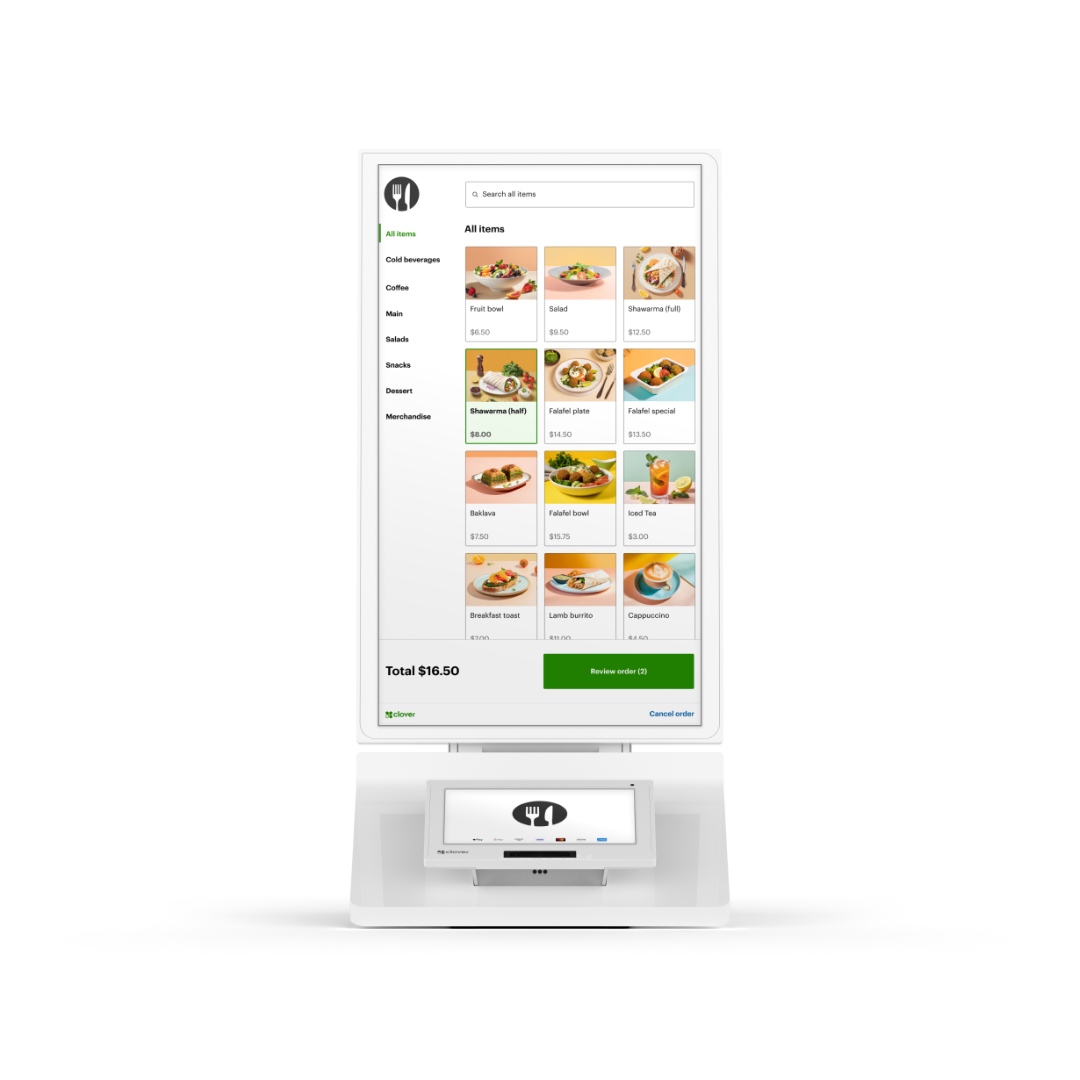
The kiosk is usually not a casual online purchase. It should be quoted after reviewing your menu, order flow, kitchen printer/KDS setup, Clover software, and processing relationship.

🆓 Choose One FREE CLOVER POS - Click Here
🍽️ Boost Profits Automatically—More Sales, Fewer Staff
📈 Increase average order size by 10–30%
💸 Cut labor costs by $36,000+ per year
🔧 Free expert setup and personalized onboarding included
📞 Talk or text your rep directly — plus 24/7 support
💳 Financing available at checkout
⭐ 5-star rated — trusted by restaurants nationwide
⚠️ Clover Kiosk is excluded from the Free Clover promotion — choose from any other Clover device
The kiosk is the hardware. The real value is the relationship behind it.
A Clover Kiosk touches your menu, modifiers, pricing, taxes, tips, kitchen printers, KDS, online orders, delivery orders, reporting, and merchant account. The main reason to work with Limelight Payments is not just the kiosk price — it is getting a real Clover partner who helps with the setup, launch, and support.
We help with the setup your current processor may not touch
Many processors can sell Clover. Fewer will help build the menu, modifiers, order types, printers, KDS routing, and launch workflow that make the kiosk useful.
We review your existing Clover before asking you to switch
If you already have Clover, we look at your devices, apps, menu, printers, processor, and statement first. Then we explain what can stay, what changes, and whether switching is worth it.
We make the merchant account part clear
Clover equipment is tied to merchant account and processing relationships. We explain the account path plainly so there are no surprises after you buy the kiosk.
We design the kiosk menu to sell
The kiosk should prompt guests for combos, upgrades, drinks, desserts, modifiers, and add-ons. Better menu structure means better guest experience and stronger tickets.
We protect the kitchen workflow
Self-ordering fails when orders do not route correctly. We map kiosk, counter, online, and delivery orders before launch.
You get a real Clover contact
When something needs to change, you need a person who knows your account — not a support queue that has never seen your restaurant.
A guest-facing ordering station that connects to Clover POS and the kitchen.
The Clover Kiosk lets guests browse the menu, customize items, pay, print a receipt, and send the order into your kitchen workflow. It is made for restaurants that want customers to order without waiting for a cashier.
If you are new to Clover, we can design the whole restaurant setup around it. If you already have Clover, the first step is reviewing whether your current processor and support relationship are good enough for a kiosk rollout — or whether moving to Limelight Payments gives you a better path.
Choose the path that matches your restaurant.
Some restaurants are starting fresh and need the full Clover system. Others already use Clover and only need help adding the kiosk the right way.
New restaurant: build the full Clover setup around the kiosk.
Start with the full workflow: kiosk, main POS station, handheld devices, kitchen routing, online ordering, delivery apps, merchant account, processing, and training.
- Best next step: full restaurant quote
- What we plan: hardware, software, processing, menu, KDS/printers
- Goal: launch with the kiosk and POS working together
Existing Clover restaurant: add the kiosk without breaking what works.
You may already have Clover devices, menu items, employees, printers, apps, and reporting. We review the current setup first, then explain what moving to Limelight Payments would improve.
- Best next step: current Clover review
- What we check: processor, statement, devices, menu, printers, KDS, apps
- Goal: add the kiosk with better support and a clear transition
Why switching the relationship to Limelight Payments may be worth it.
A kiosk is not just another terminal. It creates new menu, routing, support, and processing needs. This is where many existing Clover users realize their current processor is not really helping them operate Clover.
Your current processor may only be processing payments.
They may not help with kiosk menu layout, modifier logic, kitchen routing, KDS/printer setup, online ordering, delivery apps, staff training, or ongoing Clover questions. Limelight Payments sells the kiosk as part of the restaurant workflow, not just as hardware.
We review before asking you to move.
Send us your current Clover setup and a processing statement. We will review the numbers, devices, and workflow. Then we can explain whether switching to Limelight Payments gives you enough value to justify the change.
Support relationship
You can call or text a real Clover advisor who understands your restaurant and setup.
Setup relationship
We help with menu, modifiers, upsells, order types, printers, KDS, online ordering, and staff training.
Processing relationship
We compare your current statement and explain the merchant account path before you commit.
Already using Clover? Start with a review.
We will look at your current processor, devices, menu, printers, KDS, and goals before recommending the kiosk or asking you to switch.
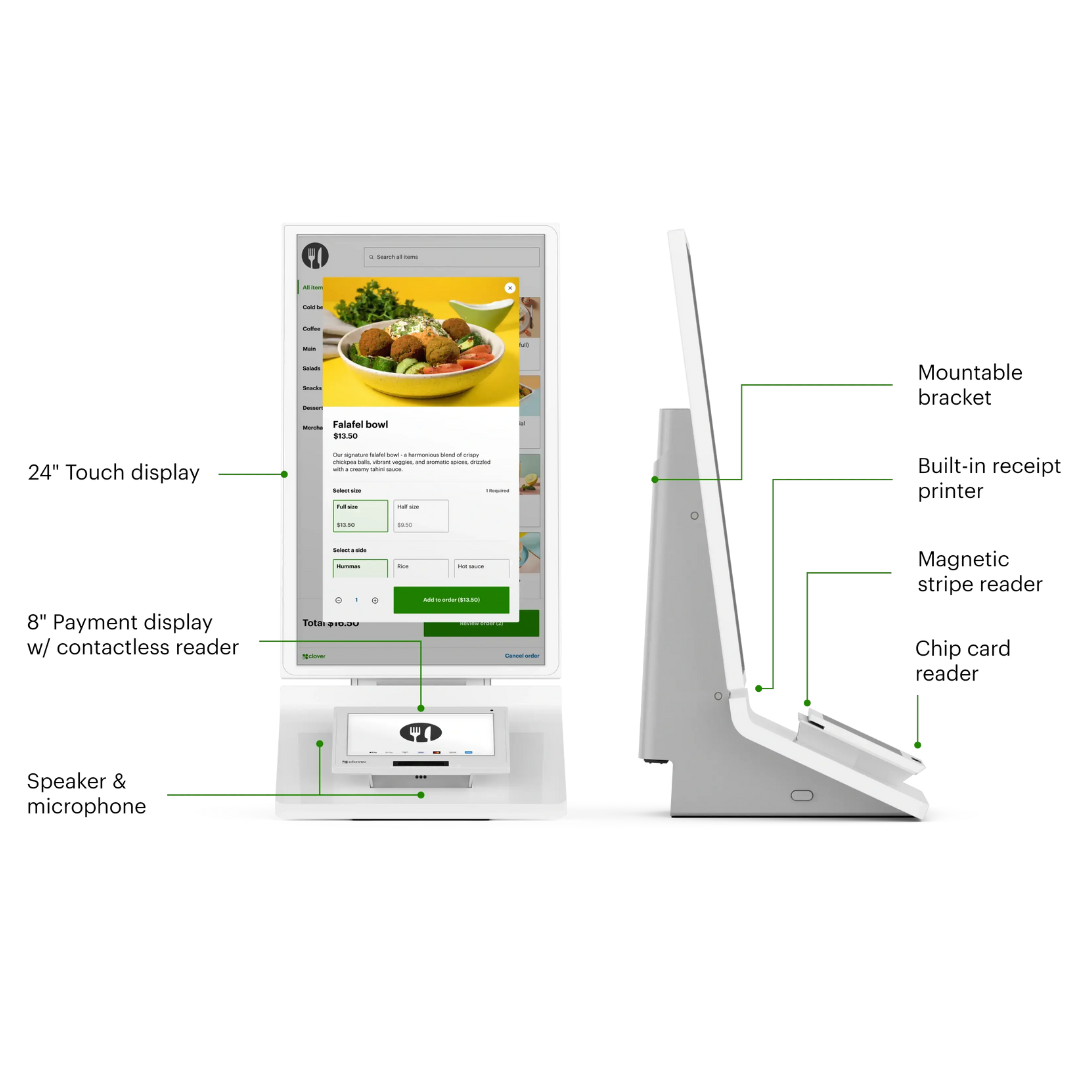
Clover Kiosk — full specs.
Large guest ordering screen, secure payment display, receipt printer, kitchen routing, scanner, and flexible mounting.
The kiosk is a smart investment when it solves a clear restaurant problem.
The best kiosk buyers are trying to reduce lines, raise ticket size, improve order accuracy, standardize upsells, and free staff from repetitive order entry.
A kiosk makes sense when these are true.
- Your restaurant has line bottlenecks, order-taking labor pressure, or high takeout volume.
- Your menu has clear categories, photos, modifiers, combos, add-ons, and upsells.
- You want kiosk, counter, online, and delivery orders to flow into one kitchen workflow.
- You are opening a new Clover restaurant or you already have Clover and want a stronger support relationship.
- You want help with hardware, menu, routing, processing, launch, and ongoing support.
Fix the base setup first when these are true.
- Your menu is incomplete or missing modifiers.
- Your kitchen printers or KDS are unreliable.
- Your restaurant rarely has a line or high order volume.
- Your menu requires heavy staff explanation for most guests.
- You are not ready to review processing, software, or device setup.
New restaurant
We build the full Clover plan: kiosk, POS station, handhelds, KDS/printer, online ordering, delivery integrations, menu setup, and processing.
Existing Clover restaurant
We review your current processor, devices, menu, apps, and kitchen routing before recommending how to add the kiosk.
Want to know if your restaurant is kiosk-ready?
Send us your restaurant type and current setup. We will tell you if the kiosk is the right next step.
Self-ordering works best when the menu is clear and the line is busy.
Kiosks are not for every restaurant. They are best where guests know what they want, customization is structured, and the business benefits from faster ordering.
Use the kiosk to move guests through the line faster and let staff focus on fulfillment.
- Visual menu ordering
- Automated modifiers and combos
- Kitchen printer or KDS routing
- Upsells for drinks, sides, and desserts
Use the kiosk for faster ordering during morning rushes and to suggest add-ons like pastries, modifiers, and drinks.
- Size and modifier prompts
- Upsells for pastries and add-ons
- Pickup order workflow
- Printer/KDS routing
Perfect for menus with sizes, toppings, sauces, sides, combos, and add-ons.
- Structured modifiers
- Combo prompts
- Order accuracy improvements
- Kitchen routing
Let customers build dessert orders with toppings, sizes, flavors, and add-ons.
- Flavor and topping prompts
- Higher ticket add-ons
- Fewer missed modifiers
- Fast customer-led ordering
Use kiosks to absorb rush traffic, reduce order-taking labor, and keep lines moving.
- Multiple order points
- High-volume rush support
- Kitchen routing by concept
- Order receipt workflow
Use kiosks to standardize order entry and route pickup orders into the same kitchen workflow as online and counter orders.
- Pickup order flow
- Online + kiosk menu consistency
- Kitchen routing
- Fewer phone-order interruptions
The kiosk is your self-ordering profit and labor lever.
A well-configured kiosk can increase order size, reduce order-taking labor, improve menu consistency, route orders to the kitchen, and connect with online/delivery workflows.
Use built-in upsells and cross-sells at the point of decision.
When guests order from a screen, they can see modifiers, sides, drinks, desserts, and add-ons without a cashier having to remember every prompt.
- Average order size can increase 10–30%
- Prompts for sides, drinks, desserts, toppings, and upgrades
- Consistent upsells across every order
- Better menu visibility
Let staff focus on fulfillment, not just order entry.
The kiosk reduces the need for staff to manually enter every order, which can free the team to cook, prep, expedite, clean, and solve guest issues.
- Potential $36,000+ annual labor cost savings
- Staff focus on higher-value tasks
- Fewer cashier bottlenecks
- Better peak-hour throughput
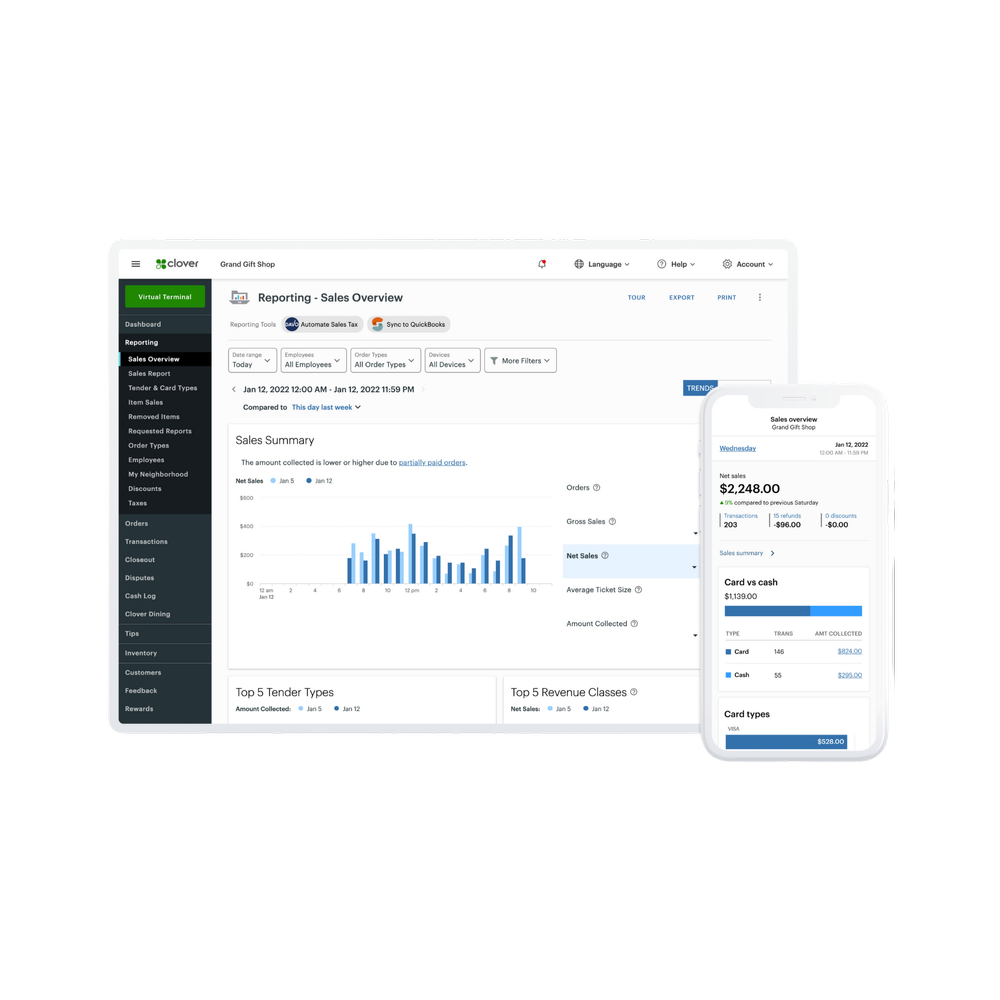
Keep the kiosk menu connected to the POS.
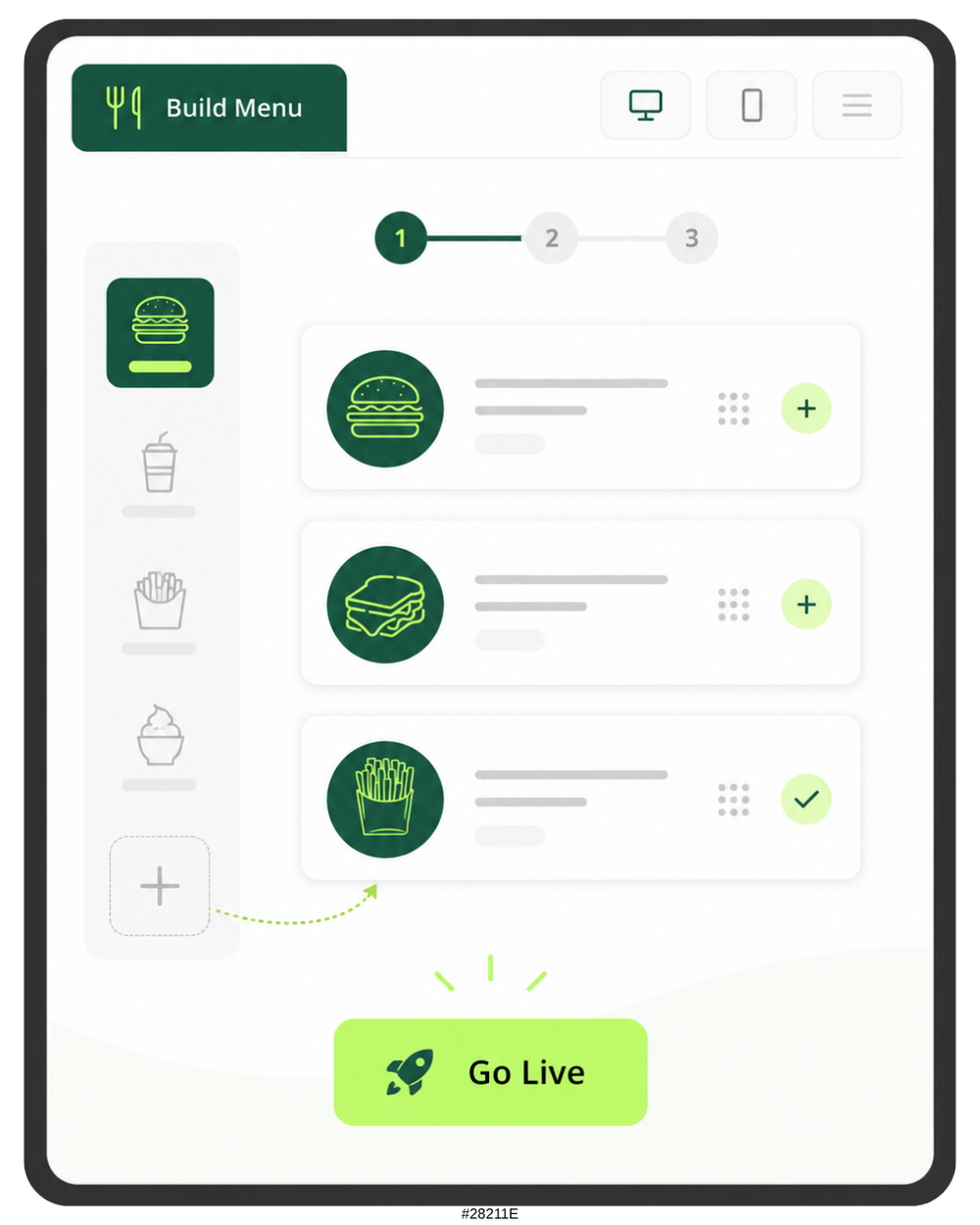
The kiosk can pull menu, pricing, and tax rates from Clover POS so changes stay aligned across ordering channels.
- Menu and pricing alignment
- Tax rate sync
- Less duplicate menu entry
- Easier rollout
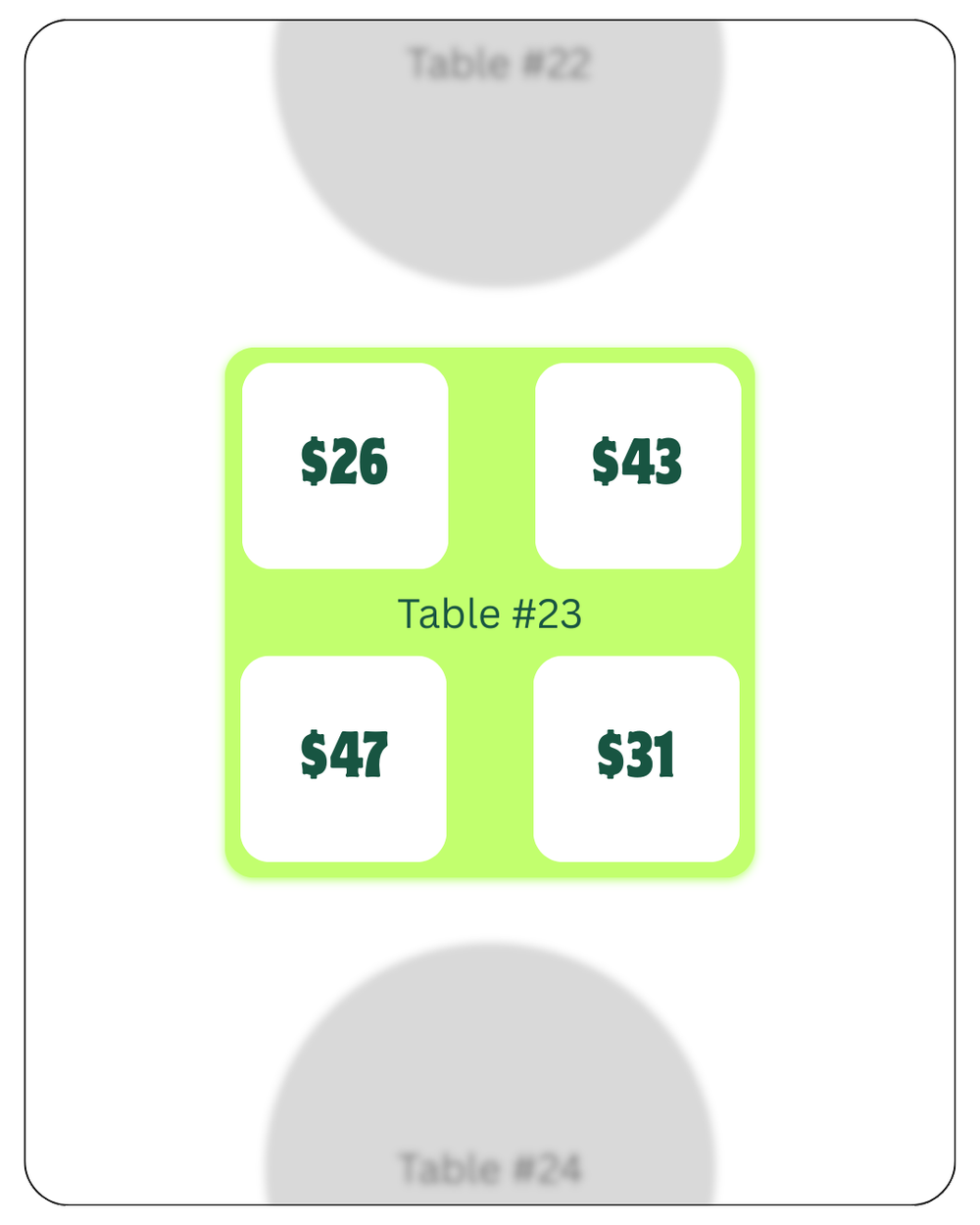
Send kiosk orders to the kitchen like counter orders.
Kiosk orders can route directly to Clover Kitchen Display or a kitchen printer, helping the kitchen handle kiosk, counter, and online orders in one workflow.
- Kitchen printer routing
- KDS routing
- Expo and pickup support
- Fewer missed orders
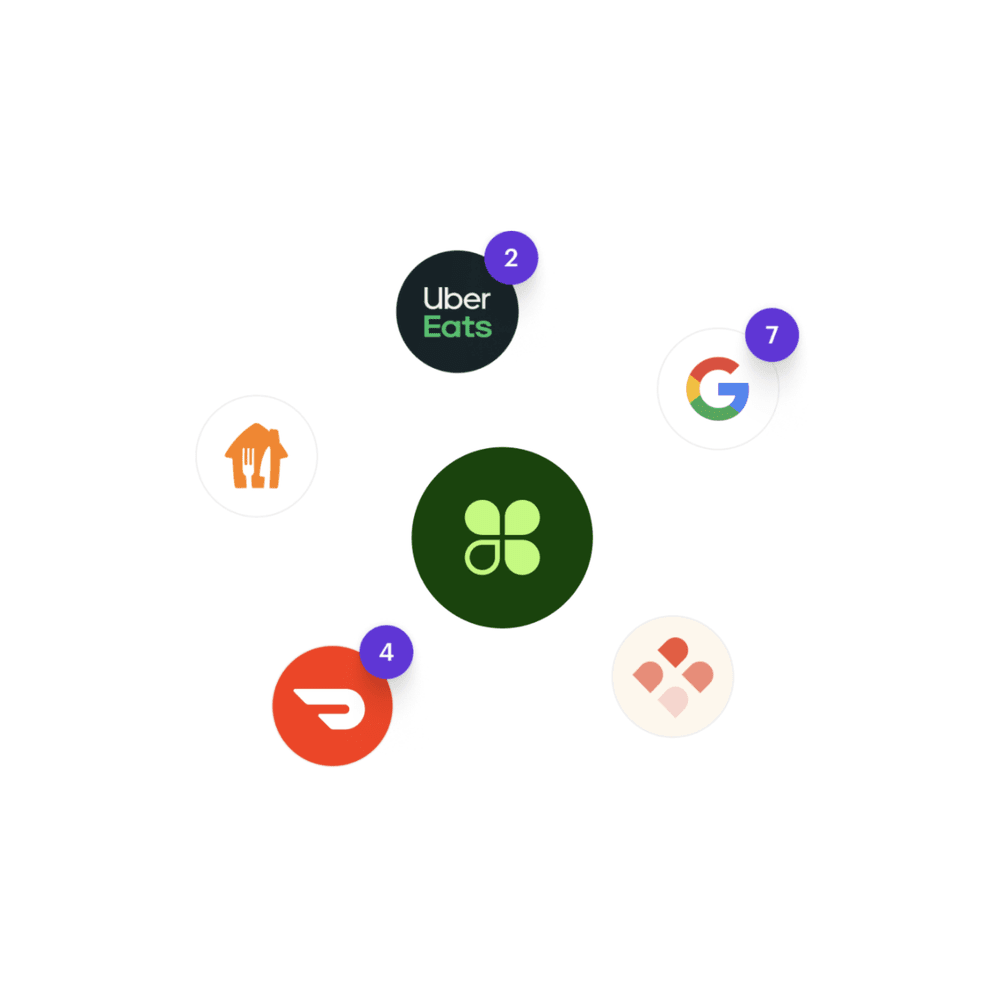
Connect kiosk, pickup, delivery, and restaurant eCommerce.
Clover can support commission-free online ordering pages and integrations with delivery platforms when configured correctly.
- Online ordering pages
- Uber Eats, DoorDash, Grubhub, BentoBox where configured
- Orders sync to Clover POS
- Kitchen routing for digital orders
Countertop, wall mount, or floor stand options.
Use the kiosk on a counter, mount it to a wall, or add a floor stand with high and low settings for accessibility.
- Countertop setup
- Optional wall mount
- 100mm VESA support
- Optional floor stand with high/low settings
Let the guest order and pay in one flow.
The kiosk includes a secure payment screen, accepts common payment methods, and prints receipts directly from the built-in printer.
- Chip, swipe, PIN debit, tap
- Apple Pay and Google Pay
- Built-in receipt printer
- Secure payment screen
A kiosk needs configuration, not just installation.
Limelight Payments helps plan menu structure, modifier logic, printer routing, tipping, order flow, and onboarding so the kiosk supports your restaurant instead of confusing it.
- Free expert setup and onboarding included
- Direct call/text support
- Menu and modifier planning
- Printer/KDS configuration guidance
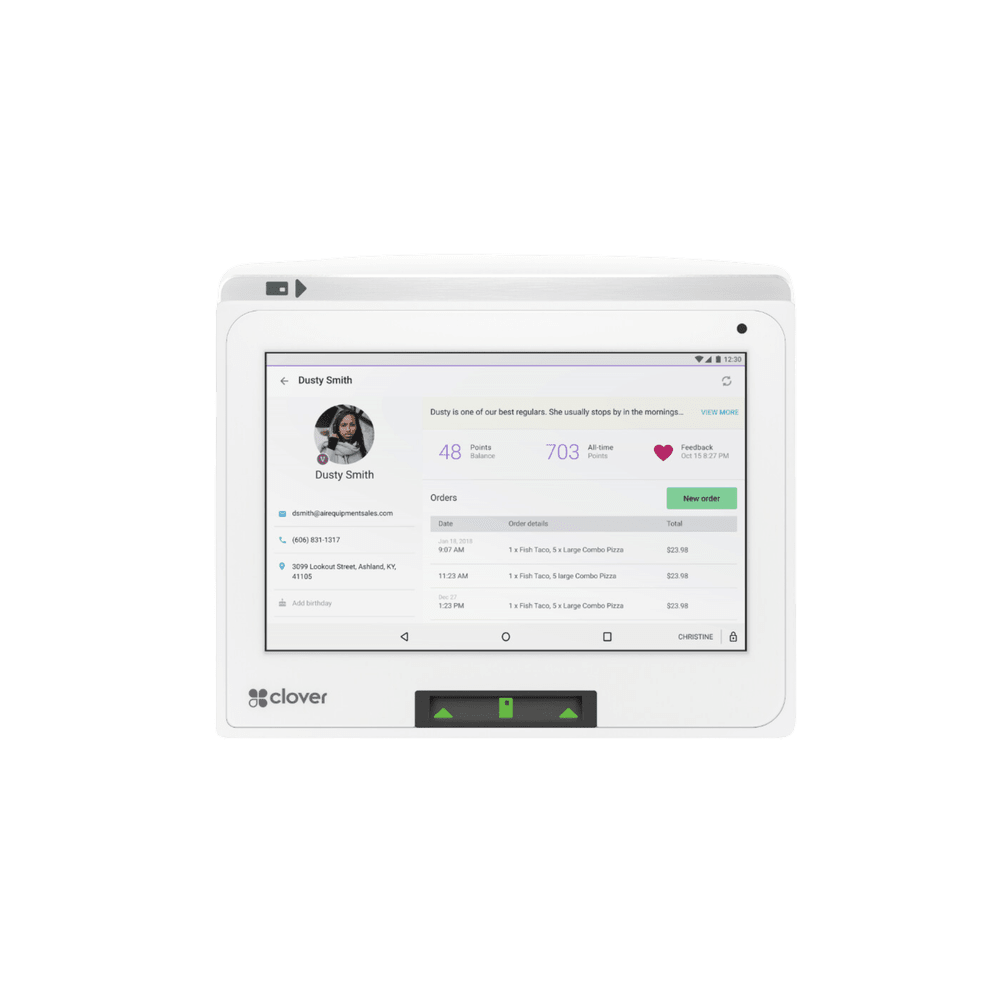
Want the kiosk mapped to your actual restaurant?
Limelight Payments can help review your menu, modifiers, order types, kitchen routing, KDS/printer needs, and whether a kiosk should be your next Clover investment.
The kiosk price is simple. The restaurant setup needs a real review.
The Clover Kiosk hardware is listed at $3495. The better first step is usually a quote or fit check, because the kiosk must fit your merchant account, menu, kitchen routing, and existing Clover workflow.
- Review current Clover devices and processor
- Review menu, modifiers, printers, KDS, online ordering, and apps
- Compare your current support relationship to what Limelight Payments provides
- Explain what would change if you move the account to Limelight Payments
- Best fit: you already use Clover and want to add kiosk
- For new restaurants or major POS upgrades
- Quote kiosk, POS station, Flex, KDS, printers, and accessories
- Plan merchant account, processing, software, menu, and routing
- Build a launch plan instead of buying random devices
- Best fit: you need the whole Clover system around the kiosk
- 24-inch order screen and 8-inch payment screen
- Built-in receipt printer
- Kiosk excluded from Free Clover promotion
- Software, processing, accessories, setup, and installation details are separate
- Best fit: you completed the review and know the setup
5.0 stars across 30+ Google reviews.
Limelight Payments’ value is not just Clover hardware. It is guidance, setup, training, and real support after the sale.
“Someone online told me that if I was going to get a Clover system, I should go through a trusted sales rep — and that was the best advice I could’ve received. Ryan helped with everything: setting up my menu, uploading my inventory, and even integrating my gift cards.”
“I’ve been in business for over 20 years using credit card processors and Ryan is by far the most knowledgeable, helpful individual I have ever used.”
“If I have a question, Ryan still answers the phone or returns my call. I don’t get tossed around with customer service reps.”
Detailed answers for existing Clover users and new restaurants.
Use this section to understand kiosk price, why existing Clover restaurants should start with a review, what makes Limelight Payments worth considering, and how the kiosk fits into the restaurant workflow.
Why should an existing Clover restaurant talk to Limelight Payments before buying a kiosk?
Because the kiosk touches the menu, modifiers, kitchen routing, online orders, reporting, support, and merchant account. If your current processor only handles payments and does not help with setup, the kiosk is a good reason to review whether a better Clover relationship is worth switching to.
Does an existing Clover restaurant have to switch to Limelight Payments?
Not blindly. The first step is a review. Limelight Payments looks at your current devices, processor, statement, menu, printers, KDS, apps, and goals. Then we explain what would need to change and whether moving the account makes sense.
What makes Limelight Payments different from my current Clover processor?
Limelight Payments focuses on the full Clover workflow: menu structure, modifiers, upsells, kitchen routing, KDS/printers, online ordering, staff training, processing options, and direct support. The goal is not just selling hardware; it is making the kiosk work inside your restaurant.
Can a new restaurant get the full Clover setup through Limelight Payments?
Yes. A new restaurant can set up the kiosk, Station Duo or Solo, Clover Flex, kitchen printers, KDS, online ordering, delivery integrations, merchant account, processing, setup, and training through Limelight Payments.
How much does the Clover Self-Ordering Kiosk cost?
The Clover Self-Ordering Kiosk product page lists the kiosk at $3495. Software, processing, installation details, optional accessories, and restaurant-specific configuration should be confirmed with Limelight Payments before ordering.
Is the Clover Kiosk part of the Free Clover promotion?
No. The Clover Kiosk is excluded from the Free Clover promotion. Other Clover devices may qualify for free or placement-style promotions, but the kiosk is not included in that offer.
What does the kiosk help restaurants improve?
A kiosk can help reduce order-taking labor, shorten lines, improve order accuracy, standardize upsells, and raise average ticket size. The product page states that average order size can increase by 10–30% and labor savings can exceed $36,000 per year, though actual results depend on the restaurant.
Does the kiosk sync with Clover POS?
Yes. The kiosk is designed to connect with Clover POS so menu items, pricing, and tax rates stay aligned. The menu still needs to be designed for self-ordering with clear categories, images, modifiers, combos, and add-ons.
Can kiosk orders go to my kitchen printer or KDS?
Yes. Kiosk orders can route to a kitchen printer or Clover Kitchen Display like counter orders. This should be configured before launch so kiosk, counter, online, and delivery orders are routed correctly.
What should I send for a kiosk review?
Send your restaurant type, current Clover devices, current processor, recent processing statement if available, menu type, kitchen printer or KDS setup, online ordering or delivery apps, and the main problem you want the kiosk to solve.
Which restaurants are best for the Clover Kiosk?
The kiosk is best for quick-service restaurants, fast casual, cafés, bakeries, pizza shops, sandwich shops, dessert concepts, food halls, event venues, and takeout-heavy restaurants with clear menus and enough order volume to justify self-ordering.
Who should not buy a kiosk yet?
A kiosk may not be the right first step if your menu is incomplete, your kitchen printers are unreliable, your restaurant rarely has a line, your menu requires heavy staff explanation, or your current POS setup needs to be cleaned up first.
What happens after I submit the form?
A Limelight Payments advisor reviews whether you are a new Clover setup or an existing Clover user, then looks at your restaurant type, current devices, processor, menu, order flow, kitchen routing, online ordering, and goals. Then you receive a clear recommendation and quote.