

The compact POS that gives small counters full Clover power.
Clover Mini Gen 3 is an 8-inch all-in-one countertop POS with built-in receipt printer, chip, swipe, and contactless payment acceptance, security tools, reporting, inventory, staff features, online ordering, booking, and app integrations.
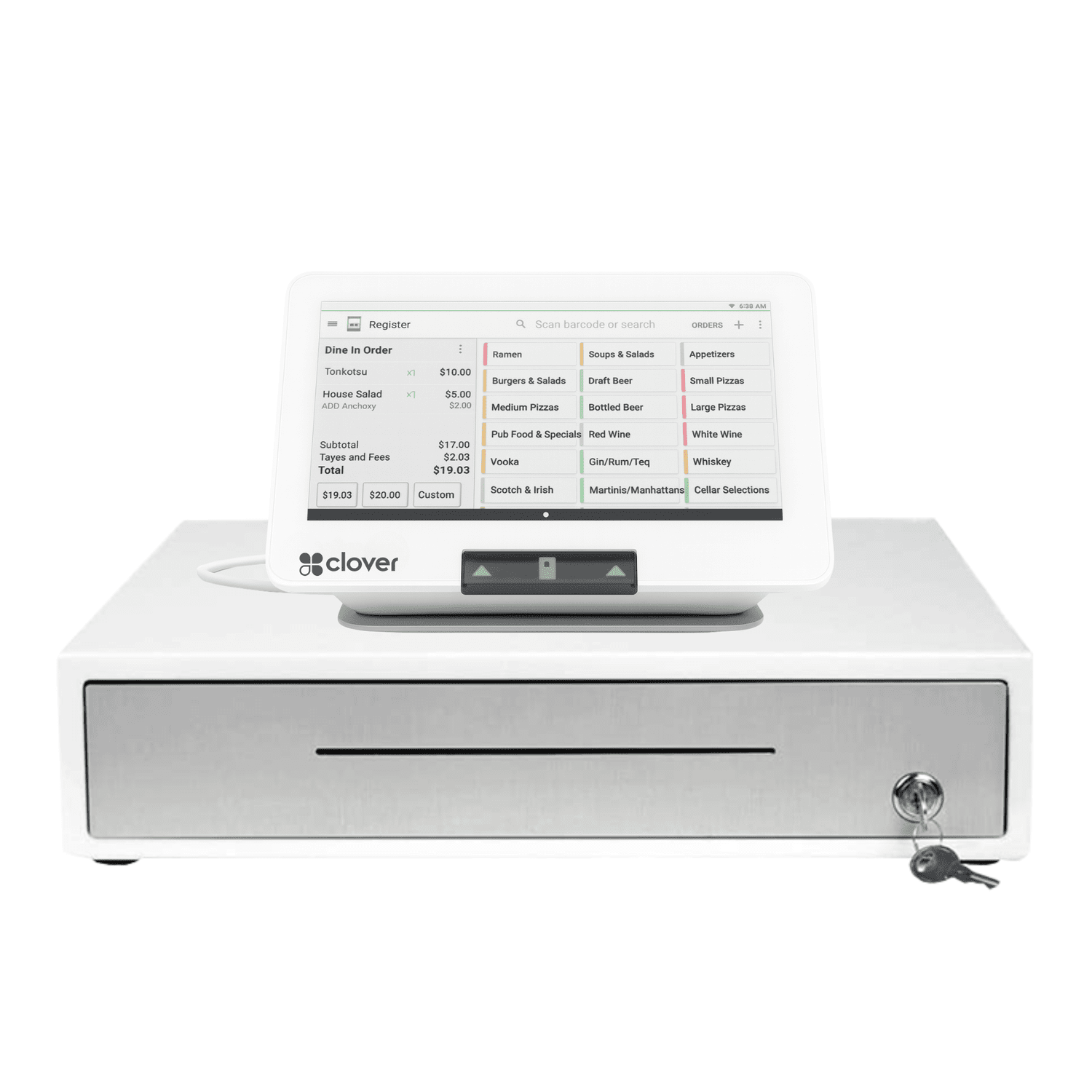
Buy the Clover Mini Gen 3 hardware for $795, or ask if your business qualifies for the $99 equipment placement program.

🆓 Choose One FREE CLOVER POS - Click Here
🧩 Flexible Software Plans Starting @ $0.00 / mo.
🍀 See All Clover Software Plans
⭐ 5-Star Trust, Backed by Real Reviews
👨💼 Expert Setup & Training Included — Meet Your Expert
📞 Call/Text a Real Person in the U.S.
💳 Financing Available
Cash Drawer Sold Separately (+$87.00)
Anyone can sell you a Clover Mini. We help you choose the right setup — and pay less over the long haul.
There are hundreds of Clover resellers. Most will quote a rate, ship the box, and disappear. The hardware is the easy part — the processing rate, software plan, setup, and support you get over the next five years is where the real money is.
A real merchant account, not an aggregator
You get a true merchant account through Limelight Payments instead of a one-size-fits-all aggregator model. That means more control, a clearer setup path, and a better fit for businesses that are serious about their POS.
Software guidance before you buy
Food trucks need menu buttons and online ordering. Salons need booking and reminders. Retail needs inventory and labels. We help you choose the right Clover software plan before you spend money.
Compact-counter setup done right
We help you decide if Mini is enough or whether Flex, Solo, Duo, or a bundle makes more sense. If a cash drawer, scanner, printer, or another Clover device is needed, we tell you up front.
Free menu and inventory setup help
We help map menus, inventory, categories, modifiers, employees, and reporting so you are not starting from a blank screen. That matters for food trucks, cafés, boutiques, salons, and med spas.
Three ways to get the hardware
Buy the Clover Mini hardware for $795, apply for the placement program for $99 shipping and setup if eligible, or book a free consultation first. We break out the options clearly so you can compare them.
Direct support after the order
Call or text a real Limelight Payments POS advisor when you need help with settings, reports, batches, tips, employees, accessories, or general Clover questions. That support is part of the value.
A compact all-in-one countertop POS — not just a card reader.
Clover Mini Gen 3 has an 8-inch color touchscreen, built-in thermal receipt printer, card acceptance, security tools, reporting, staff features, inventory tools, and app integrations in a smaller footprint than a full Clover Station.
It is best when you want a professional countertop checkout but do not need the full-size Station Solo or the dual-screen Station Duo. If payments happen away from the counter, compare Clover Flex.
Clover Mini Gen 3 — full specs.
Compact footprint, built-in printer, multiple payment types, secure processing, and flexible connectivity.
Which Clover device actually fits your counter?
The Mini is the compact countertop option. The right choice depends on where checkout happens and how much screen, mobility, and customer-facing interaction you need.
The right Mini setup depends on the job it has to do.
1. Is counter space limited?
Mini is ideal when you want a real POS but do not have room for a full Station Solo or Duo.
2. Do you need a cash drawer?
Cash drawers are optional and sold separately. We help decide if you need one or can keep checkout simpler.
3. Do customers book appointments?
Services Growth can support salons, spas, med spas, staff calendars, reminders, and online booking.
4. Do orders go online?
Food trucks, cafés, and restaurants can use online ordering and delivery workflows when properly configured.
5. Do you sell items or SKUs?
Retail Growth adds stronger inventory, variants, barcode tools, and online store support.
6. What is the real cost?
A clear quote should separate hardware, software, payment processing, optional cash drawer, and placement terms.
Want help choosing the right Clover Mini setup?
Tell us your business type, counter setup, and current processor. We’ll recommend the right device, software, accessories, and pricing path.
Compact enough for tight spaces. Strong enough for real operations.
The Mini works best where a business wants a fixed checkout station, built-in printer, and Clover software tools without the bulk of a full Station.
Fits tight truck counters while supporting fast orders, receipts, payments, online ordering, delivery, and customer engagement.
- Compact footprint
- Built-in receipt printer
- Online ordering and delivery integrations
- Customer promotions and loyalty
Use Mini for service checkout, tips, recurring payments, gift cards, appointment booking, reminders, staff tracking, and client profiles.
- Online booking and reminders
- Tips, signatures, and customer profiles
- Gift cards and loyalty
- Payroll and accounting integrations
Use Mini for item buttons, modifiers, tips, receipts, pickup orders, small kitchens, and counter speed.
- Fast item entry
- Modifiers and order types
- Tip prompts
- Kitchen printer optional
Use Mini for retail checkout, inventory, barcode scanning, labels, customer records, returns, gift cards, and online store workflows.
- Inventory and variants
- Barcode scanning workflows
- Gift cards and customer records
- eCommerce / online store options
Use Mini for professional front desk checkout, deposits, balances, receipts, customer records, and virtual terminal workflows.
- Front desk payment station
- Receipts and reporting
- Customer records
- Virtual terminal optional
Use Mini for service counter payments, invoices, receipts, staff permissions, reporting, and a cleaner checkout experience.
- Service counter checkout
- Receipts and reports
- Employee permissions
- Flex optional for mobile payment
Choose the software plan around your business type.
The same Clover Mini hardware can run different Clover software. The plan determines whether it behaves like a simple register, food truck POS, salon front desk, retail inventory system, or service counter.
- Payment processing
- Receipts
- Basic reporting
- App Market access
- Inventory and modifiers
- Employee management
- Customer tracking
- Gift cards and rewards
- Order types and modifiers
- Online ordering
- Delivery integrations
- Kitchen printer or KDS workflows
- Retail inventory or service booking
- Customer history
- Staff workflows
- Online store or appointment tools
Software pricing is set by Clover Network, LLC. Limelight Payments does not mark up Clover software fees. Plans can change; ask for a current written quote.
The Mini is your compact front-counter command center.
Clover Mini can support payments, receipts, staff tools, reporting, inventory, food truck ordering, online ordering, salon booking, gift cards, loyalty, customer engagement, and service workflows — depending on the software plan you choose.
Run the window without wasting counter space.
Mini gives food trucks a compact service-window POS with receipts, payments, online ordering, and customer engagement tools.
- Compact footprint for tight truck counters
- Integrated receipt printer
- Online ordering and delivery workflows
- Customer promotions and loyalty

Make the front desk feel polished.
Mini can support service checkout, tips, gift cards, recurring payments, appointment scheduling, customer history, and reminders.
- Tips, signatures, and customer profiles
- Online booking and reminders
- Gift cards and loyalty
- Payroll and accounting integrations
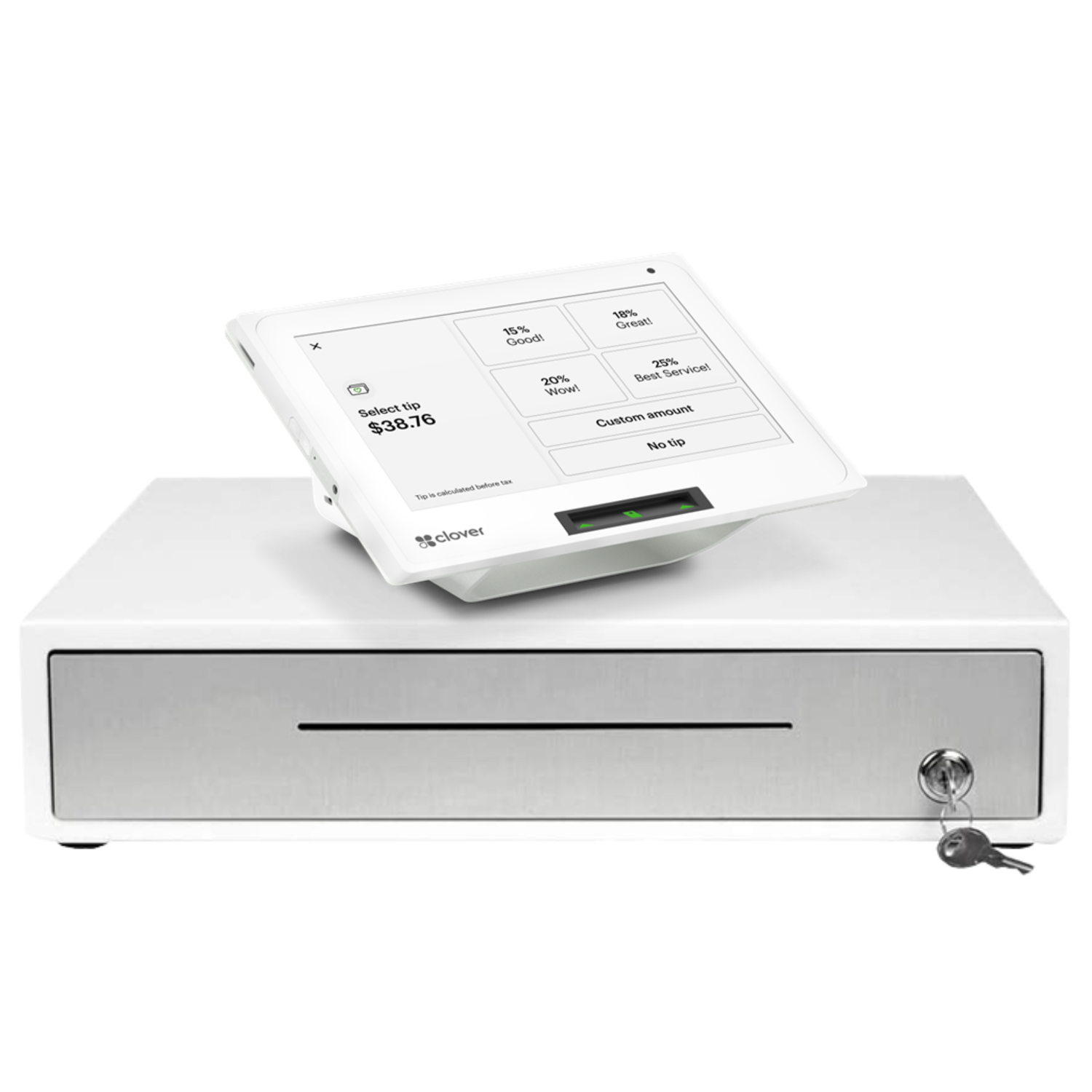
Accept chip, swipe, tap, gift cards, and mobile wallets.
Clover Mini accepts major payment types and can streamline refunds, returns, exchanges, tipping, digital receipts, service fees, and delivery charges.
- EMV chip, swipe, and contactless
- Apple Pay, Google Pay, Samsung Pay
- Gift cards and digital receipts
- Automatic tax, fee, and tip workflows
Create an online ordering path that connects to the POS.
Clover can support commission-free online ordering pages, delivery integrations, kitchen printer routing, and POS sync when configured correctly.
- Online ordering page connected to your website
- Uber Eats, DoorDash, Grubhub, BentoBox where configured
- Orders route to kitchen printer when set up
- In-store, pickup, and delivery reporting
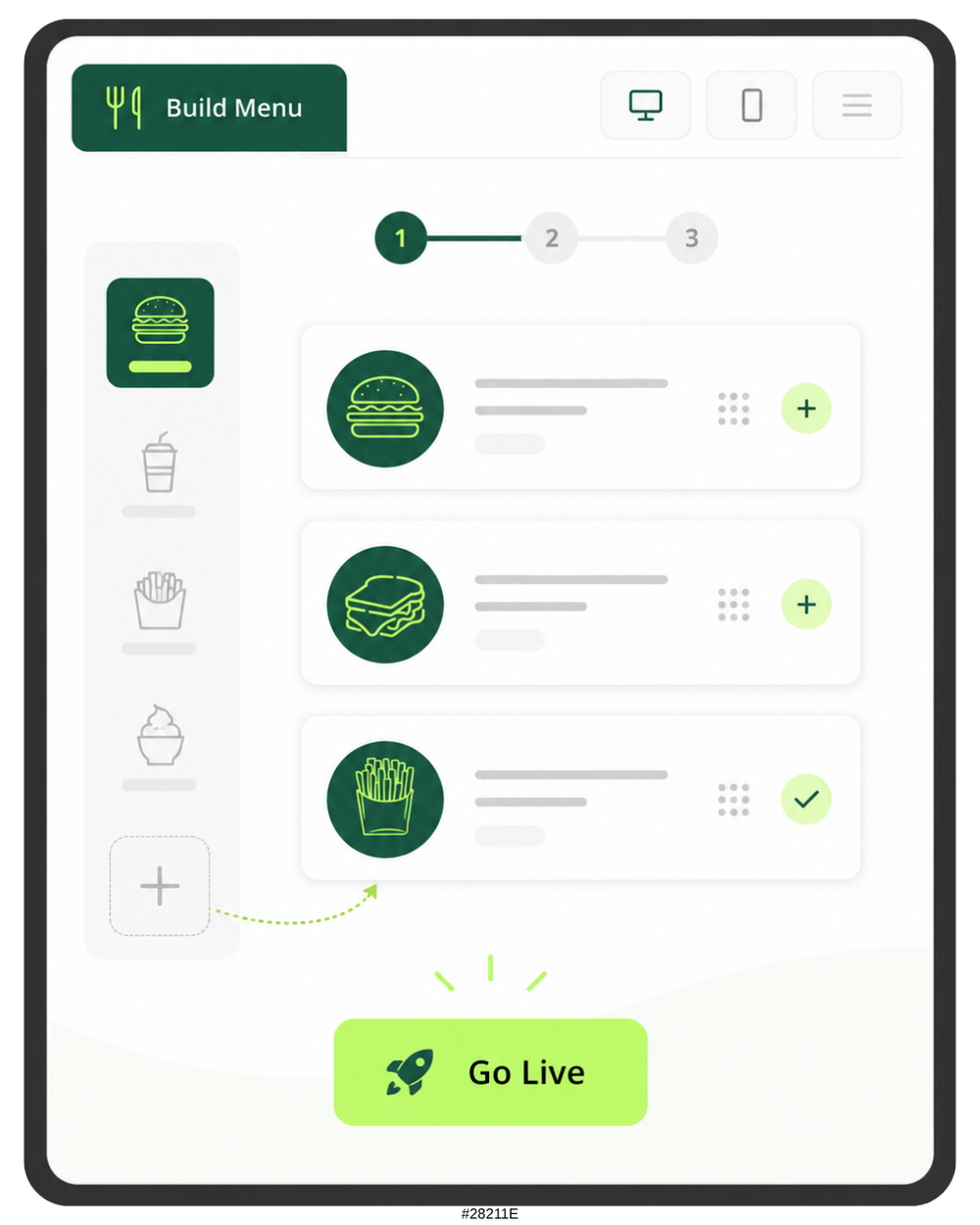
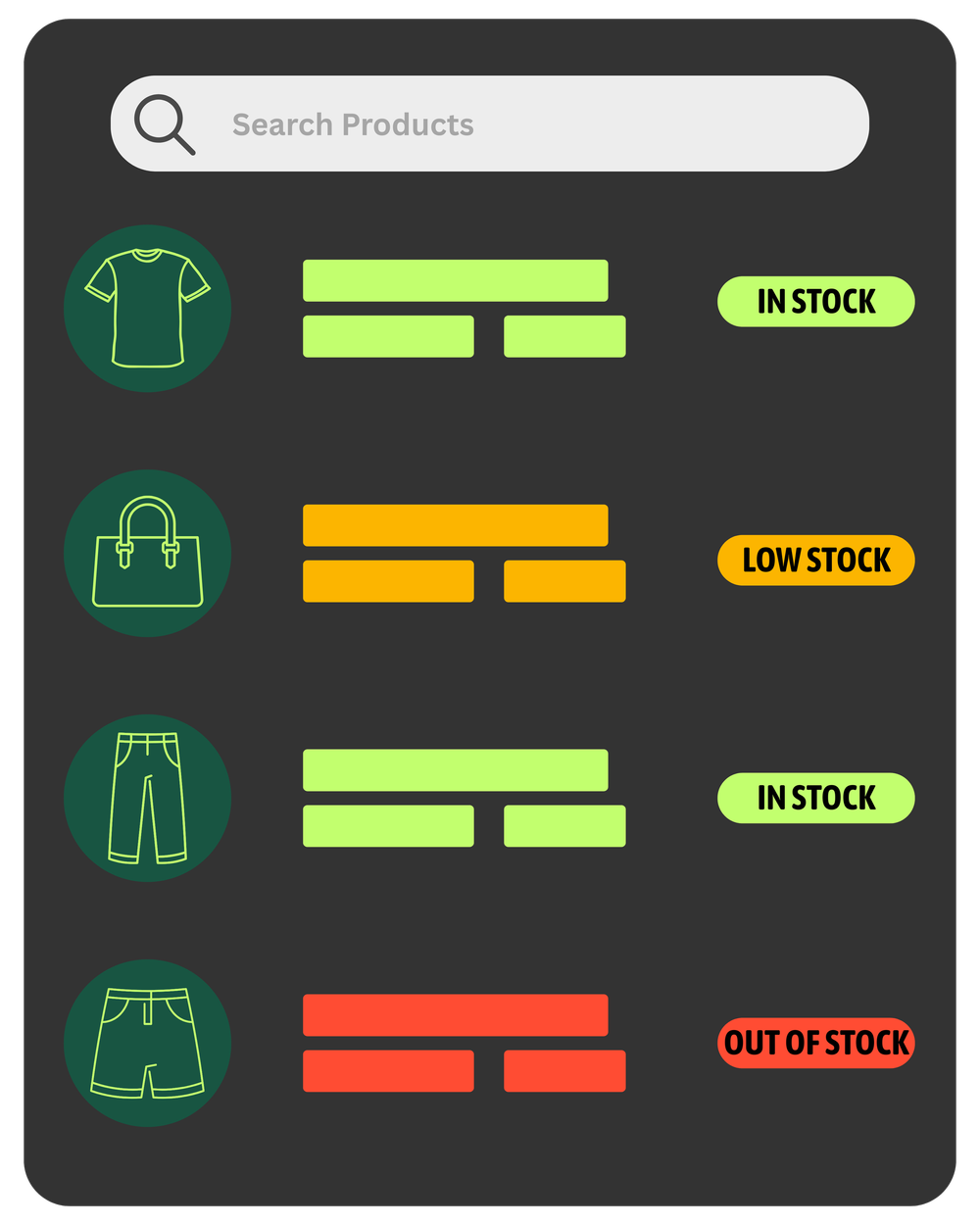
Keep products organized in a small register.
Mini can support categories, labels, modifiers, variants, stock visibility, item reports, barcode scanning, and online store workflows.
- Inventory categories and variants
- Barcode scanning workflows
- Low-stock visibility
- Online store / eCommerce options
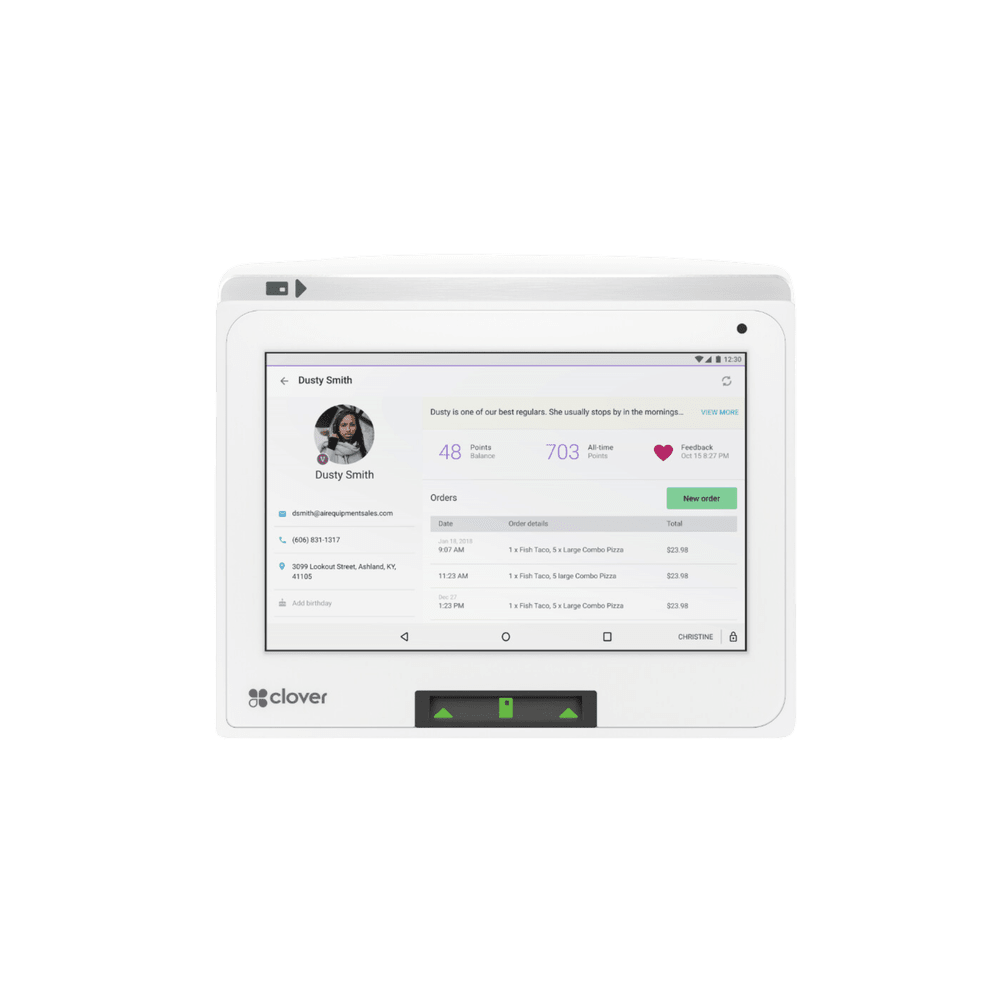
Build repeat customers from the checkout.
Use Clover customer tools to collect customer records, send promotions, run loyalty, gather feedback, and track purchase history.
- Customer profiles tied to purchases
- Rewards and loyalty programs
- Email or text-style promotions through available tools
- Private customer feedback
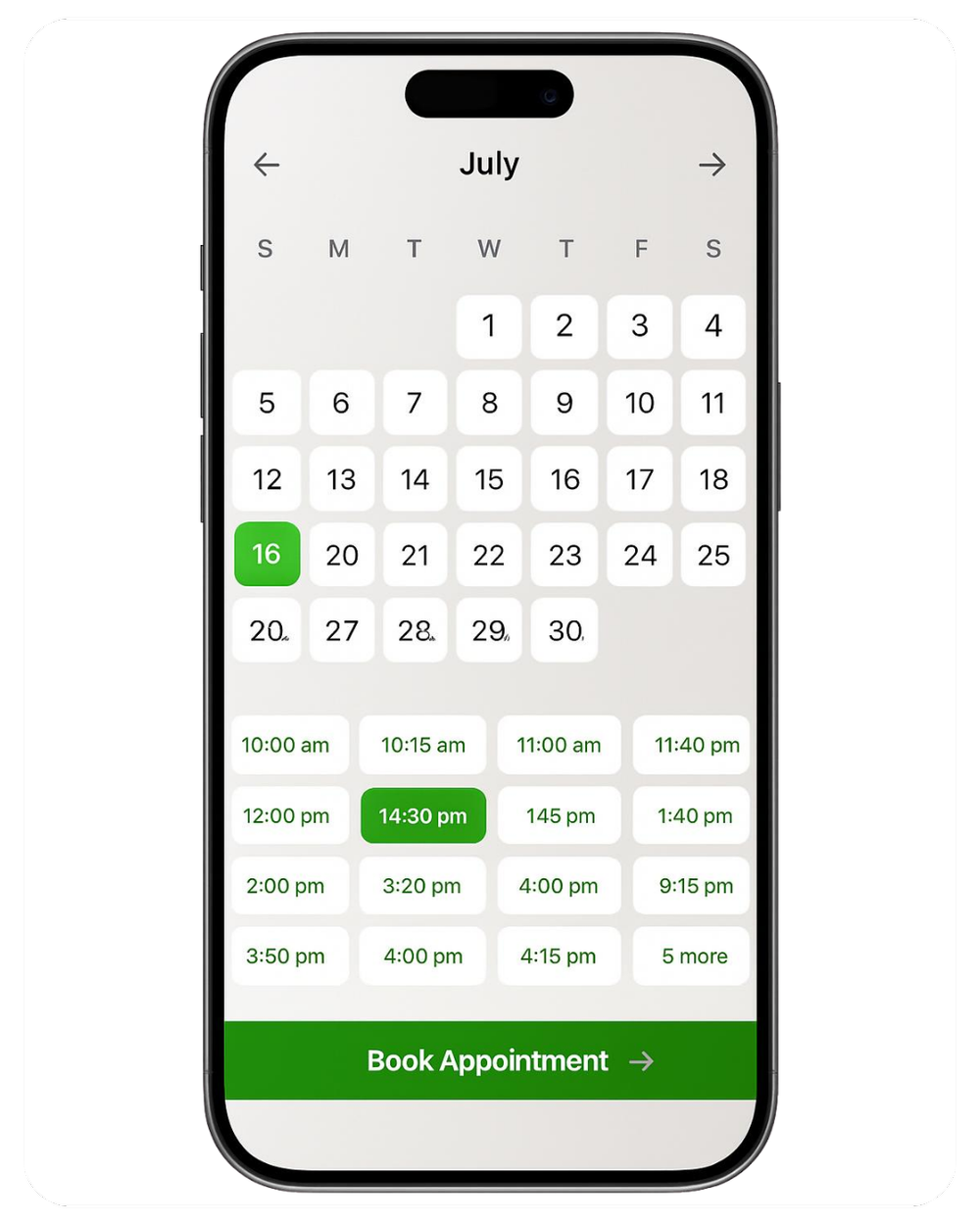
Let clients book online and reduce admin work.
Services Growth can connect services, staff schedules, online booking, confirmations, reminders, and checkout.
- Online booking website
- Appointment reminders
- Staff calendars
- Service catalog and customer history
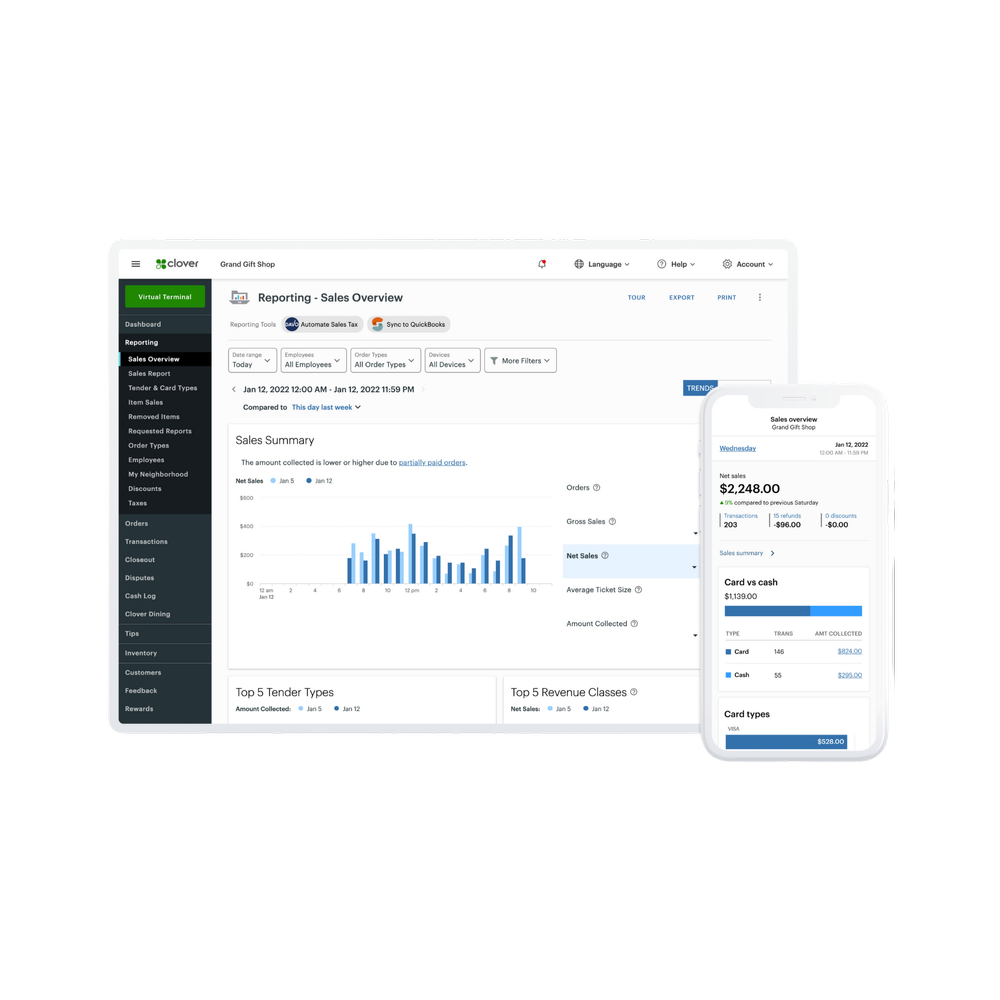
Manage the business from the Clover dashboard.
Use Clover reporting, staff tracking, employee performance, tip management, payroll integrations, accounting integrations, and dashboard access.
- Hourly sales and top-selling items
- Employee sales, tips, and refunds
- Payroll integrations such as Gusto, Paychex, ADP
- Accounting integrations such as QuickBooks
Protect transactions and customer data.
Clover Mini includes security tools, encryption-focused workflows, PCI-focused protections, and secure payment acceptance.
- Clover Security end-to-end encryption
- PCI-focused payment workflows
- Fraud prevention tools
- Cloud dashboard access
Want the Mini configured for your actual business?
Limelight Payments can help map a food truck menu, salon service list, med spa workflow, retail catalog, or service counter setup before you buy.
Choose the path that fits your situation.
The main question is whether you want to buy the hardware, apply for the placement program, or talk through the right setup first.
- One-time $795 for the Clover Mini Gen 3 hardware
- You own the Clover Mini hardware
- Merchant account with Limelight Payments required
- Clover software billed separately by plan
- Cash drawer sold separately at $87 if needed
- Best fit: you want to buy the Mini hardware
- Get Clover Mini through the placement program
- $99 covers shipping and setup
- One per new customer, subject to approval
- Hardware is placed for use with the merchant account, not sold
- If the account is cancelled or terminated, equipment must be returned per terms
- Best fit: you want lower upfront cost
- A Limelight Payments advisor reviews your business
- We compare Mini vs. Flex vs. Solo vs. Duo
- We recommend the best Clover software plan
- We confirm if you need cash drawer, scanner, printer, or online tools
- Best fit: you want expert guidance before buying
Both hardware paths require a Limelight Payments merchant account. Clover software is billed separately by plan. Placement program offers are subject to approval and program terms.
5.0 stars across 30+ Google reviews.
Limelight Payments’ value is not just Clover hardware. It is guidance, setup, training, and real support after the sale.
“Someone online told me that if I was going to get a Clover system, I should go through a trusted sales rep — and that was the best advice I could’ve received. Ryan helped with everything: setting up my menu, uploading my inventory, and even integrating my gift cards.”
“I’ve been in business for over 20 years using credit card processors and Ryan is by far the most knowledgeable, helpful individual I have ever used.”
“If I have a question, Ryan still answers the phone or returns my call. I don’t get tossed around with customer service reps.”
Detailed answers before you buy a Clover Mini Gen 3.
Use this section to understand the hardware price, placement program, software plans, cash drawer, processing, food truck workflows, salon booking, retail inventory, and which Clover device fits your business.
How much does Clover Mini Gen 3 cost through Limelight Payments?
The standard buy-now price shown for Clover Mini Gen 3 is $795. Merchant account approval with Limelight Payments is required. Clover software, payment processing, taxes, shipping, optional accessories, and setup details are quoted separately.
What is the Clover Mini placement program?
Eligible new merchants can get Clover Mini Gen 3 through the equipment placement program for a $99 one-time shipping and setup fee. The equipment is provided for use with the merchant service. If the merchant account is cancelled or terminated, the equipment must be returned according to the program terms.
Is the cash drawer included?
No. The cash drawer is sold separately. The store page lists the Clover Cash Drawer add-on at $87. Ask Limelight Payments whether your business actually needs a cash drawer before adding one.
What is the Clover Mini Gen 3?
Clover Mini Gen 3 is a compact all-in-one countertop POS terminal with an 8-inch color touchscreen, built-in thermal receipt printer, EMV chip, swipe, and contactless payment acceptance, Clover Security tools, Wi-Fi, Ethernet, and 4G/LTE connectivity options.
Which businesses are best for Clover Mini?
Clover Mini is a strong fit for businesses that need a compact register without the size of a full Station: cafés, bakeries, food trucks, small restaurants, quick-service counters, salons, spas, med spas, retail boutiques, pop-ups, kiosks, medical offices, auto repair counters, gyms, studios, and professional services.
Is Clover Mini good for food trucks?
Yes. Clover Mini can work well for food trucks because it is compact, powerful, has an integrated printer, accepts multiple payment types, and can support online ordering, customer engagement, reporting, employee tools, and inventory. Food trucks should also compare Clover Flex when mobility outside the truck is important.
Is Clover Mini good for salons, spas, and med spas?
Yes. Clover Mini can support salon and spa checkout, tips, gift cards, customer profiles, online booking, appointment reminders, staff tracking, payroll integrations, and recurring or scheduled payment workflows when configured with the right Clover software plan and apps.
What software plan does Clover Mini need?
The right software plan depends on business type. Payments may work for simple transactions. Essentials supports inventory, employees, customers, rewards, and gift cards. Restaurant Growth is better for restaurants, food trucks, cafés, QSR, online ordering, delivery, and kitchen workflows. Retail Growth is best for inventory-heavy retail. Services Growth is best for salons, spas, med spas, booking, reminders, and appointment workflows.
Can Clover Mini support online ordering and delivery?
Yes, with the right restaurant software and integrations. Clover can support online ordering pages, delivery workflows, and integrations such as Uber Eats, DoorDash, Grubhub, and BentoBox where configured. Orders can route to the kitchen printer and sync with the Clover POS when set up correctly.
Can Clover Mini support retail inventory?
Yes. Clover Mini can support inventory categories, labels, modifiers, variants, item reporting, low-stock visibility, barcode scanning workflows, customer records, gift cards, and online store or eCommerce options depending on software and accessories.
Can Clover Mini take payments offline?
Clover can support offline payment workflows in certain situations, allowing payments to be accepted and processed later when the device reconnects. Offline payment availability and risk should be reviewed before relying on it.
Can I use Clover Mini with another processor?
Limelight Payments sells Clover hardware to merchants who process with Limelight Payments. Clover devices are tied to specific processing relationships, so do not buy a Clover Mini expecting to use another processor unless compatibility is confirmed in writing before purchase.
Should I choose Clover Mini, Flex, Solo, or Duo?
Choose Clover Mini when you need a compact countertop POS with receipt printing and payment acceptance. Choose Flex when payments happen away from the counter. Choose Solo when staff need a larger register screen. Choose Duo when the customer-facing screen is important for tips, signatures, PIN, and order confirmation.
What happens after I submit the form?
A Limelight Payments POS advisor reviews your business type, current processor, checkout flow, software needs, cash drawer/accessory needs, and timeline. Then we recommend whether Clover Mini, Flex, Solo, Duo, Compact, or a bundle makes the most sense and send a clear quote.