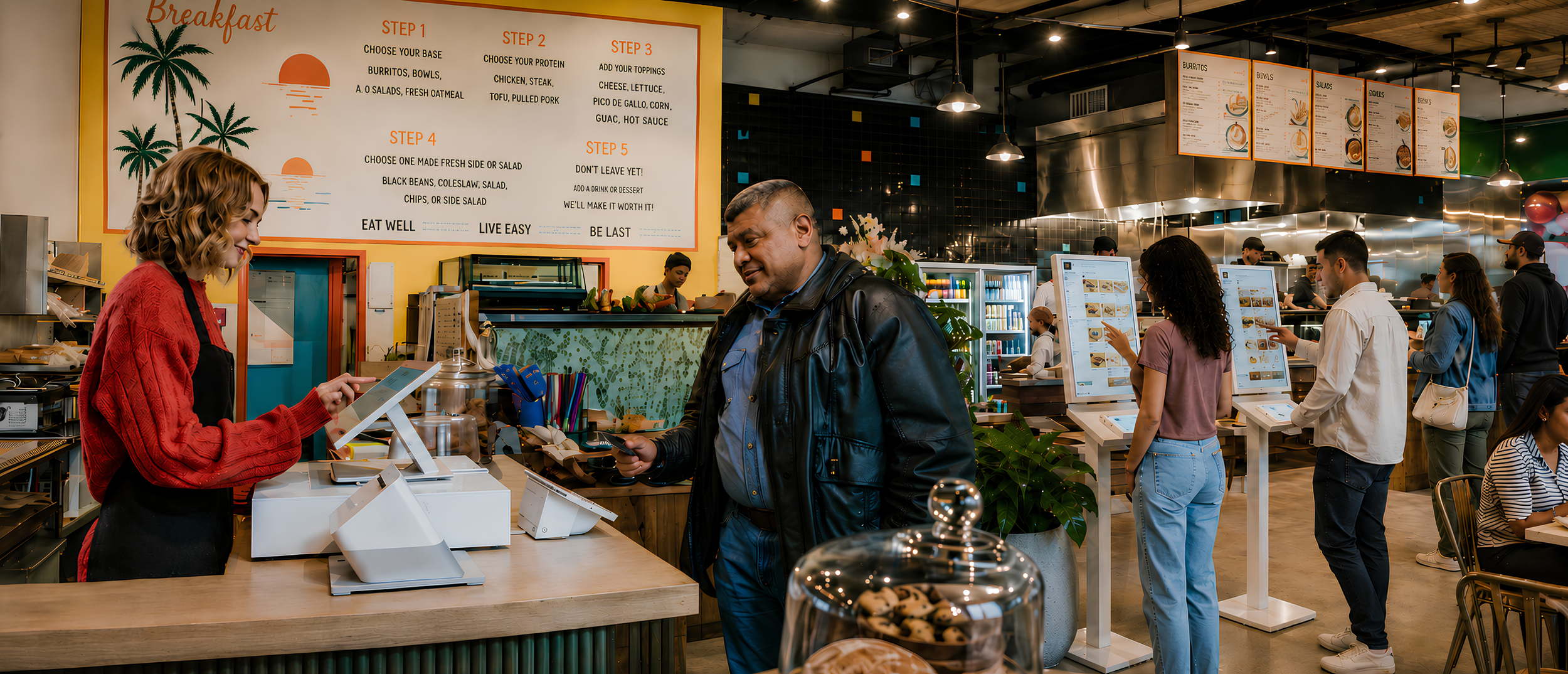
Speed Up Service, Keep Lines Moving, GET PAID
Clover For Quick Service Restaurants
Keep your line moving and your orders organized.
Quick service restaurants need more than a way to take payments. You need a system that helps your team ring up orders fast, send tickets to the kitchen, manage online orders, track sales, and keep customers moving.
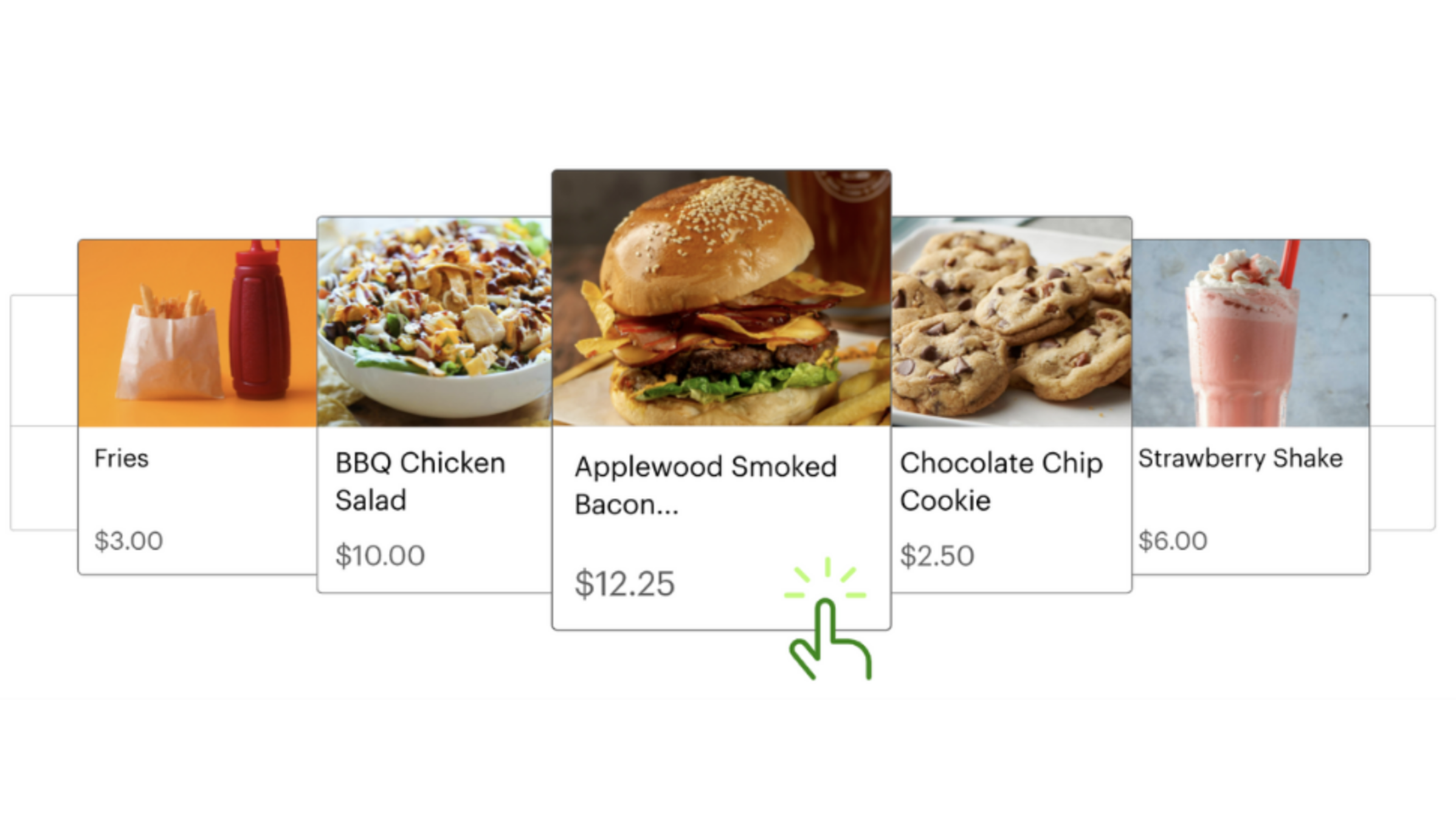
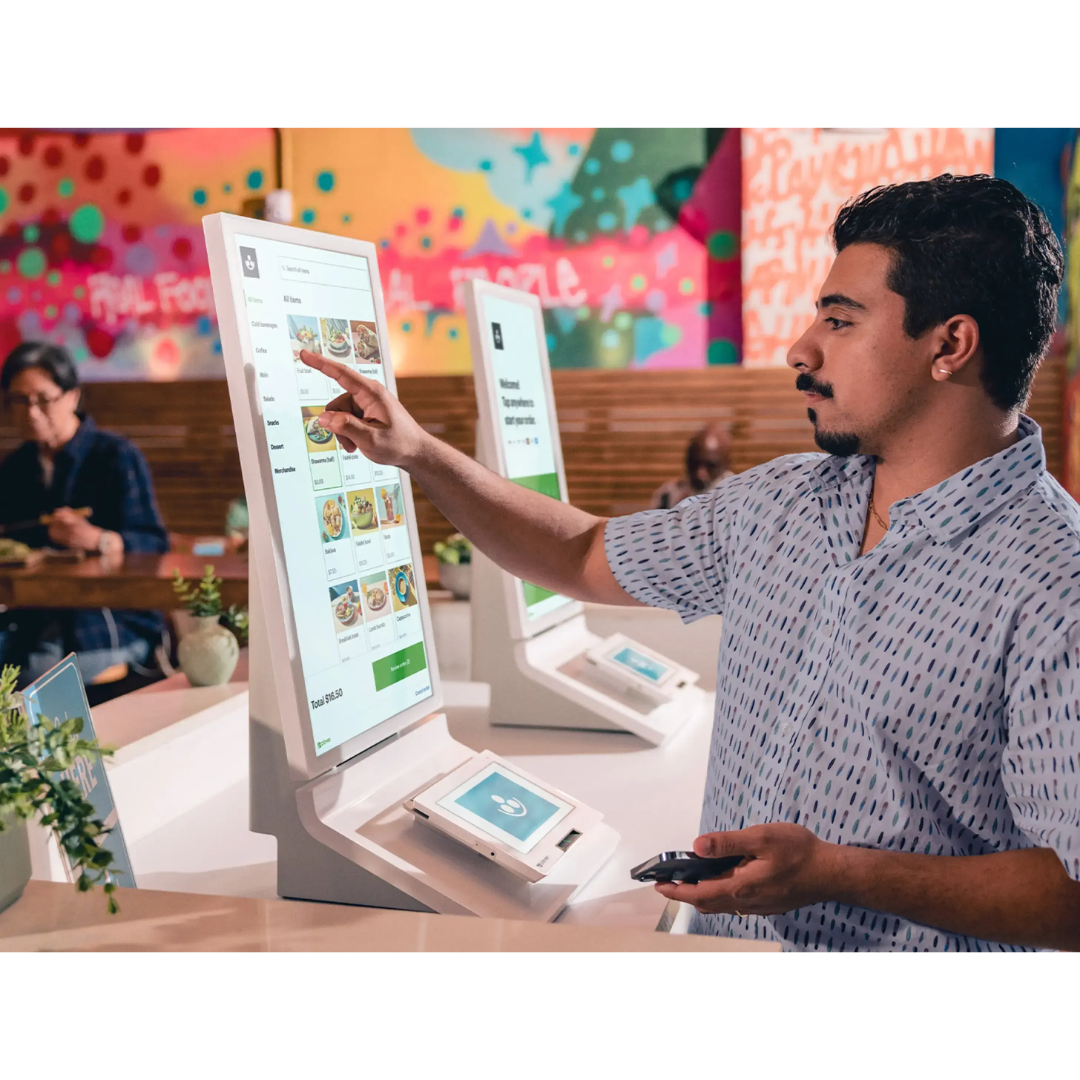
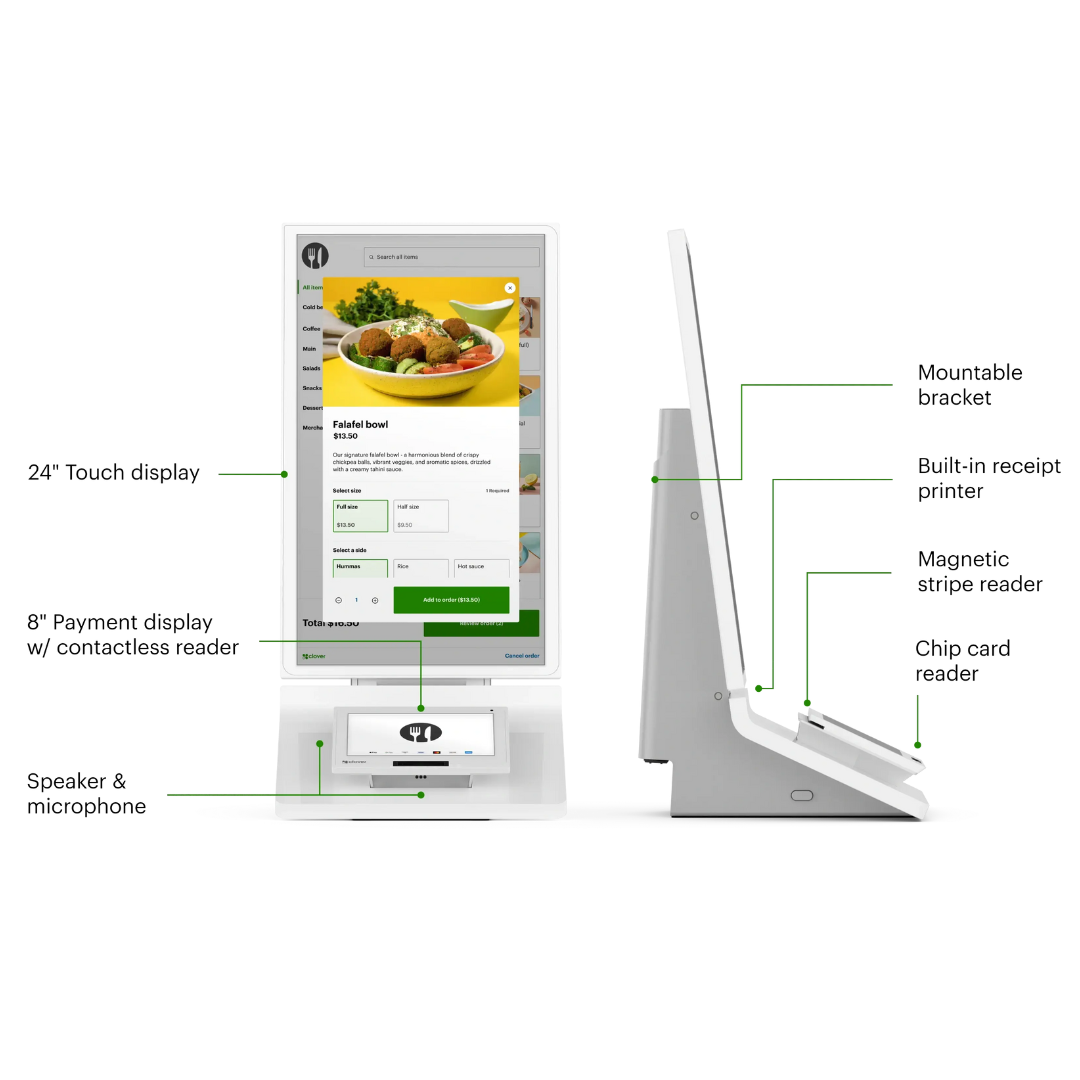
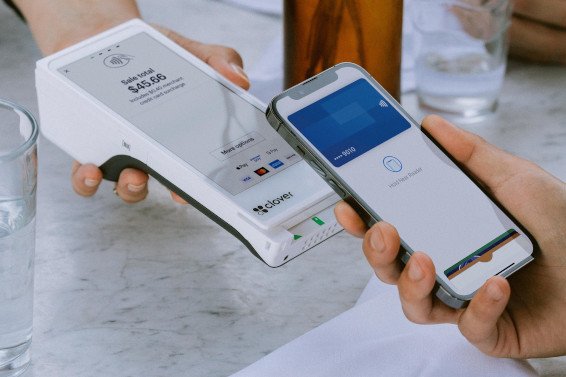
- ✓ Speed up checkout with fast order entry, saved menu items, modifiers, tips, and easy payments.
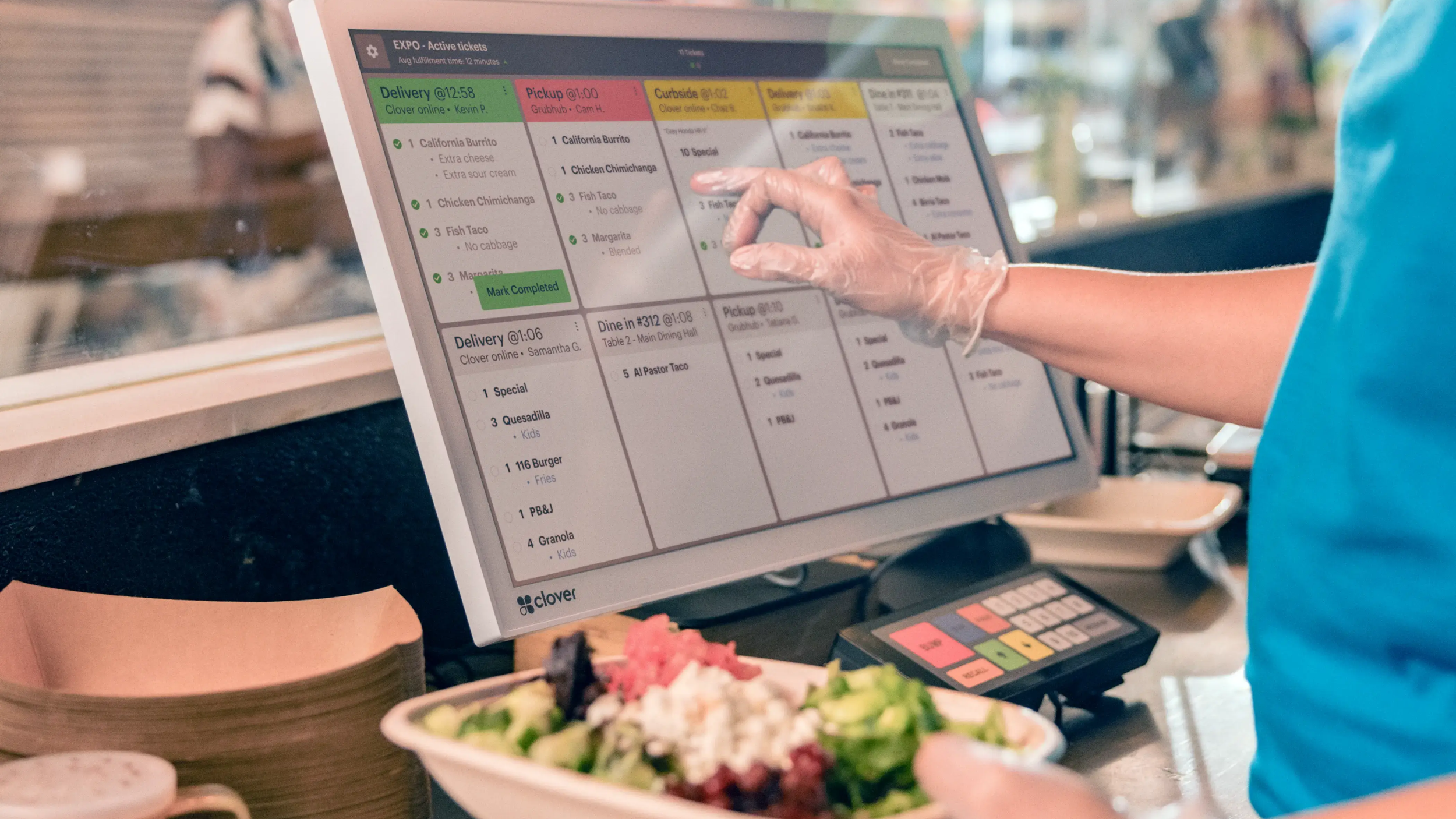
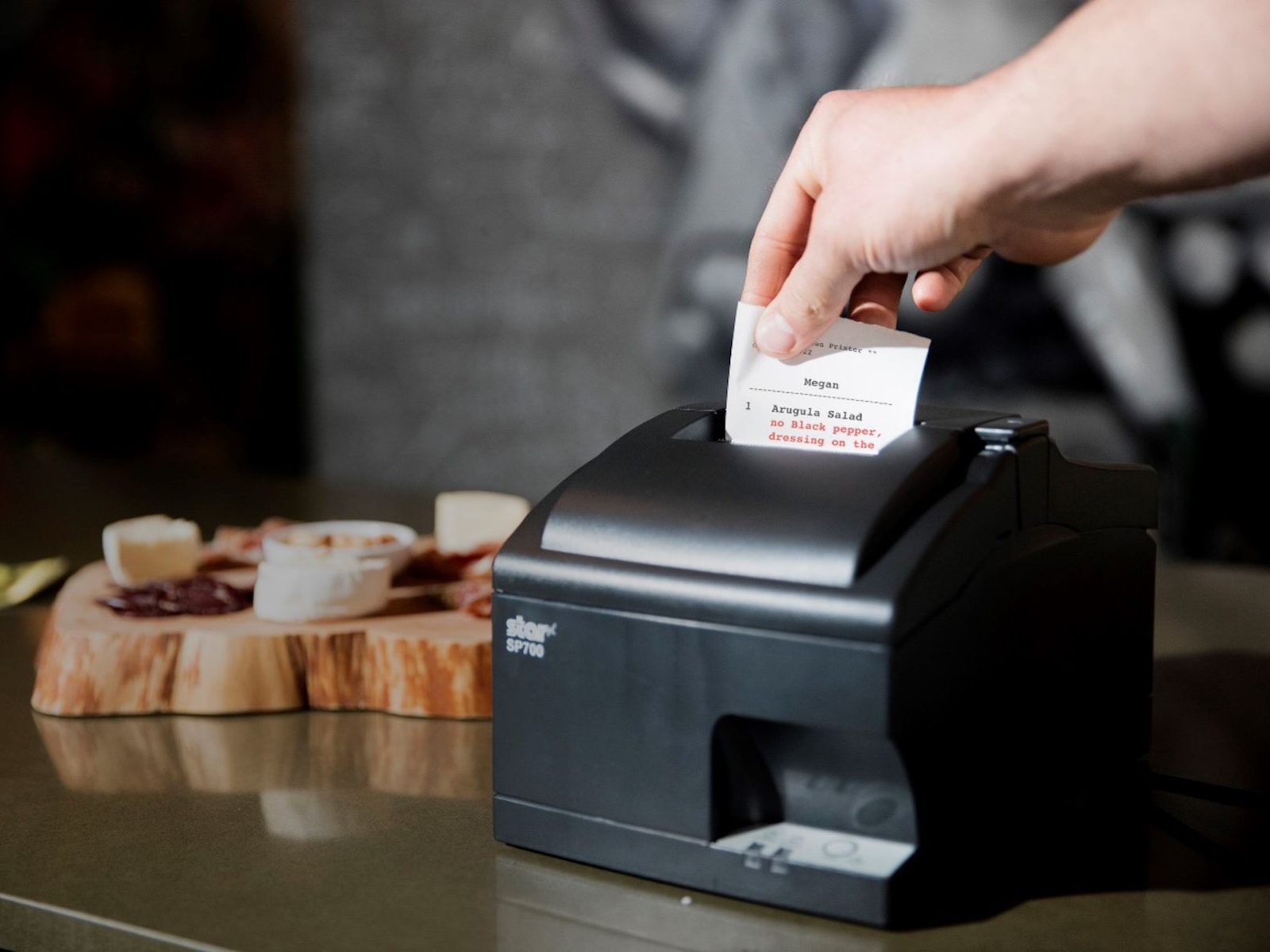
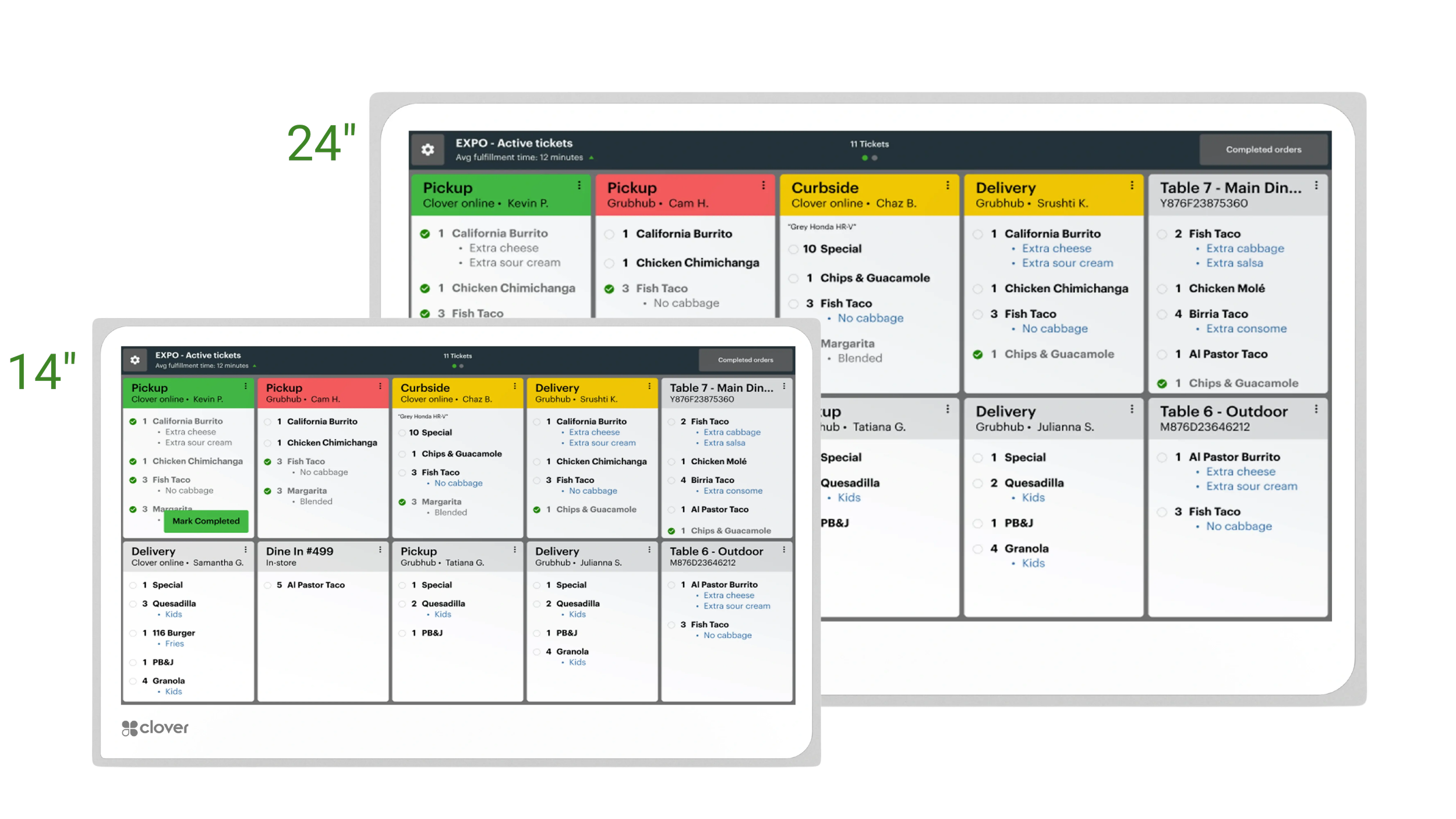
- ✓ Send orders to the kitchen, prep station, or receipt printer so your team stays organized during the rush.
- ✓ Accept dine-in, takeout, pickup, delivery, catering, and online orders from one connected Clover setup.

Clover is only as good as the setup behind it. You worry about the restaurant, we will handle the POS.
For quick service restaurants, the right Clover setup is not just about taking payments. It is about building your menu correctly, routing orders to the right stations, training your staff, and having someone to call or text when your restaurant is busy and you need help.
 Work with a real Clover Expert.
Get personalized setup and ongoing support from someone who understands Clover and restaurant workflows.
Work with a real Clover Expert.
Get personalized setup and ongoing support from someone who understands Clover and restaurant workflows.
Restaurant-focused Clover setup.
We help build Clover around how your restaurant actually runs.
Good system, more DIY.
Works best if you know what you need and can handle setup yourself.
Support can vary a lot.
The experience depends on the company and individual rep.
Limelight helps build Clover around your restaurant.
An all-in-one POS tailored for quick service restaurants.
Clover can help your team do more than take payments. With the right setup, you can manage menu items, track sales, handle staff tools, keep inventory visible, and continue accepting payments when internet issues come up.

Keep ingredients and inventory stocked
Track menu items, modifiers, categories, and item availability so your team knows what is available during service.
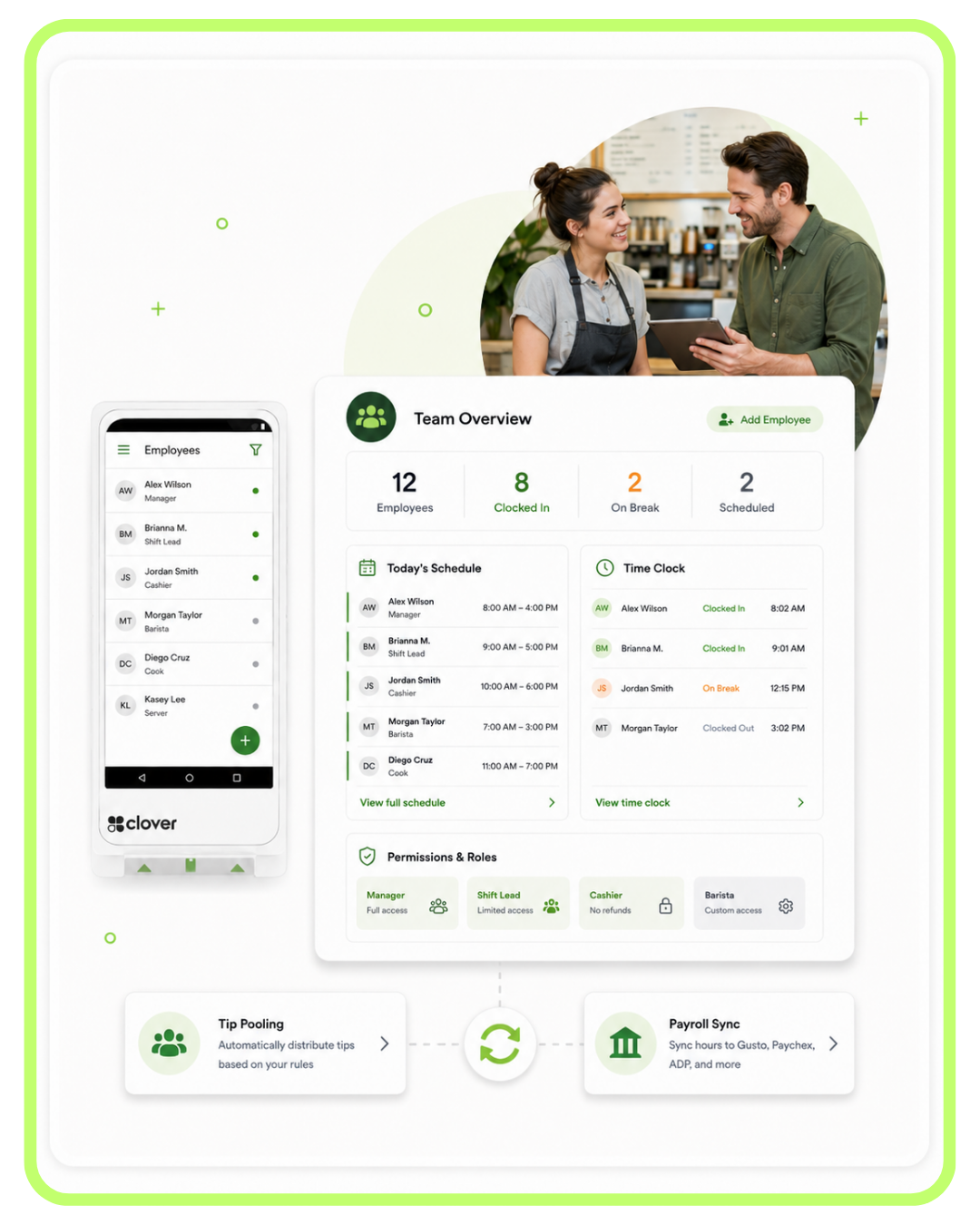
Manage staff, payroll, and scheduling
Set employee permissions, track shifts, review staff activity, and connect compatible payroll tools.
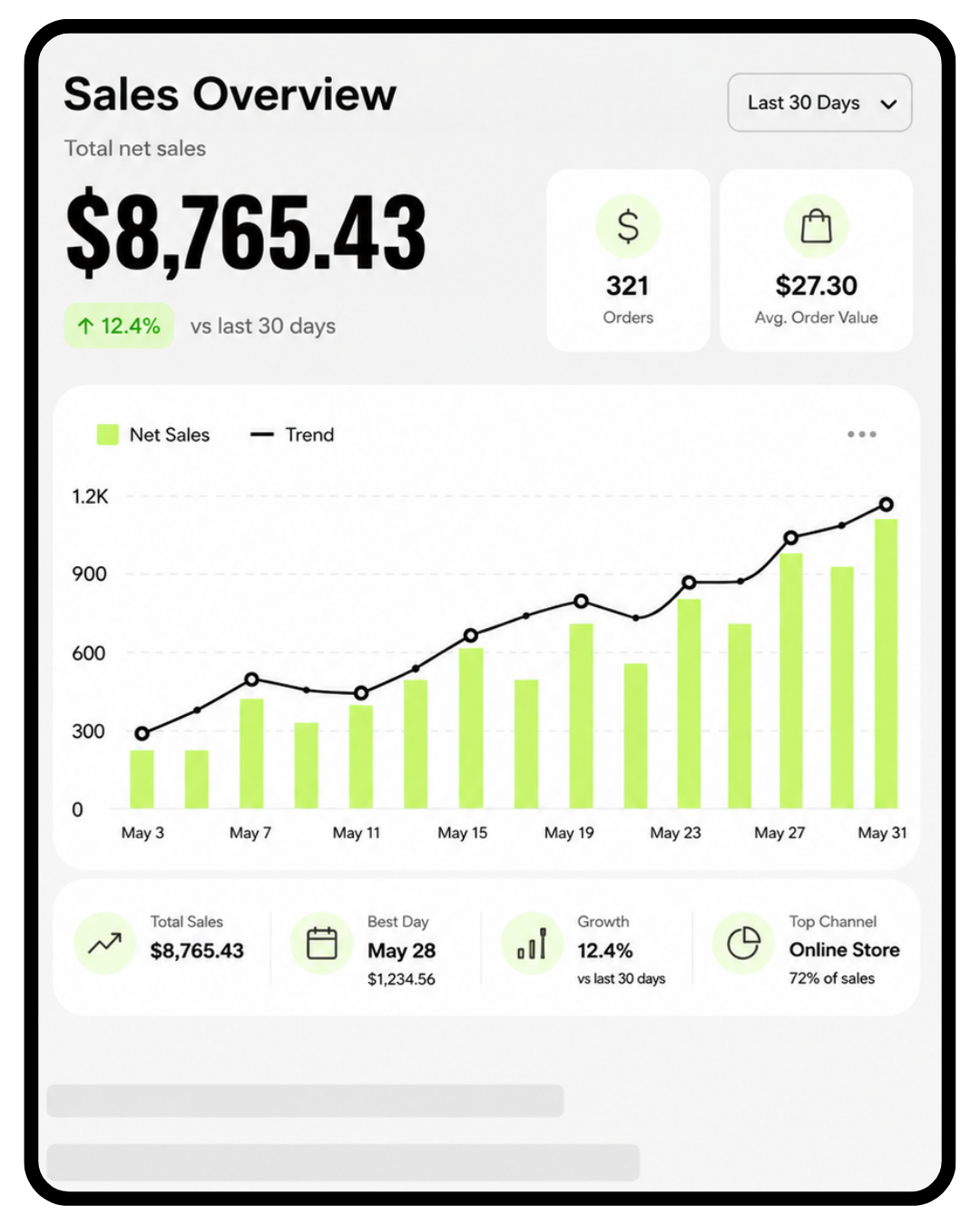
Track sales as they happen
Monitor sales, top items, refunds, staff activity, trends, and daily reporting from your Clover dashboard.

Track tips and server banking
Track tips, split pools, and review server banking reports so you can clearly see what you owe your staff.
Customers crave convenience, Serve them with online ordering.
Quick service restaurants are not just taking orders at the counter anymore. Clover can help connect online ordering, pickup, delivery, and third-party orders into a more organized restaurant workflow.
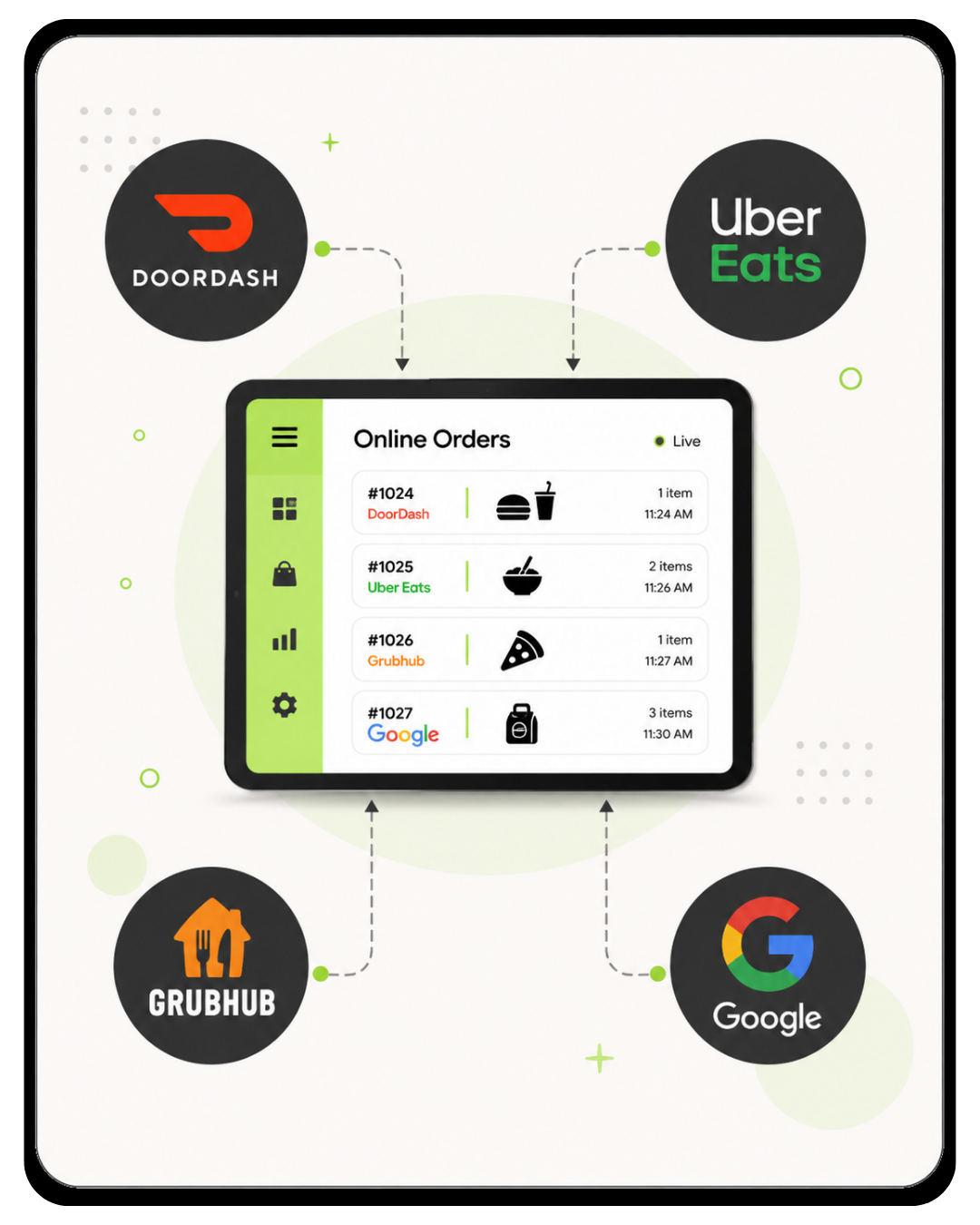
Third-party integrations
Connect tools like Uber Eats, DoorDash, Grubhub, and Google ordering with the right Clover setup.
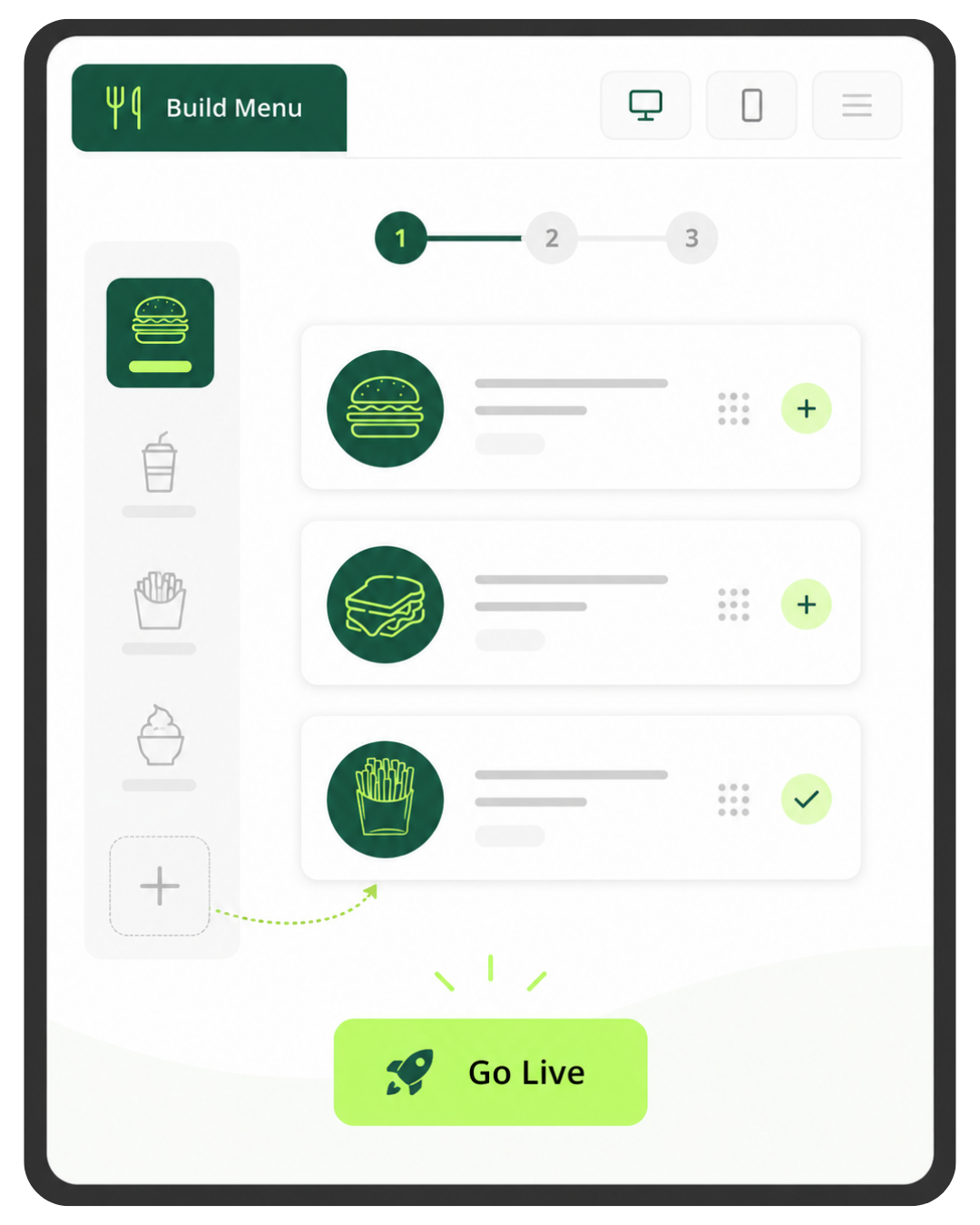
Online ordering
Create an online ordering menu and receive orders directly from your website into your restaurant workflow.

Pickup and delivery
Let customers choose pickup or delivery and keep those orders organized with your in-store workflow.

Manage orders easily
View in-house, online, delivery, and third-party orders in a more organized restaurant setup.
Clover native online ordering included.
- Included at no additional cost with the Clover Restaurant Growth plan.
- Turn your existing Clover menu into an online ordering page that seamlessly drops into your existing website — no extra setup or coding required.
Online ordering works best when the menu is built correctly.
We help you think through categories, modifiers, pricing, prep stations, taxes, pickup timing, and how online orders should flow through your restaurant before you launch.