


🧩 Flexible Software Plans Starting @ $0.00 / mo.
🍀 See All Clover Software Plans
👨💼 Expert Setup & Training Included — Meet Your Expert
📞 Call/Text a Real Person in the U.S.
⭐ 5-Star Trust, Backed by Real Reviews
🔎 Hardware is provided at no cost with your new merchant account. This charge covers setup & shipping.
Run your food truck from the palm of your hand.
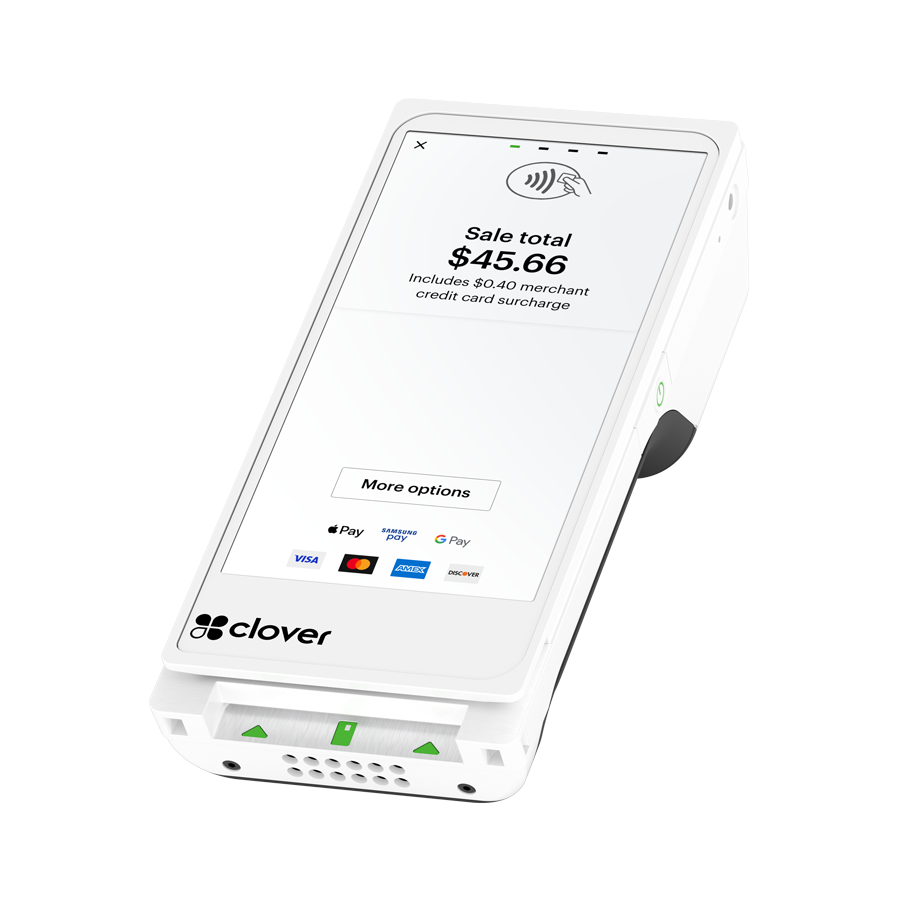
Get a Clover Flex Gen 4 for your food truck through Limelight Payments' equipment placement program. Hardware is provided at no upfront hardware cost with an approved merchant account. You pay $35 for shipping and setup.
hardware free with service
30+ Google reviews. Call or text a real U.S.-based Clover expert.
One-time shipping & setup charge for the Food Truck POS Clover Flex placement offer.
Free Clover Flex for your food truck. You only pay $35 shipping & setup.
The Clover Flex is free to use with an approved Limelight Payments merchant account. We help configure your menu, taxes, tips, employees, and payment settings so you can start taking orders faster.
Standard merchant underwriting applies. Limit one discounted or complimentary device per new merchant account unless otherwise approved based on processing volume. Terms and conditions apply.
A small POS for tight spaces, fast lines, and moving locations.
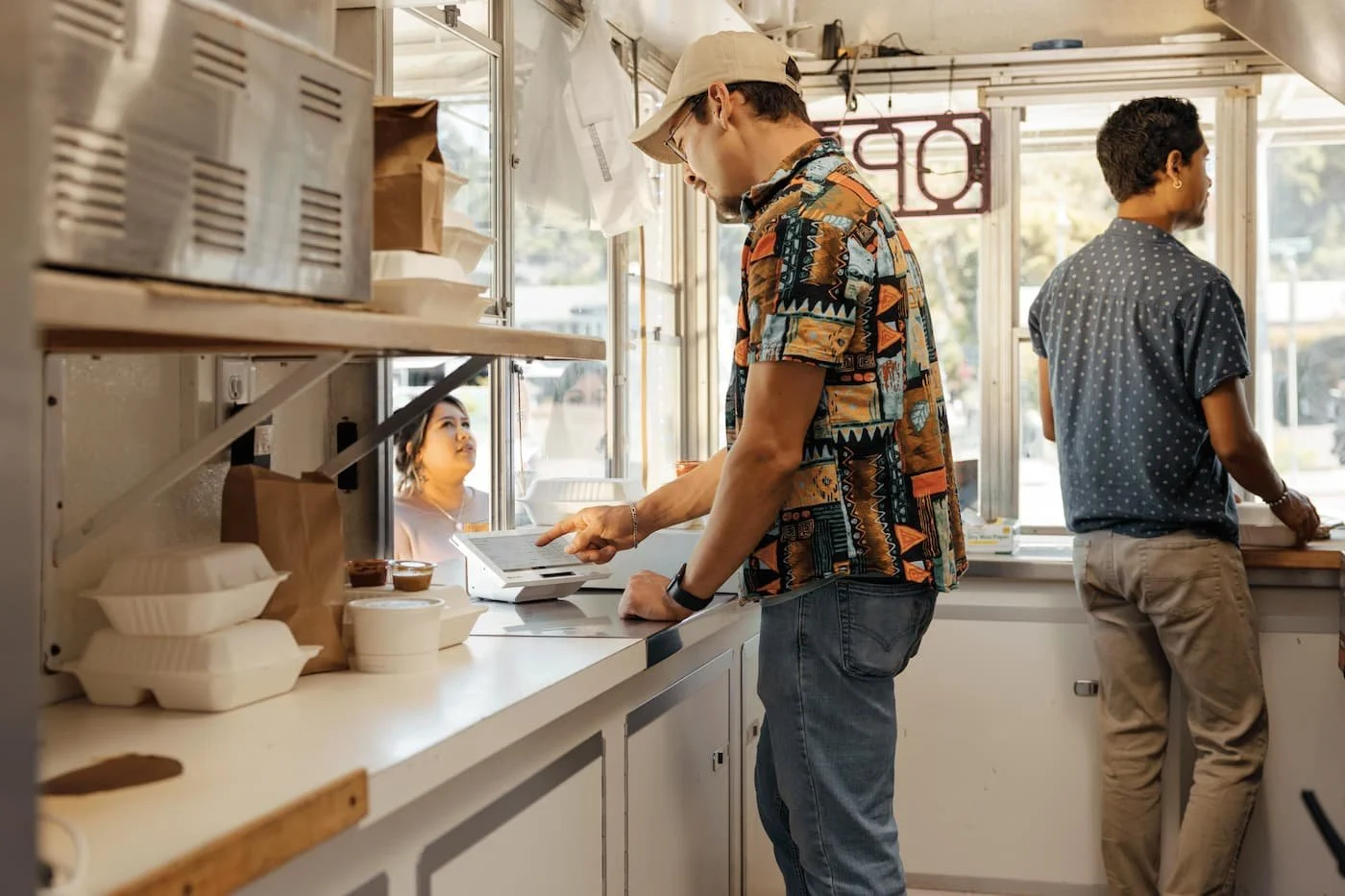
Food trucks do not have room for bulky registers or complicated checkout setups. Clover Flex keeps payments, tipping, receipts, reporting, and basic menu tools in one handheld device.
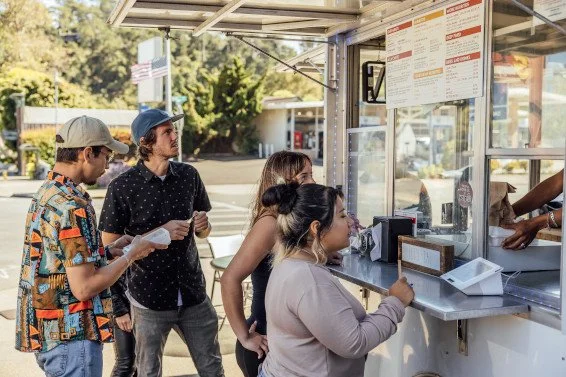
Everything at the window.
Take orders, accept payments, print receipts, collect tips, and keep your line moving without needing a separate register, receipt printer, or card reader.
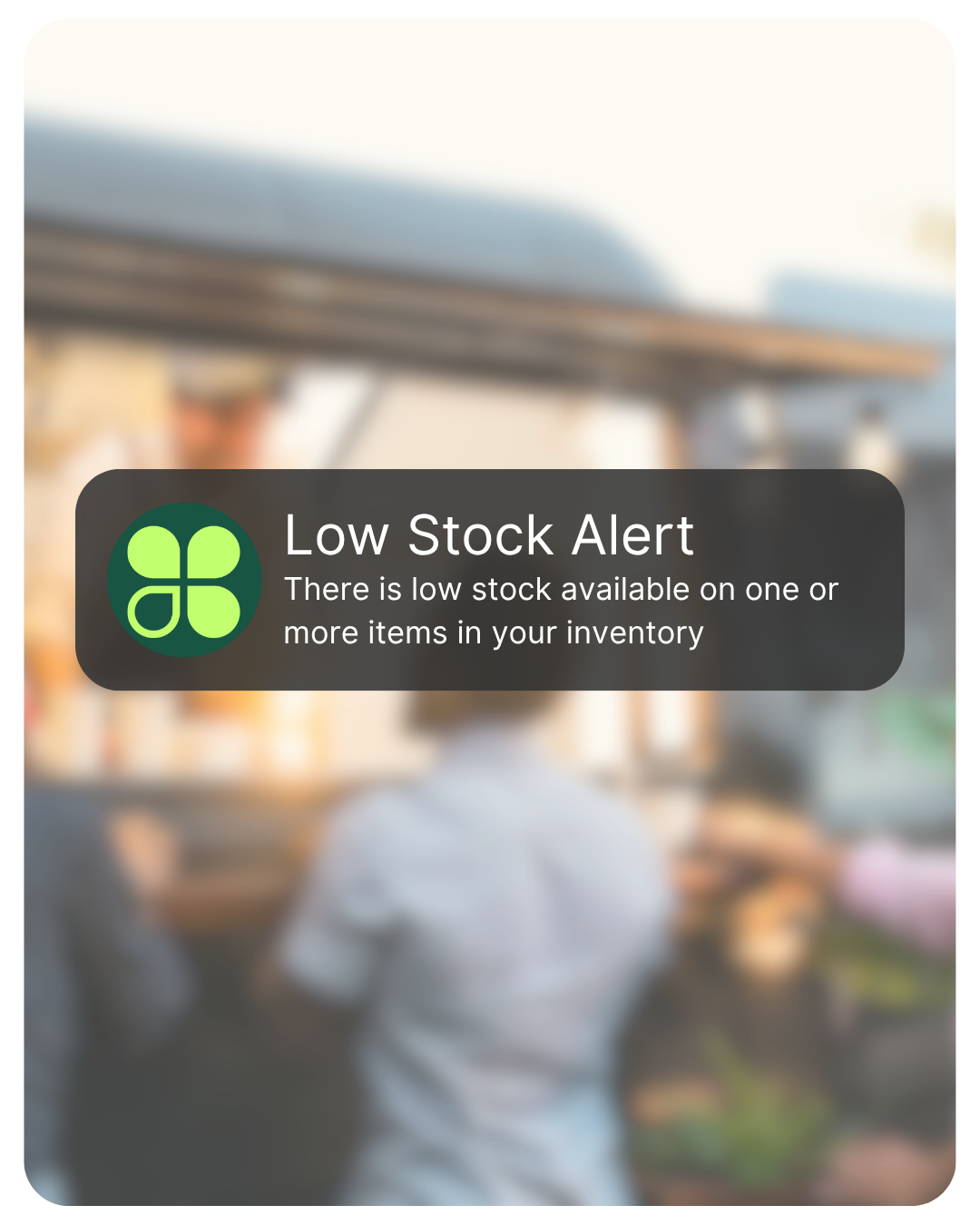
Low stock alerts
Track menu items and get notified when inventory runs low so your team knows what is running out during service.
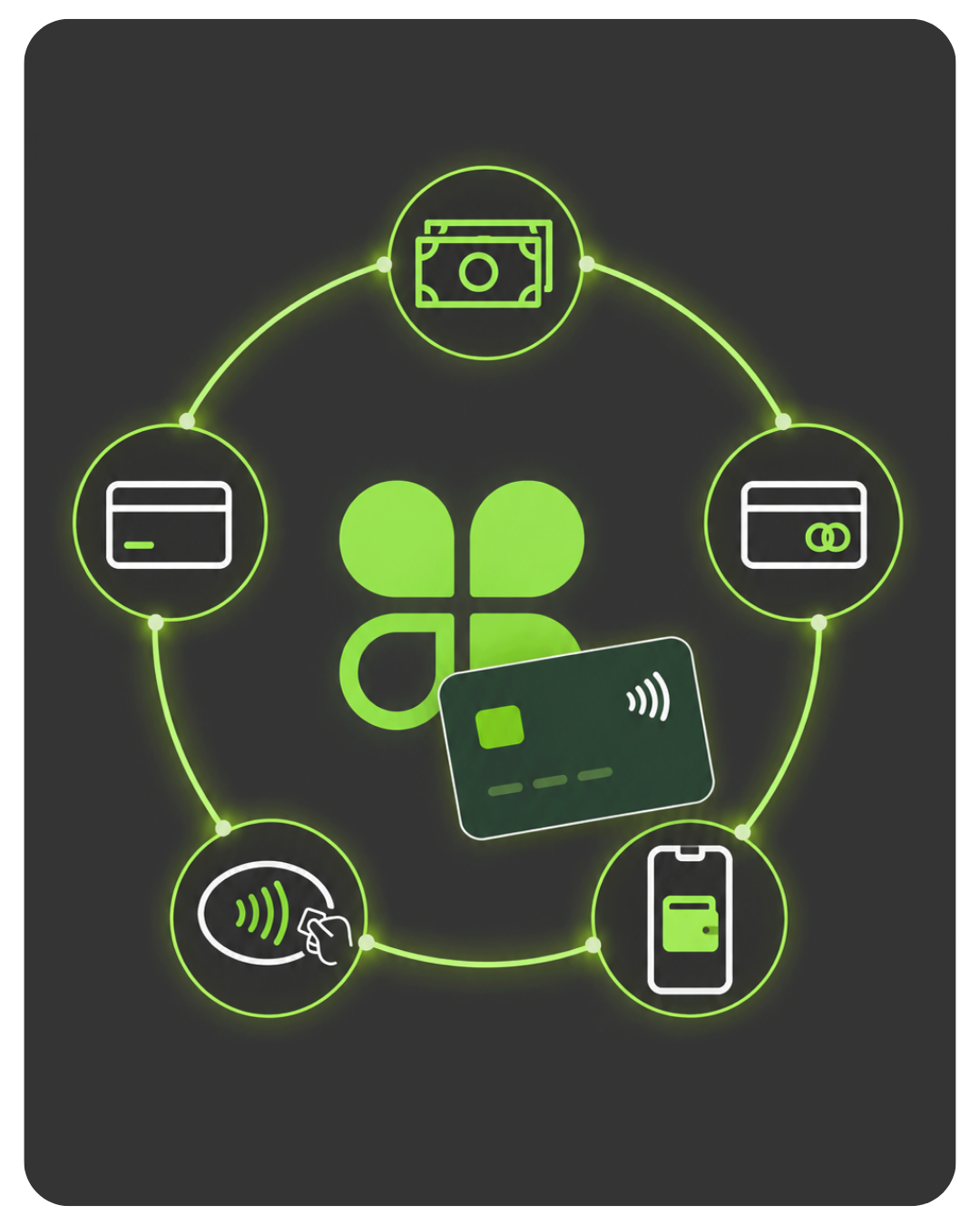
Every way customers pay
Accept cash, cards, tap-to-pay, and mobile wallets with a quick checkout experience.
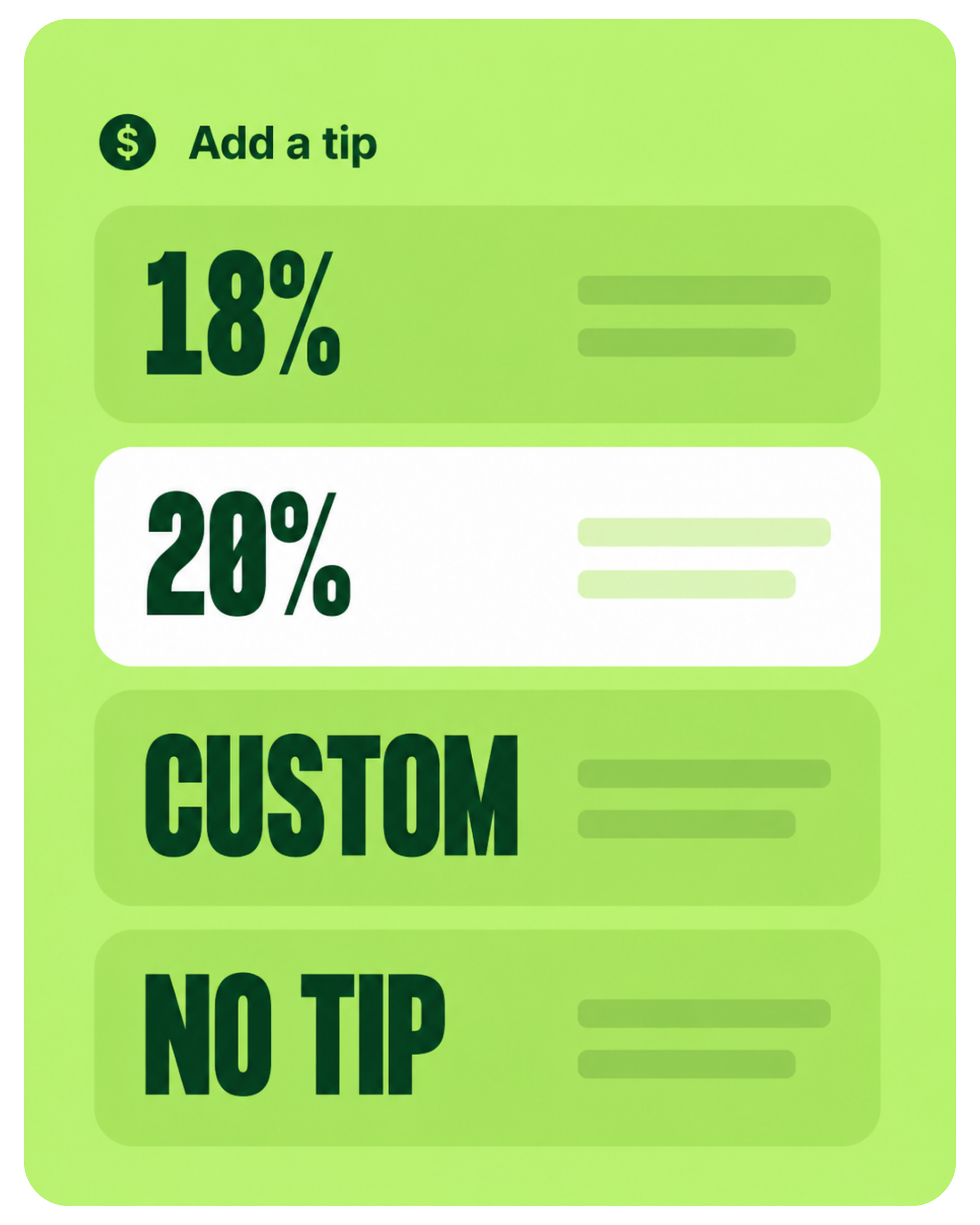
Better tipping flow
Show clear tip options on screen so customers can tip before completing payment.
Built for places
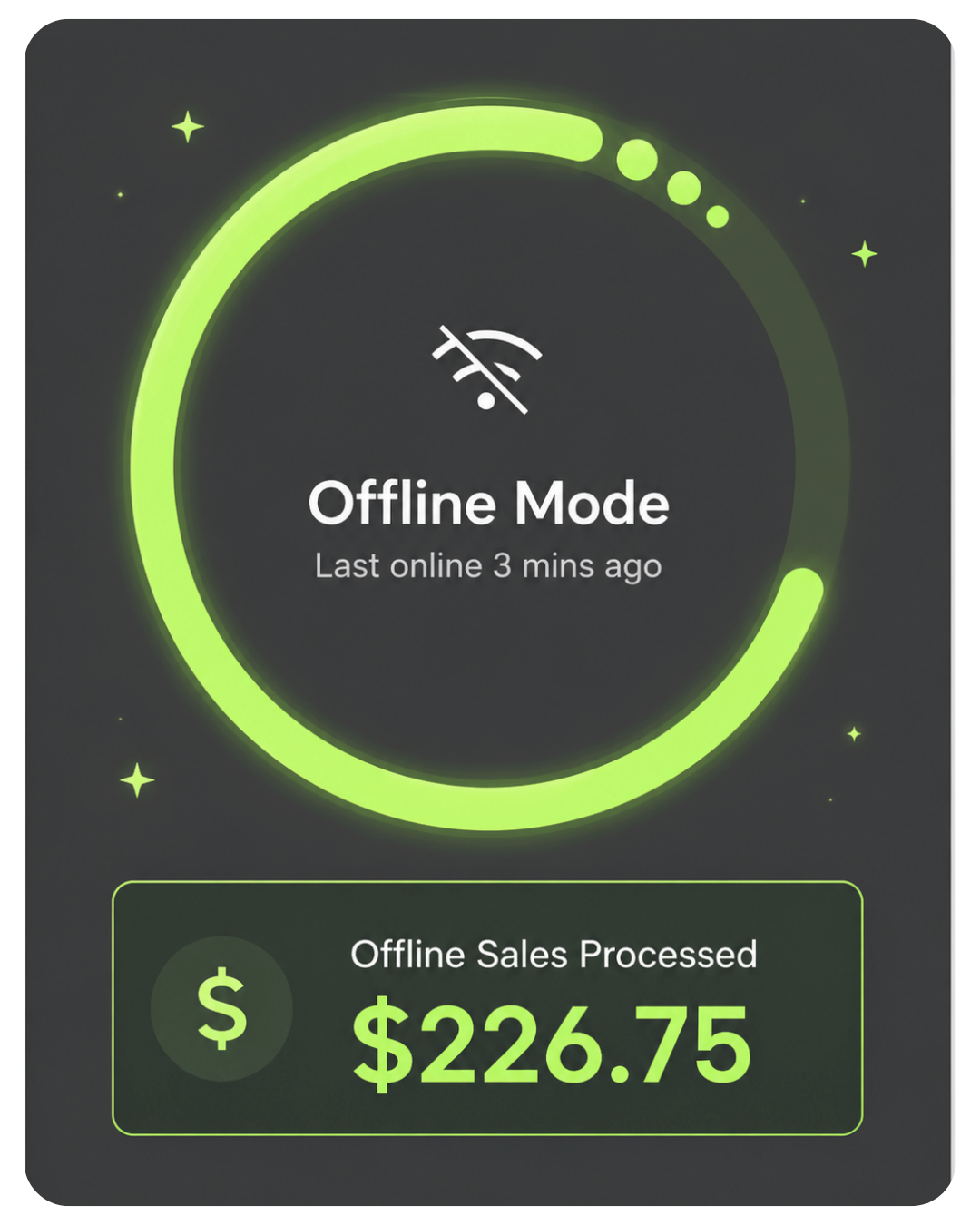
Wi-Fi gets weird.
Food trucks work in parking lots, breweries, festivals, farmers markets, and event spaces. Clover Flex supports Wi-Fi, optional LTE, phone hotspots, and Offline Payments mode for eligible transactions during temporary outages.
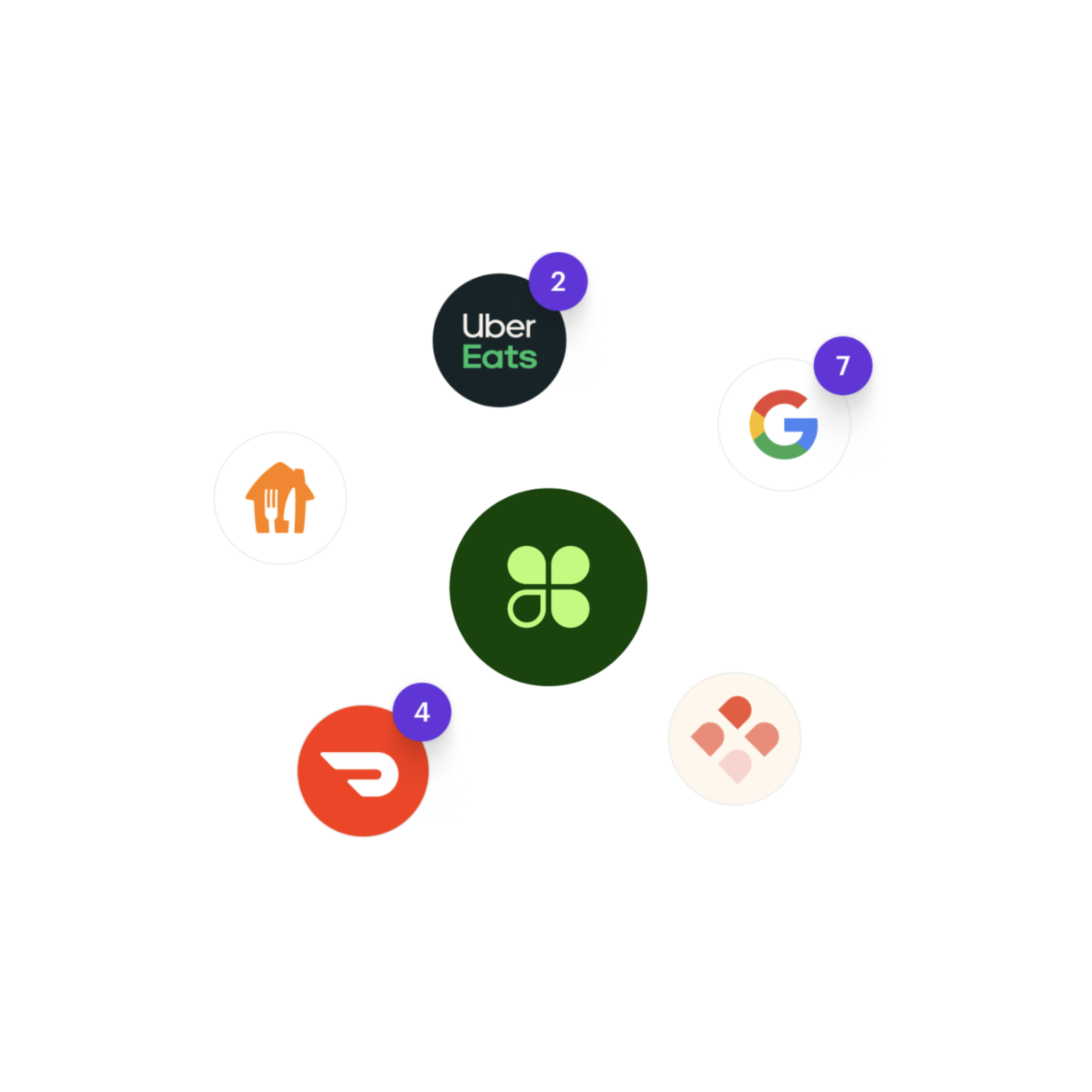
Online ordering, delivery, and customer connection.
When your software plan supports it, Clover can help food trucks connect online ordering, QR code ordering, and delivery integrations so orders can route into your workflow instead of being managed on separate tablets.
Know what happened after the rush.
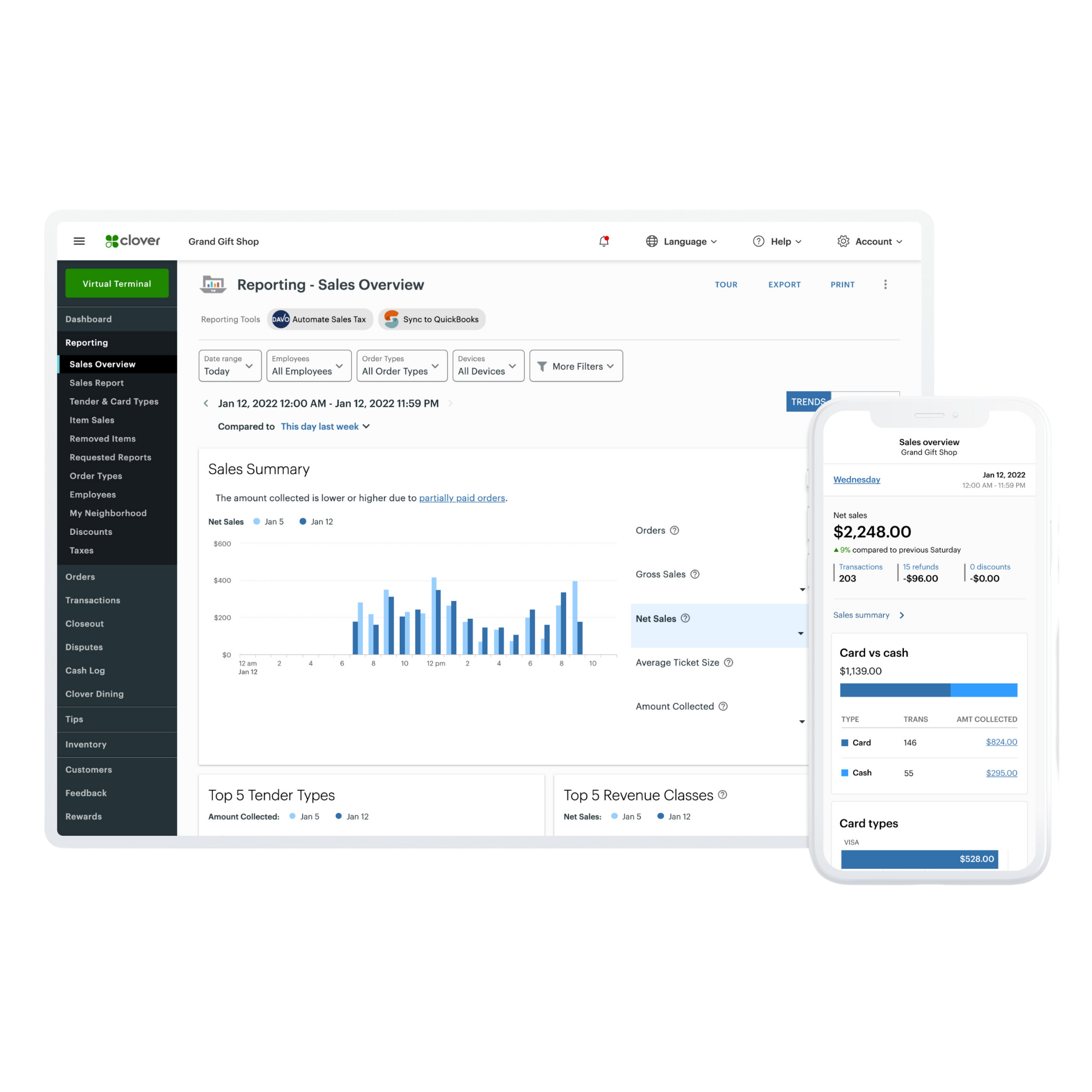
Clover Dashboard gives you visibility into sales, tenders, taxes, tips, employees, and transaction activity from web and mobile access.
Anyone can sell you Clover. Limelight gives you a real Clover Expert - for FREE!
A Clover POS system is only part of the purchase. The real difference is whether you get honest guidance, help setting it up, and support from someone who actually knows the system.

You get personalized setup and ongoing support from a real Clover Expert.
Limelight Payments
Best for businesses that want Clover with real guidance, expert setup, and long-term support.
Clover Direct
Best for business owners who are comfortable doing more on their own.
Other Clover Resellers
Some are good. Many are inconsistent. You need to vet them carefully.
Limelight Payments is selling a service — not just a POS system.
Food Truck POS Clover Flex questions.
Simple answers about the $35 shipping/setup charge, equipment placement, connectivity, software, and support.
Get your Food Truck POS Clover Flex for $35 shipping & setup.
After you order, a Limelight Payments POS expert calls to confirm your food truck business and review your merchant account application. Approved businesses receive a free Clover Flex to use with the service. Not approved? Full $35 refund.
Not ready to order? Talk to a POS expert.
Most people just add to cart and the POS expert calls them. But if you'd rather talk through your business first, fill this out and we'll call you within one business day.
No commitment at this stage. We'll send pricing in writing before you sign anything.
Prefer to talk to a human?
Call Now: (888) 415-7020| Features | Starter | Essentials | Restaurant Growth |
|---|---|---|---|
| Monthly Software Cost | |||
| Cost Per Month (One Device) | INCLUDED | $29.95 | $89.95 |
| Payments Features | |||
| Accept all credit & debit cards | ✓ | ✓ | ✓ |
| Virtual Terminal / MOTO | ✓ | ✓ | ✓ |
| eCommerce integrations | ✓ | ✓ | ✓ |
| Clover Go mobile POS | ✓ | ✓ | ✓ |
| Invoice payments & tracking | ✓ | ✓ | ✓ |
| Recurring payments | ✓ | ✓ | ✓ |
| Surcharging | ✓ | ✓ | ✓ |
| Cash Discount | ✓ | ✓ | ✓ |
| Tips | ✓ | ✓ | ✓ |
| Sales tax tracking | ✓ | ✓ | ✓ |
| Sales tax reporting | ✓ | ✓ | ✓ |
| Advanced payments: QR, split bill, and tableside pay | — | — | ✓ |
| Order Management | |||
| Create, save, pay, refund, and edit orders | — | ✓ | ✓ |
| Item-level tax calculations | — | ✓ | ✓ |
| Item & order discounts | — | ✓ | ✓ |
| Automatic order numbers | — | ✓ | ✓ |
| Open tabs | — | — | ✓ |
| Online ordering with delivery | — | — | ✓ |
| Uber Eats / DoorDash / Google integrations | — | — | ✓ |
| Scan to Order / QR menu | — | — | ✓ |
| Order types: dine-in, takeout, delivery | — | — | ✓ |
| Remote kitchen / bar printing | — | — | ✓ |
| Table management & floor plans | — | — | ✓ |
| Tableside ordering & firing | — | — | ✓ |
| Reporting | |||
| Sales reporting | ✓ | ✓ | ✓ |
| Payments reporting | ✓ | ✓ | ✓ |
| Cash reporting | ✓ | ✓ | ✓ |
| Track sales by employee | ✓ | ✓ | ✓ |
| Product mix reporting | — | ✓ | ✓ |
| Tax reporting | ✓ | ✓ | ✓ |
| Revenue class reporting | — | ✓ | ✓ |
| Item cost reporting | — | — | ✓ |
| Sales by order type | — | — | ✓ |
| Item, Inventory & Menu Management | |||
| Inventory items & categories | — | ✓ | ✓ |
| Menu & inventory tracking | — | ✓ | ✓ |
| Real-time inventory updates | — | ✓ | ✓ |
| Bulk inventory import / export | — | ✓ | ✓ |
| Multi-location item management | — | ✓ | ✓ |
| Item variants | — | ✓ | ✓ |
| Item modifiers | — | ✓ | ✓ |
| Cost tracking | — | — | ✓ |
| Item labels / kitchen routing | — | — | ✓ |
| Multiple menus by device, kiosk, channel, or day-part | — | — | ✓ |
| Customer Engagement | |||
| Customer records tied to payments | ✓ | ✓ | ✓ |
| Customer purchase tracking | — | ✓ | ✓ |
| Promotions | — | ✓ | ✓ |
| Rewards / Loyalty program | — | ✓ | ✓ |
| Feedback collection | — | ✓ | ✓ |
| Employee Management | |||
| Roles & permissions | ✓ | ✓ | ✓ |
| Time clock / timesheets | — | ✓ | ✓ |
| Website & Online Ordering | |||
| Branded website | — | ✓ | ✓ |
| Online ordering | — | — | ✓ |
| Add-Ons | |||
| Advanced Loyalty | — | ✓ | ✓ |
| Gift cards | ✓ | ✓ | ✓ |
| Payroll | — | ✓ | ✓ |
| Clover Platform & Financial Services | |||
| Clover Capital | ✓ | ✓ | ✓ |
| Access to Clover App Market | — | ✓ | ✓ |
| Clover Dashboard web & mobile access | ✓ | ✓ | ✓ |
| Online dispute management | ✓ | ✓ | ✓ |
| Online chat support via Clover Dashboard | ✓ | ✓ | ✓ |
| 24/7/365 customer support | ✓ | ✓ | ✓ |
| Security & Compliance Features (Required) | |||
| Clover Security TransArmor - Cost per Month | $10.00 | $10.00 | $10.00 |
| PCI Compliance Tools | ✓ | ✓ | ✓ |
| Point-to-Point Encryption (P2PE) | ✓ | ✓ | ✓ |
| Tokenized Payment Security | ✓ | ✓ | ✓ |
| Fraud Risk Reduction Tools | ✓ | ✓ | ✓ |
| Active Merchant Account (Required) | |||
| Active Merchant Account - Cost per Month | $10.00 | $10.00 | $10.00 |
| Required to activate payment processing on Clover device | ✓ | ✓ | ✓ |
| Next-day funding on batches closed before 7 PM EST | ✓ | ✓ | ✓ |
| Accept Visa, Mastercard, Discover, American Express, and debit cards | ✓ | ✓ | ✓ |
| Ability to pass credit card fees to customers when properly set up | ✓ | ✓ | ✓ |
| Online statements, deposits, and transaction reporting | ✓ | ✓ | ✓ |
| Chargeback and dispute management support | ✓ | ✓ | ✓ |
| Ongoing account management and support | ✓ | ✓ | ✓ |
| Total Monthly Fees for this Program | |||
| Software + TransArmor + Active Merchant Account | $20.00 | $49.95 | $109.95 |
| ▼ Click to View Starter vs. Essentials vs. Restaurant Growth Plan Comparison | |||
Notes: Feature availability, software plan names, and pricing may vary by processor setup, merchant account approval, Clover account configuration, app subscriptions, hardware, and future Clover updates. Some tools may require compatible hardware, third-party apps, or additional fees.
Interested in industry-specific Clover software plans? Learn more about optional upgrades here: Restaurants and Bars · Retail · Salons