


Choose One FREE CLOVER POS - Click Here
🧩 Flexible Software Plans Starting @ $29.95 / mo.
🍀 See All Clover Software Plans
⭐ 5-Star Trust, Backed by Real Reviews
👨💼 Expert Setup & Training Included — Meet Your Expert
📞 Call/Text a Real Person in the U.S.
💳 Financing Available
✅ Sale pricing applies to one POS terminal only; additional machines must be purchased separately at regular price.
Clover Solo for Restaurants, Bars, Breweries & Cafés
A powerful countertop POS for fast order entry, open tabs, tips, kitchen printing, menu modifiers, and restaurant reporting — without the second customer-facing screen of the Clover Duo.
Not sure if you should choose the Solo or Duo? Solo is designed for the server station, hostess stand, or behind the bar. It does not accept NFC "tap" payments.
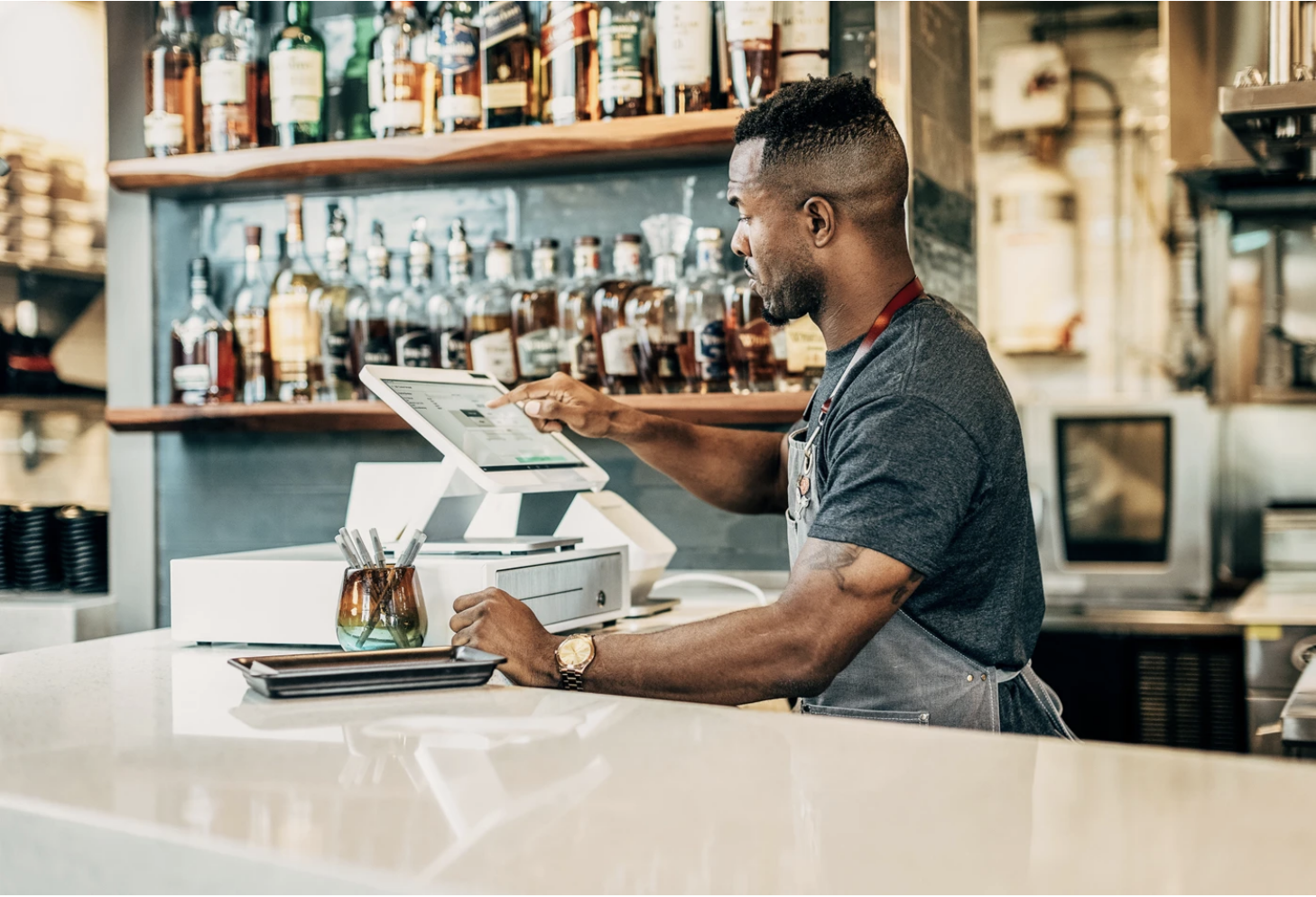
A powerful staff-facing POS for bars, lounges, and restaurants.
Clover Station Solo is a countertop POS built for staff-controlled checkout. It is a strong fit for bars, lounges, and restaurants that need open tabs, tips, happy hour pricing, reporting, and a clean register workflow without a second customer-facing screen.

Make tips easier to manage at the register.
Clover helps restaurants and bars manage tip options, staff totals, and end-of-shift reporting so you can keep checkout consistent and avoid messy tip tracking.
- Auto Gratuity Adding ensuring your staff gets paid
- Tip pooling options to help distribute tips across eligible staff
- Server banking reports to support end-of-shift reconciliation
- Cleaner staff workflow for bars, lounges, and restaurant registers
- Helpful reporting so managers can review tips, payments, and staff activity
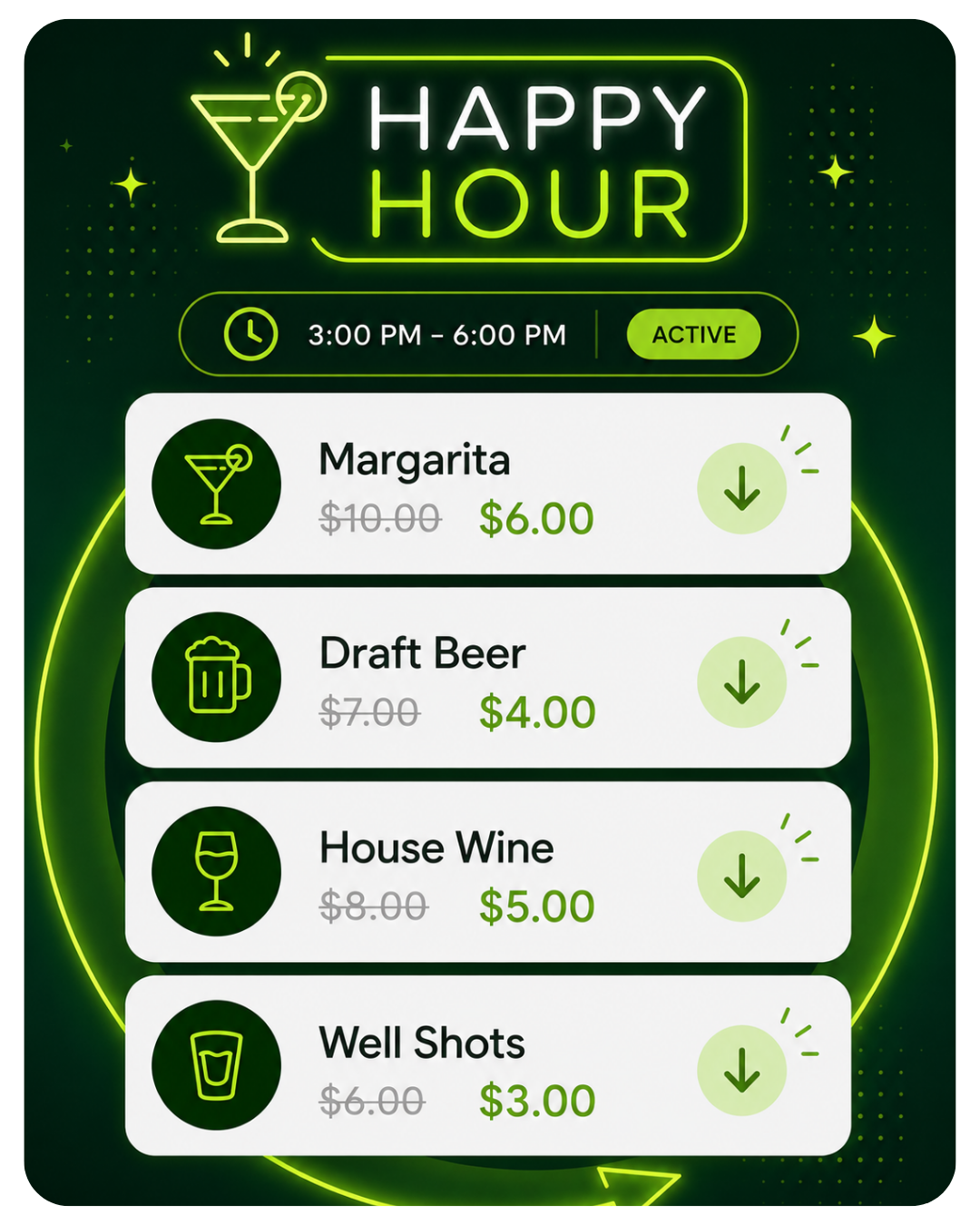
Schedule specials before the rush starts.
Set up happy hour pricing, drink specials, and promo items so staff do not have to remember every discount manually during busy service.
- Automatic happy hour pricing for drinks, food, and limited-time specials
- Promo menu items that can be easier for staff to ring in correctly
- More consistent pricing across bartenders, servers, and shifts
- Less manual discounting during busy bar service
- Better control over specials, discounts, and menu changes
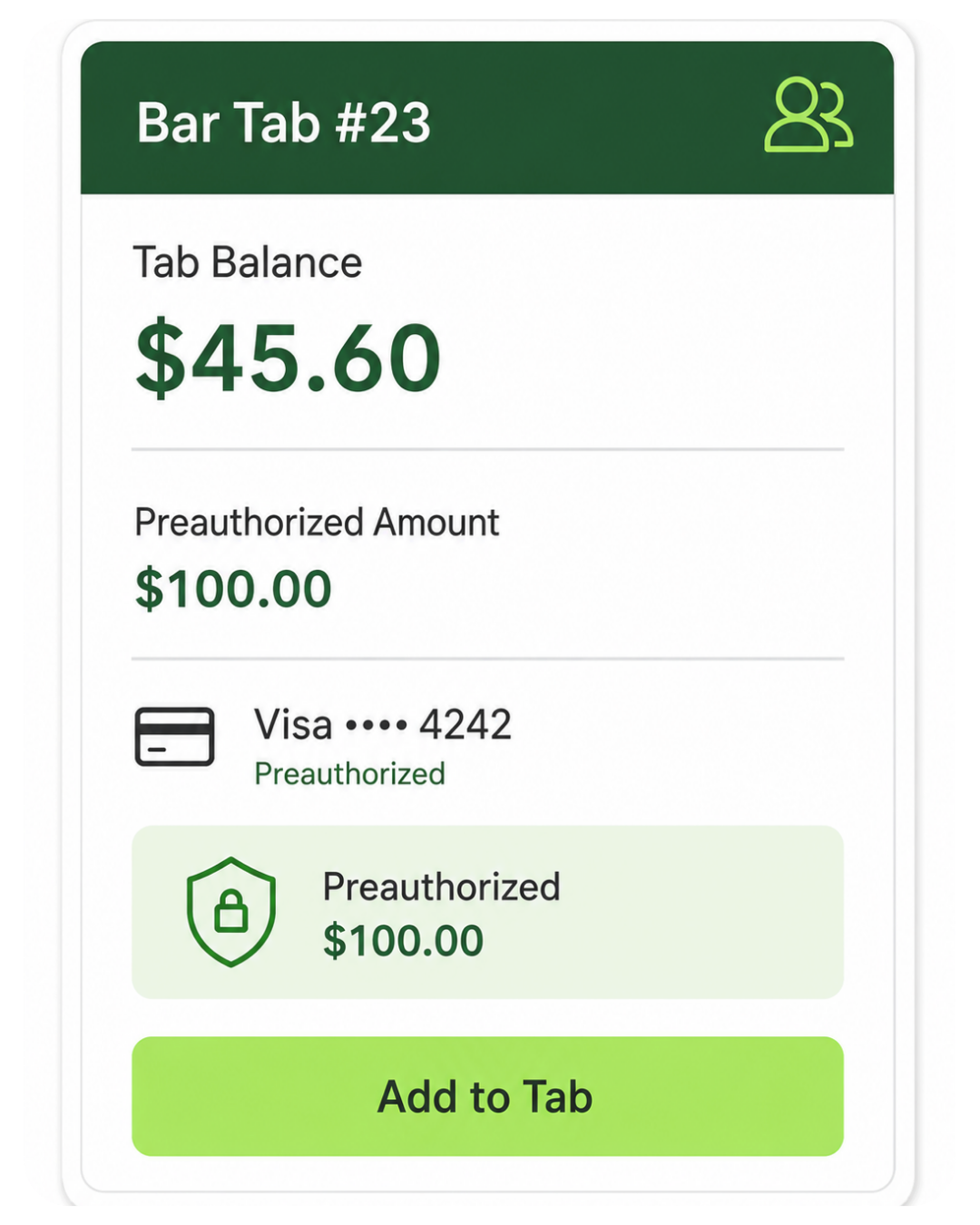
Start tabs and keep orders moving.
For bars and lounges, Clover can help staff start tabs, manage open checks, and close out guests without slowing down the bar.
- Open bar tabs so guests can continue ordering throughout their visit
- Card preauthorization when configured properly for your bar workflow
- Add items to open checks before closing out the tab
- Faster bar service because staff do not have to close every drink one-by-one
- Strong fit for bars, lounges, and restaurant bar stations
A real countertop POS station built around the staff screen.
Clover Station Solo combines a large merchant-facing touchscreen, integrated payment acceptance, and a built-in receipt printer. It is built for businesses that need a full countertop register workflow without the second customer-facing screen of the Clover Duo.

Staff ring up orders, manage tabs, print receipts, and take payments from one station.
Solo is best when the employee controls the checkout experience from behind the bar, host stand, or main register. If you want to bring payments directly to the customer for tap-to-pay, tableside checkout, curbside, or line-busting, add a Clover Flex handheld.
Start with the checkout workflow, then pick the device.
Clover Station Solo is best for businesses where staff control the checkout from behind the counter, behind the bar, or at a main register station. It is not always the best fit when customers need their own dedicated checkout screen.
Choose the Solo when these are true:
- You run a bar, lounge, full-service restaurant, or take payment away from the customer.
- Staff control the checkout from behind the bar, host stand, or main register.
- You need a full countertop POS with receipt printing, payments, tabs, discounts, and reporting.
- You want Clover’s larger register setup but do not need a second customer-facing screen.
- You may add a Clover Flex, kitchen printer, KDS, cash drawer, online ordering, or other Clover tools later.
Consider another Clover when these are true:
- Customers check out with you face-to-face and should see tips, totals, signatures, PIN entry, and payment prompts on their own screen.
- You want the most polished customer-facing checkout experience.
- Your main checkout is a QSR counter or customer-facing retail register.
- You need customers to confirm their order and payment details on a dedicated second screen.
- You want a smaller countertop footprint and a Clover Mini or Compact is enough.
Solo is built for staff-controlled checkout.
Choose Clover Station Solo when your team is managing orders, tabs, tips, and payments from the staff side of the counter. Choose Clover Station Duo when the customer-facing screen is important for tips, signatures, PIN debit, payment prompts, and order confirmation.
Choose One FREE CLOVER POS - Click Here
🧩 Flexible Software Plans Starting @ $29.95 / mo.
🍀 See All Clover Software Plans
⭐ 5-Star Trust, Backed by Real Reviews
👨💼 Expert Setup & Training Included — Meet Your Expert
📞 Call/Text a Real Person in the U.S.
💳 Financing Available
✅ Sale pricing applies to one POS terminal only; additional machines must be purchased separately at regular price.
Learn More About Free POS Placement
🧩 Flexible Software Plans Starting @ $29.95 / mo.
🍀 See All Clover Software Plans
⭐ 5-Star Trust, Backed by Real Reviews
👨💼 Expert Setup & Training Included — Meet Your Expert
📞 Call/Text a Real Person in the U.S.
📄 One per new customer. The equipment is provided for use with the merchant service. The amount paid today covers shipping and setup. terms & conditions.
Anyone can sell you Clover. Limelight gives you a real Clover Expert - for FREE!
A Clover POS system is only part of the purchase. The real difference is whether you get honest guidance, help setting it up, and support from someone who actually knows the system.

You get personalized setup and ongoing support from a real Clover Expert.
Limelight Payments
Best for businesses that want Clover with real guidance, expert setup, and long-term support.
Clover Direct
Best for business owners who are comfortable doing more on their own.
Other Clover Resellers
Some are good. Many are inconsistent. You need to vet them carefully.
Limelight Payments is selling a service — not just a POS system.
Tools for staff, reporting, security, and repeat sales.
Clover Station Solo can do more than ring up orders. With the right Clover software plan, it can help manage staff, track sales, protect payment data, sell gift cards, and give restaurants and bars better visibility into daily performance.

Manage staff, payroll, and scheduling
Sync with ADP for seamless payroll and time tracking.
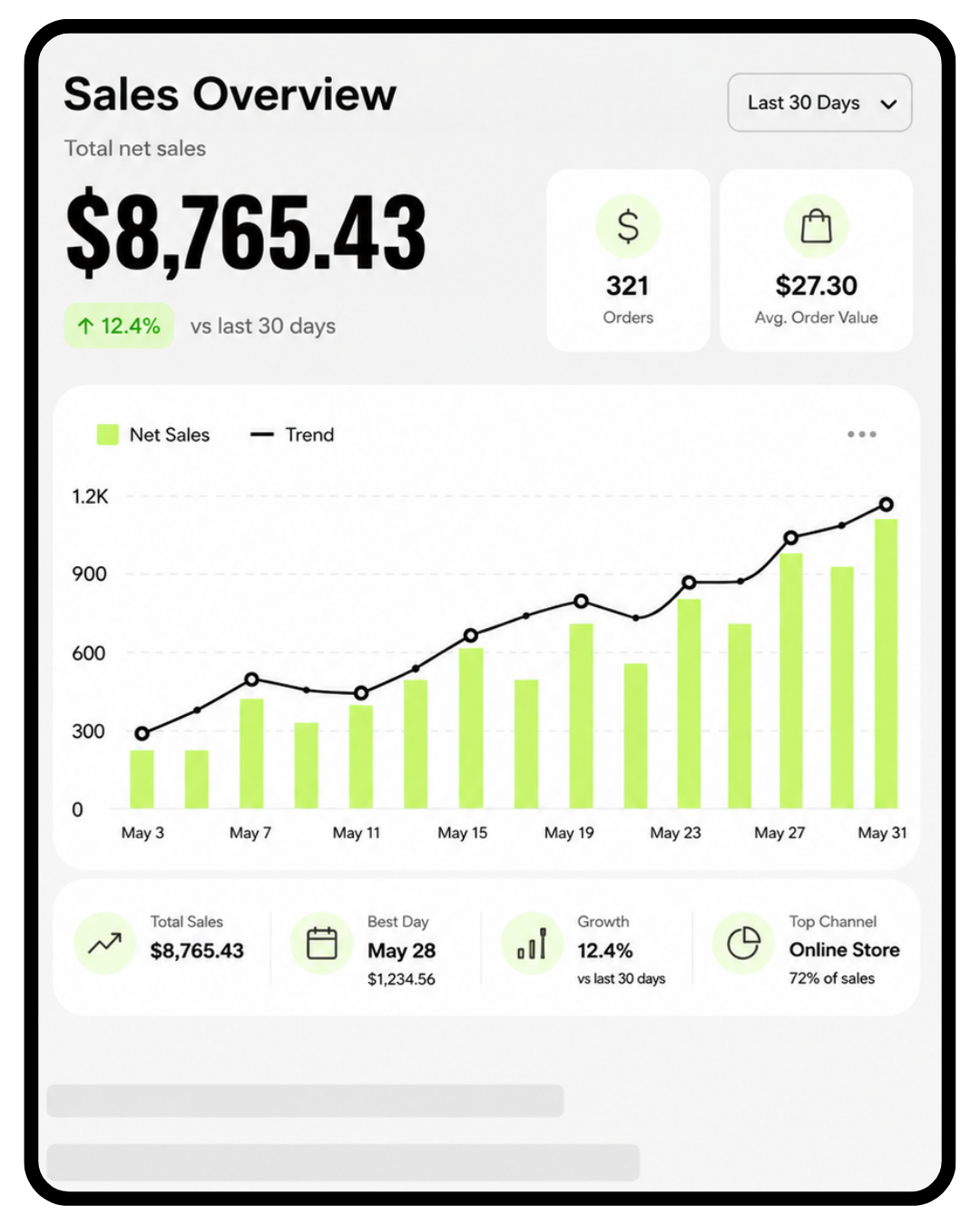
Track sales in real time
Monitor performance instantly with detailed reporting.
Built in payment security
Clover is P2PE encrypted and PCI compliant, protecting you end to end.

Gift Cards
Increase revenue with digital and physical gift cards.
More restaurant tools
For restaurants, bars, lounges, and hospitality businesses, Clover Station Solo can support the staff-facing workflows that matter most: tables, menus, inventory, online ordering, delivery integrations, low-stock alerts, and customer marketing.
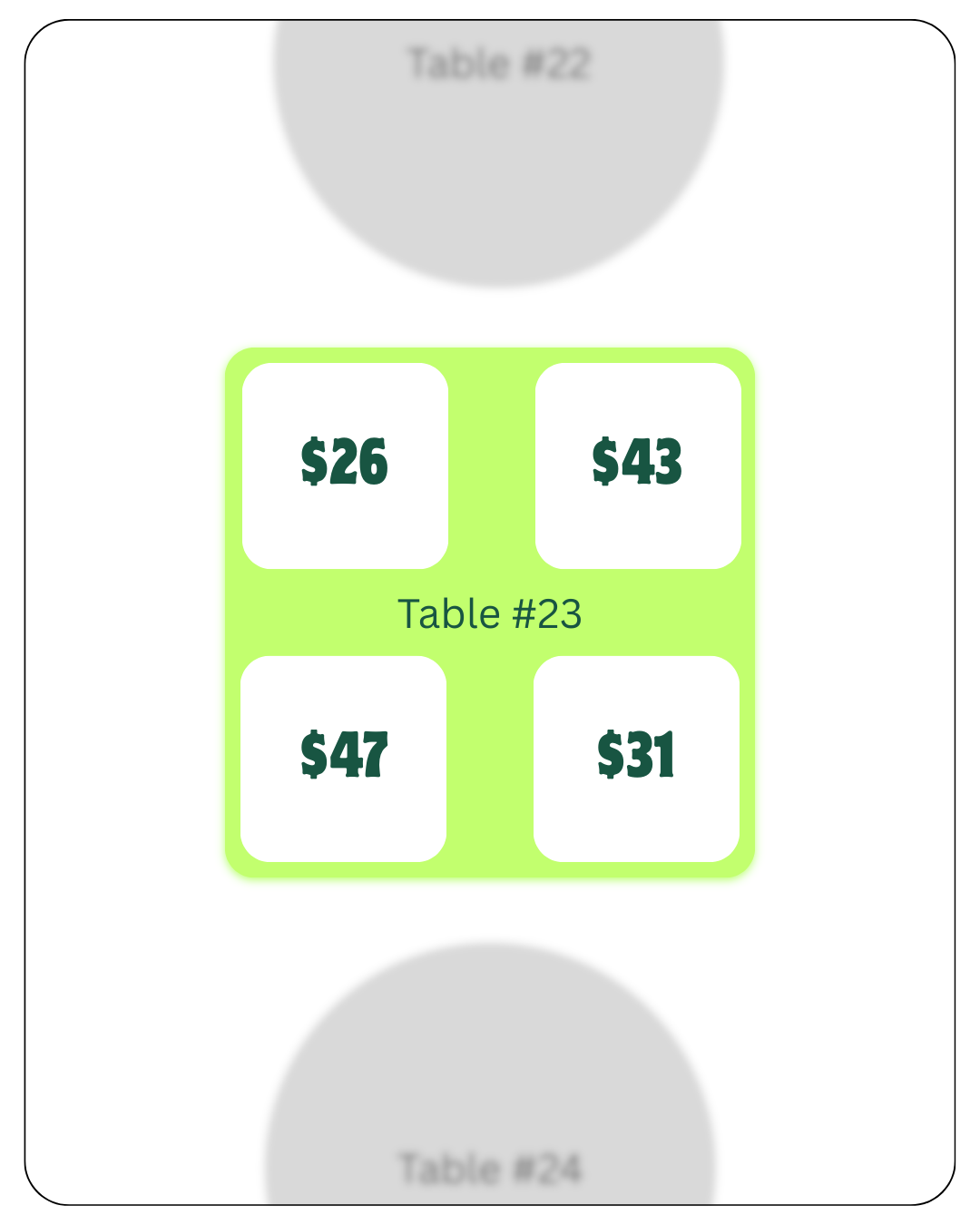
Table mapping and guest analytics
Drive revenue and deliver a better guest experience.

Track inventory in real time
Streamline inventory with categories, modifiers, revenue classes and more.
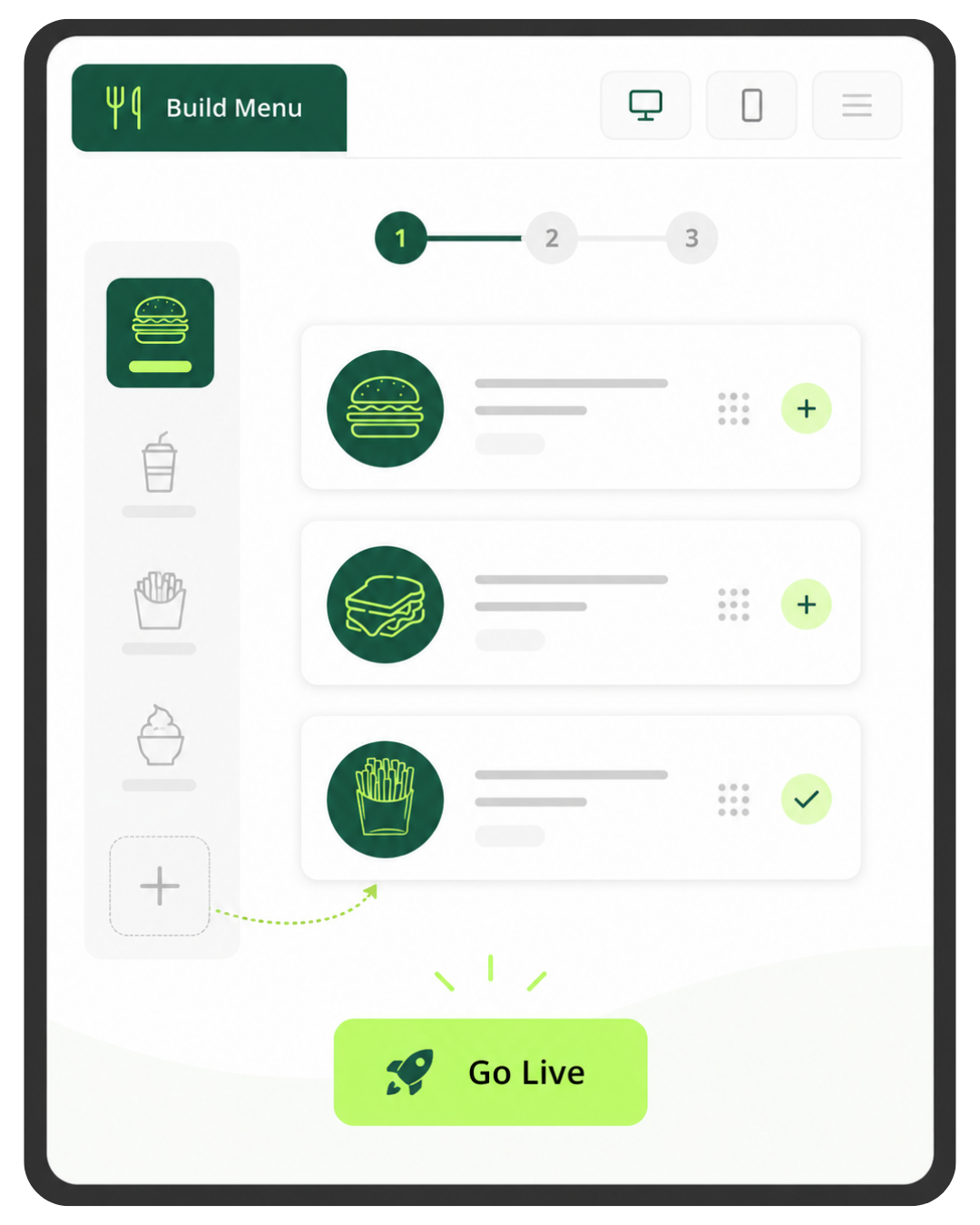
Online ordering with a few clicks
Create a custom online ordering menu and receive orders right in your kitchen.
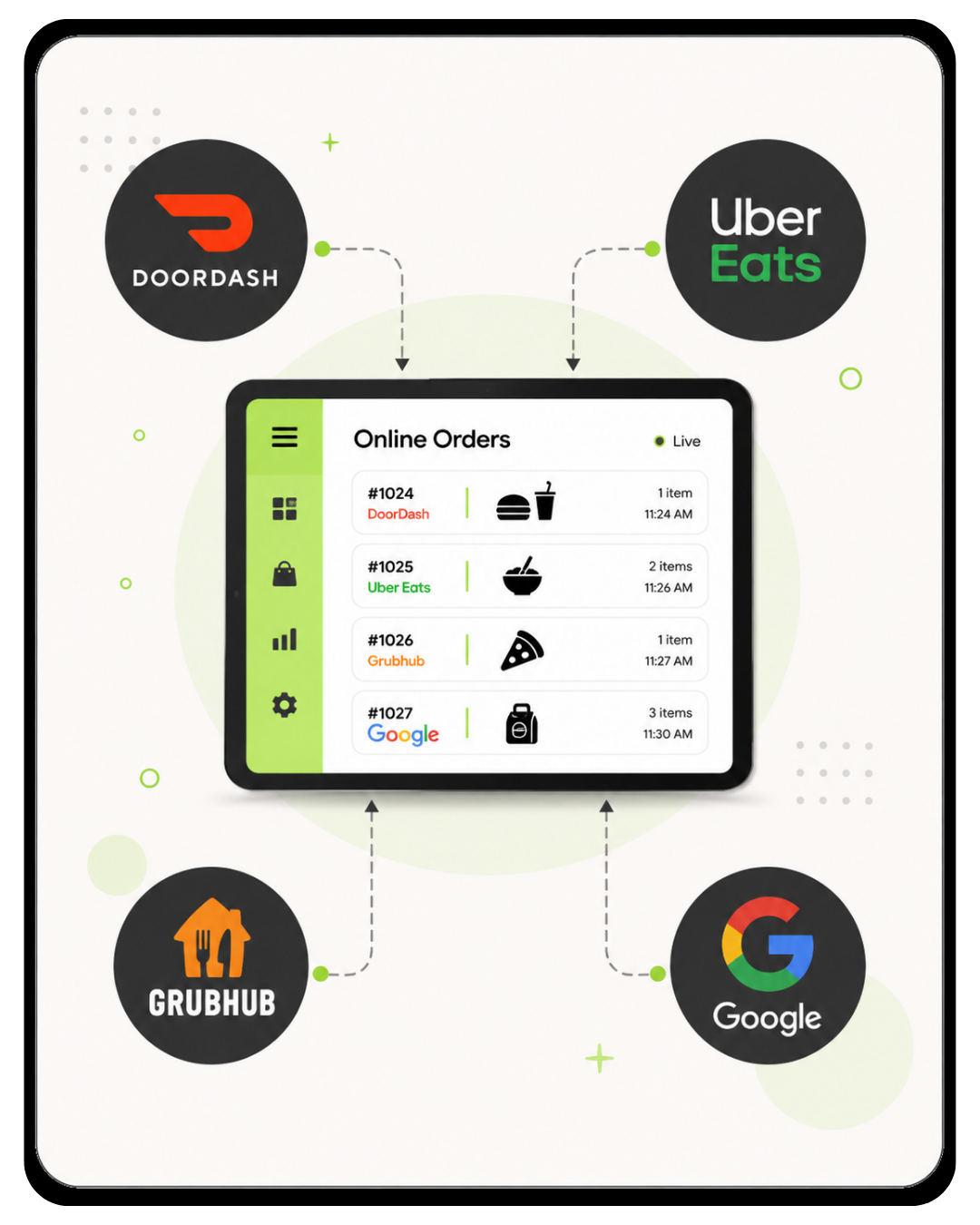
Third party delivery integrations
Connect to Uber Eats®, DoorDash®, Grubhub®, and Google seamlessly.

Build and update menus with AI
Upload a photo of your menu and let AI instantly upload it to your Clover.
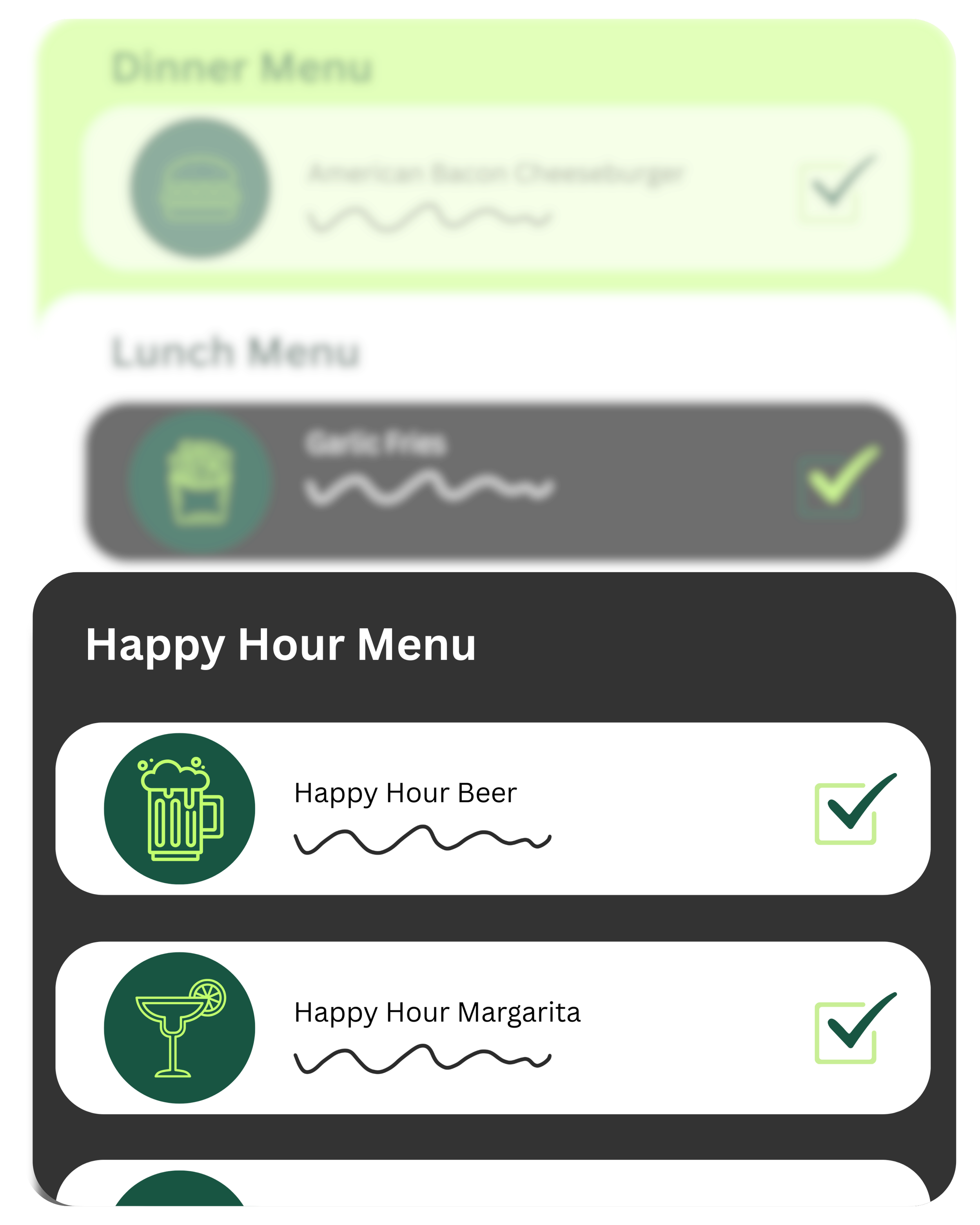
Create menus for any time of day
Easily switch between lunch, dinner, and happy hour menus throughout the day.

Real-time low stock alerts
Get notified instantly when inventory items run low.

Run marketing and loyalty programs
Send promotions, rewards and text offers that keep customers coming back.
Solo is built for staff-controlled restaurant and bar checkout.
Clover Station Solo is best when your staff controls the register from behind the bar, host stand, server station, or main restaurant counter. It is especially strong when paired with Clover Flex for tableside, patio, or mobile payments.
Not sure if Solo fits your restaurant? How Clover Solo Fits Different Restaurant & Bar Workflows Bars, lounges, full-service restaurants, cafés with staff-controlled checkout, and mixed Solo + Flex setups. Expand table ↓
Use Solo behind the bar to manage open tabs, closeouts, happy hour pricing, tips, employee activity, and end-of-shift reporting without needing a dedicated customer-facing screen.
- Open tabs and closeouts for busy bar workflows
- Happy hour and promo pricing when configured with the right menu setup
- Tip reporting and staff totals for end-of-shift reconciliation
- Employee permissions for discounts, refunds, no-sales, and reporting access
Solo can anchor the restaurant’s main staff station while your team uses other Clover devices for tableside payments, kitchen routing, order management, and reporting.
- Host stand or server station for staff-controlled order entry and management
- Table mapping and open checks with the correct restaurant software plan
- Kitchen printer or KDS routing when configured for back-of-house workflows
- Pair with Clover Flex to bring payments directly to the table
Solo can work for cafés where staff control the transaction and the customer does not need a dedicated second display for tips, signatures, PIN entry, and order confirmation.
- Simple menu buttons for drinks, food, add-ons, and modifiers
- Staff-facing checkout when the employee controls the register
- Online ordering and menu tools with the right restaurant plan
- Consider Duo instead if face-to-face customer checkout is the main workflow
Since Clover Station Solo is a staff-facing register, many restaurants and bars pair it with a Clover Flex so payments can happen tableside, on the patio, at events, or wherever the customer is.
- Solo stays at the main station for orders, tabs, reports, receipts, and management
- Flex goes to the customer for tap, chip, swipe, signatures, and tipping
- Helpful for patios, events, overflow, and line-busting
- Connected Clover reporting keeps payments and activity in the same ecosystem
Choose between Essentials and Restaurant Growth.
The Clover Station Solo hardware is the register. The software plan controls what the register can actually do — from basic items, modifiers, payments, and reporting to restaurant-specific tools like tabs, tables, kitchen routing, online ordering, and delivery integrations.
- Core POS features, payments, receipts, and reporting
- Items, categories, basic inventory, and modifiers
- Employee management and permissions
- Customer tracking, rewards, and gift cards
- Everything in Essentials
- Table mapping, open tabs, order types, and restaurant workflows
- Kitchen printer or KDS routing
- Online ordering, QR-style ordering, and delivery integrations
$29.95/mo
$89.95/mo
Software pricing is set by Clover Network, LLC. Limelight Payments does not mark up Clover software fees. Processing rates and required account fees can vary by business type, volume, average ticket, card mix, and approval.
Not ready to order? Talk to a POS expert.
Most people just add to cart and the POS expert calls them. But if you'd rather talk through your business first, fill this out and we'll call you within one business day.
No commitment at this stage. We'll send pricing in writing before you sign anything.
Prefer to talk to a human?
Call Now: (888) 415-7020Clover Solo Software Plans Comparison
Compare the two Clover Solo software plans available for bars and restaurants—Essentials for basic POS needs and Restaurant Growth for advanced tools like table management, kitchen printing, online ordering, and delivery integrations.
| Features | Essentials | Restaurant Growth |
|---|---|---|
| Cost Per Month (One Device) | $29.95 | $89.95 |
| Cost per Additional Device | $11.95 | $19.95 |
| Payments Features | ||
| Accepts all credit & debit cards | ✓ | ✓ |
| Virtual Terminal (MOTO) | ✓ | ✓ |
| eCommerce integrations | ✓ | ✓ |
| Clover Go mobile POS | ✓ | ✓ |
| Invoice payments & tracking | ✓ | ✓ |
| Recurring payments | ✓ | ✓ |
| Surcharging | ✓ | ✓ |
| Cash Discount | ✓ | ✓ |
| Tips | ✓ | ✓ |
| Sales tax tracking | ✓ | ✓ |
| Sales tax reporting | ✓ | ✓ |
| Advanced payments (QR, split bill, tableside pay) | ✓ | |
| Order Management | ||
| Create, save, pay, refund, edit orders | ✓ | ✓ |
| Item-level tax | ✓ | ✓ |
| Item & order discounts | ✓ | ✓ |
| Automatic order numbers | ✓ | ✓ |
| Weight scale support | ✓ | |
| Open tabs | ✓ | |
| Online ordering with delivery | ✓ | |
| UberEats / DoorDash / Google integrations | ✓ | |
| Scan to Order (QR menu) | ✓ | |
| Order types (dine-in, takeout, delivery) | ✓ | |
| Remote kitchen / bar printing | ✓ | |
| Table management & floor plans | ✓ | |
| Tableside ordering & firing | ✓ | |
| Reporting | ||
| Sales reporting | ✓ | ✓ |
| Cash reporting | ✓ | ✓ |
| Track sales by employee | ✓ | ✓ |
| Product mix reporting | ✓ | ✓ |
| Tax reporting | ✓ | ✓ |
| Revenue class reporting | ✓ | ✓ |
| Item cost reporting | ✓ | |
| Sales by order type | ✓ | |
| Item, Inventory & Menu Management | ||
| Menu & inventory tracking | ✓ | ✓ |
| Multi-location item management | ✓ | ✓ |
| Cost tracking | ✓ | |
| Item Variants | ✓ | ✓ |
| Item Modifiers | ✓ | ✓ |
| Item labels (kitchen routing) | ✓ | |
| Multiple menus (device, kiosk, channel, day-part) | ✓ | |
| Customer Engagement | ||
| Customer records tied to payments | ✓ | ✓ |
| Customer purchase tracking | ✓ | ✓ |
| Promotions | ✓ | ✓ |
| Rewards / Loyalty program | ✓ | ✓ |
| Feedback collection | ✓ | ✓ |
| Employee Management | ||
| Roles & permissions | ✓ | ✓ |
| Time clock / timesheets | ✓ | ✓ |
| Website | ||
| Branded Website | ✓ | ✓ |
| Online ordering | ✓ | |
| Clover Platform & Financial Services | ||
| Clover Capital (merchant cash advance) | ✓ | ✓ |
| Access to Clover App Market | ✓ | ✓ |
| Clover Dashboard (web & mobile access) | ✓ | ✓ |
| Online dispute management | ✓ | ✓ |
| 24/7/365 customer support | ✓ | ✓ |
| Security & Compliance Features | ||
| Clover Security TransArmor (Required) — Cost per Month | $10.00 | $10.00 |
| PCI Compliance Tools | ✓ | ✓ |
| Point-to-Point Encryption (P2PE) | ✓ | ✓ |
| Tokenized Payment Security | ✓ | ✓ |
| Fraud Risk Reduction Tools | ✓ | ✓ |
| ▼ Click to View Full Restaurant Feature Comparison | ||