

 Image 1 of 9
 Image 2 of 9
 Image 3 of 9
 Image 4 of 9
 Image 5 of 9
 Image 6 of 9
 Image 7 of 9
 Image 8 of 9
 Image 9 of 9
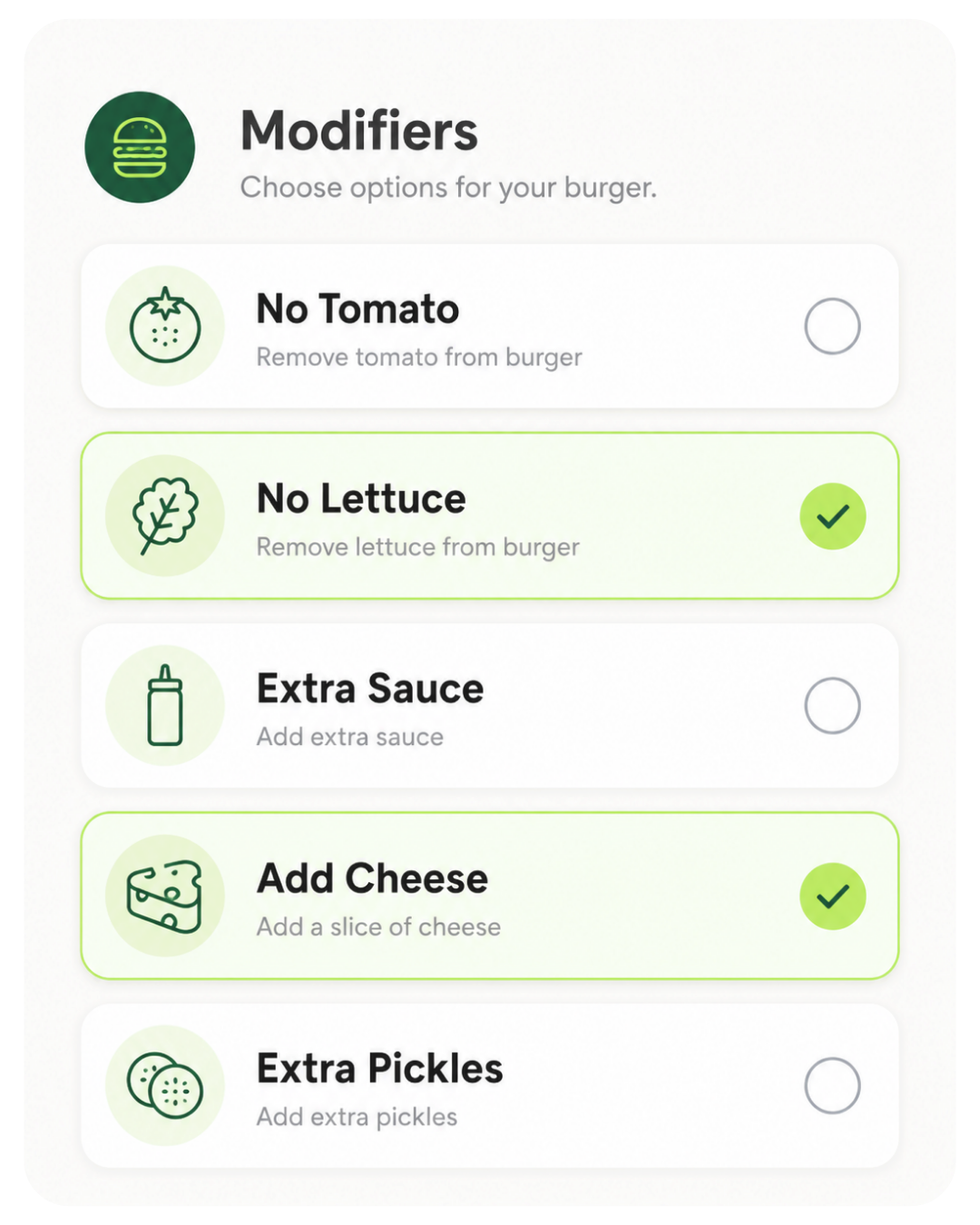
Easy order customization
Customize every order with clear modifier options right from your Clover Flex
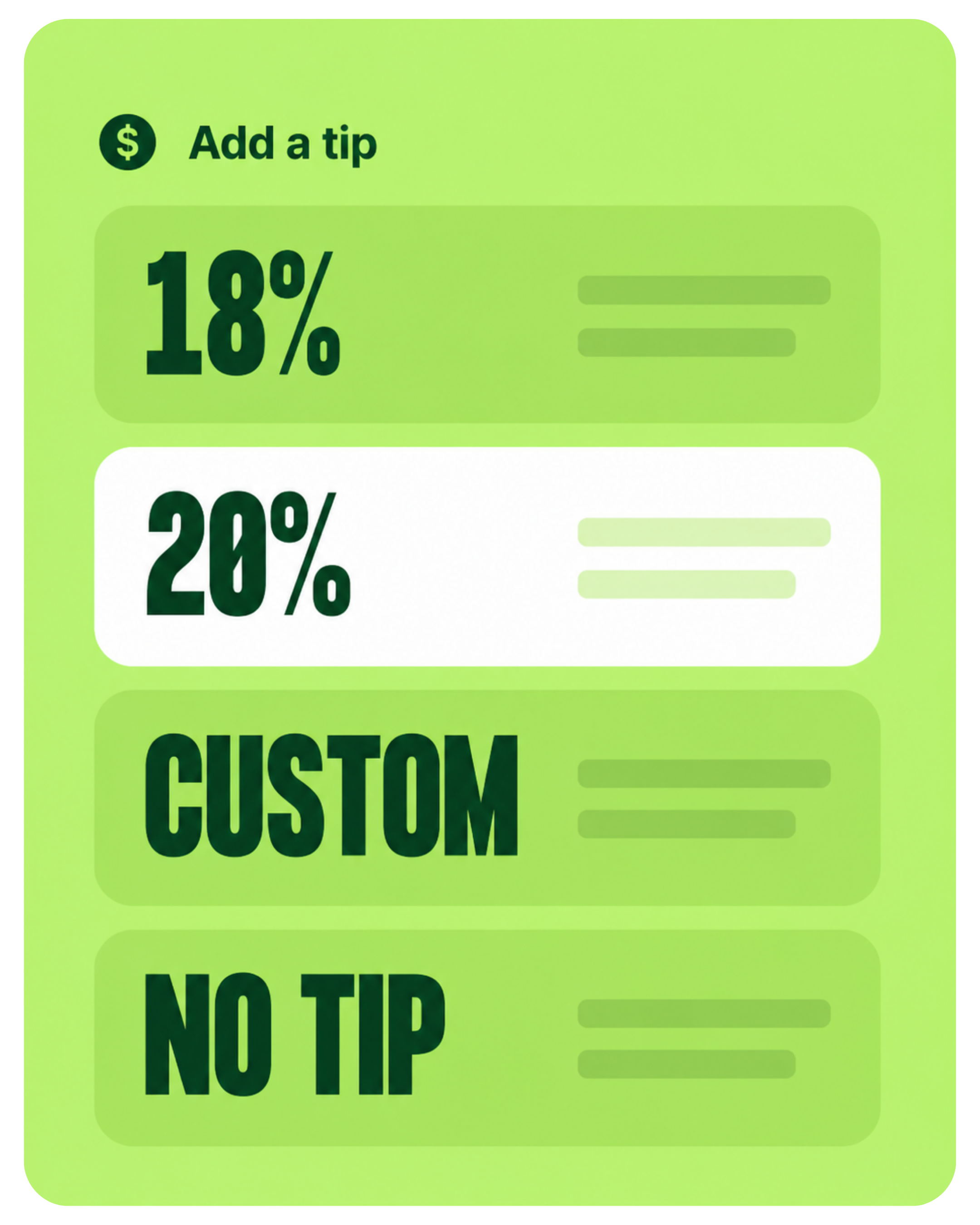
Boost tips seamlessly
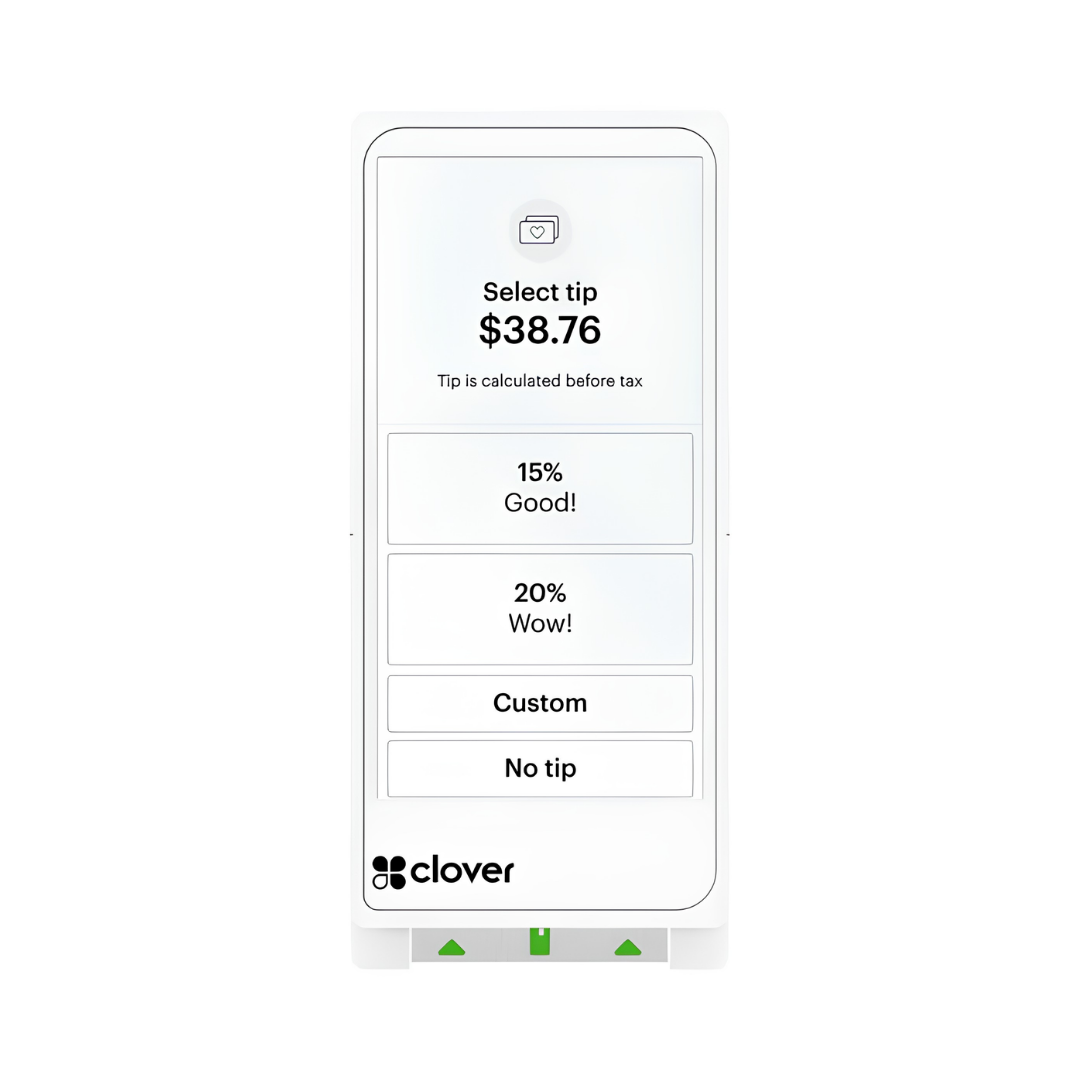
Make it easy for guests to leave a tip with clear, customizable options right on the screen
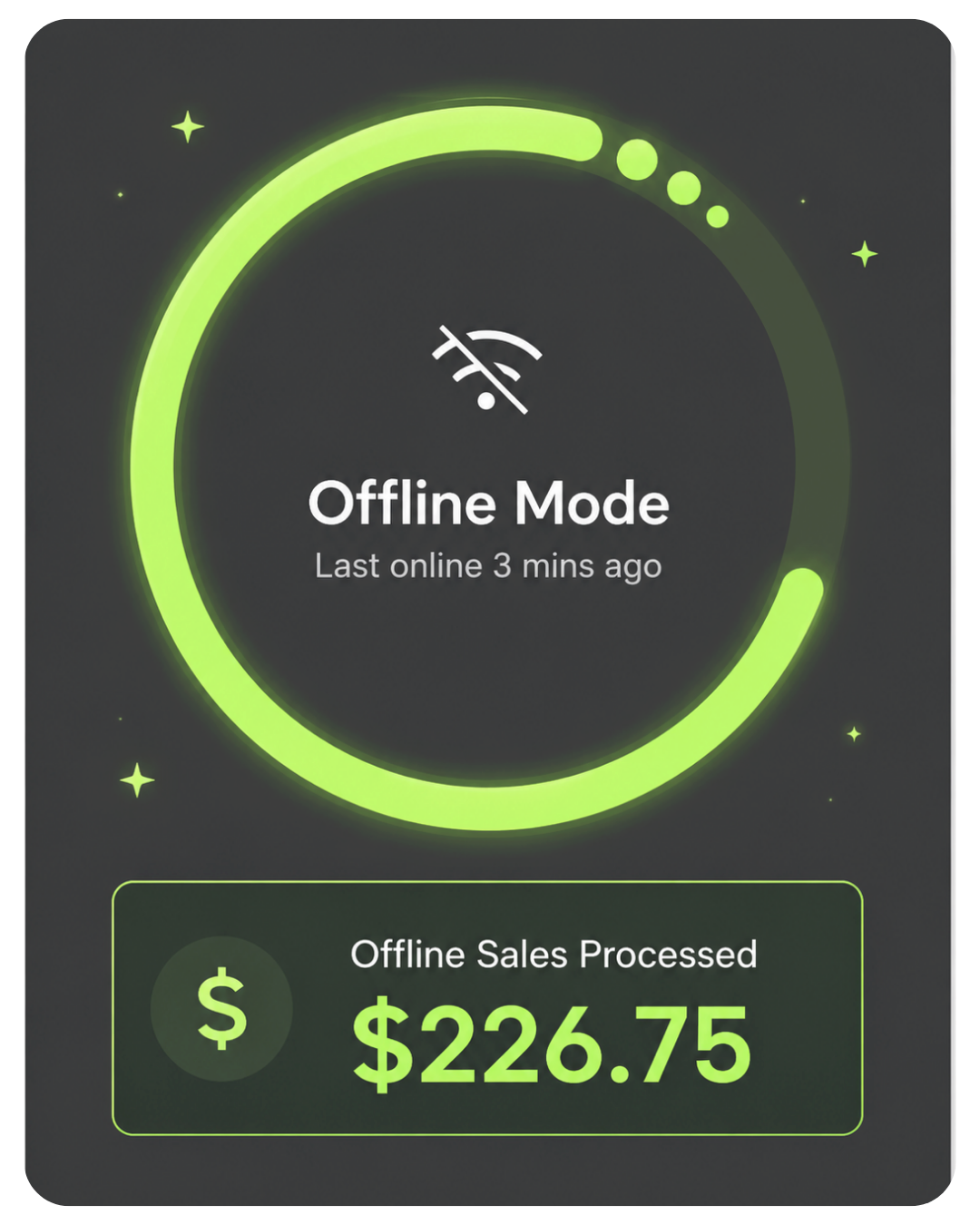
No internet—no problem
Accept payments offline and automatically sync transactions once connection is restored
The handheld POS built for tableside, mobile & on-the-go payments.
Clover Flex gives your business a complete POS system in one handheld device — payments, receipts, tips, inventory, reporting, barcode scanning, and customer checkout from wherever the sale happens.
Good fit for restaurants, food trucks, salons, retail stores, service businesses, events, curbside checkout, and businesses that need more than a basic card reader.

30+ Google reviews. Clover hardware with real setup guidance, honest recommendations, and direct support from Limelight Payments.
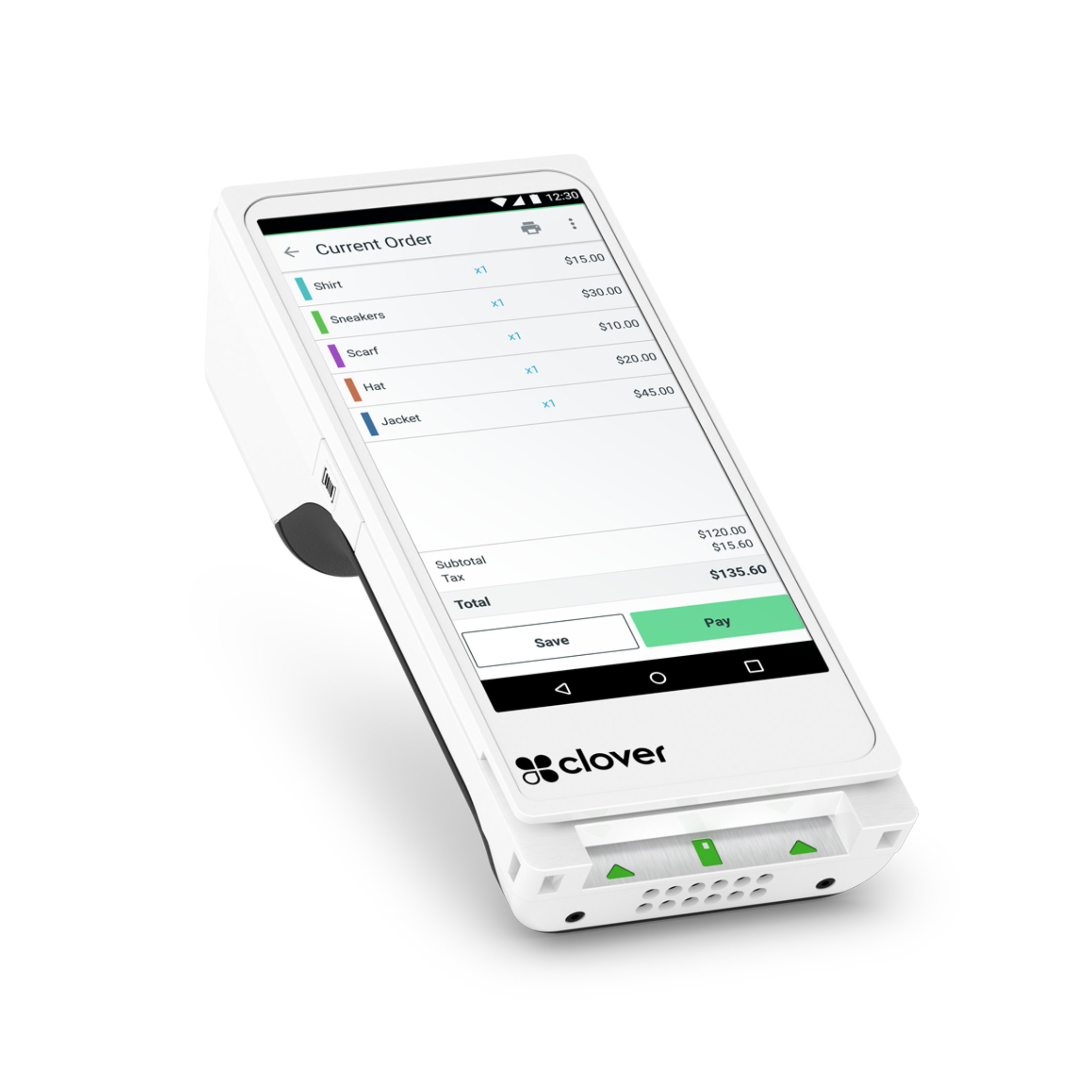
A complete handheld POS — not just a card reader.
The Clover Flex Gen 4 is Clover's flagship portable terminal. Unlike a basic mobile card reader, the Flex is a self-contained POS: it processes payments, prints receipts, scans barcodes, manages inventory, runs reports, handles employee shifts, and connects to your kitchen printers or online ordering — all from one handheld device.
It runs the same Clover OS as the Mini, Station Solo, and Station Duo, which means it works across Clover’s connected POS ecosystem for payments, reporting, loyalty, online ordering, and business management tools.
See what Flex does ↓What the Clover Flex Gen 4 does
A handheld Clover POS built for taking payments, printing receipts, tracking sales, and running your business on the go. Here's what's inside:
Bright handheld display built for mobile checkout, food trucks, patios, service calls, and line-busting.
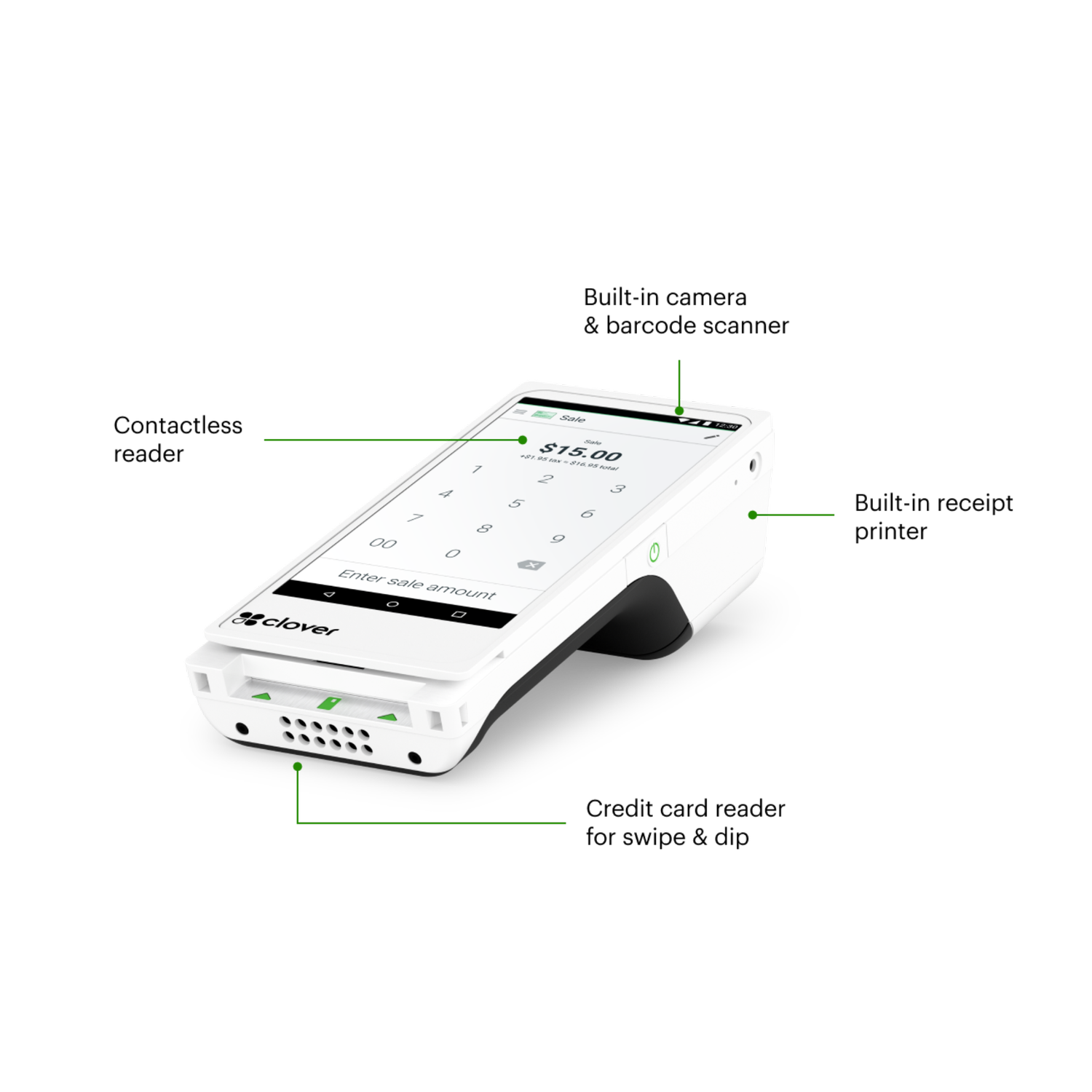
Built-in EMV chip reader, NFC contactless payments like Apple Pay and Google Pay, and magnetic stripe reader.
Thermal printer included in the device. No separate printer to carry or plug in for receipts.
Built-in scanner for retail SKUs, gift cards, loyalty codes, and QR-code workflows.
View sales reports, track tips, manage sales tax, and see what your business is processing each day.
Use Wi-Fi at your storefront or cellular backup when you're at an event, market, truck, or service call.
Create menu items, organize categories, add modifiers, and customize your Flex for how your business takes orders.
Add loyalty tools, promotions, rewards, and gift card options to help bring customers back again.
Use employee tools for scheduling, time tracking, permissions, and payroll-ready hour reports.
🧩 Flexible Software Plans Starting @ $0.00 / mo.
🍀 See All Clover Software Plans
👨💼 Expert Setup & Training Included — Meet Your Expert
📞 Call/Text a Real Person in the U.S
⭐ 5-Star Trust, Backed by Real Reviews
💳 Financing Available
🧩 Flexible Software Plans Starting @ $0.00 / mo.
🍀 See All Clover Software Plans
👨💼 Expert Setup & Training Included — Meet Your Expert
📞 Call/Text a Real Person in the U.S.
📦 Limit One Machine Per New Account
🔎 Hardware is provided at no cost with your new merchant account. This charge covers setup & shipping.
Clover Flex Gen 4 — full specs.
Manufacturer specifications. The Flex is identical regardless of which reseller you buy it from.
Not sure if the Flex is the right Clover for your business?
A Limelight advisor can walk you through Flex vs. Mini vs. Station — free, no obligation, no sales pitch.
The Flex is purpose-built for businesses that move.
Counter-only retailers usually do better with a Clover Station Duo, Solo or Mini. But if your transactions happen anywhere besides a fixed register — at the table, on the truck, in the chair, at the customer's home — the Flex is the right choice.
Tableside ordering, splitting checks, and processing payment at the table. Servers can carry the Flex to the table, while your main Clover station stays at the server station, bar, or counter.
- Open, split, and close checks from a mobile device
- Send orders to the kitchen or bar when properly configured
- Built-in tipping screens for faster guest checkout
- Helps reduce walkbacks and speed up table turns
The Flex is a strong fit for trucks, pop-ups, events, and mobile vendors. Built-in 4G LTE means you have more ways to stay connected when Wi-Fi is unreliable.
- 4G LTE backup
- Battery-powered mobile checkout
- Built-in receipt printer
- Works well for pop-ups and outdoor service
Stylists can ring up clients chair-side at the end of the appointment. The Flex is also useful for tipping, product sales, deposits, and faster checkout when the front desk is busy.
- Chair-side checkout
- Tipping screen for easier gratuity
- Retail product sales
- Useful as a mobile second device
HVAC, plumbing, electrical, landscaping, pest control, cleaning — anyone collecting payment at the customer's home. The Flex makes it easier to collect before you leave the job.
- Take payment in the driveway or job site
- Print itemized receipts on-site
- Collect deposits or balances
- Capture signature on-screen
For many auto repair and tire shops, the Flex is useful at the counter, in the bay, or near the customer's vehicle. It also works well as a secondary payment device next to a main counter POS.
- Take payment at the counter, vehicle, or service bay
- Accept deposits, balances, and final invoices
- Print receipts from the same handheld device
- Use alongside a main Clover Mini, Solo, or Duo
A Clover Mini is usually better if you have a fixed counter. But for boutiques, jewelry stores, pop-ups, markets, or staff selling on the floor, the Flex shines.
- Mobile checkout on the sales floor
- Barcode scanning
- Customer-facing signature and tip screens
- Easy to bring to trade shows and markets
Medical, dental, and veterinary offices can use Flex for front desk checkout, deposits, balances, and mobile payment collection inside the office.
- Accept co-pays, deposits, balances, and treatment payments
- Use card-on-file tools when properly configured
- Collect payment away from the front desk
- Useful as a backup or secondary payment device
High-throughput counters usually do better with a Clover Station Duo, Solo or Mini. The Flex is useful for line-busting, patio service, events, and catering.
- Line-busting during rushes
- Patio service
- Pop-up events and catering
- Fast tipping flow for mobile checkout
Still not sure which industry fit applies to your business?
Tell us how you sell — counter, mobile, mixed — and we'll recommend the right Clover device and software plan. Free consultation, no pitch.
The hardware is one decision. The software plan is another.
Clover offers monthly software tiers. The right one depends on whether you only need simple payments or also need order management, inventory, employee tools, loyalty, and a more complete business setup.
- ✓ Payment processing
- ✓ Receipts & basic reporting
- ✓ Tipping
- ✓ Sales tax setup and tracking
- ✓ Gift cards
- ✓ Personal Clover Expert with Limelight account
- — No inventory tracking
- — No employee scheduling or timeclock
- — No order management
- ✓ Everything in Starter
- ✓ Order management
- ✓ Items & inventory tracking
- ✓ Employee scheduling and timeclock
- ✓ Full menu with categories
- ✓ Discounts and modifiers
- ✓ Customer database with loyalty and rewards
- ✓ Simple branded website
- ✓ Personal Clover Expert with Limelight account
A Limelight advisor can confirm the current Clover software plan options and help you choose the right one for your business.
Anyone can sell you Clover. Limelight gives you a real Clover Expert - for FREE!
A Clover POS system is only part of the purchase. The real difference is whether you get honest guidance, help setting it up, and support from someone who actually knows the system.

You get personalized setup and ongoing support from a real Clover Expert.
Limelight Payments
Best for businesses that want Clover with real guidance, expert setup, and long-term support.
Clover Direct
Best for business owners who are comfortable doing more on their own.
Other Clover Resellers
Some are good. Many are inconsistent. You need to vet them carefully.
Limelight Payments is selling a service — not just a POS system.
The Flex is a Clover Station that fits in your hand.
Same operating system. Same merchant dashboard. Same payment processing. The only thing the Flex doesn't do that a Station does is sit on a counter all day.
Take payment any way your customers want to pay.
Chip, swipe, tap, mobile wallet. The Flex accepts every modern payment method on a single device — no separate card reader, no Bluetooth pairing.
- EMV chip & magnetic stripe — every credit and debit card
- NFC contactless — Apple Pay, Google Pay, Samsung Pay, contactless cards
- Gift cards & store credit — issue and redeem in one tap
- Built-in tipping screen — preset percentages plus custom amount entry
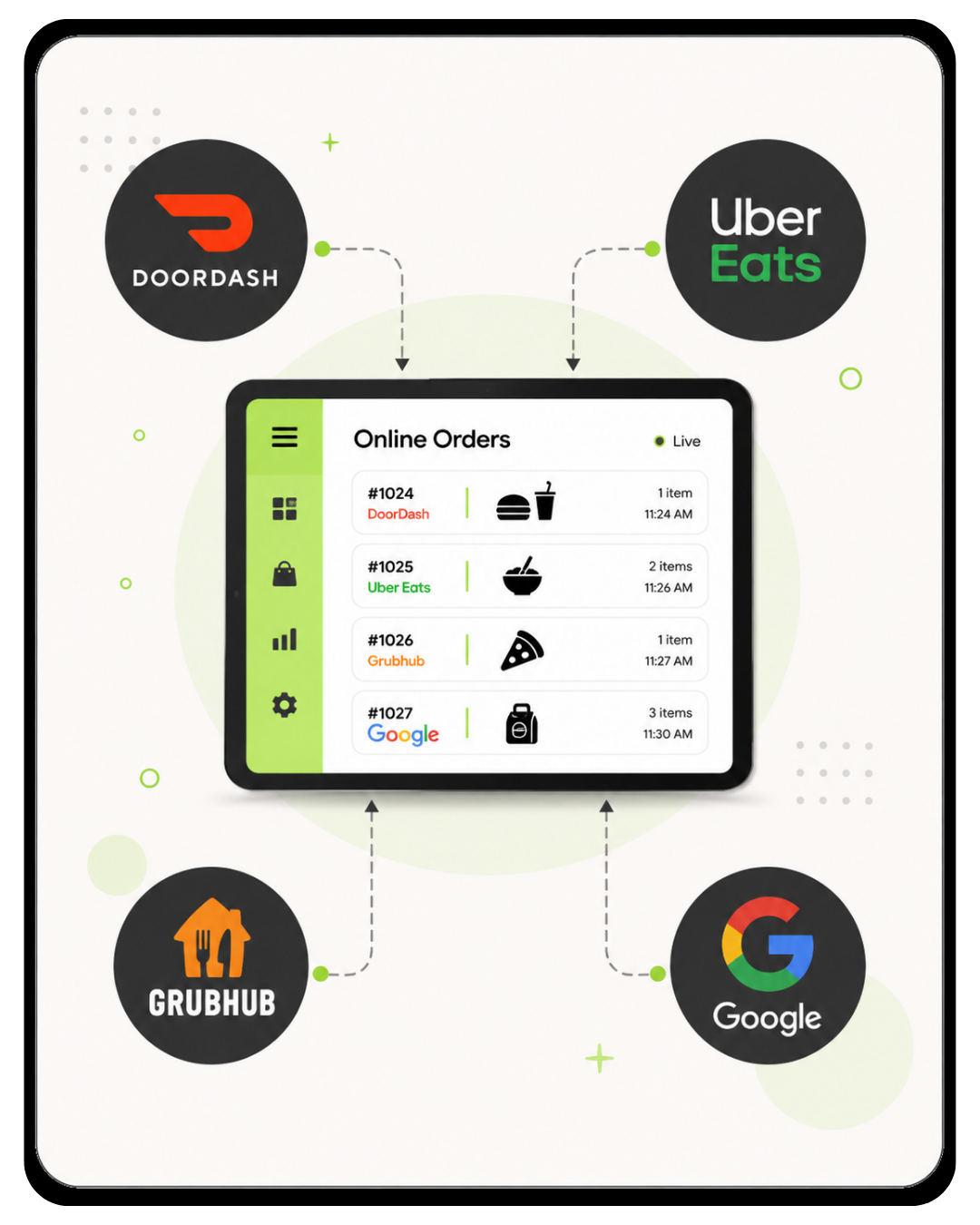
Online orders route straight to your Flex.
Clover's online ordering and delivery integration tools can help bring online orders, delivery app orders, and in-person orders into one Clover workflow. These features require Clover's upgraded Restaurant Growth Plan.
- Commission-free direct online ordering — your customers, your fees, your data
- Uber Eats / DoorDash / Grubhub integrations — delivery orders can connect into your Clover workflow
- Restaurant Growth Plan required — online ordering, delivery integrations, and advanced restaurant tools require an upgraded software plan
- Order routing — assign orders to bar, kitchen, or expo printers when properly configured
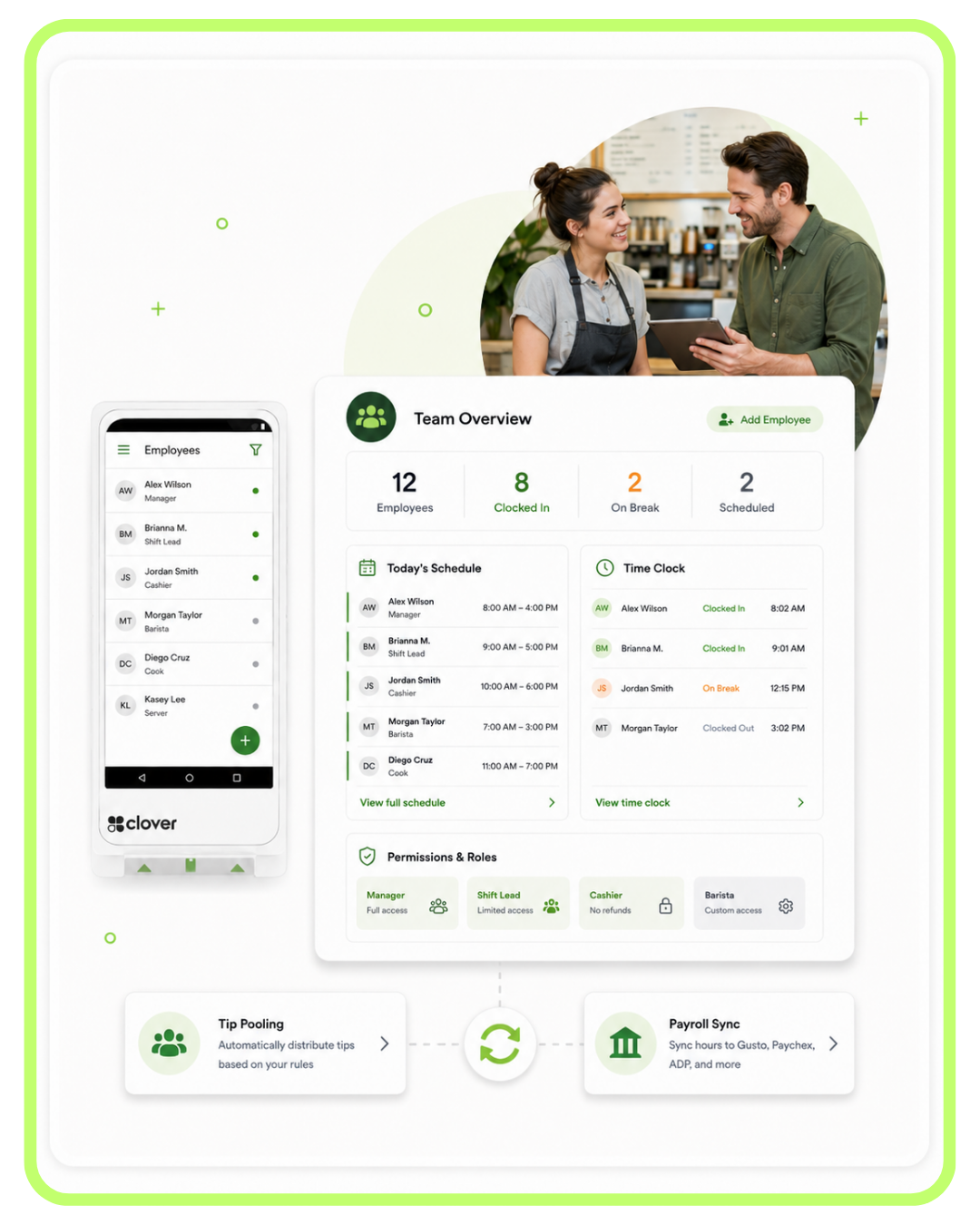
Manage your team from the same device.
Set permissions, track shifts, monitor sales by employee, and sync hours to payroll — all from the Flex or any browser. No separate scheduling software needed for most small teams.
- Per-employee permissions — restrict refunds, discounts, no-sale opens
- Shift tracking & clock-in/out on the Flex itself
- Tip pooling with automatic distribution rules
- Payroll sync — Gusto, Paychex, ADP, and more through compatible integrations
Know what's happening — without standing at the register.
Sales, refunds, tips, top items, hourly traffic — visible from your phone, tablet, or laptop the moment a transaction happens. Set thresholds and get alerts so you can stay close to the business even when you are not physically at the counter.
- Live dashboard — pull up your business sales from your phone or computer
- Item-level reporting — see which menu items or products are selling
- Sales by employee, hour, day, location — understand patterns and staffing needs
- Tax-ready exports — use reports for bookkeeping and accounting workflows

Turn one-time customers into regulars.
The Flex can help capture customer info at checkout and build a customer database over time. From there, you can use loyalty programs, rewards, promotions, and customer follow-up tools to keep people coming back.
- Auto-build customer database from transactions — no manual entry
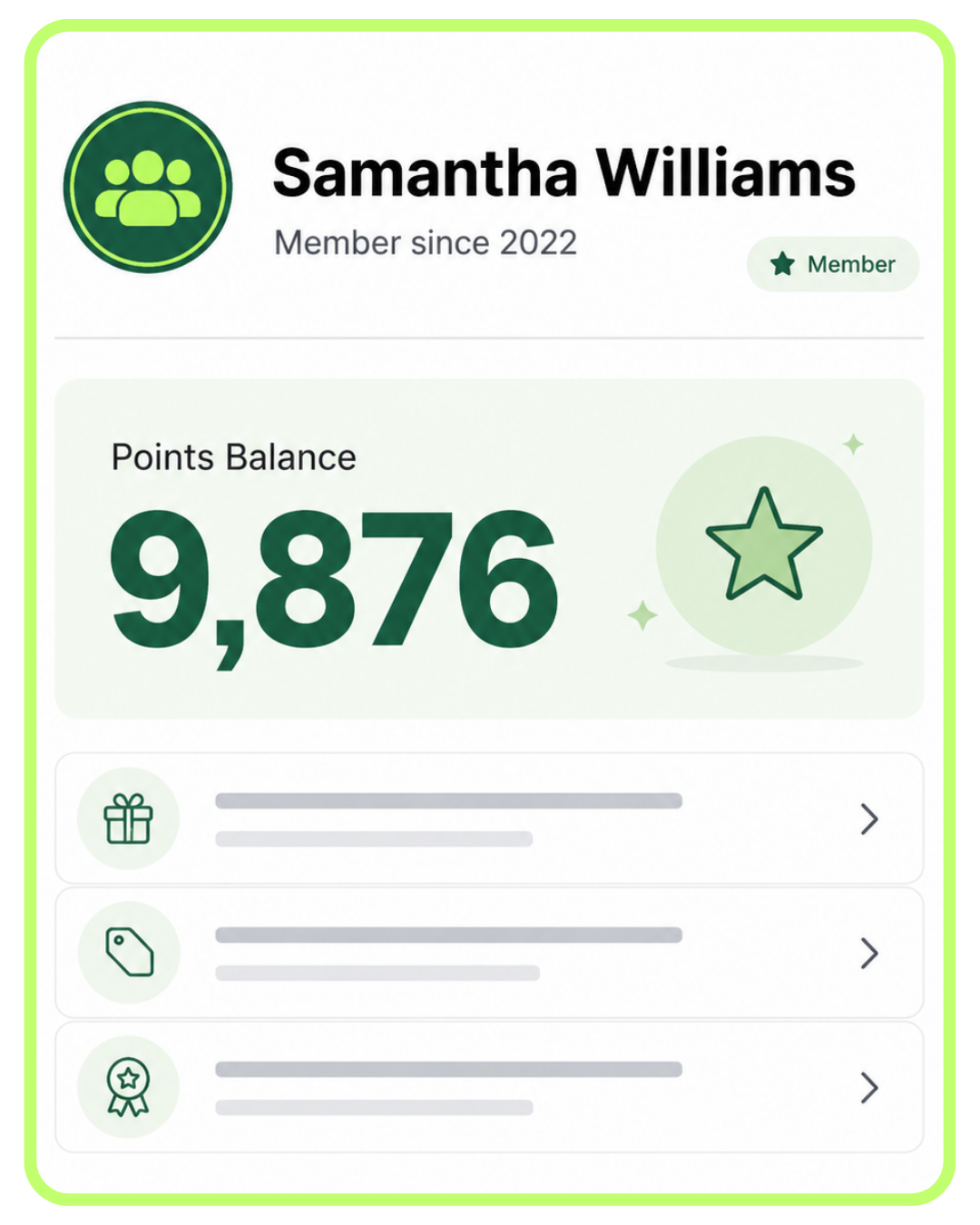
- Loyalty programs — points, punch cards, and rewards
- Email & SMS marketing — send promos and announcements
- Customer rewards tracking — show points balances and reward progress
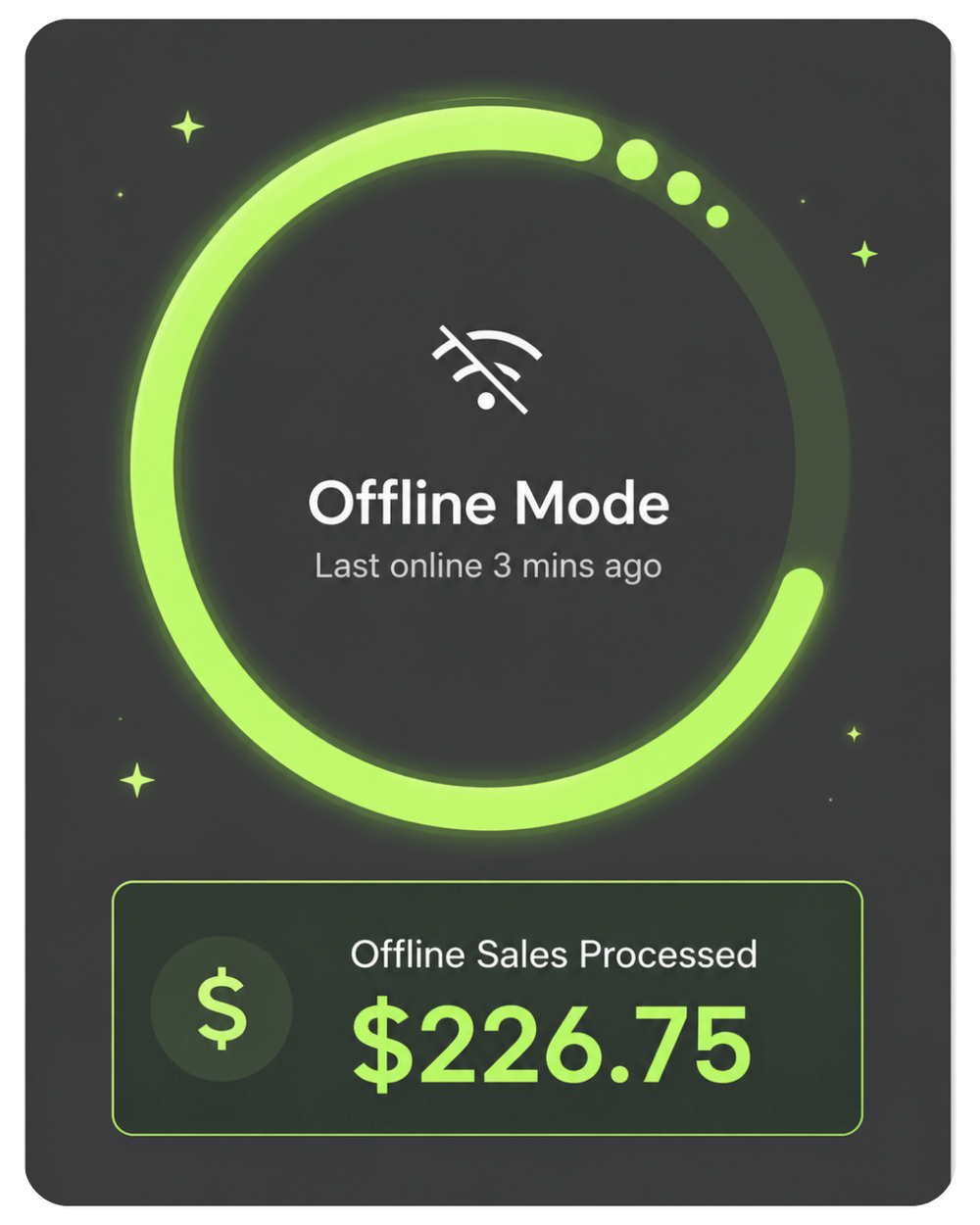
Keep taking payments when the Wi-Fi drops.
The Flex includes Offline Payments mode. If your Wi-Fi goes down mid-service, the Flex stores eligible transactions locally and syncs them once you reconnect. Combined with built-in 4G LTE, you have more ways to stay connected during service.
- 4G LTE backup — use cellular service when Wi-Fi is unreliable
- Offline mode stores eligible transactions for later sync
- Mobile hotspot support — tether to your phone if needed
- Critical for food trucks, mobile vendors, and rural businesses
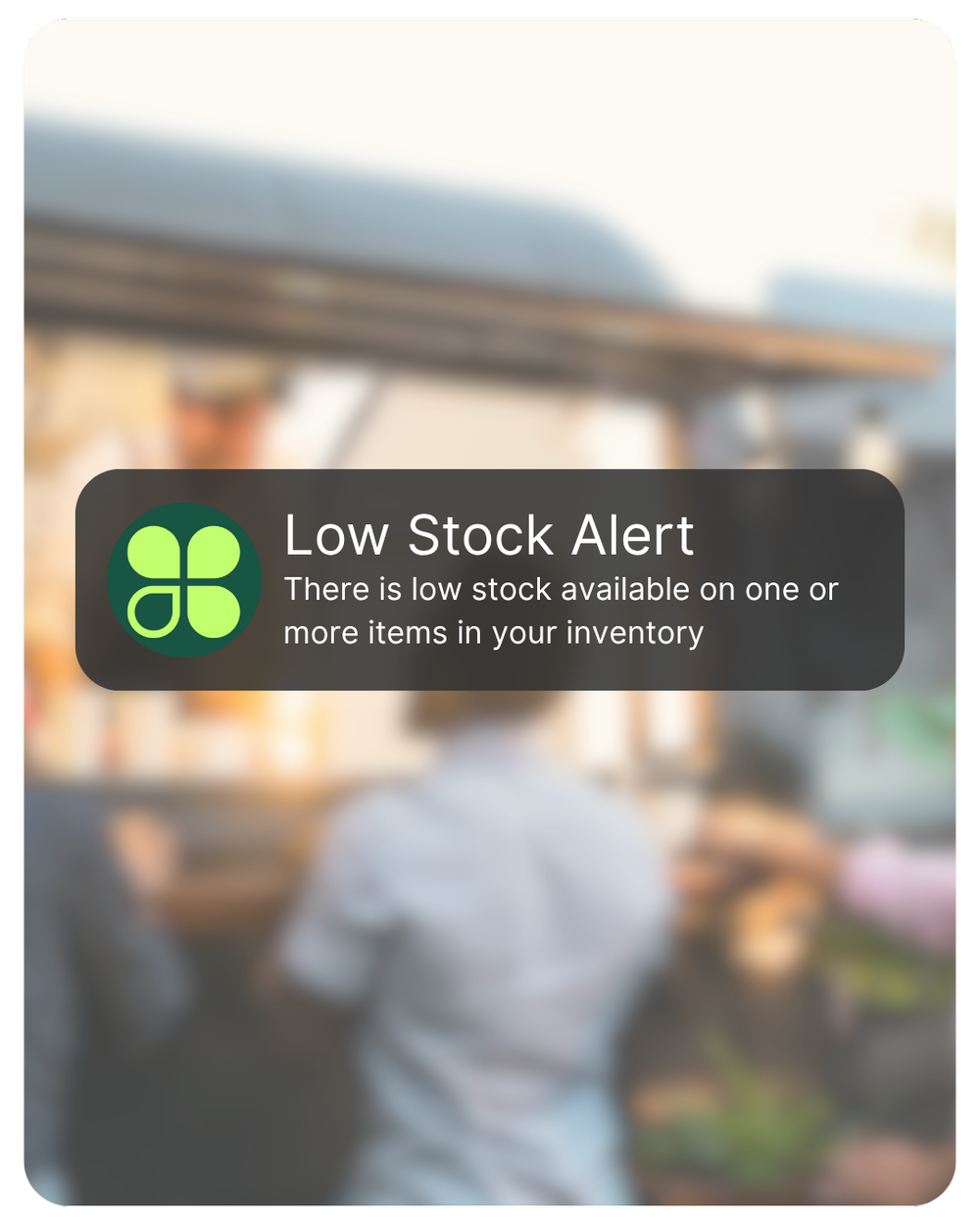
Get notified before you run out — not after.
Set low-stock thresholds per item. The Flex can help your team know when inventory drops below your set level. No more "we just ran out of that" moments mid-rush.
- Real-time low-stock alerts for key menu items or products
- Variants and modifiers — track sizes, colors, toppings, and options
- Cost tracking — understand margin per item, not just revenue
- Bulk import from CSV — Limelight can help with initial setup
Want a 15-minute live demo of any of these features?
Limelight advisors do free Zoom demos — we'll show you the Flex in action with a sample menu or inventory built for your industry.
Choose the path that fits how you want to buy and use Clover.
The right Flex setup depends on your business type, volume, software needs, and whether you want to own the hardware or use a placement option through Limelight Payments.
- A Limelight advisor reviews your business workflow
- We compare Flex vs. Mini vs. Solo vs. Duo
- We recommend the right Clover software plan
- We explain the processing setup clearly
- You get a written quote before deciding
- Best if: you want the safest recommendation first
- You own the Clover Flex hardware
- Limelight merchant account required
- Processing options explained before setup
- Menu, inventory, tax, and tip setup help included
- Support from a real Clover expert after activation
- Best if: you want to own your equipment
- Hardware placement option available with approval
- Limelight merchant account required
- Device is returned if service is canceled
- Setup help is still included
- Good for mobile businesses and service teams
- Best if: you want a lower upfront path
Limelight Payments does not sell Clover hardware for use with other processors. We help you choose the right Clover setup, software plan, and merchant account before you commit.
The more your business processes, the lower your rates may be.
Businesses processing more than $20,000 per month may qualify for custom wholesale pricing. Smaller and newer businesses can start with simple flat rates and move into custom pricing as their volume grows.
Wholesale pricing built around your actual volume.
Instead of paying one high flat percentage on every card, qualifying businesses can use interchange-plus pricing. You pay the actual wholesale card cost plus Limelight’s fixed markup.
Added to the actual wholesale interchange and network cost for each transaction.
A practical estimate for many qualifying businesses based on a typical card mix.
Your effective rate is the average percentage you actually paid after all processing costs are included.
Low starter rates with a path to custom pricing.
New businesses processing less than $20,000 per month can begin with simple flat rates, including the same credit rate for swiped or manually entered cards.
Simple flat pricing, but mostly self-service.
Clover Direct can work for a business that already knows what it needs and is comfortable handling setup and support through Clover.
Low introductory pricing can become very expensive.
Some providers lead with an attractive starting rate, then increase pricing or add fees after the business is locked into an agreement.
Your lowest quoted rate is not always your real processing cost.
The 2.50% effective rate is an estimate, not a guaranteed rate. Actual effective cost varies based on card mix, transaction size, debit usage, rewards and commercial cards, monthly volume, chargebacks, and applicable interchange, network, regulatory, and account fees. Limelight pricing is subject to merchant approval and final written agreement. “As high as 5%” describes a possible effective cost some merchants may experience after rate increases and added fees; it is not a claim that every reseller charges this amount.
5.0 stars across 30+ Google reviews.
"Someone online told me that if I was going to get a Clover system, I should go through a trusted sales rep — and that was the best advice I could've received. Ryan helped with everything: setting up my menu, uploading my inventory, and even integrating my gift cards."
"I've been in business for over 20 years using credit card processors and Ryan is by far the most knowledgeable, helpful individual I have ever used."
"I used Limelight Payments for my pressure washing business. If I have a question, Ryan still answers the phone or returns my call. I don't get tossed around with customer service reps."
Answers to the questions Limelight advisors get most.
What's actually different between the Clover Flex Gen 3 and Gen 4?
The Gen 4 has a larger 5.99" screen, a faster processor, Android 10, improved connectivity, and an upgraded camera for barcode scanning. The form factor is similar, but the Gen 4 feels noticeably snappier. If you're buying new, get the Gen 4 — the Gen 3 is being phased out.
Can I use a Clover Flex without an internet connection?
Yes, partially. The Flex has offline payment capability for eligible transactions and uploads them when connectivity returns. The built-in 4G LTE option also gives many businesses a backup if Wi-Fi is unreliable.
How long does the Flex battery actually last?
Battery life depends on screen brightness, printing, Wi-Fi or LTE use, and transaction volume. Most businesses keep it docked between rushes or shifts, which makes the Flex practical for restaurants, mobile vendors, salons, service calls, and events.
Can I keep my current credit card processor and just buy a Clover Flex from you?
No. Limelight Payments only provides Clover hardware to merchants who process with us. We do not sell Clover terminals for use with other processors. If you want to keep your current processor, you would need hardware from Clover or from a reseller authorized on that specific processing platform.
What happens after I submit the contact form?
A Limelight advisor based in Camarillo, CA calls or texts you within one business day. We ask about your business, your current setup, and what you're trying to solve. No high-pressure pitch — if Clover Flex is not the right answer, we will say so. If it is, we will send a clear recommendation and quote.
What if I choose the wrong Clover device?
That is exactly why we recommend talking with a Clover expert first. We will help you compare Flex, Mini, Solo, and Duo before you commit. If your business is better served by a countertop station or a different setup, we will point you in that direction.
Why are there so many Clover resellers and how do I know who to trust?
Clover hardware can be sold through many authorized resellers. The hardware may be the same, but the pricing model, processing setup, support, and account management can be very different. Ask who will help with setup, who you call after activation, what processing structure you are being offered, and whether the equipment is being sold, placed, financed, or leased.
Is Limelight Payments actually Clover, or just a reseller?
Limelight Payments is a POS consulting and solutions brand operated by POS Advisors Inc. We are not Clover Network, LLC. Clover® and the Clover logo are registered trademarks of Clover Network, LLC. The difference is that Limelight helps you choose, set up, and support the Clover system after the sale.
Not ready to order? Talk to a POS expert.
Most people just add to cart and the POS expert calls them. But if you'd rather talk through your business first, fill this out and we'll call you within one business day.
No commitment at this stage. We'll send pricing in writing before you sign anything.
Prefer to talk to a human?
Call Now: (888) 415-7020| Features | Starter | Essentials |
|---|---|---|
| Monthly Software Cost | ||
| Cost Per Month (One Device) | INCLUDED | $29.95 |
| Payments Features | ||
| Accept all credit & debit cards | ✓ | ✓ |
| Virtual Terminal / MOTO | ✓ | ✓ |
| eCommerce integrations | ✓ | ✓ |
| Clover Go mobile POS | ✓ | ✓ |
| Invoice payments & tracking | ✓ | ✓ |
| Recurring payments | ✓ | ✓ |
| Surcharging | ✓ | ✓ |
| Cash Discount | ✓ | ✓ |
| Tips | ✓ | ✓ |
| Sales tax tracking | ✓ | ✓ |
| Sales tax reporting | ✓ | ✓ |
| Order Management | ||
| Create, save, pay, refund, and edit orders | — | ✓ |
| Item-level tax calculations | — | ✓ |
| Item & order discounts | — | ✓ |
| Automatic order numbers | — | ✓ |
| Reporting | ||
| Sales reporting | ✓ | ✓ |
| Payments reporting | ✓ | ✓ |
| Cash reporting | ✓ | ✓ |
| Track sales by employee | ✓ | ✓ |
| Product mix reporting | — | ✓ |
| Tax reporting | ✓ | ✓ |
| Revenue class reporting | — | ✓ |
| Item, Inventory & Menu Management | ||
| Inventory items & categories | — | ✓ |
| Menu & inventory tracking | — | ✓ |
| Real-time inventory updates | — | ✓ |
| Bulk inventory import / export | — | ✓ |
| Multi-location item management | — | ✓ |
| Item variants | — | ✓ |
| Item modifiers | — | ✓ |
| Customer Engagement | ||
| Customer records tied to payments | ✓ | ✓ |
| Customer purchase tracking | — | ✓ |
| Promotions | — | ✓ |
| Rewards / Loyalty program | — | ✓ |
| Feedback collection | — | ✓ |
| Employee Management | ||
| Roles & permissions | ✓ | ✓ |
| Time clock / timesheets | — | ✓ |
| Website | ||
| Branded website | — | ✓ |
| Add-Ons | ||
| Advanced Loyalty | — | ✓ |
| Gift cards | ✓ | ✓ |
| Payroll | — | ✓ |
| Clover Platform & Financial Services | ||
| Clover Capital | ✓ | ✓ |
| Access to Clover App Market | — | ✓ |
| Clover Dashboard web & mobile access | ✓ | ✓ |
| Online dispute management | ✓ | ✓ |
| Online chat support via Clover Dashboard | ✓ | ✓ |
| 24/7/365 customer support | ✓ | ✓ |
| Security & Compliance Features (Required) | ||
| Clover Security TransArmor - Cost per Month | $10.00 | $10.00 |
| PCI Compliance Tools | ✓ | ✓ |
| Point-to-Point Encryption (P2PE) | ✓ | ✓ |
| Tokenized Payment Security | ✓ | ✓ |
| Fraud Risk Reduction Tools | ✓ | ✓ |
| Active Merchant Account (Required) | ||
| Active Merchant Account - Cost per Month | $10.00 | $10.00 |
| Required to activate payment processing on Clover device | ✓ | ✓ |
| Next-day funding on batches closed before 7 PM EST | ✓ | ✓ |
| Accept Visa, Mastercard, Discover, American Express, and debit cards | ✓ | ✓ |
| Ability to pass credit card fees to customers when properly set up | ✓ | ✓ |
| Online statements, deposits, and transaction reporting | ✓ | ✓ |
| Chargeback and dispute management support | ✓ | ✓ |
| Ongoing account management and support | ✓ | ✓ |
| Total Monthly Fees for this Program | ||
| Software + TransArmor + Active Merchant Account | $20.00 | $49.95 |
| ▼ Click to View Starter vs. Essentials Plan Comparison | ||
Notes: Feature availability, software plan names, and pricing may vary by processor setup, merchant account approval, Clover account configuration, app subscriptions, hardware, and future Clover updates. Some tools may require compatible hardware, third-party apps, or additional fees.
Interested in industry-specific Clover software plans? Learn more about optional upgrades here: Restaurants and Bars · Retail · Salons