

 Image 1 of 17
 Image 2 of 17
 Image 3 of 17
 Image 4 of 17
 Image 5 of 17
 Image 6 of 17
 Image 7 of 17
 Image 8 of 17
 Image 9 of 17
 Image 10 of 17
 Image 11 of 17
 Image 12 of 17
 Image 13 of 17
 Image 14 of 17
 Image 15 of 17
 Image 16 of 17
 Image 17 of 17
Use Duo at the Counter, Use Flex on the Floor
Pair a Clover Station Duo at your main counter with a Clover Flex for tableside payments, line busting, curbside checkout, events, or mobile sales. It is a flexible setup for restaurants, cafés, bars, retail stores, salons, and service businesses that need more than one way to take payments.
Before you order, Limelight Payments can help confirm the right Clover software plan, payment setup, accessories, and business workflow so you do not buy the wrong POS configuration.


One countertop POS + one handheld POS
Use the Duo at the counter and the Flex wherever payment needs to happen away from the register.
The Station Duo gives your staff a professional front-counter register, while the Clover Flex helps with tableside payments, curbside pickup, line busting, delivery checkout, and mobile transactions.
One Clover system for the counter, the floor, the table, and the curb.
Clover Station Duo gives your team a full front-counter POS. Clover Flex gives your staff a handheld device for mobile checkout, tableside payments, line busting, curbside pickup, events, and service away from the register.
Bring checkout to the customer.
Clover Flex helps your team take payments where the customer is — at the table, in line, curbside, outside, at an event, or anywhere a handheld checkout makes service faster.
- Tableside payments for restaurants, cafés, bars, and service counters
- Line busting during rushes when the main counter gets backed up
- Curbside and pickup payments without bringing the customer inside
- Mobile checkout for retail floors, events, patios, pop-ups, and field service
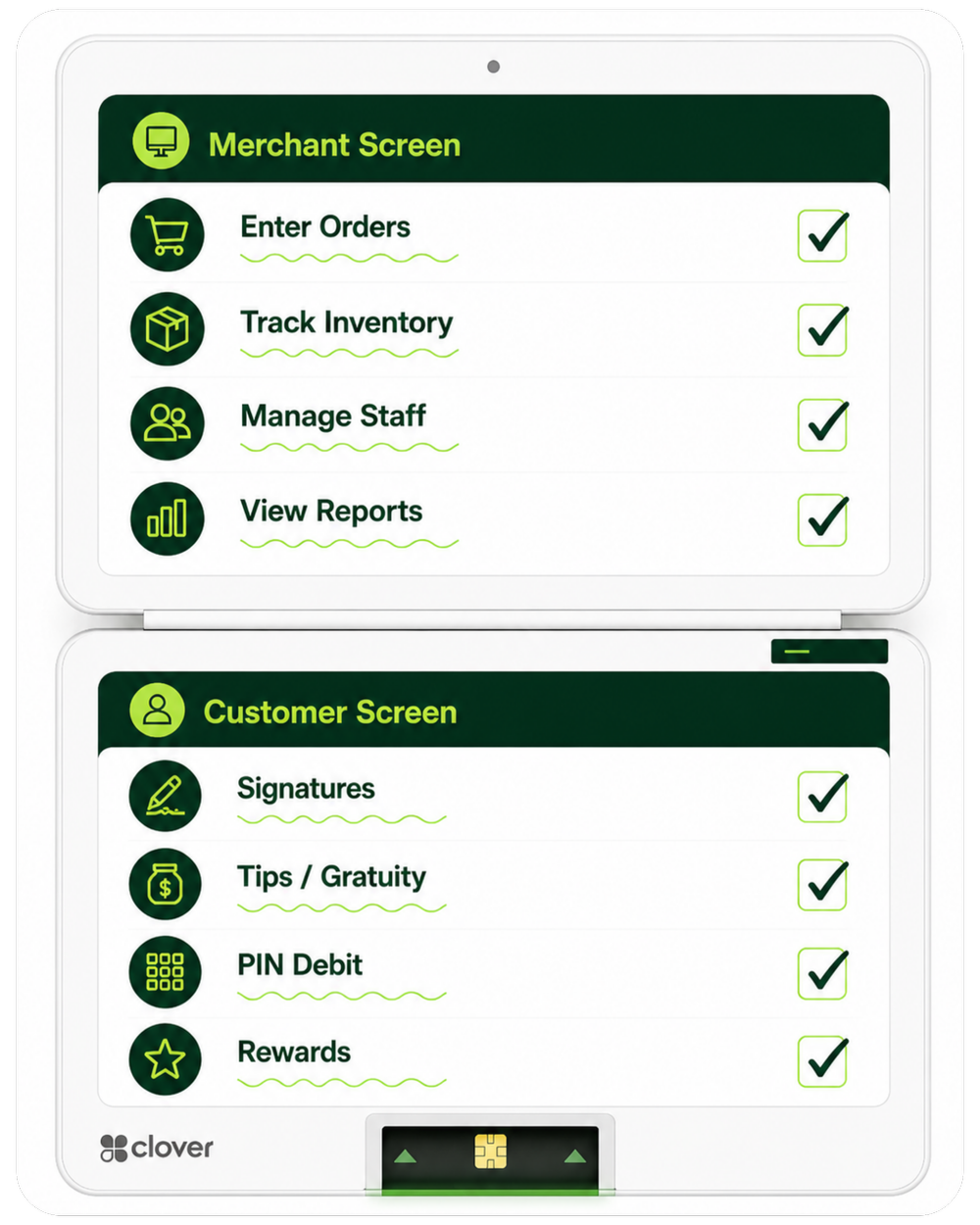
Keep your main checkout station fast and professional.
Clover Station Duo anchors the front counter with a large staff screen, customer-facing checkout screen, built-in receipt printer, and a polished payment flow for tips, signatures, totals, and card payments.
- Large staff-facing screen for order entry, item lookup, discounts, tabs, and reporting
- Customer-facing screen for totals, tips, signatures, PIN entry, and payment prompts
- Built-in receipt printer for a real register workflow
- Professional counter setup compared with tablet-and-reader checkout
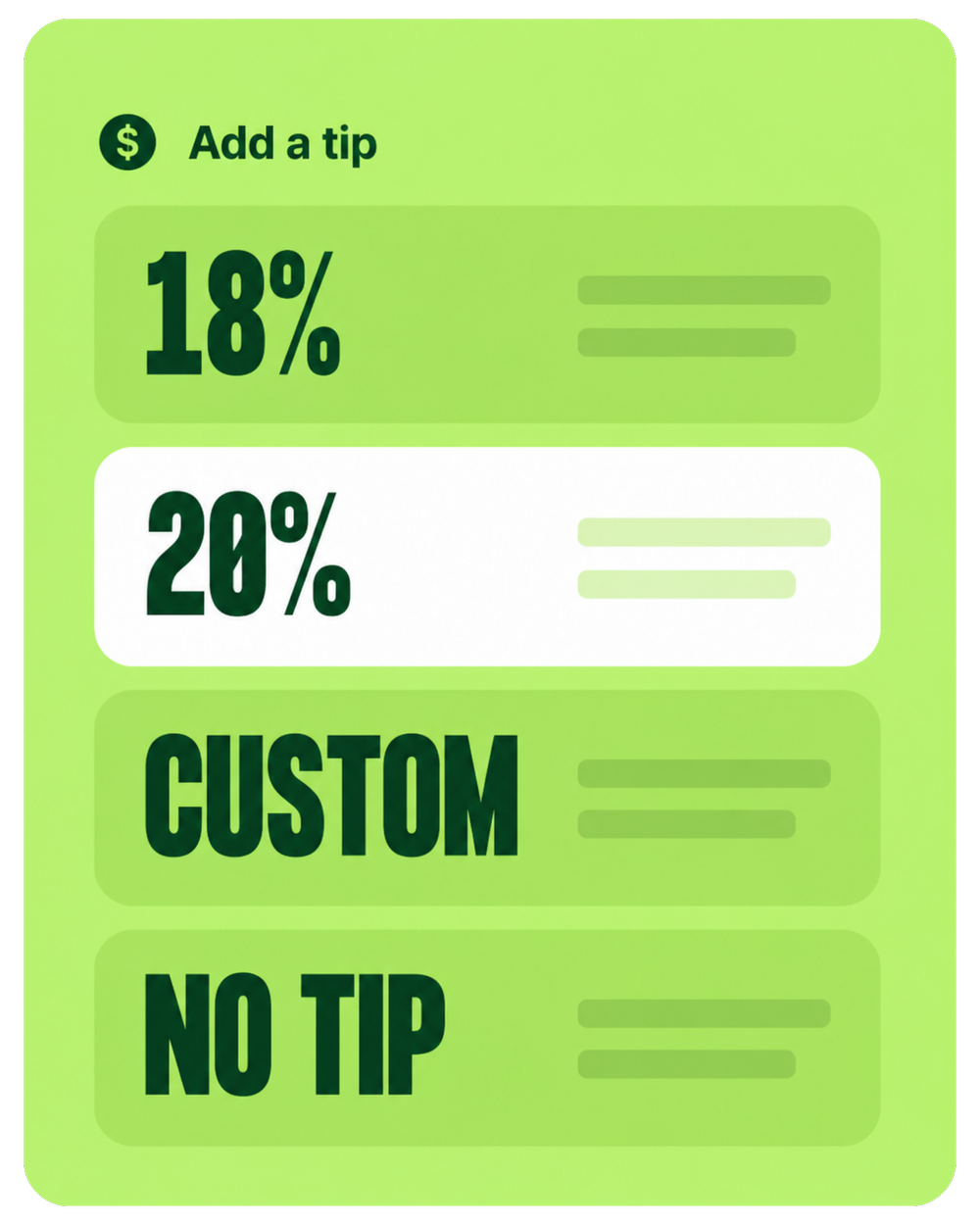
Give customers a smoother way to review, tip, sign, and pay.
Duo handles the polished customer-facing checkout experience at the counter, while Flex gives you a second checkout option when payment needs to happen away from the register.
- Tip prompts at the counter with preset and custom tip options
- Mobile wallet support for tap-to-pay transactions
- Clear total confirmation before payment
- Less waiting because staff can use the Flex when the counter is busy
A two-device Clover setup for businesses that need both a register and a handheld.
The Clover Duo + Flex combo gives you one fixed countertop POS and one handheld Clover device. Use the Duo as your main register, then use the Flex when staff need to take payments on the floor, at the table, curbside, or away from the counter.
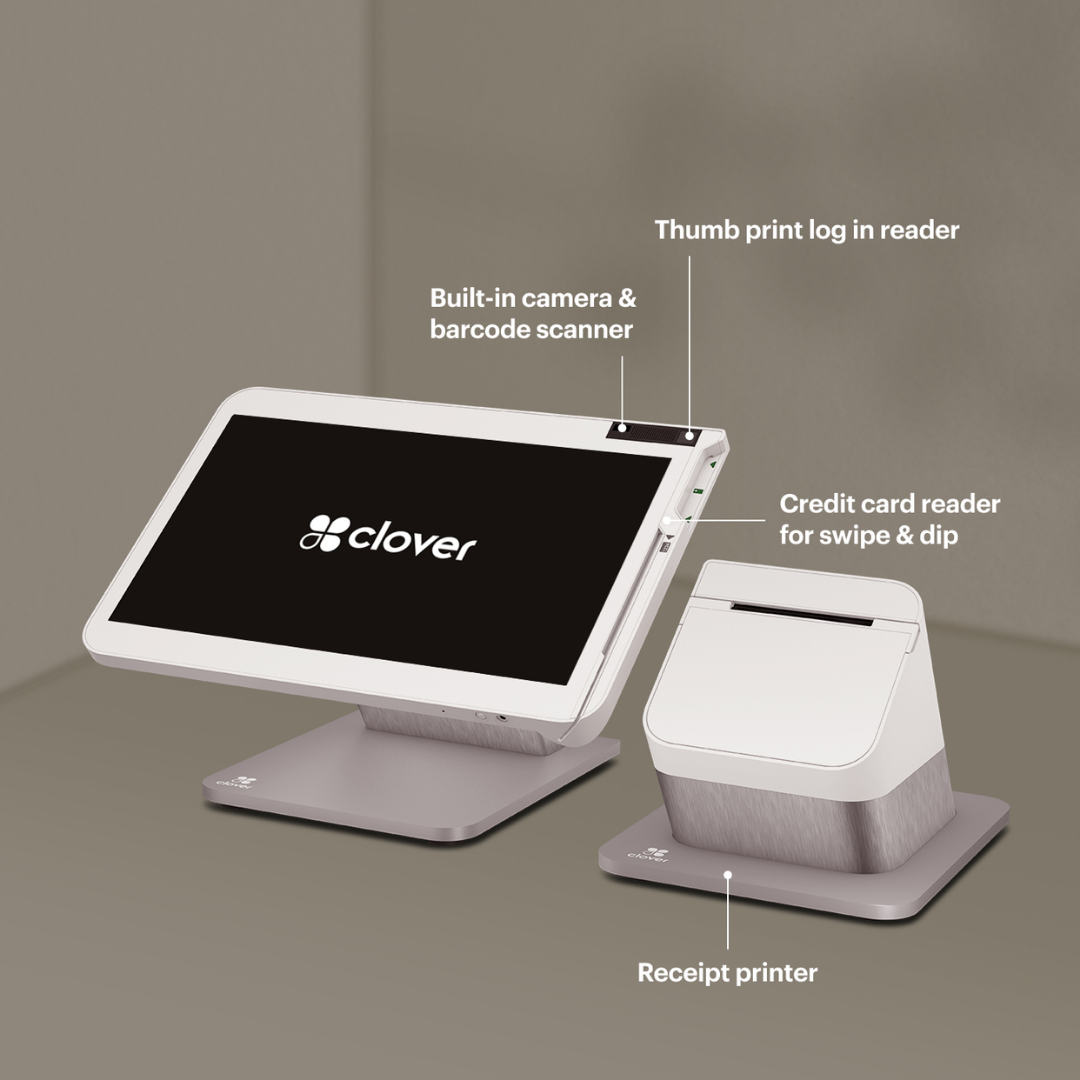

Duo runs the counter. Flex handles the floor.
The Duo gives you a strong main register, while the Flex gives your team a portable way to take payments where service actually happens.
Choose Duo + Flex when checkout happens in more than one place.
This bundle makes the most sense when your business needs a serious counter register plus a second device for mobile payments, tableside checkout, curbside pickup, line busting, or service away from the counter.
Choose Duo + Flex when these are true:
- You want the Duo as your main register, host stand, bar POS, front desk, or checkout counter.
- You also need a handheld device for tableside, curbside, events, patios, lines, or the sales floor.
- You want customer-facing checkout at the counter and portable checkout away from the counter.
- Your staff should not have to send every customer back to one fixed register.
- You want Limelight Payments to help choose the right software plan, setup, and workflow before you order.
Consider a single device when these are true:
- You only need a fixed register and never take payments away from the counter.
- You only need a mobile terminal and do not need a full countertop POS.
- Your business has very limited counter space and a Mini, Compact, or Flex may be enough.
- You do not need tips, employees, inventory, reports, order entry, or advanced POS tools.
- You are not sure which Clover setup fits your software plan, industry, and checkout workflow.
The bundle is for businesses that need both a home base and mobility.
Use the Duo as the main POS station for staff, receipts, reporting, tips, and customer-facing checkout. Use the Flex when checkout needs to move to the table, floor, curb, patio, event, or customer. If you are not sure whether you need both, Limelight Payments can help compare the bundle against a Duo-only or Flex-only setup.
Duo gives you the main POS. Flex helps you move checkout where it needs to happen.
The hardware is only part of the setup. The right Clover software plan controls what your Duo + Flex bundle can do for restaurants, retail stores, salons, service businesses, and mobile checkout workflows.
Tools for staff, sales, loyalty, reporting, and repeat customers.
Use the Duo as your main checkout station and the Flex as your mobile checkout device. Together, they can support payments, employees, reporting, customer rewards, gift cards, inventory, online ordering, and service workflows with the right Clover plan.
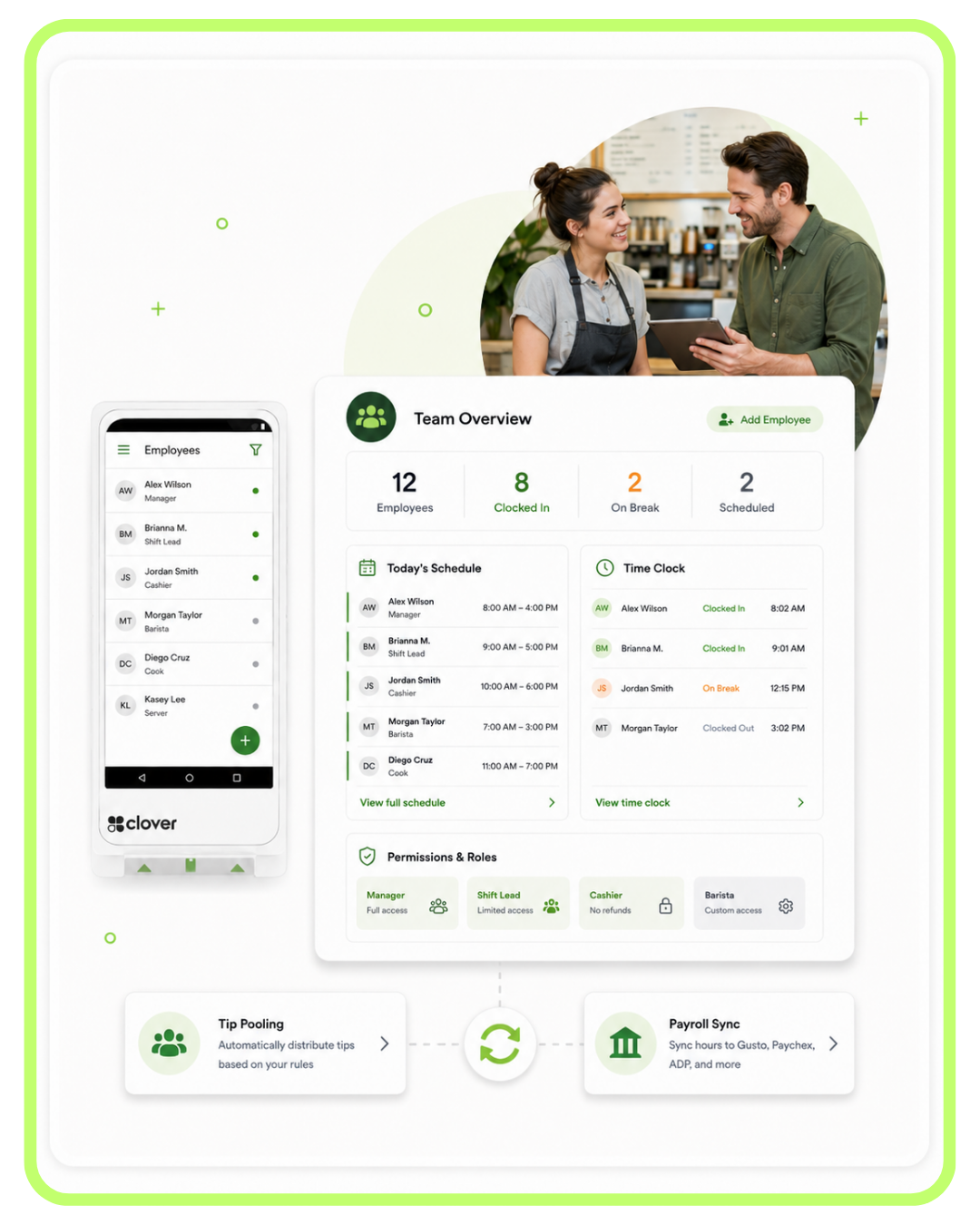
Manage staff, payroll, and scheduling
Set permissions, track shifts, manage staff activity, and connect payroll tools through compatible Clover apps.
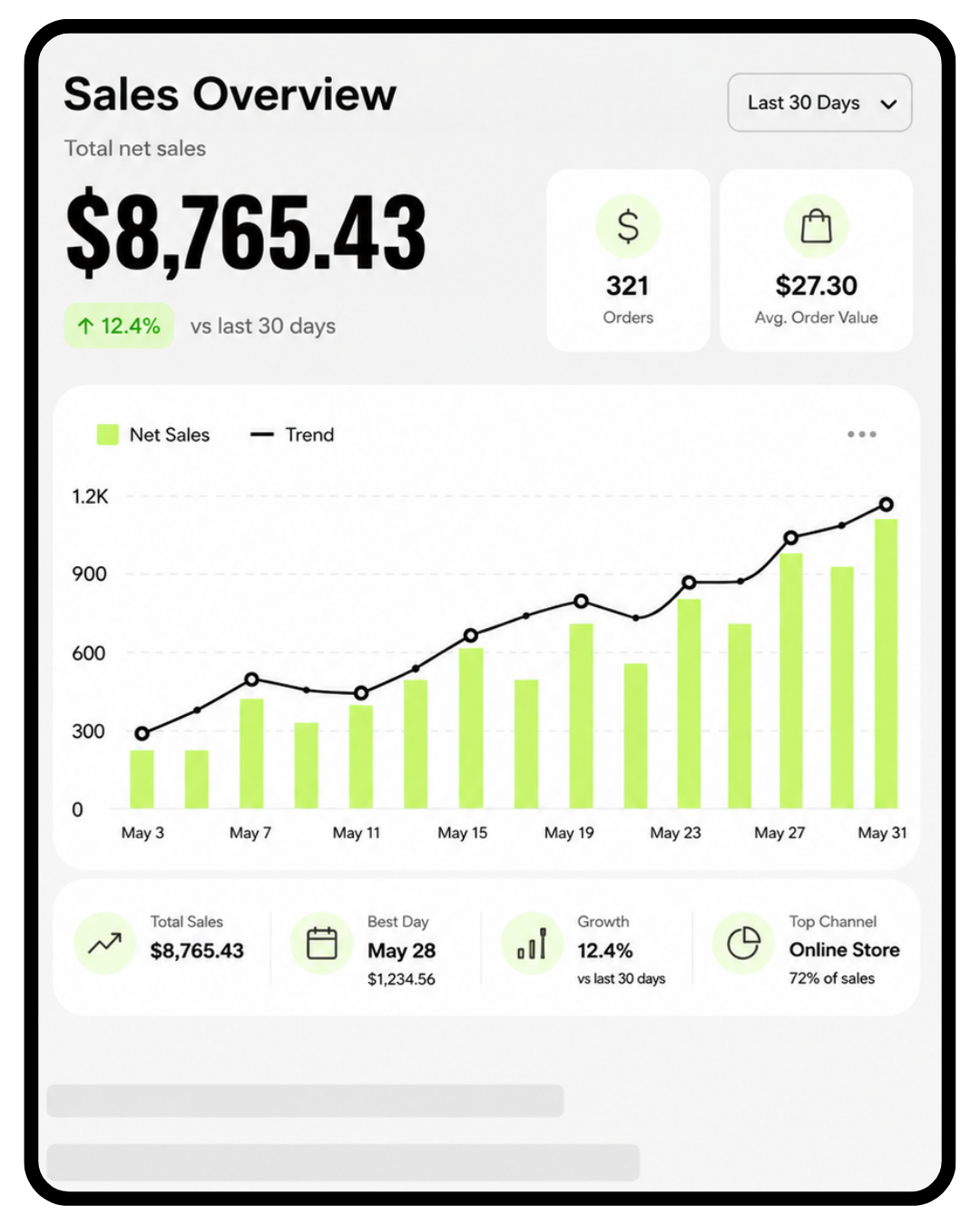
Track sales in real time
Monitor performance, sales trends, refunds, top items, employee activity, and daily reporting.
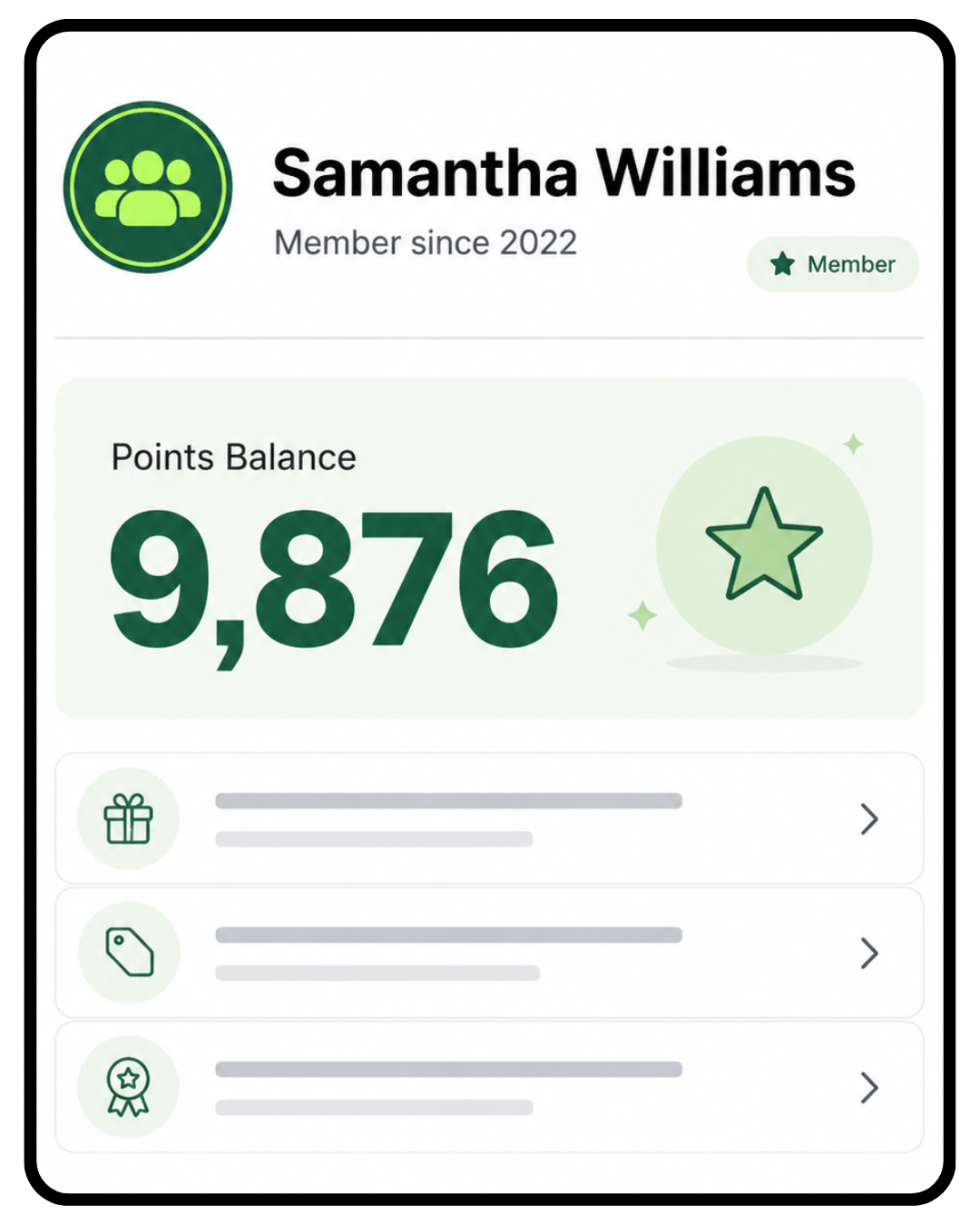
Customer rewards
Build loyalty with customer profiles, points, offers, promotions, and repeat-visit tools.

Gift cards
Increase revenue with digital and physical gift cards that can bring customers back again.
For restaurants
For full-service restaurants, cafés, bars, QSR, and takeout-heavy businesses, Duo can anchor the counter, host stand, or bar while Flex helps with tableside payments, mobile checkout, patios, line busting, and pickup orders.
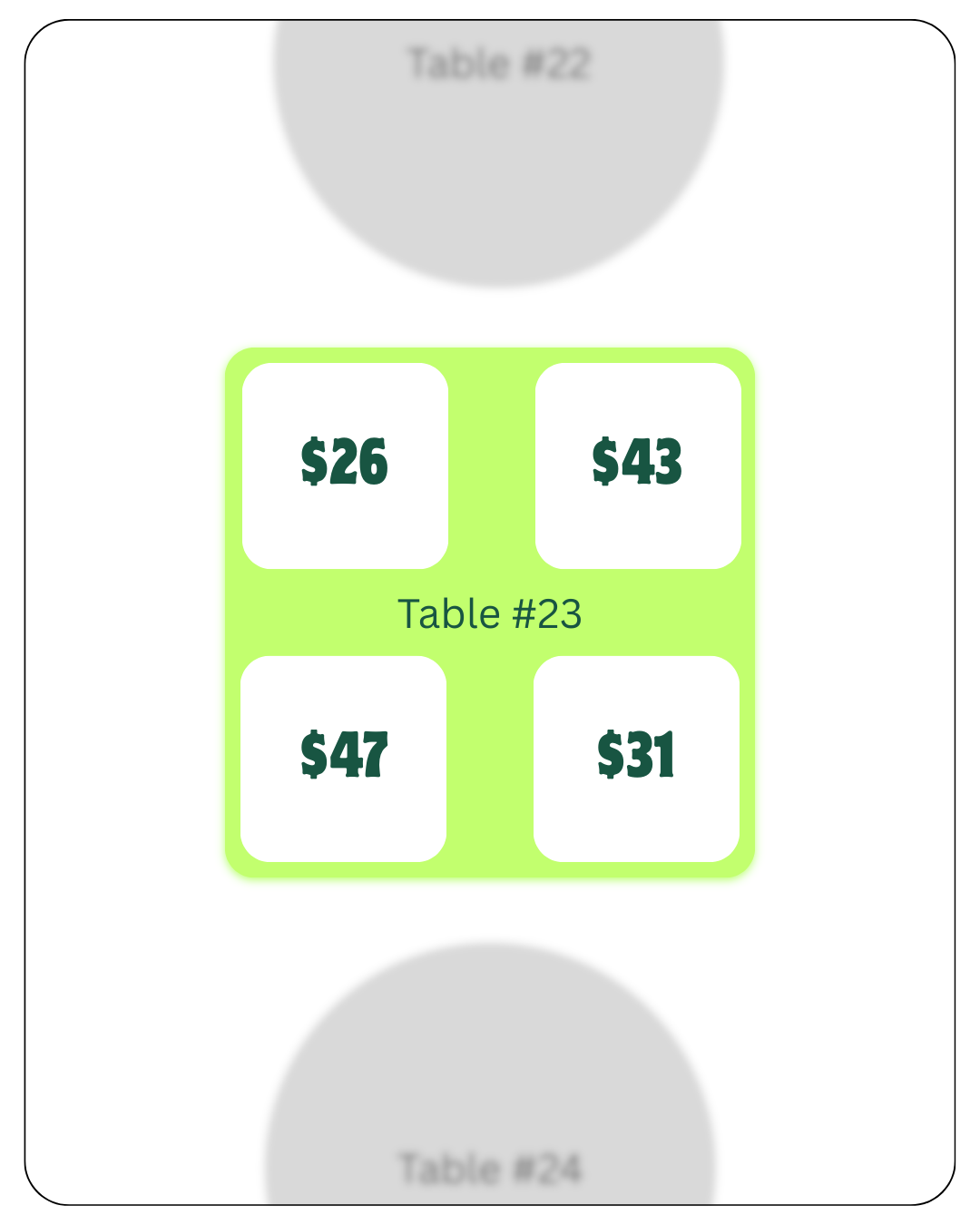
Table mapping and guest analytics
Manage tables, open checks, guest flow, and restaurant sales patterns from the same Clover system.

Track menu inventory in real time
Track menu items, categories, modifiers, stock levels, and item availability during service.
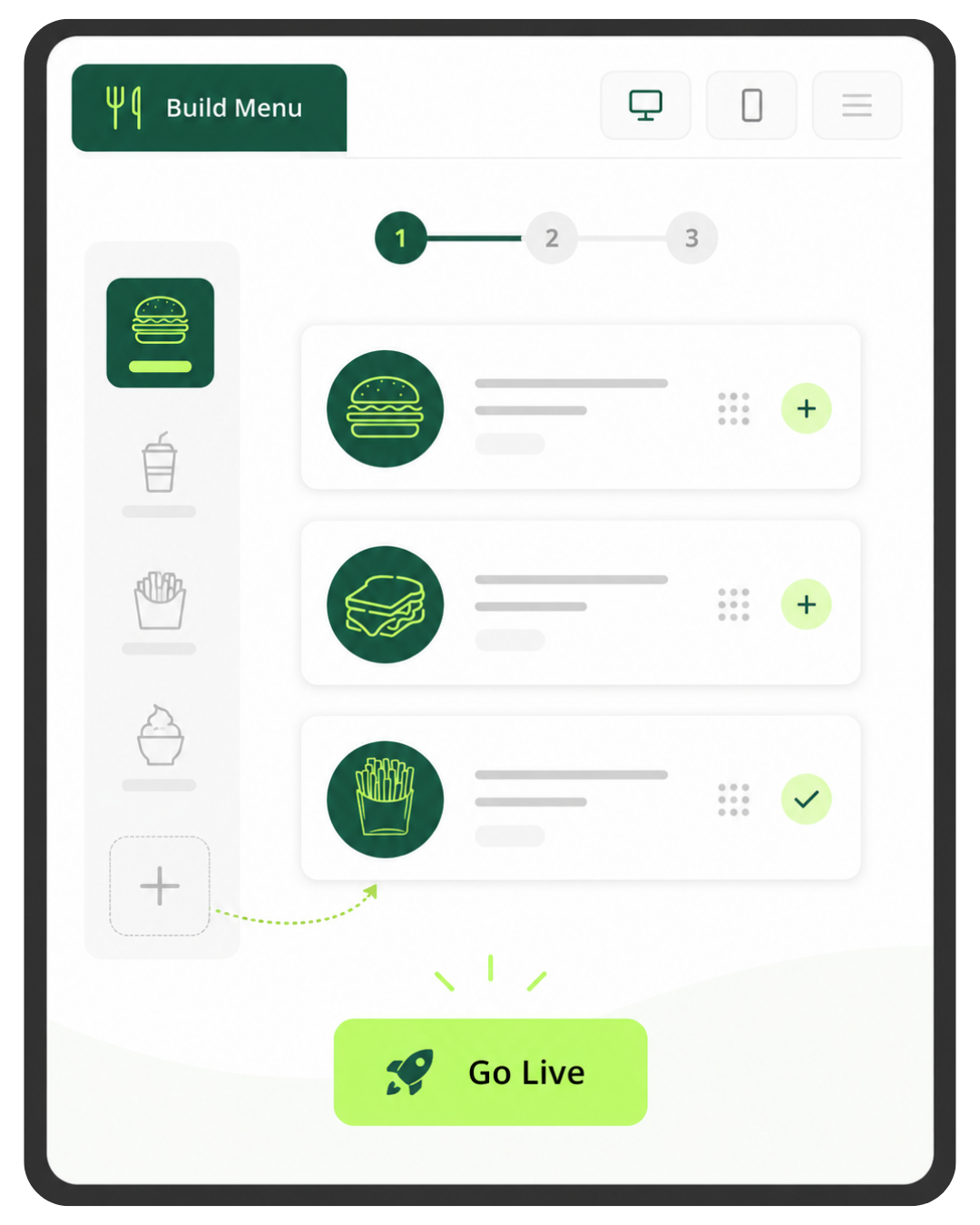
Online ordering with a few clicks
Create an online ordering menu and send orders into your restaurant workflow when configured.
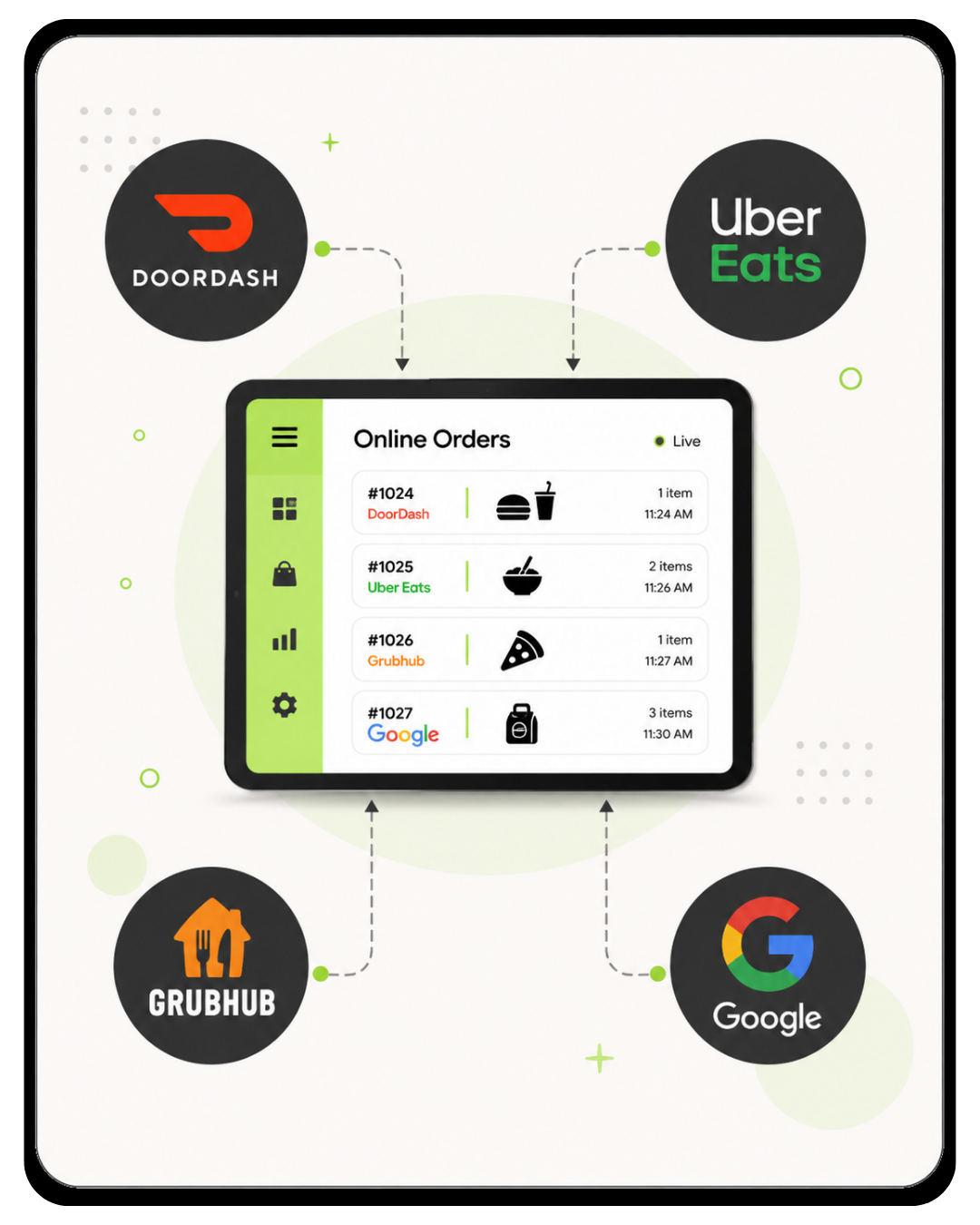
Third-party delivery integrations
Connect Uber Eats, DoorDash, Grubhub, and Google ordering tools with the right Clover restaurant setup.
Best setup: Duo at the counter, Flex on the floor.
Keep the Duo at the host stand, bar, or main register. Use the Flex for tableside payment, patio service, curbside pickup, events, and rushes when the counter line gets backed up.
For retail stores
For boutiques, gift shops, smoke shops, grocery, specialty retail, and stores with many SKUs, Duo can run the main checkout while Flex helps with mobile checkout, floor selling, inventory tasks, and line busting.

Advanced inventory tools
Keep shelves stocked with real-time inventory visibility, categories, variants, and item tracking.

Low-stock notification alerts
Get real-time notifications when items are running low so your team can restock in time.
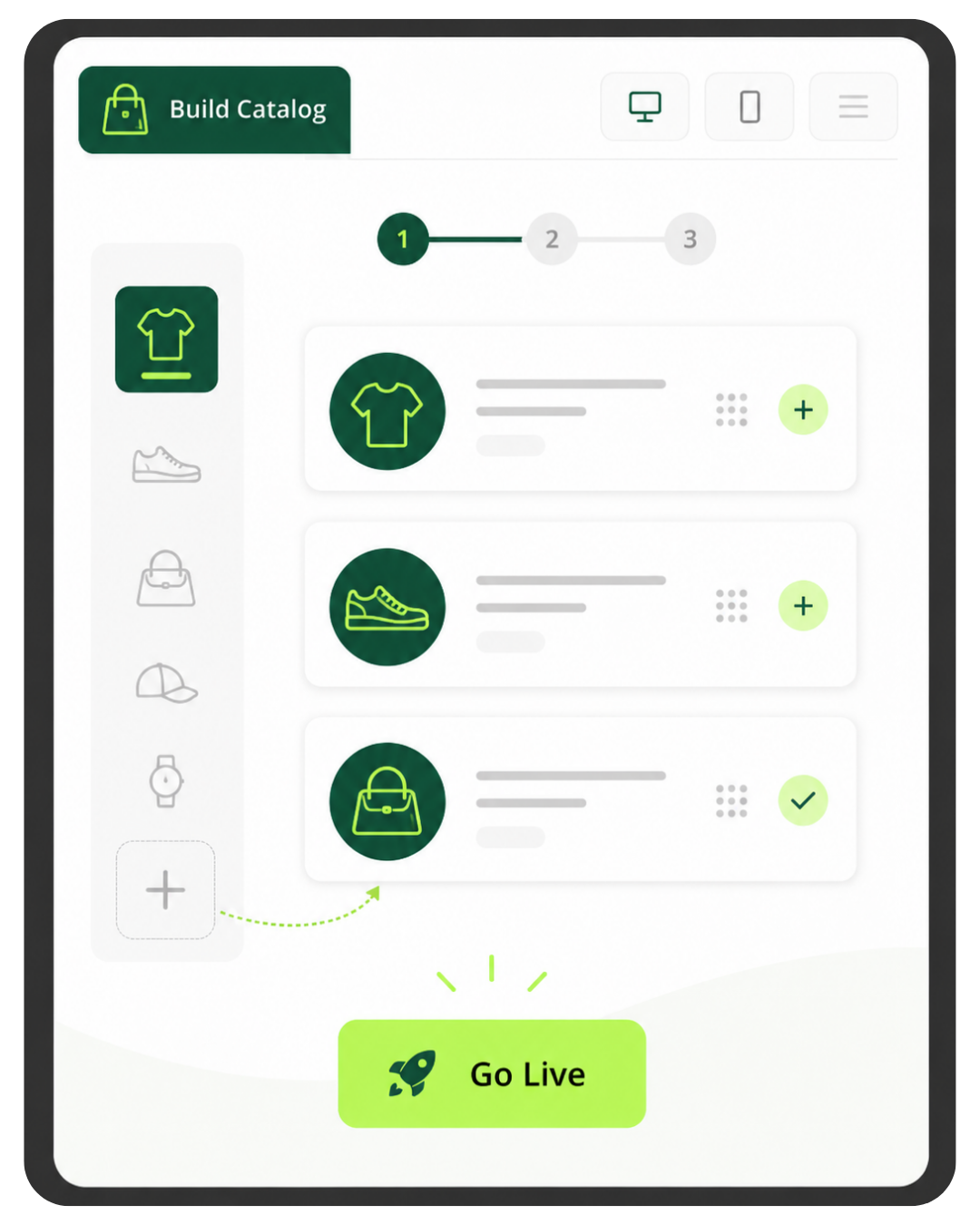
Build an eCommerce store
Turn in-store products into an online catalog and online selling workflow with the right retail plan.

Print and scan your own barcodes
Add products, print matching barcode labels, and scan items at checkout with compatible retail hardware.
Best setup: Duo at checkout, Flex for the sales floor.
Use the Duo as the main register for receipts, returns, reporting, and staff checkout. Use the Flex when you want to help a customer pay away from the main counter.
For salons & services
For salons, spas, barbers, med spas, and appointment-based businesses, Clover can connect booking, staff calendars, appointment reminders, customer history, service checkout, tips, and customer profiles.

Let your clients book online
Allow clients to book online through your custom booking website and connect appointments to checkout.
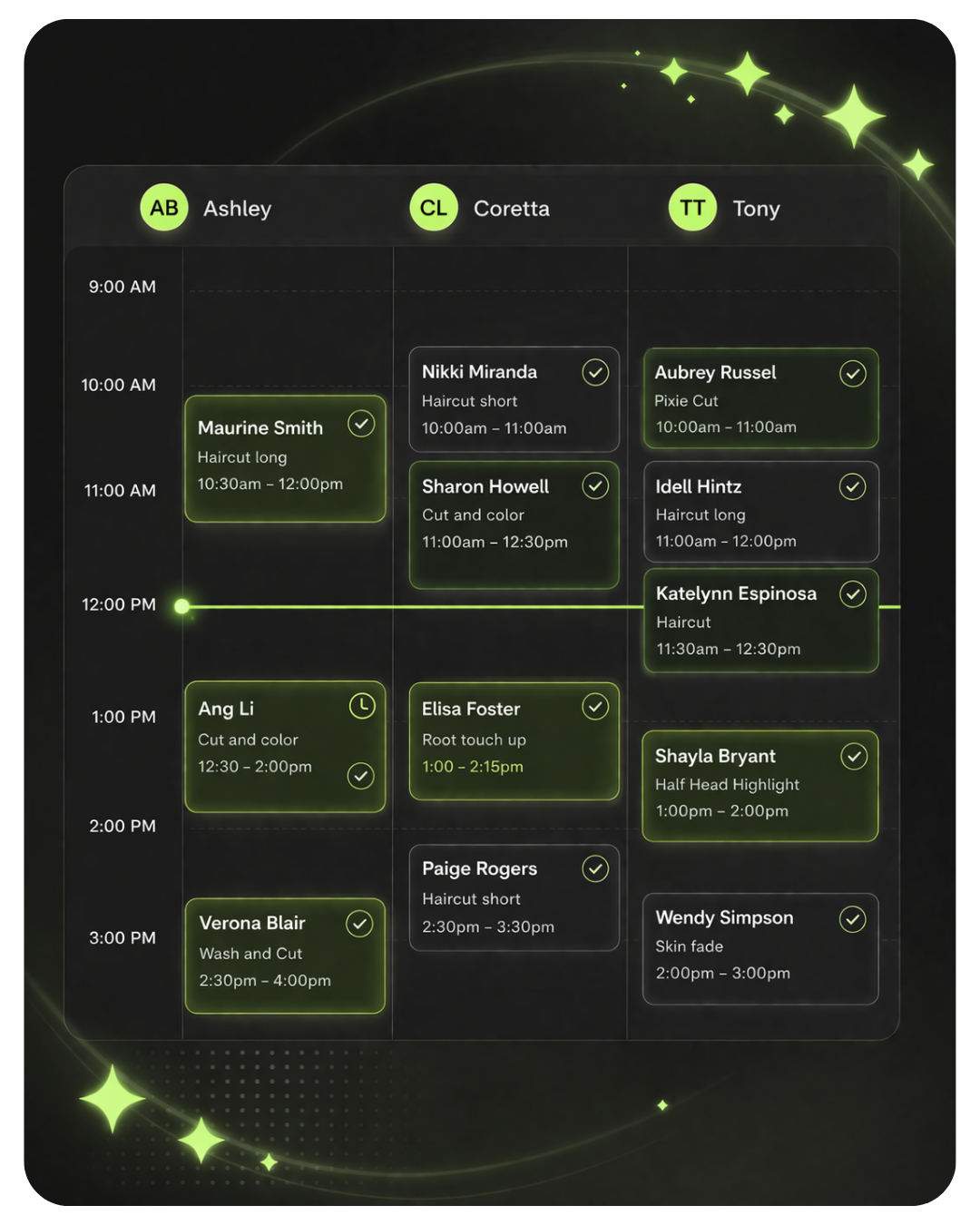
Easily manage appointments
View schedules, manage appointments, organize staff calendars, and keep your front desk moving.
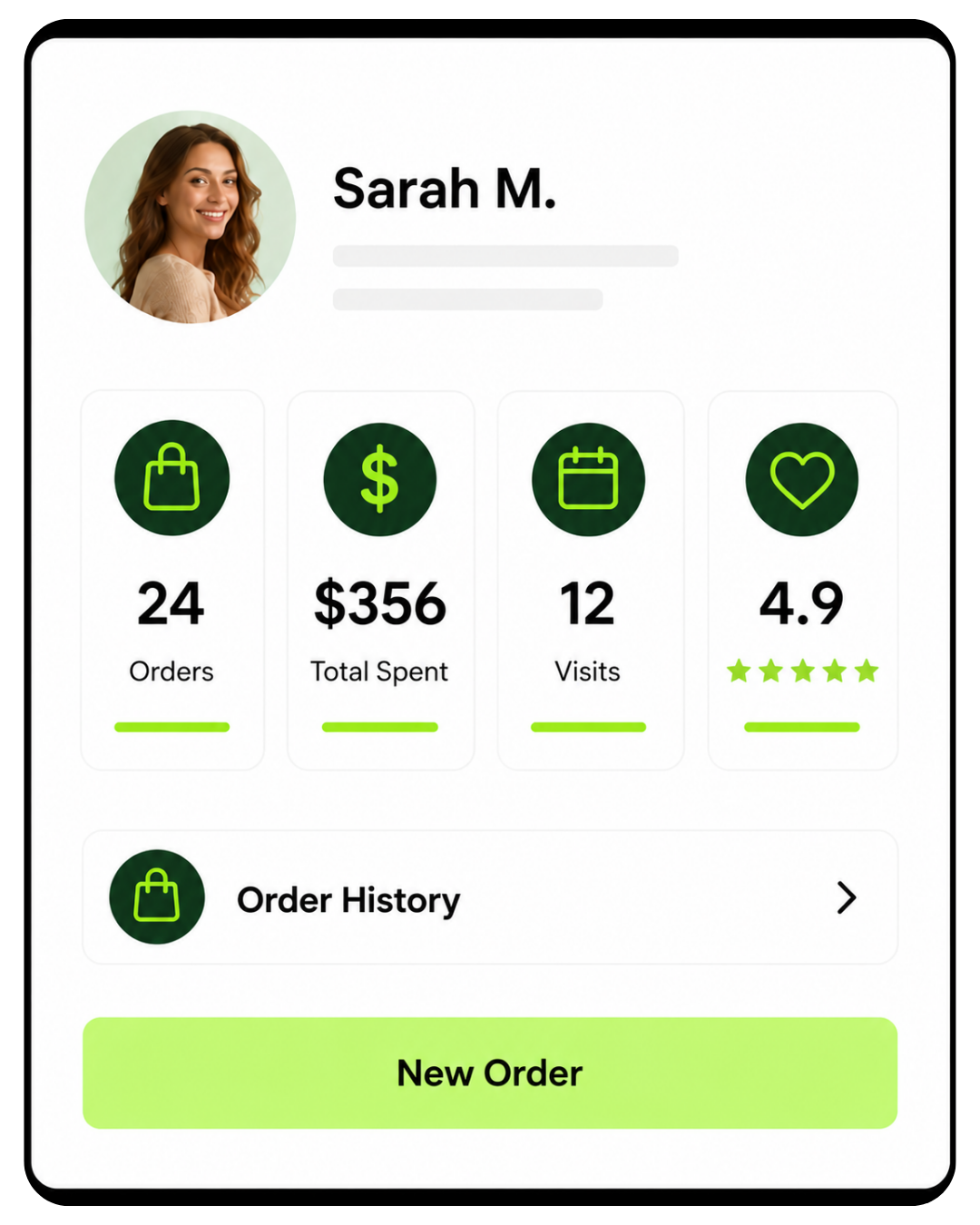
Know your customers
See customer history, visits, preferences, spend, rewards, and notes so each visit feels more personal.
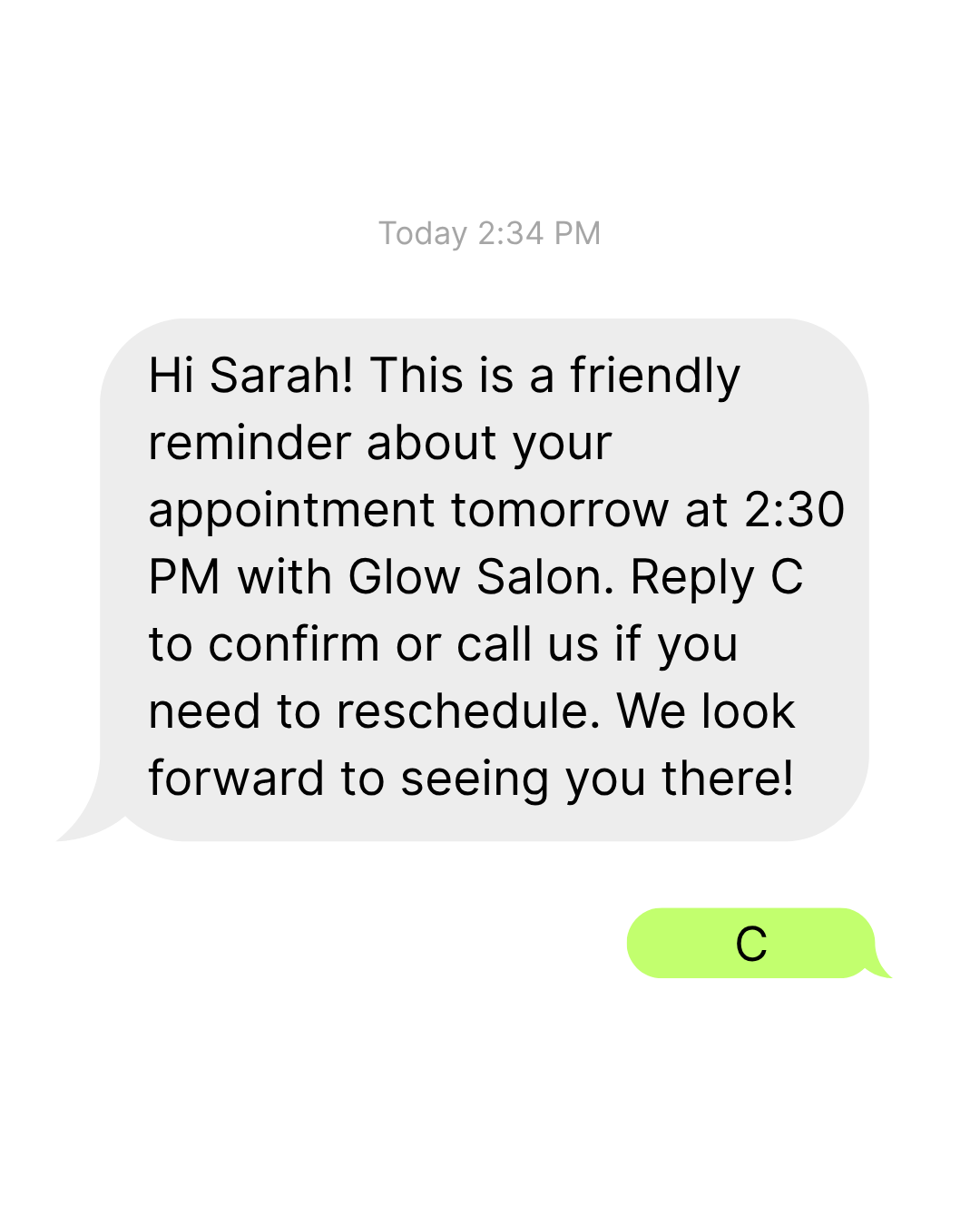
Automated appointment reminders
Send reminders and confirmations to reduce no-shows and keep your calendar full.
Best setup: Duo at the front desk, Flex wherever checkout is easier.
Use the Duo for front-desk checkout, staff schedules, receipts, and reporting. Use the Flex for mobile checkout, chair-side payment, treatment room payment, or services away from the front desk.
The right software plan turns your Duo + Flex bundle into the right business workflow.
The $1,900.00 bundle includes the Clover Station Duo and Clover Flex hardware. Clover software and payment processing are what determine how the system handles tips, inventory, staff, tables, online ordering, booking, reporting, and industry-specific tools.
Clover Station Duo + Clover Flex in one bundle.
Use Duo at the counter and Flex away from the register.
Limelight helps match the hardware, software, and workflow.
Do not choose software based on price alone.
The lowest monthly plan is not always the right fit. Restaurants, retail stores, salons, and service businesses often need specific Clover tools that only come with the right plan.
- Essentials is the most affordable paid Clover POS plan for the Duo + Flex bundle.
- Restaurants usually need tabs, tables, tips, and order routing.
- Retail stores usually need inventory, variants, barcodes, and stock tools.
- Salons and services usually need booking, staff schedules, reminders, and service checkout.
- Limelight Payments helps match your Duo + Flex bundle to the right setup before you buy.
- Basic inventory
- Employee management
- Tips and discounts
- Customer rewards
- Gift cards
- Additional device: $11.95/mo
- Table mapping
- Open tabs and checks
- Kitchen printer or KDS routing
- Online ordering
- Delivery integrations
- Additional device: $19.95/mo
- Advanced inventory
- Variants and item groups
- Barcode scanning and labels
- Low-stock alerts
- eCommerce tools
- Additional device: $19.95/mo
- Online booking
- Appointment calendar
- Staff scheduling
- Customer profiles
- Appointment reminders
- Additional device: $19.95/mo
Monthly software plan pricing is shown for planning purposes and may vary based on Clover plan, account approval, taxes, required services, accessories, apps, and business-specific setup. Additional device pricing is shown for the second Clover device in this Duo + Flex bundle.
How most businesses use Duo + Flex together.
The best setup depends on where customers pay, how staff move through the business, and what the software needs to manage.
Restaurants, cafés, and bars
Duo at the host stand, bar, or counter. Flex on the floor for tableside payment, patios, pickup orders, and rushes.
- Restaurant Growth plan
- Duo for main order entry
- Flex for tableside and mobile checkout
- Table mapping and open tabs
- Online ordering for pickup
- Delivery service integrations
- Optional kitchen printer or KDS
Retail and specialty stores
Duo at the checkout counter. Flex for line busting, floor selling, pickup orders, local delivery, pop-ups, or events.
- Retail Growth plan
- Duo for main register
- Flex for mobile checkout
- eCommerce page
- In-store pickup
- Local delivery options
Salons, spas, and services
Duo at the front desk. Flex at the chair, treatment room, service area, or wherever the customer checks out.
- Services Growth plan
- Duo for front-desk checkout
- Flex for chair-side payment
- Appointments and online booking
- Staff calendars and reminders
Not sure which software plan fits your Duo + Flex bundle?
Talk to Limelight Payments before ordering so your Clover hardware, software, processing, and accessories are matched to your actual workflow.
5.0 stars across 30+ Google reviews.
Limelight Payments’ value is not just Clover hardware. It is guidance, setup, training, and real support after the sale.
“Someone online told me that if I was going to get a Clover system, I should go through a trusted sales rep — and that was the best advice I could’ve received. Ryan helped with everything: setting up my menu, uploading my inventory, and even integrating my gift cards.”
“I’ve been in business for over 20 years using credit card processors and Ryan is by far the most knowledgeable, helpful individual I have ever used.”
“If I have a question, Ryan still answers the phone or returns my call. I don’t get tossed around with customer service reps.”
Clover Duo + Flex questions.
Detailed answers about the $1,900 Clover Station Duo purchase, the Clover Flex placement, software plans, processing, accessories, setup, and how the Duo + Flex bundle works.
How does the $1,900 Clover Duo + Flex offer work?
With this offer, you are purchasing the Clover Station Duo at the retail price of $1,900. The Clover Flex is provided through Limelight Payments’ POS Placement Program for use with your active Limelight Payments merchant account. Merchant account approval is required. Clover software, payment processing, accessories, taxes, shipping, and any account-specific costs are quoted separately.
Do I own both the Clover Station Duo and the Clover Flex?
You are purchasing the Clover Station Duo. The Clover Flex is provided on placement through Limelight Payments and is not being sold as part of the $1,900 hardware purchase. The Flex is provided for use with an active Limelight Payments merchant account and may need to be returned if the account is closed or canceled.
Why is the Clover Flex included with the Duo?
The Duo is ideal as the main countertop POS station, while the Flex is useful for tableside payment, curbside checkout, line busting, patios, events, mobile checkout, or taking payments away from the counter. Pairing the Duo with a Flex gives many businesses a stronger setup than using one fixed register by itself.
Is the $1,900 price the full cost to run the system?
No. The $1,900 price is for the Clover Station Duo hardware purchase. To run the system, you also need a Clover software plan and an approved payment processing account through Limelight Payments. Depending on your business, you may also need accessories such as a cash drawer, barcode scanner, kitchen printer, KDS, label printer, scale compatibility review, or additional Clover devices.
Is there a monthly fee for the Clover Flex placement?
The Clover Flex is provided through Limelight Payments’ POS Placement Program. Any placement terms, monthly fees if applicable, shipping/setup fees, return requirements, software costs, and processing terms will be listed clearly on your quote before you move forward.
What happens to the Clover Flex if I cancel processing?
Because the Clover Flex is provided through the POS Placement Program, it may need to be returned if the merchant account is closed or canceled. Please keep the original box, charging accessories, and related equipment so the device can be safely returned if needed.
Can I use the Clover Duo or Flex with my current credit card processor?
Usually no, not if you are getting this offer through Limelight Payments. The Duo purchase and Flex placement are offered to merchants who process through Limelight Payments. Clover devices are activated through specific processing relationships, so do not buy Clover hardware expecting to use another processor unless compatibility is confirmed in writing before purchase.
What Clover software plan do I need for Clover Station Duo and Flex?
It depends on the job the POS needs to perform. Clover Essentials POS Software starts at $29.95/mo and is the simplest path for general checkout, inventory, employees, tips, rewards, and gift cards. Clover Restaurant Growth POS Software is $89.95/mo for restaurants, bars, cafés, QSRs, online ordering, delivery, kitchen routing, and table workflows. Clover Retail Growth POS Software is $84.95/mo for advanced inventory, variants, barcode tools, labels, cost tracking, and eCommerce. Clover Services Growth POS Software is $84.95/mo for salons, spas, barbers, med spas, appointment scheduling, online booking, reminders, and service workflows.
Can Clover Duo + Flex handle tableside ordering and payment?
Yes. The Station Duo is usually the fixed counter, bar, or host-stand device. The Clover Flex can be used for tableside ordering and payment, letting servers take orders, split checks, collect tips, and process payments at the table without walking back to the register.
Can I get a written quote before I order?
Yes. That is recommended. A written quote should separate the Duo hardware purchase, Flex placement terms, Clover software, payment processing, accessories, setup expectations, and any special terms. This helps you compare the true cost of the Clover Duo + Flex setup instead of only looking at the hardware price.
What happens after I submit the form?
A Limelight Payments POS advisor reviews your business type, current processor, current POS, checkout flow, software needs, accessory needs, and timeline. Then we recommend whether Clover Duo + Flex, Mini, Solo, Compact, or another bundle makes the most sense and send a clear quote for the hardware, software, processing, placement terms, and setup path.
Not ready to order? Talk to a POS expert.
Most people just add to cart and the POS expert calls them. But if you'd rather talk through your business first, fill this out and we'll call you within one business day.
No commitment at this stage. We'll send pricing in writing before you sign anything.
Prefer to talk to a human?
Call Now: (888) 415-7020