Book More Appointments, Get Paid Faster, and Grow Your Business
Clover For Salons & Spas
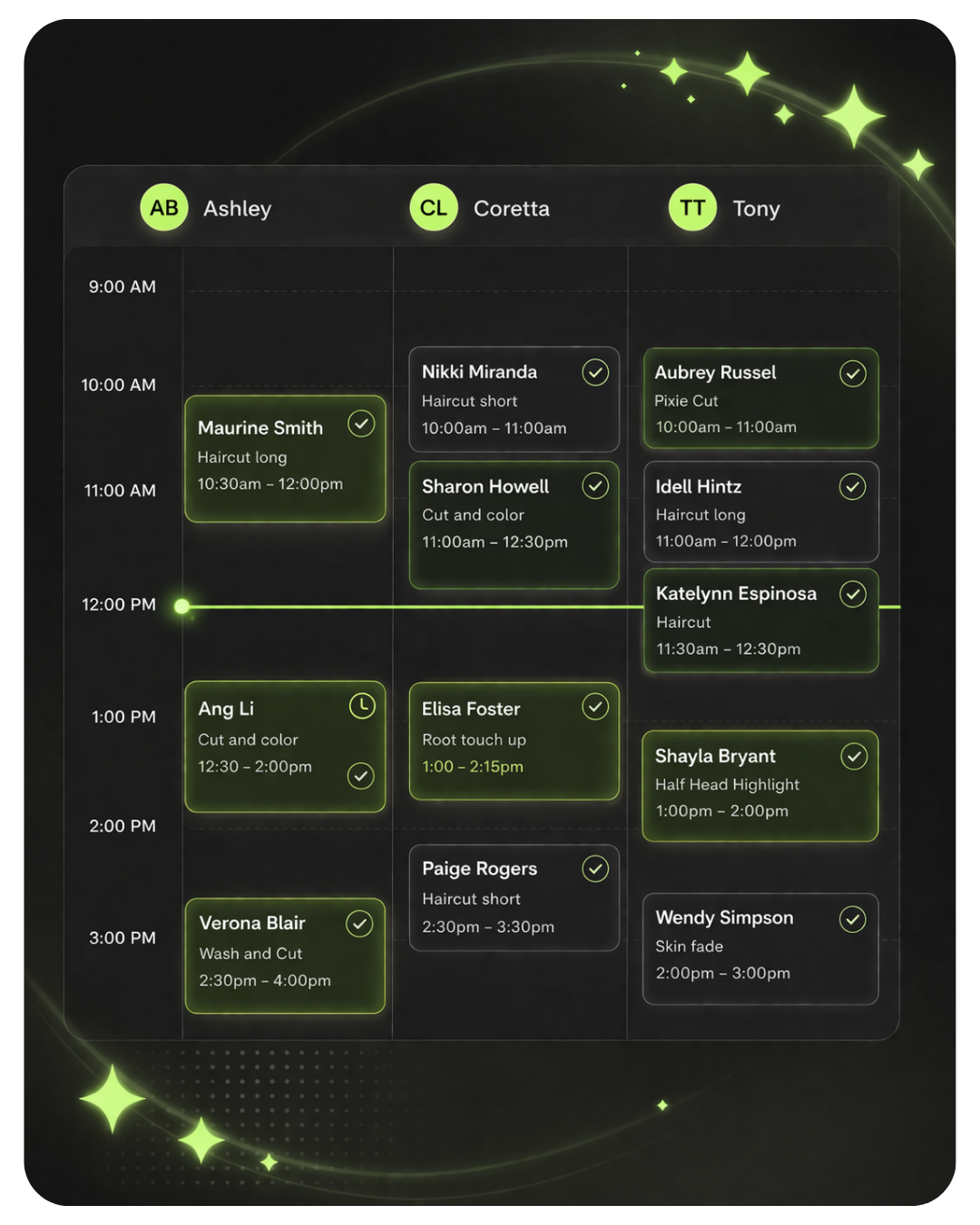
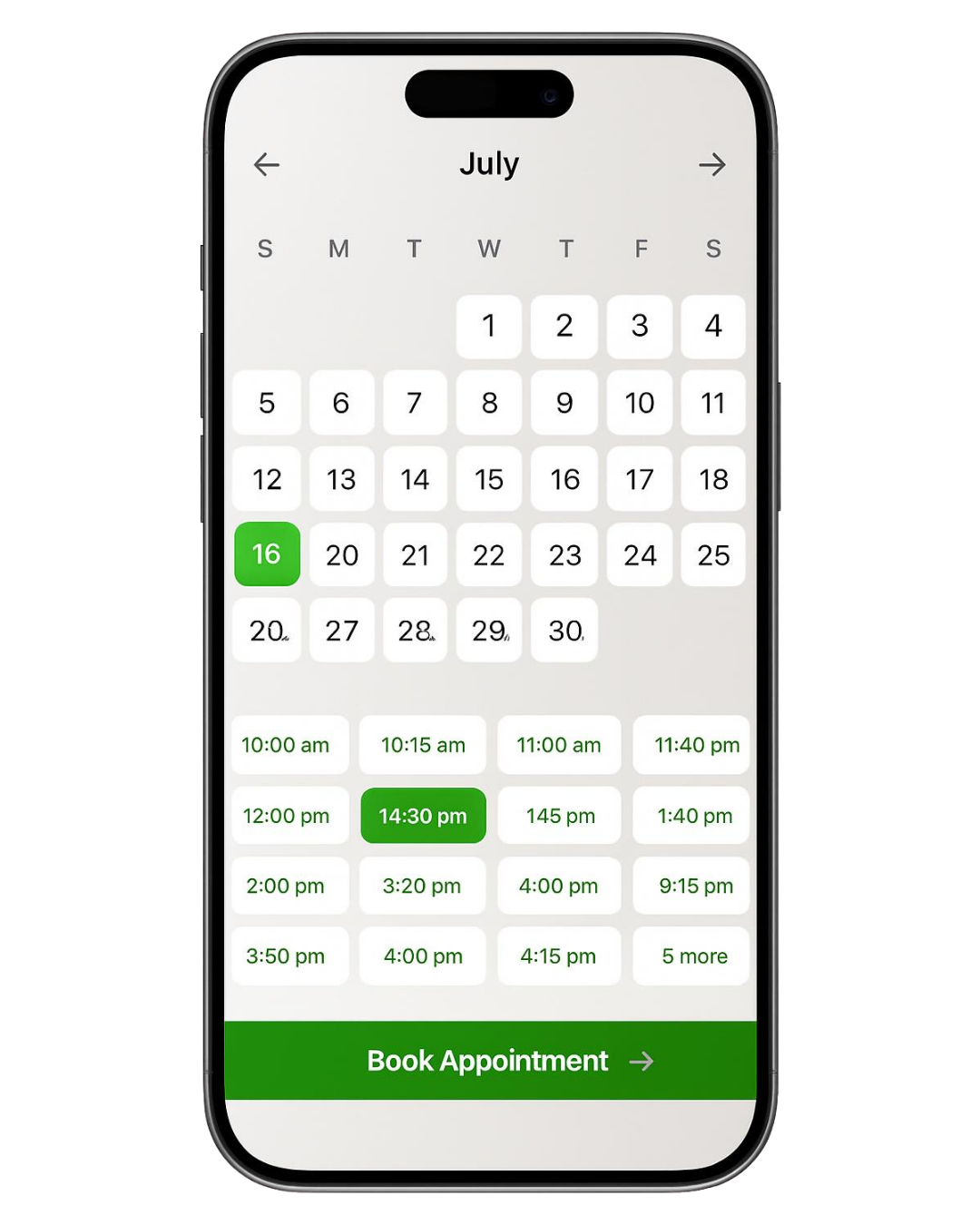
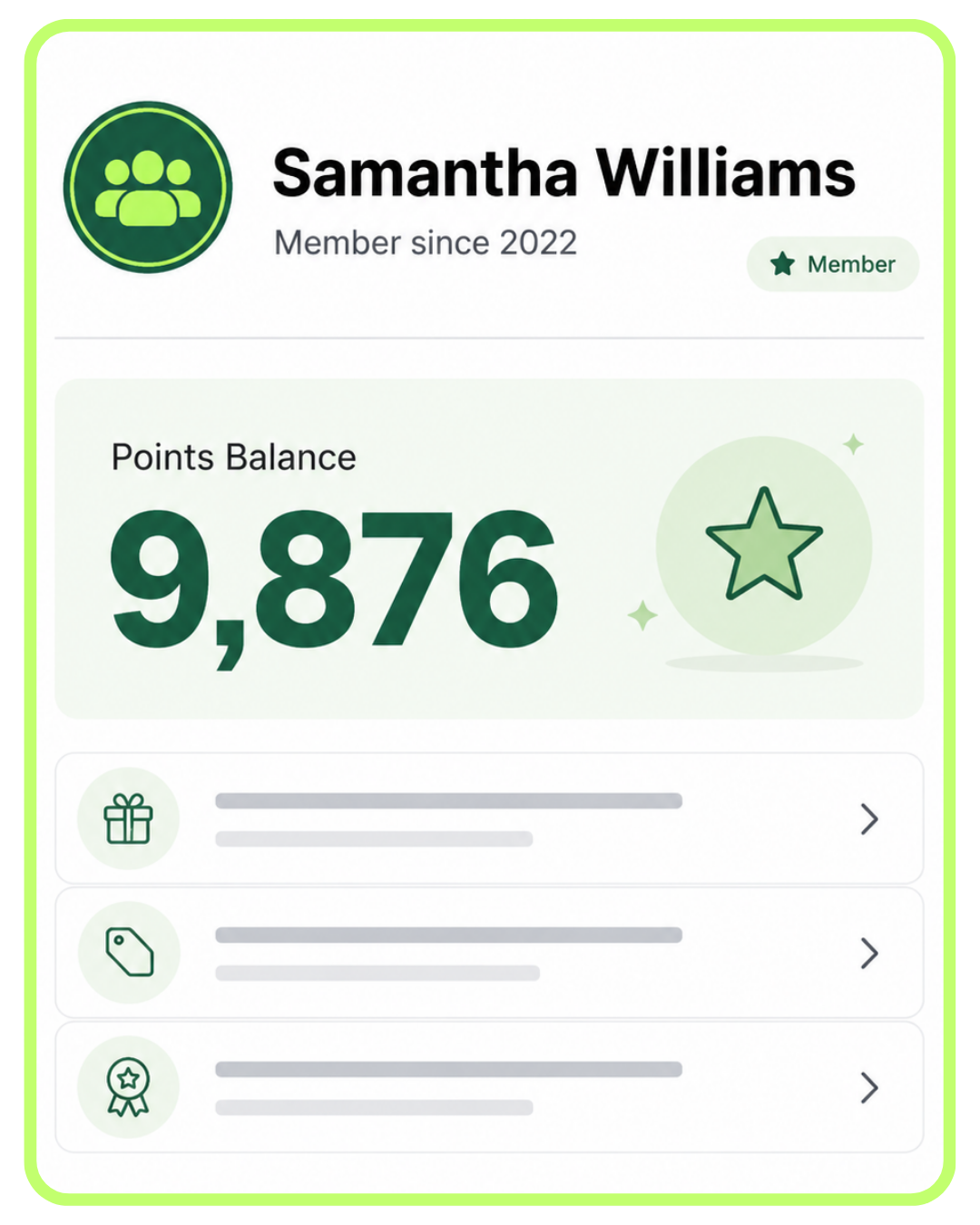
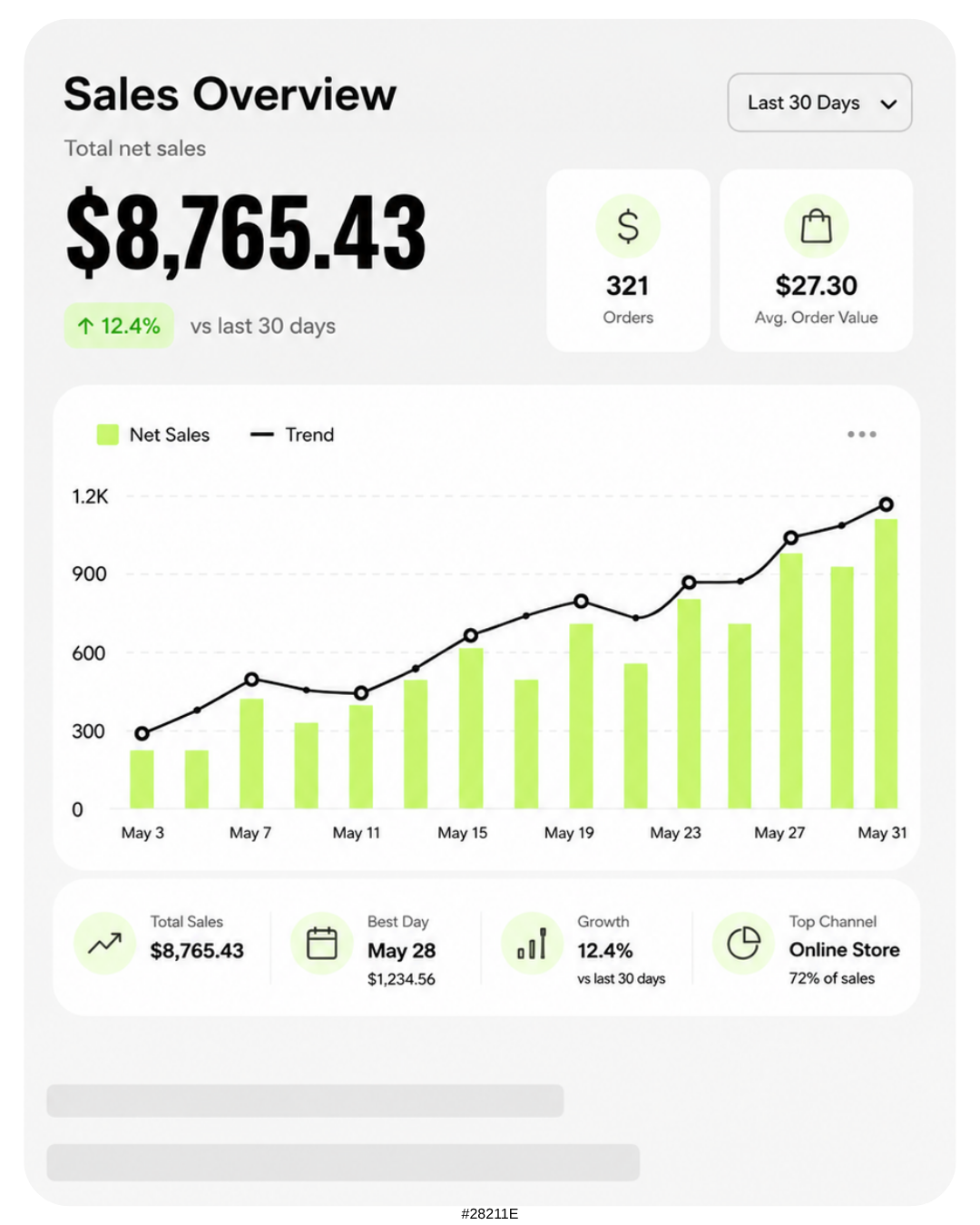
Easily manage your appointments
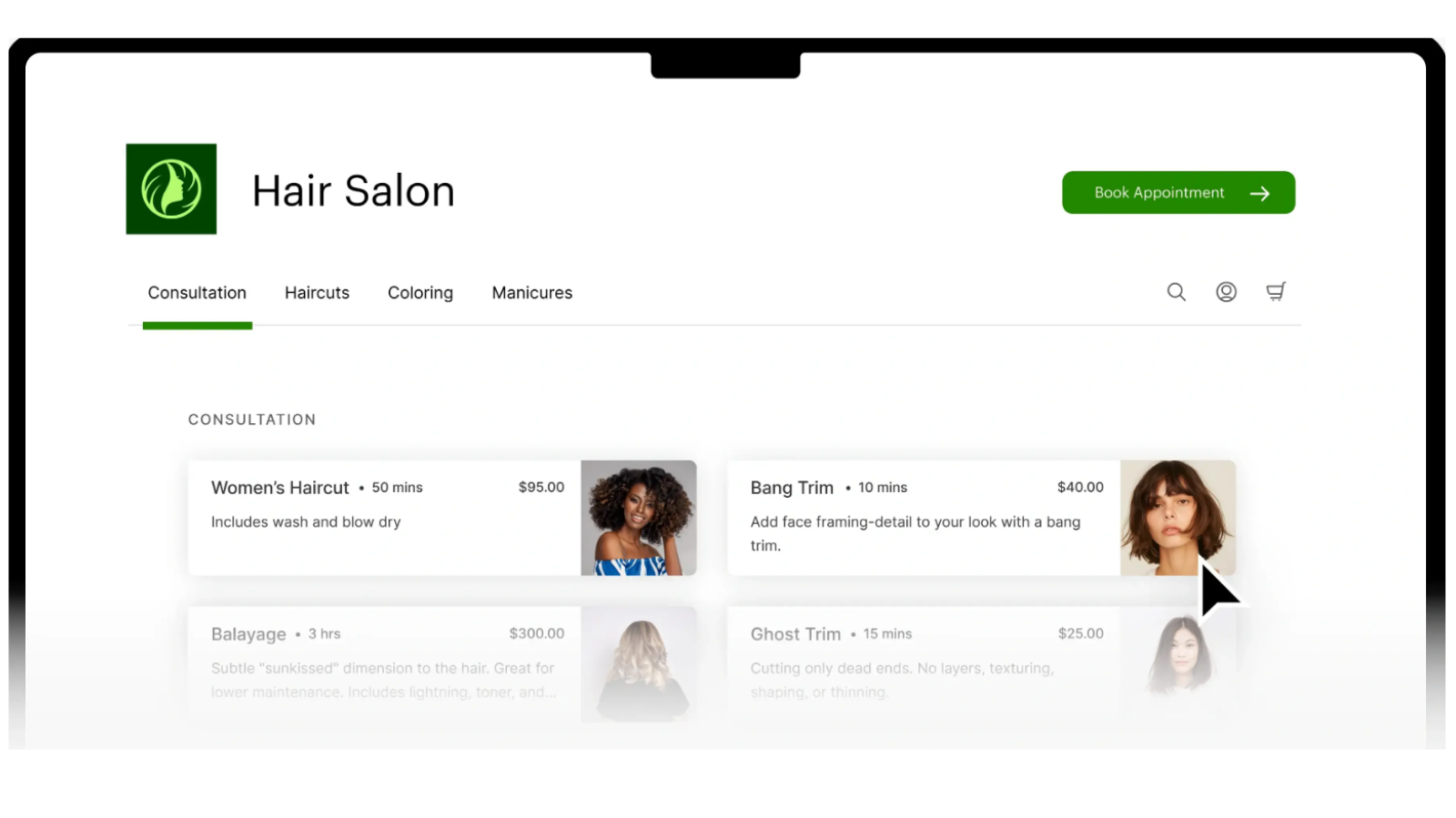
Let your clients book online
Keep customers coming back
Track sales in real time

Salons

Med Spas

Barbers

Nail Salons

Pet Care

Auto

Tattoos

Piercing
Clover is only as good as the setup behind it. You take care of your clients and customers, we handle the POS.
For salons, spas, barbershops, med spas, nail salons, pet groomers, auto repair shops, and other service businesses, Clover is not just about taking payments. It is about setting up your services, staff, booking flow, customer profiles, deposits, reminders, gift cards, loyalty, and checkout process correctly from the beginning.
 Work with a real Clover Expert.
Get personalized setup and ongoing support from someone who understands Clover, online booking, and service-based business workflows.
Work with a real Clover Expert.
Get personalized setup and ongoing support from someone who understands Clover, online booking, and service-based business workflows.
Service-business focused Clover setup.
We help build Clover around how your business books, serves, and checks out.
Good system, more DIY.
Works best if you already know what you need and can handle setup yourself.
Support can vary a lot.
The experience depends heavily on the company and individual rep.
Limelight helps build Clover around how your service business actually operates.
with just a few clicks

Save on Operational Costs
Automate the busywork and focus on what matters
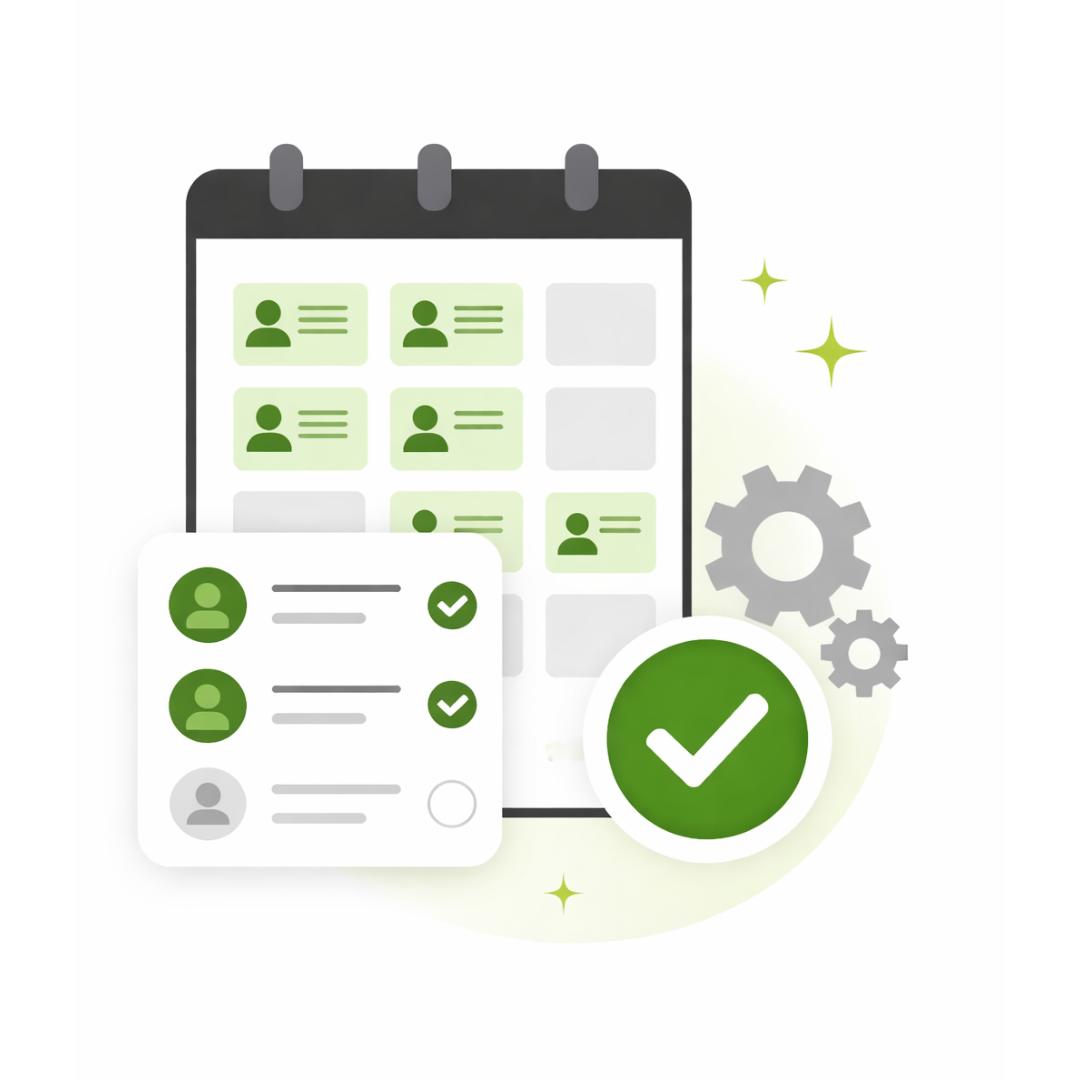
Simplify Your Admin
Book and update appointments with only a few clicks
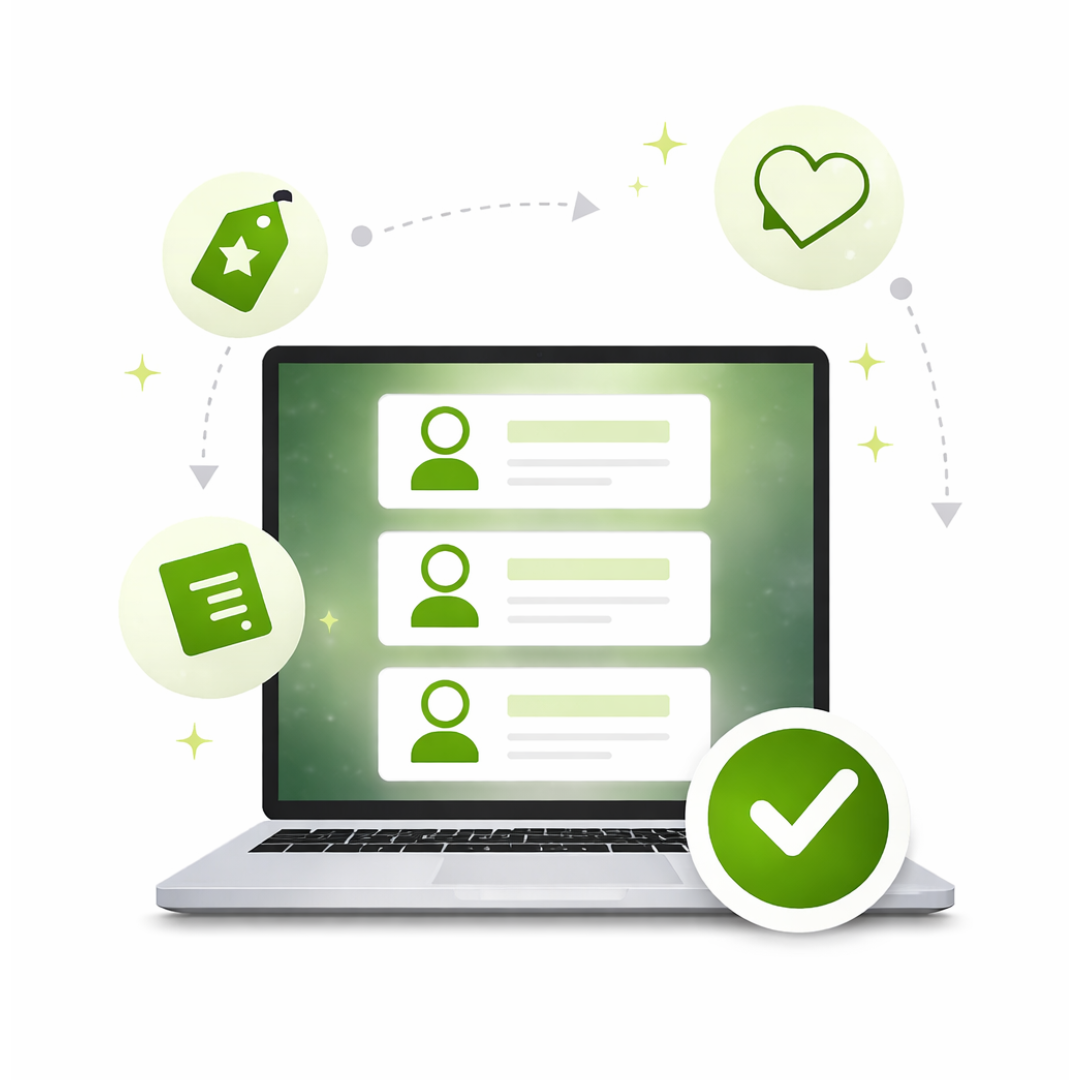
Smarter Customer Insights
Track preferences and deliver a more personal experience
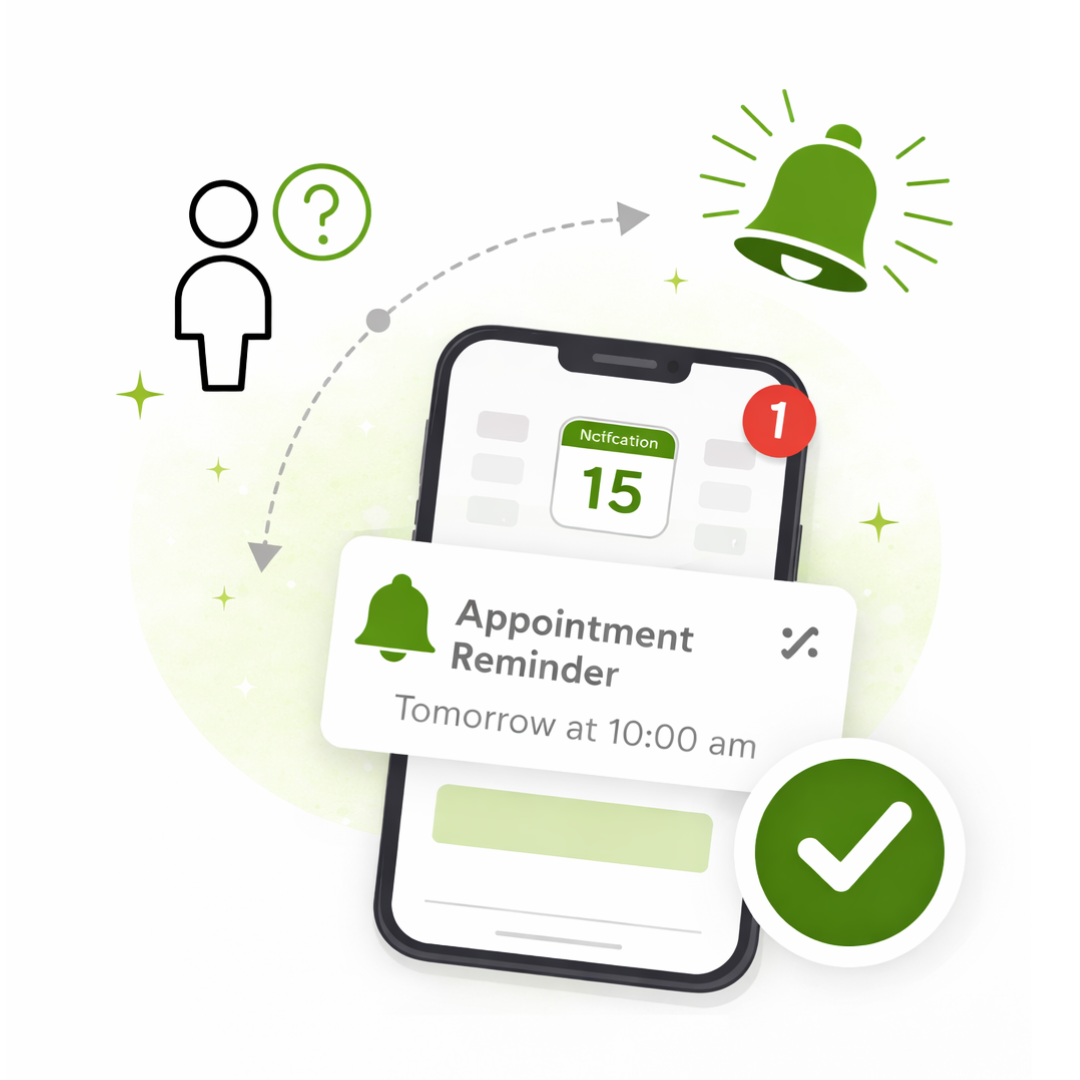
Reduce No-shows
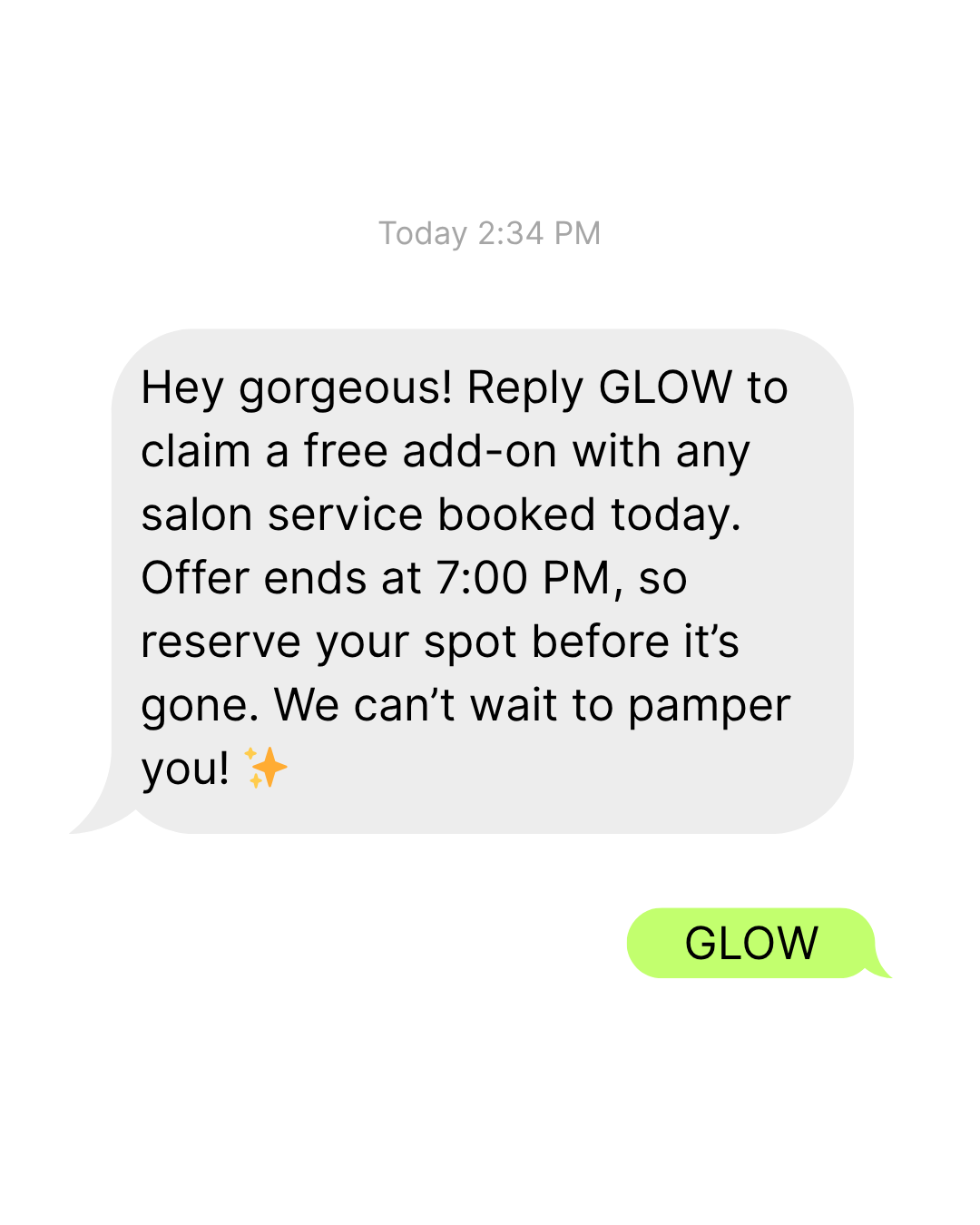
Send automatic reminders so clients don’t forget

I've been in business for over 20 years and Ryan Mossman with Limelight Payments is by far the most knowledgeable, helpful individual I have ever used. I highly recommend using him for your POS and credit card processing needs.
Tom Hardin | Bone Deep Piercing | Camarillo CA
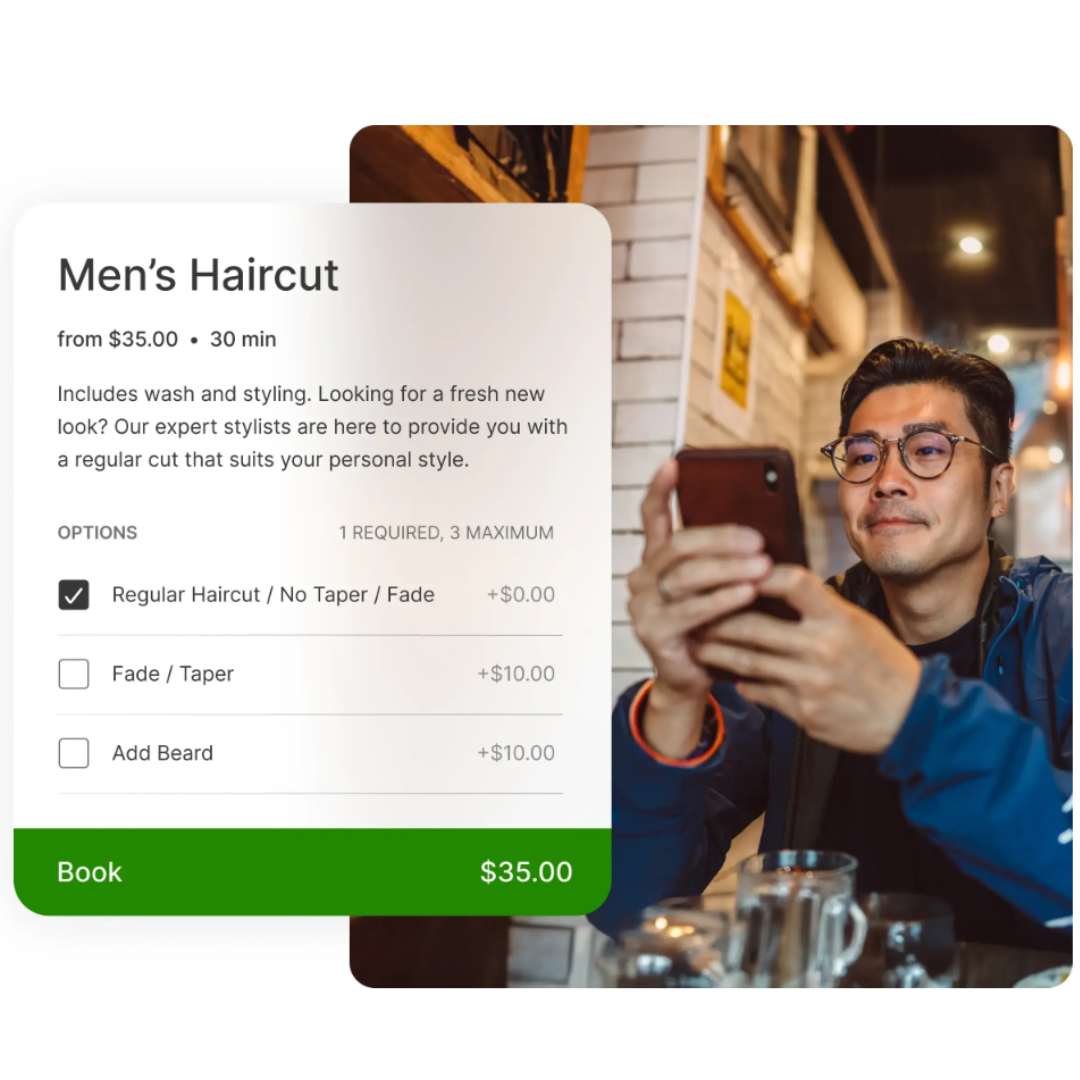
Clover POS Online Booking: Save Time, Earn More Money
Reduce admin work
Automate appointment scheduling so your team spends less time on the phone and more time serving clients.
Improve scheduling accuracy
Give clients a simple way to book the right service, add-ons, and time slot without the back-and-forth.
Create a better customer experience
Let customers book anytime and receive instant confirmation that their appointment is set.
Protect your time
Automatically enforce your cancellation policy and charge no-show fees when needed.
Remember every customer
Save notes and preferences so you always know what your clients like without the guesswork.
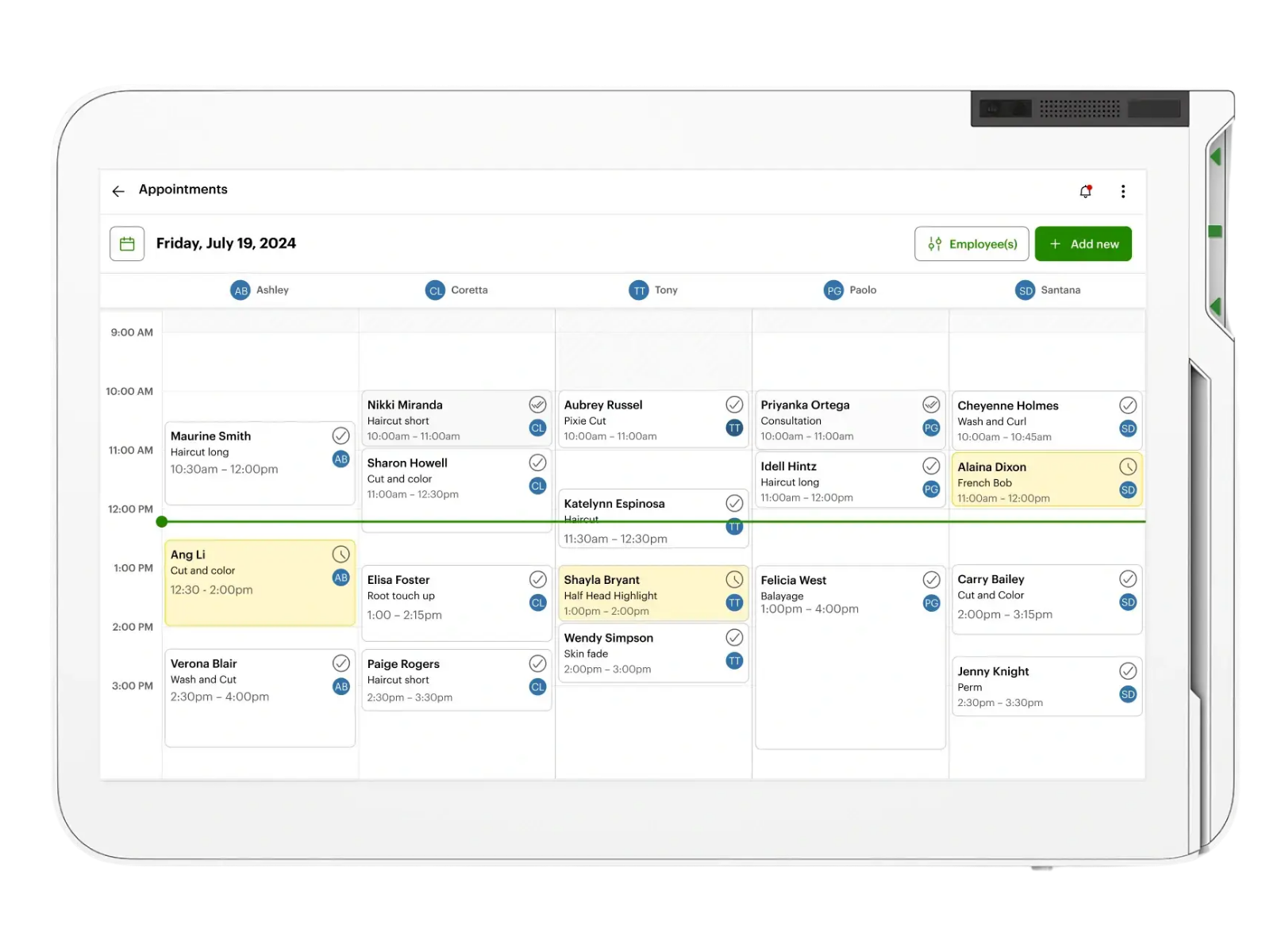
Stay Organized With Clover’s Appointments Dashboard
Keep appointments at your fingertips
Easily create, edit, and organize bookings by date, time, or team member.
Improve efficiency and accuracy
Reduce mistakes that come from manual scheduling.
Make updates with ease
Drag and drop appointments to quickly adjust your calendar.
Book more efficiently
See openings and staff availability at a glance so you can make the most of your schedule.
Never miss a booking
Easily see all appointments, whether booked by your staff or online by your clients.
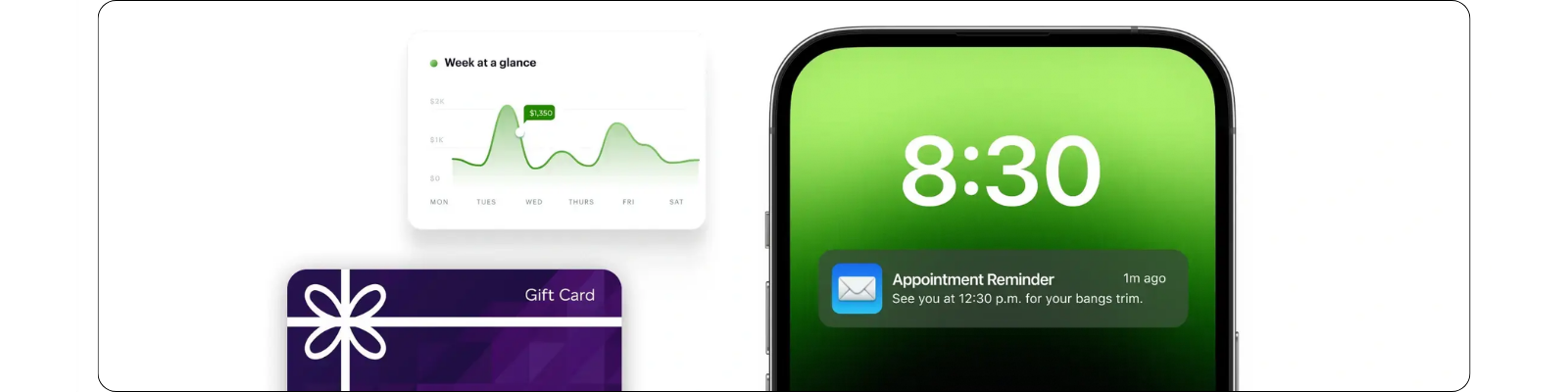
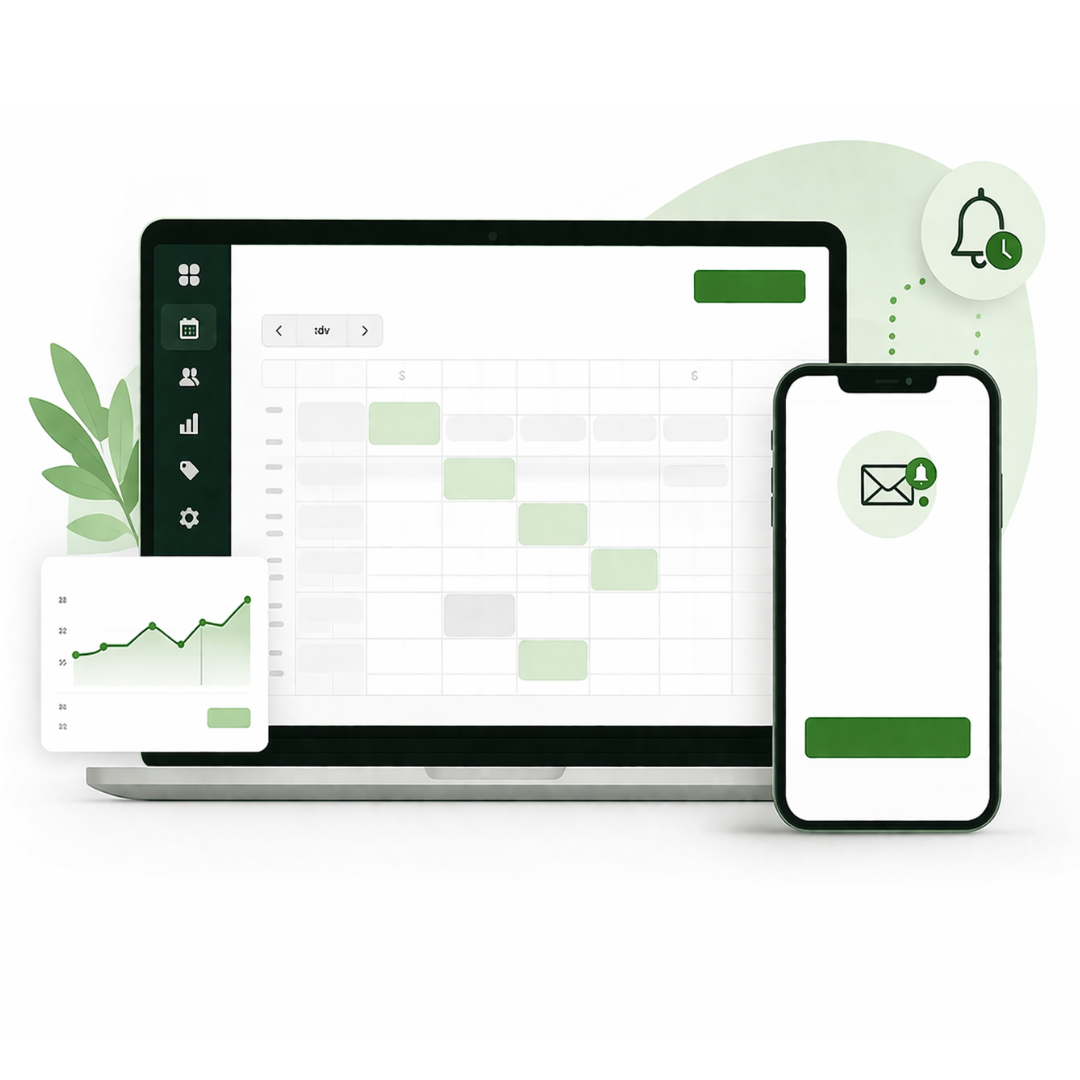
Keep Your Calendar on Track
Send automatic reminders to help reduced missed opportunities
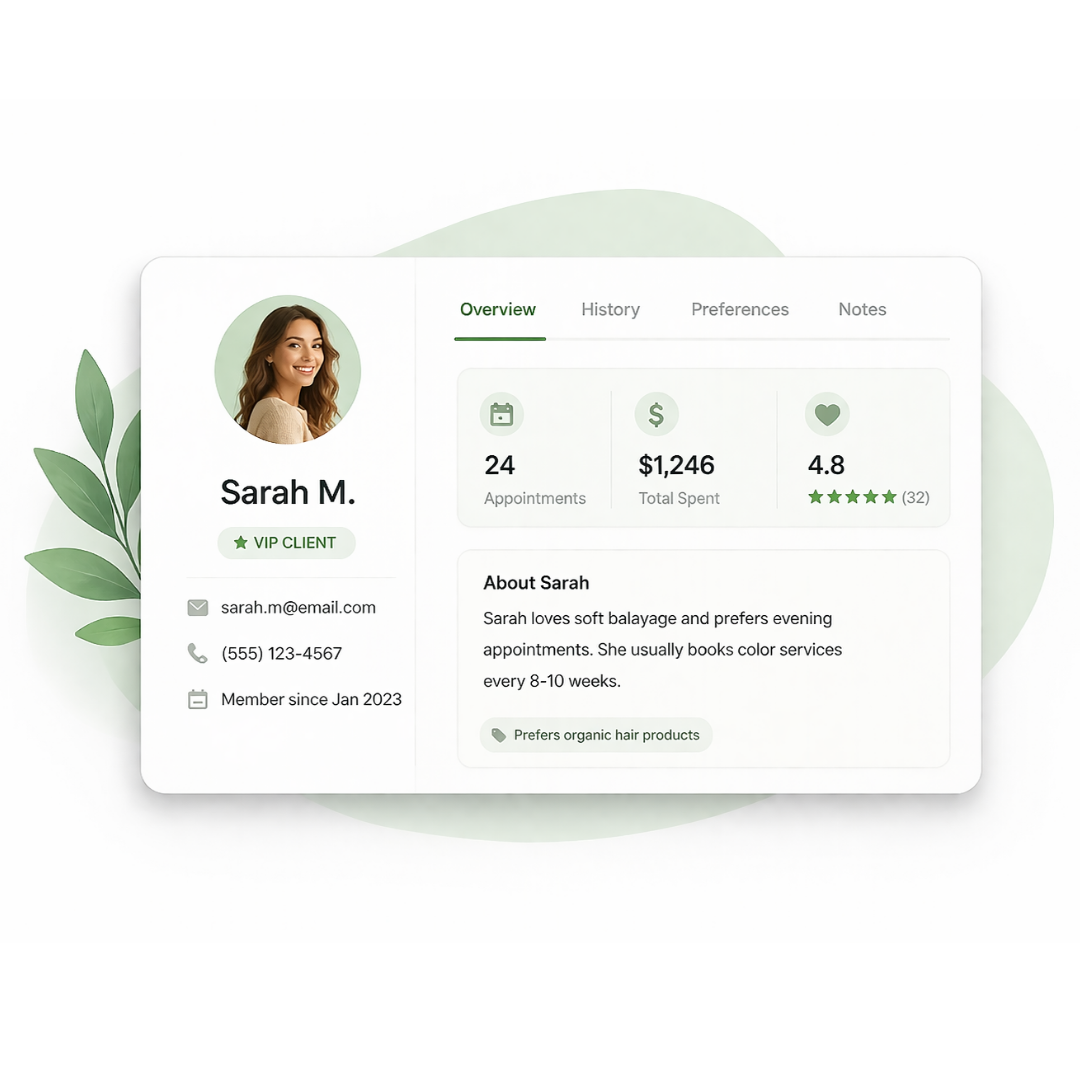
Know Your Customers
See customer history so every visit feels more personal
Increase Customer Spending
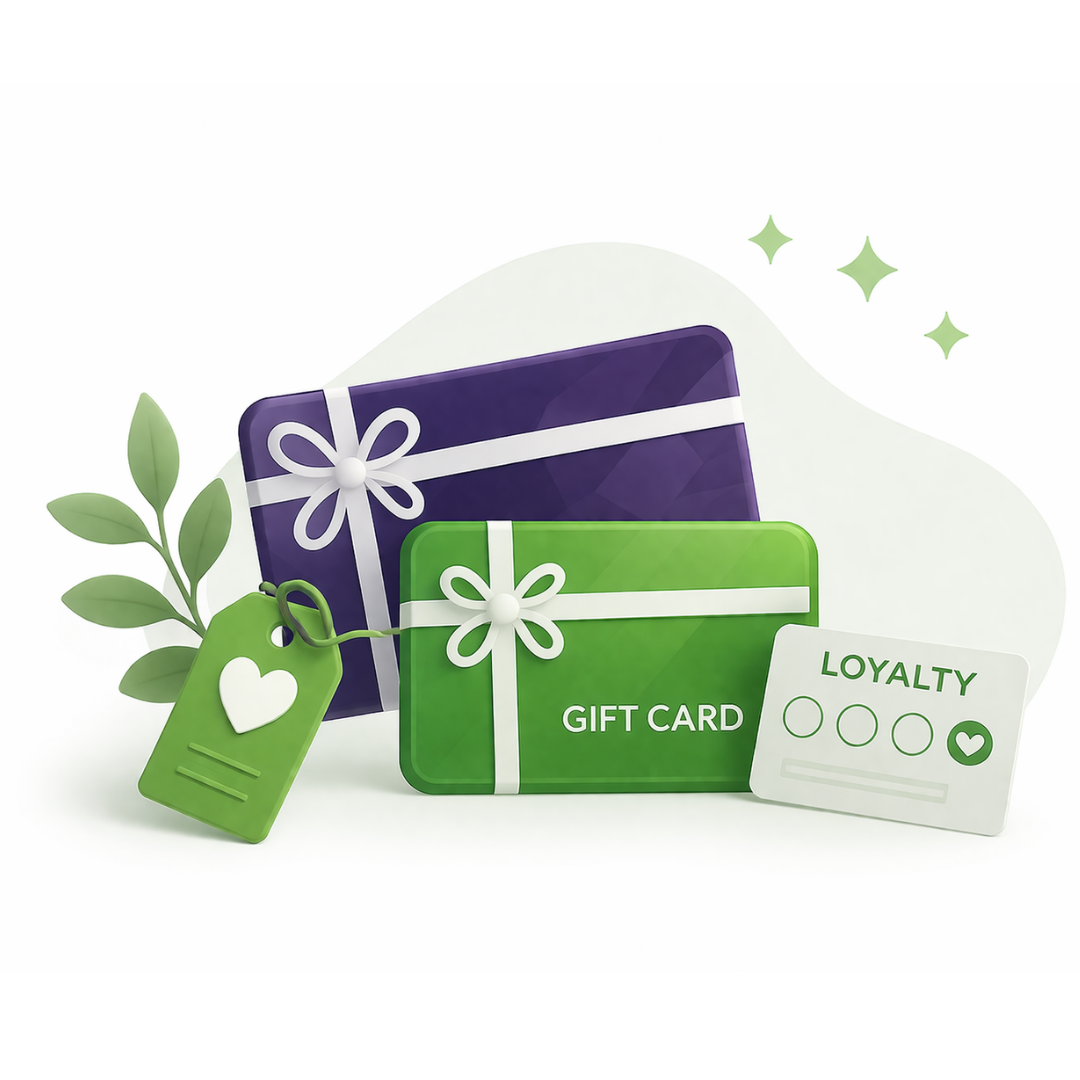
Drive repeat visits with gift cards, loyalty programs, and promos

Drive Upsell Opportunities
Use real-time data to push add-ons and increase revenues
Clover Online Booking Video Demos
Payments Made Easy

-
Get Paid in All Types of Ways
Accept credit, debit, and gift cards, as well as NFC "tap" and mobile payments. Set-up recurring scheduled payments and even accept PIN debit on eligible devices. You can also set up automatic tax rates to be applied to all your sales.
No Internet? No Problem!
Accept payments even when you're offline and process them later when you reconnect to the internet.
Rapid Returns
Clover systems process refunds fast, even orders with multiple payments.
In-store and Online

-
Launch online booking
Let clients book appointments online 24/7 with a Clover-native booking experience.Keep everything connected
Sync appointments, payments, staff schedules, and customer information in one place.Save cards on file
Securely keep a customer’s card on file for faster checkout, deposits, and cancellation or no-show fees.Protect your schedule
Set cancellation policies, collect deposits, and charge no-show fees automatically when needed.
Easy Access From Anywhere

-
Optimize your team's performance, manage finances, and improve efficiencies with Clover's built-in back office tools.
Simplify employee management with time tracking, payroll integration, and tip management tools.
Fine-tune your business strategies with robust reporting like trend analysis, COGS reports, and employee performance.
Tackle your finances with accounting software integrations.
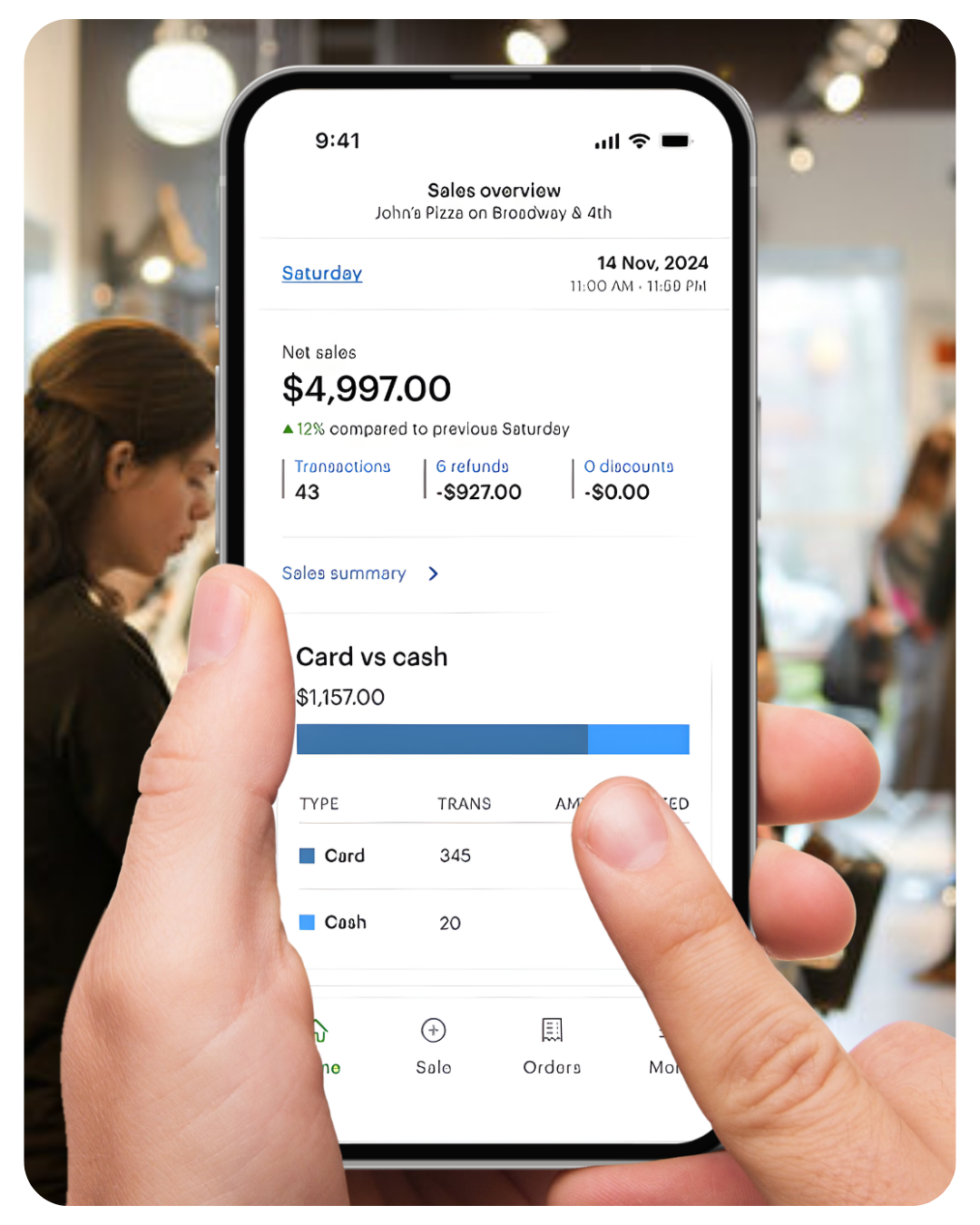
Access from anywhere with Clover’s mobile app.
All in one system
Check sales, employee reports, and appointment updates on the go with Clover’s all-in-one dashboard.
Stay in control—wherever you are
Automate the sales tax you collect
Pair DAVO and Clover: Your sales tax is set aside daily and paid automatically, ensuring you never fall behind.


Drive return visits by offering physical and digital gift cards through Clover.
Run marketing & loyalty programs
Boost business with Gift Cards
Send personalized offers, rewards, and coupons that bring customers back again and again.
best fits your salon
DUO

Clover Station Duo Gen. 2 bundle — 14" merchant screen, 8" customer display, receipt printer, cash drawer
You own the equipment outright — no return obligation, no placement terms
Approved in hours. On your counter in 3 business days.
Expert setup & training included — direct U.S.-based support
Software plans start at $29.95/mo, billed by Clover
Requires a new Limelight Payments merchant account — Clover devices only run on the processor they're boarded to
Processing $35,000+/mo? Ask about no-cost equipment
One per new customer. Buying outright means the equipment is yours to keep — no return obligation and no placement program terms, unlike our $99 POS Placement option. Requires a new approved Limelight Payments merchant account.
FLEX

🧩 Flexible Software Plans Starting @ $0.00 / mo.
🍀 See All Clover Software Plans
👨💼 Expert Setup & Training Included — Meet Your Expert
📞 Call/Text a Real Person in the U.S.
📦 Limit One Machine Per New Account
🔎 Hardware is provided at no cost with your new merchant account. This charge covers setup & shipping.
DUO + FLEX

🆓 Choose One FREE CLOVER POS - Click Here
🧩 Flexible Software Plans Starting @ $29.95 / mo.
🍀 See All Clover Software Plans
👨💼 Expert Setup & Training Included — Meet Your Expert
📞 Call/Text a Real Person in the U.S.
⭐ 5-Star Trust, Backed by Real Reviews
💳 Financing Available
Duo is purchased, Flex is sent as part of our no cost equipment placement program.
MINI

Get a Clover Mini With POS Placement
🧩 Flexible Software Plans Starting @ $0.00 / mo.
🍀 See All Clover Software Plans
⭐ 5-Star Trust, Backed by Real Reviews
👨💼 Expert Setup & Training Included — Meet Your Expert
📞 Call/Text a Real Person in the U.S.
📄 One per new customer. The equipment is provided for use with the merchant service. The amount paid today covers shipping and setup. If the merchant account is terminated or discontinued, the equipment must be returned in accordance with the program terms & conditions.
Cash Drawer Sold Separately (+$87.00)Not ready to order? Talk to a POS expert.
Most people just add to cart and the POS expert calls them. But if you'd rather talk through your business first, fill this out and we'll call you within one business day.
No commitment at this stage. We'll send pricing in writing before you sign anything.
Prefer to talk to a human?
Call Now: (888) 415-7020✂ Clover Services - (Online Booking)
Review Clover Services software for salons, barbershops, med spas, auto repair shops, marinas, and other appointment-based businesses.
| Features | Starter | Essentials | Services Growth |
|---|---|---|---|
| Cost Per Month (One Device) | $0 | $29.95 | $84.95 |
| Cost per Additional Device | $11.95 | $11.95 | $19.95 |
| Supported Devices | |||
| Eligible Devices | Clover Go, Compact, Flex, Mini | Clover Go, Flex, Mini, Station | Clover Go, Flex, Mini, Station |
| Payments | |||
| Accepts all credit & debit cards | ✓ | ✓ | ✓ |
| Virtual Terminal (MOTO) | ✓ | ✓ | ✓ |
| Connect Clover to eCommerce platforms | ✓ | ✓ | ✓ |
| Clover Go mobile POS | ✓ | ✓ | ✓ |
| Invoicing by email with online payments & invoice tracking | ✓ | ✓ | ✓ |
| Reconciliation by invoice number | ✓ | ✓ | ✓ |
| Recurring payments | ✓ | ✓ | ✓ |
| Surcharging (with or without device) | ✓ | ✓ | ✓ |
| Cash Discount | ✓ | ✓ | ✓ |
| Tips | ✓ | ✓ | ✓ |
| Order Management | |||
| Create, save, pay, refund items on orders | ✓ | ✓ | |
| Item level tax calculations | ✓ | ✓ | |
| Discount individual items or orders | ✓ | ✓ | |
| Order numbers - automatic order numbers for easy tracking | ✓ | ✓ | |
| Online Payment and separate tip post service | ✓ | ||
| Reporting | |||
| Sales / payments reporting | ✓ | ✓ | ✓ |
| Cash reporting | ✓ | ✓ | ✓ |
| Track sales by employee | ✓ | ✓ | ✓ |
| Product mix reporting | ✓ | ✓ | |
| Tax reporting | ✓ | ✓ | ✓ |
| Revenue class reporting | ✓ | ✓ | |
| Item cost reporting | ✓ | ||
| Sales by order type reporting | ✓ | ||
| Item / Inventory Management | |||
| Inventory items & categories | ✓ | ✓ | |
| Real time inventory updates | ✓ | ✓ | |
| Bulk inventory import/export | ✓ | ✓ | |
| Multi-location item management | ✓ | ✓ | |
| Cost tracking | ✓ | ||
| Item variants | ✓ | ✓ | |
| Item modifiers | ✓ | ✓ | |
| Item labels | ✓ | ||
| Customer Engagement | |||
| Customer records tied to payments | ✓ | ✓ | ✓ |
| Manage customer list & tie customers to items purchased | ✓ | ✓ | |
| Promotions | ✓ | ✓ | |
| Rewards - Create simple customized loyalty program | ✓ | ✓ | |
| Feedback - Collect feedback from customers | ✓ | ✓ | |
| Employee Management | |||
| Employee Mgmt - Create roles, employees, set permissions | ✓ | ✓ | ✓ |
| Employee clock in/out & timesheet | ✓ | ✓ | |
| Appointment Scheduling | |||
| Services catalog | ✓ | ||
| Appointment management | ✓ | ||
| Customer online booking | ✓ | ||
| Appointment reminders | ✓ | ||
| Employee & services mapping | ✓ | ||
| Google booking integration | ✓ | ||
| Clover Website | |||
| Branded website | ✓ | ✓ | |
| Checkout services & payment | ✓ | ||
| Add-On | |||
| Advanced Loyalty | ✓ | ✓ | |
| Gift | ✓ | ✓ | ✓ |
| Payroll | ✓ | ✓ | |
| Business Operations | |||
| Clover Dashboard (web & mobile) | ✓ | ✓ | ✓ |
| Access to Clover App Market | ✓ | ✓ | ✓ |
| Online dispute resolution | ✓ | ✓ | ✓ |
| Online chat support via Clover Dashboard | ✓ | ✓ | ✓ |
| 24/7/365 support | ✓ | ✓ | ✓ |
| Clover Platform & Financial Services | |||
| Clover Capital | ✓ | ✓ | ✓ |
| Access to Clover App Market | +$19.95 per month | ✓ | ✓ |
| Clover Dashboard | ✓ | ✓ | ✓ |
| Online dispute management | ✓ | ✓ | ✓ |
| 24/7/365 customer support | ✓ | ✓ | ✓ |
| Security & Compliance Features | |||
| Clover Security TransArmor (Required) — Cost per Month | $10.00 | $10.00 | $10.00 |
| PCI Compliance Tools | ✓ | ✓ | ✓ |
| Point-to-Point Encryption (P2PE) | ✓ | ✓ | ✓ |
| Tokenized Payment Security | ✓ | ✓ | ✓ |
| Fraud Risk Reduction Tools | ✓ | ✓ | ✓ |
| ▼ Click to View Full Services Feature Comparison | |||
Clover POS For Salons: Frequently Asked Questions (FAQ)
-
Clover POS for salons is a point-of-sale system designed to help salons, spas, barbershops, nail salons, med spas, and service businesses manage payments, appointments, online booking, customer profiles, gift cards, loyalty programs, employee tools, and sales reporting from one connected system.
-
Yes, Clover can be a strong fit for salons and spas that need payment processing, online booking, appointment management, automatic reminders, customer history, card-on-file payments, deposits, cancellation policies, no-show fees, gift cards, loyalty, and back office reporting.
-
Yes, Clover can offer online booking for salons and service businesses on supported software plans. Clients can book appointments online, choose services, select available times, and receive confirmation without needing to call the business.
-
Yes, Clover can send automatic appointment reminders to help clients remember upcoming appointments. This can help reduce missed appointments, improve scheduling reliability, and save staff time.
-
Yes, Clover can help reduce salon no-shows by using automatic reminders, card-on-file tools, deposits, cancellation policies, and no-show fee options. These tools help protect your schedule and reduce lost revenue from missed appointments.
-
Yes, Clover can securely save a customer’s card on file for faster checkout, deposits, recurring scheduled payments, cancellation fees, and no-show fees when properly configured.
-
Yes, Clover can support deposits, cancellation policies, and no-show fee workflows on supported service software plans. This is useful for salons, spas, med spas, and service businesses that want to protect high-value appointment times.
-
Yes, Clover can store customer profiles, contact information, purchase history, appointment history, preferences, and notes. This helps salons and spas deliver a more personal client experience.
-
Yes, Clover supports physical and digital gift cards, loyalty programs, rewards, promotions, and customer engagement tools. These features can help salons bring clients back and encourage repeat appointments.
-
Yes, Clover includes employee management tools such as roles, permissions, time tracking, payroll integrations, tip management, employee reporting, and performance tracking. This can help salon owners manage staff and understand employee productivity.
-
Yes, Clover includes reporting tools for sales, appointments, employees, tips, taxes, customer activity, and business performance. Salon owners can access reports from the Clover Dashboard and monitor their business from anywhere.
-
The best Clover software plan for salons with online booking is usually a Services plan, especially if the business needs appointment scheduling, online booking, customer profiles, reminders, cancellation policies, card-on-file tools, and service-based reporting.
-
Clover online booking can work well for hair salons, nail salons, barbershops, med spas, day spas, massage businesses, pet grooming businesses, tattoo studios, beauty salons, estheticians, lash studios, brow studios, and other appointment-based businesses.
-
Clover may be right for your salon if you need a system for payments, appointments, online booking, reminders, customer history, deposits, cancellation policies, no-show fees, gift cards, loyalty, employee tools, and reporting. Limelight Payments can help compare Clover software plans, hardware options, and salon-specific features to determine the best setup for your business.
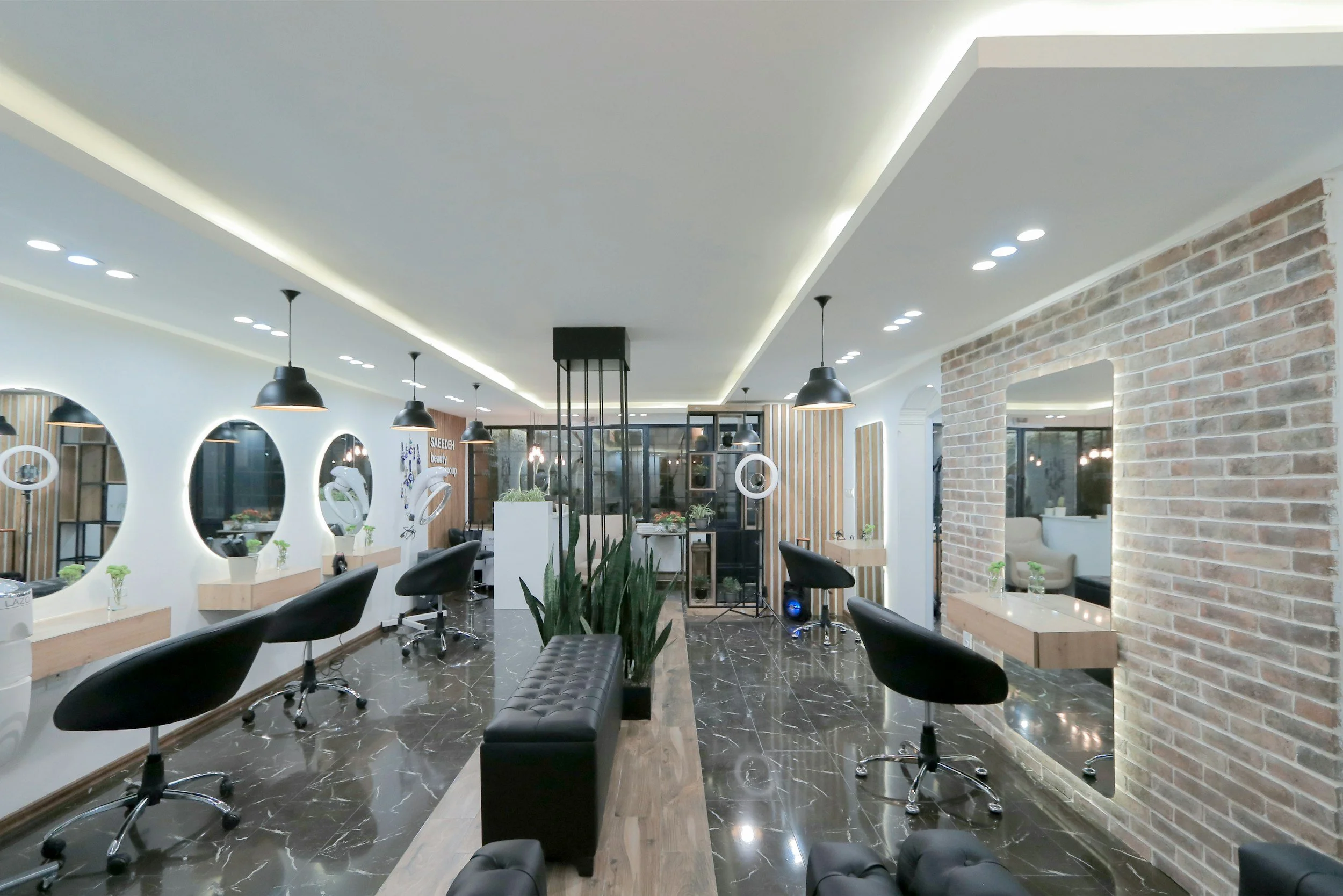
Is Clover POS the Right System for Your Salon or Spa?
Clover POS with online booking may be the right system for salons, spas, med spas, barbershops, nail salons, pet wellness businesses, and service-based businesses that need online appointment booking, automatic reminders, customer profiles, card-on-file payments, deposits, cancellation policies, no-show fees, gift cards, loyalty programs, employee tools, and real-time reporting. It is especially useful for service businesses that want to manage appointments, payments, customer history, and back office tools in one connected Clover system.